

BehindText
Corvas · Image
BehindText is an Android editor that places text behind people and objects using AI subject detection, with Above, Behind, and Parallax modes, plus a background remover and sticker maker.
About BehindText
What Is BehindText
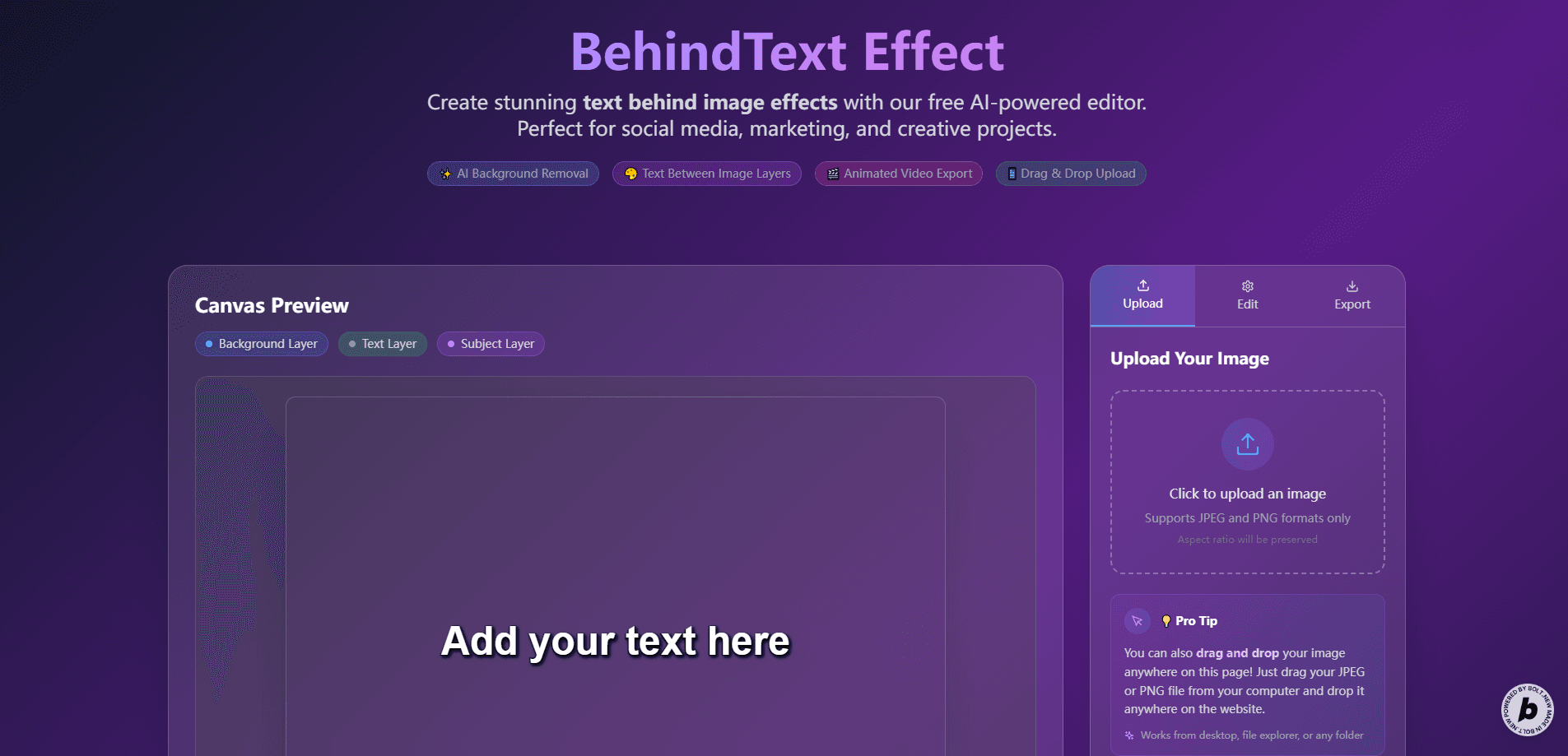
BehindText is a creative editor from the developer Corvas that puts words behind the people and objects in your photos and videos. As a text behind photo editor, it separates the subject from the background with AI and slots your text into the gap between them, so a headline can peek out from behind someone's shoulder. It is a handy photo text editor Android users can run without opening a desktop program.
It targets a specific kind of maker: the person building Instagram Reels, YouTube thumbnails, posters, or portrait edits who wants depth without opening Photoshop. The app handles photo and video, offers Above, Behind, and Parallax placement, and bundles a background remover and a sticker maker in the same project.
The limits are worth stating up front. BehindText runs on Android, it's a fairly small app with a modest install base, and comparisons between edits have to be judged on your own screen. For a quick text-behind-subject effect on a phone, that trade is reasonable.
Getting Started
- Install BehindText from Google Play and open it, then pick photo or video.
- Import an image or clip, or capture a new one with your camera.
- Let the subject detection separate the person or object from the background.
- Add your text, then choose Above, Behind, or Parallax to set how it sits in the scene.
- Style the font, color, size, rotation, outlines, and shadow, then export the finished image or video.
Product Information
A quick look at BehindText's pricing, supported platforms, and performance.
Best for
The users, tasks, and scenarios where this tool fits best.
Users
- Social media creators who need scroll-stopping posts
- YouTube and Shorts creators building thumbnails
- Hobby editors who want one tool on their phone
Tasks
- Text behind a person in a photo
- Text behind a subject in video
- Turning a photo into a sticker
Scenarios
- Making a weekly batch of social covers
- Adding depth typography to travel or portrait clips
- Cleaning up a photo for a poster
Key features
Text Behind Image
As a text behind image app, BehindText detects the subject in a photo and separates it from the background, then lets you place words behind the person or object. You can move, resize, rotate, and position the text, stack multiple layers, and compare the edit before saving. The effect is the reason most people open the app.
Text Behind Video
The same idea extends to moving footage. BehindText analyzes the subject across frames, keeps the text layered with it as it moves, and lets you preview, scrub, and play before export. Font, color, size, rotation, and audio come along for the ride, which is what turns a still-only tool into something you can use for Reels and Shorts.
Above, Behind, and Parallax Modes
Placement is a mode, not a one-off setting. Above puts text in front of the scene, Behind tucks it behind the detected subject, and Parallax adds depth, movement, and speed so the typography shifts as the image or clip plays. That range means one app covers both flat captions and layered motion design.
Automatic Subject Detection
BehindText uses subject segmentation to pull people or objects off the background, so you don't trace around a silhouette by hand. The quality of this step decides how clean the text-behind effect looks, and it's the technical core that the rest of the editor builds on.
Background Remover and Sticker Maker
The background remover creates transparent cutouts you can drop onto new backgrounds for posts, thumbnails, and product graphics. The sticker maker turns people, pets, and objects from your photos into reusable stickers you can customize, save, and share.
Text Editor and Layers
Text tools cover fonts, colors, styles, size, rotation, opacity, outlines, and front or behind positioning, and you can stack several text and shape layers in one project. Photo adjustments, including background blur, brightness, contrast, black and white, invert, tint, and custom backgrounds, round out the drawing surface.
Pros and cons
Pros
- Puts text behind a subject automatically, so you skip manual masking in a desktop editor.
- Handles photo and video in the same app, covering covers, posters, and moving clips.
- Above, Behind, and Parallax modes give real control over how text sits in the scene.
- Background remover and sticker maker add cutouts and stickers without a second tool.
- Keeps edits in an on-device library and exports images or PDFs for quick sharing.
Cons
- It's Android only, so iPhone users can't get the full editor.
- Output resolution and compression are the most common complaints in user reviews, so fine detail can suffer on export.
- The ad-supported free version shows ads, and unlocking extras means in-app purchases.
- Video subject detection depends on how clearly the subject stands out, so busy footage tracks less reliably.
Frequently asked questions
BehindText adds text behind people and objects in photos and videos. It detects the subject, separates it from the background, and layers your words behind it so the design looks edited rather than placed on top.
Related content
Explore related tools, skills, and articles for BehindText.
BehindText Alternatives

Google EmbeddingGemma 2
Google DeepMind · Writing · Image · CodingGoogle EmbeddingGemma 2 is a 740M-parameter open model that turns text, code, images, audio, and video frames into vectors in one 768-dimension space, running on phones and laptops.

Tractionwave
TractionWave · Image · MarketingTractionWave is an AI attention heatmap tool for static ads. Upload a PNG or JPG and it returns predicted attention, ranked hotspots, and fixes before you spend budget.

Imejis.io
Imejis.io · Image · MarketingImejis.io is an AI design studio for agents and marketing teams. Describe an image in plain words, and it writes the copy, builds the layout, reflows it to every size, then exports a finished file.