

Bgbye
Bgbye · Image
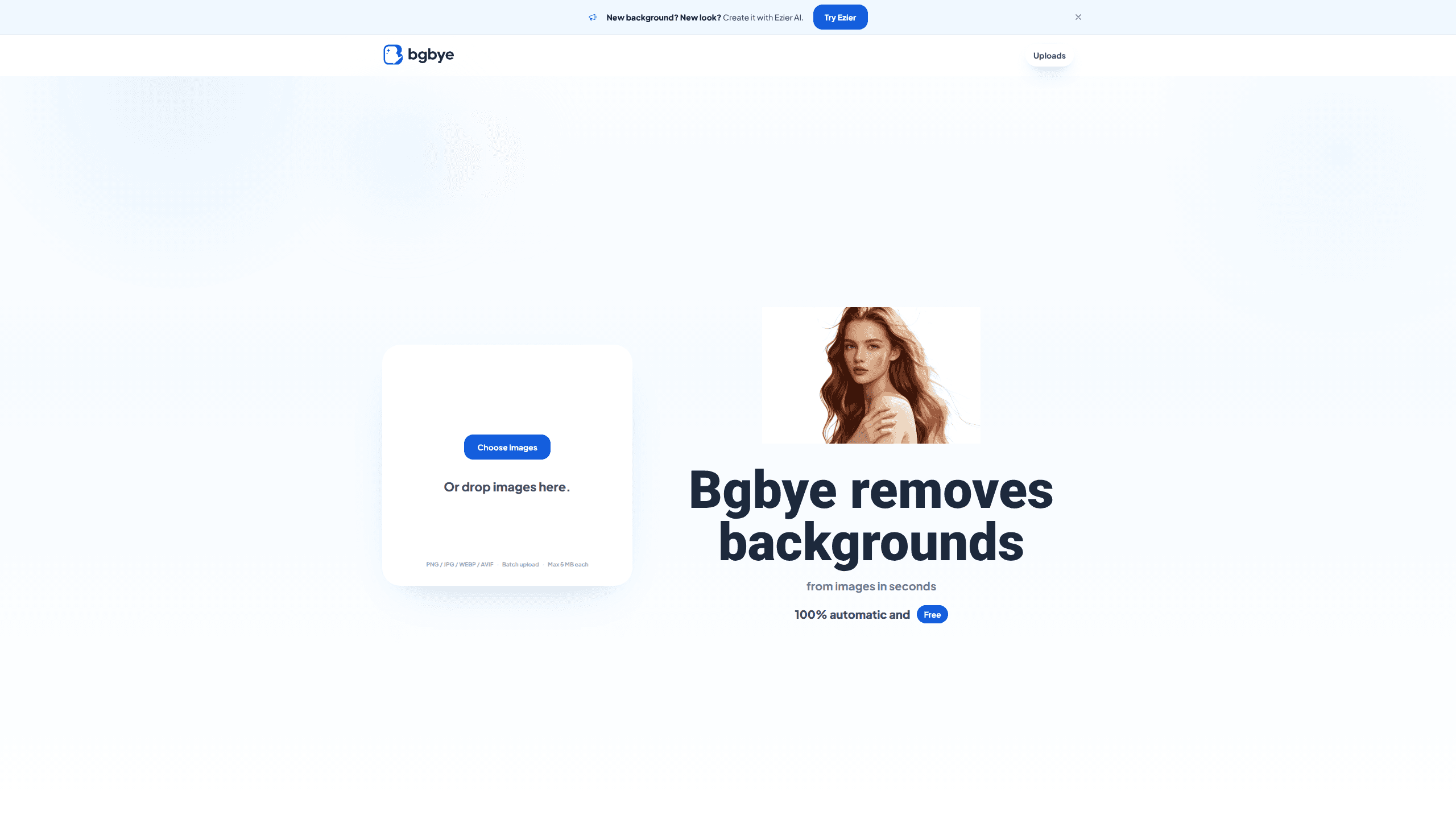
Bgbye is a free image background remover that takes a PNG, JPG, WEBP, or AVIF file, strips the background automatically, and hands back a clean result you can download. No sign-up, no per-image fee. It tracks batch image uploads on an Uploads page and lets you compare the original against the cutout before you commit to a download. If you publish listings, profiles, or social posts, this AI background remover is worth a look.
About Bgbye
What Is Bgbye
Bgbye is a web-based background remover built for people who process images in small batches and want the result fast. You drop in a photo, the tool isolates the subject, and you preview the cutout on a plain backdrop before saving it. No layers, no masking brushes, no learning curve to sit through before you get your first clean result.
The pitch is narrow on purpose, and that narrowness is exactly what makes it easy to pick up. Bgbye doesn't try to be a full photo editor. It removes backgrounds and gets out of the way, which suits sellers cleaning up product shots, creators repurposing the same person across a dozen posts, and anyone who needs a transparent PNG without opening Photoshop.
The main limits are worth knowing up front. Each file has to be 5 MB or smaller, video uploads aren't supported at all, and the output stays transparent rather than letting you paint in a new scene, which means a cutout is where the work ends and whatever you build around it is up to you. Treat it as a cutting tool, not a compositor.
Getting Started
- Open bgbye.art. The upload area sits on the home page, no account needed to start.
- Choose images or drag and drop them into the drop zone. Batch upload works if you're cleaning several files at once.
- Wait for the status to switch to ready, then open the preview to compare the original against the cutout.
- Check the edges around hair, shoulders, or product contours; re-upload a smaller file if something looks off.
- Download the finished image, then find it again later on the Uploads page.
Product Information
A quick look at Bgbye's pricing, supported platforms, and performance.
Best for
The users, tasks, and scenarios where this tool fits best.
Users
- Ecommerce sellers
- Content creators
- Design studios
Tasks
- Removing backgrounds from product images
- Making profile pictures
- Preparing social posts
- Building graphic assets
Scenarios
- Clearing a folder of product photos before a store upload
- Prepping a portrait for a team page
- Cleaning up photos for a quick ad mockup
Key features
Automatic Background Removal
Bgbye detects the subject and removes the background on its own, with no manual selection step. Files upload and process in seconds. What comes back is a cutout you can review right away. The tool leans on contrast between subject and backdrop, so images where those two things sit far apart on the brightness scale tend to give the cleanest edges.
Preview Before Download
Every result shows a side-by-side view so you can compare the original against the cutout. That matters most for hair, fur, and soft shoulders, where an automatic cutout can look perfectly fine at a glance and then fall apart the moment you zoom in on the edge. You only download once the edges hold up.
Batch Image Upload
You can push several images in at once instead of repeating the process file by file. Finished results land in the home upload area first, then sit on the Uploads page so you can return to them without re-uploading. Small thing. Saves real time on a folder of product photo backgrounds.
Drag-and-Drop Simplicity
The upload area accepts drag and drop as well as a file picker, so getting an image in takes one gesture rather than a slow trip through file menus and confirmation dialogs that most desktop photo tools put between you and your first result. There's no editor to configure and no tool palette to learn, which keeps the workflow short.
Transparent Cutout Output
The result comes back as a cutout you can drop into listings, profiles, posts, or simple layouts. So where does the new background come from? That's your call. The background is gone rather than replaced, which keeps you in control of whatever gets placed behind it.
File Format Support
Bgbye reads PNG, JPG, JPEG, WEBP, and AVIF files, covering the formats most cameras, phones, and design tools spit out. Each image needs to be 5 MB or smaller. Fine for web-sized assets, tight for full-resolution camera files.
Pros and cons
Pros
- Free to use with no obvious paywall between you and the download.
- Batch uploads plus an Uploads page make repeat work less tedious.
- Preview-before-download catches bad edges before they reach a listing.
- Runs entirely in the browser, so there's nothing to install.
- Handles PNG, JPG, JPEG, WEBP, and AVIF without conversion.
Cons
- The 5 MB per-file cap rules out large, high-resolution camera images unless you shrink them first.
- No video support at all, so clips are off the table.
- Output stays transparent; you can't paint in a new background inside the tool.
- The site itself is light on documentation, so pricing and account details aren't spelled out anywhere obvious.
Frequently asked questions
Yes. The site presents the tool as a background remover free of charge, with no pricing tiers listed and no sign-up required to process an image.
Related content
Explore related tools, skills, and articles for Bgbye.
Bgbye Alternatives

X Ray Interpreter
X-ray Interpreter · ImageX Ray Interpreter is a web-based AI radiology tool that turns X-rays, CT scans, MRI, ultrasound, and PET images into plain-language reports. You upload a scan, get a preliminary X-ray interpretation in moments, then ask follow-up questions if something needs explaining. It works as a second opinion and a learning aid, not as a medical diagnosis.

Aieasypic
AIEasyPic · ImageAIEasyPic is an AI image generator that turns plain text prompts into finished artwork in seconds. You can also train custom models on your own photos, swap faces in existing images, and create short video clips from text, all from a browser. It suits casual creators who want quick visuals and hobbyists who want to build a personal model without touching any code.

Chargen
Chargen · ImageChargen is an AI character generator and worldbuilding toolkit built for Dungeons & Dragons and other tabletop RPGs. It turns a one-line idea into a painted character portrait, spins up NPCs, monsters, maps and encounters from the same session, and keeps every creature's details close at hand. The tabletop RPG art side runs on a credit system called Gold, while the text generators stay free for everyone.