

BioStack
BioStack · AI Assistant
BioStack is an AI health analytics platform that reads your blood test reports and turns them into plain-English action plans. Upload a lab PDF from Quest, LabCorp, InsideTracker or a vet, and the AI blood test analyzer flags out-of-range biomarkers, scores your biological age, and suggests supplements backed by published research. People use it as a longevity app for biomarker tracking, because it shows how your markers move over time without paying for a specialist visit every few months.
About BioStack
What Is BioStack
BioStack is a web-based blood test analysis tool built around one idea: your lab report shouldn't need a translator. It reads the same PDF your doctor gets, matches each biomarker against normal and optimal ranges, and explains what the numbers mean for you in a few short lines.
The platform leans on two things. First, a database of clinical studies it uses to justify its recommendations, so suggestions point back to actual research rather than generic wellness advice. Second, a biological age calculator built on Dr. Morgan Levine's Phenotypic Age algorithm, which pulls nine markers together into a single "how fast are you aging" number. According to BioStack, the tool has analyzed 15,000+ clinical studies and supports 60+ biomarkers.
The main limit is that BioStack is a reading and organization layer, not a diagnostic service. It won't order tests, talk to your insurer, or replace a doctor. If a marker looks dangerous, the right move is still a real appointment. The value sits in understanding results faster and spotting trends across months of reports that would otherwise sit in a folder.
Getting Started
- Create a free account with an email address. No credit card needed for the first analyses.
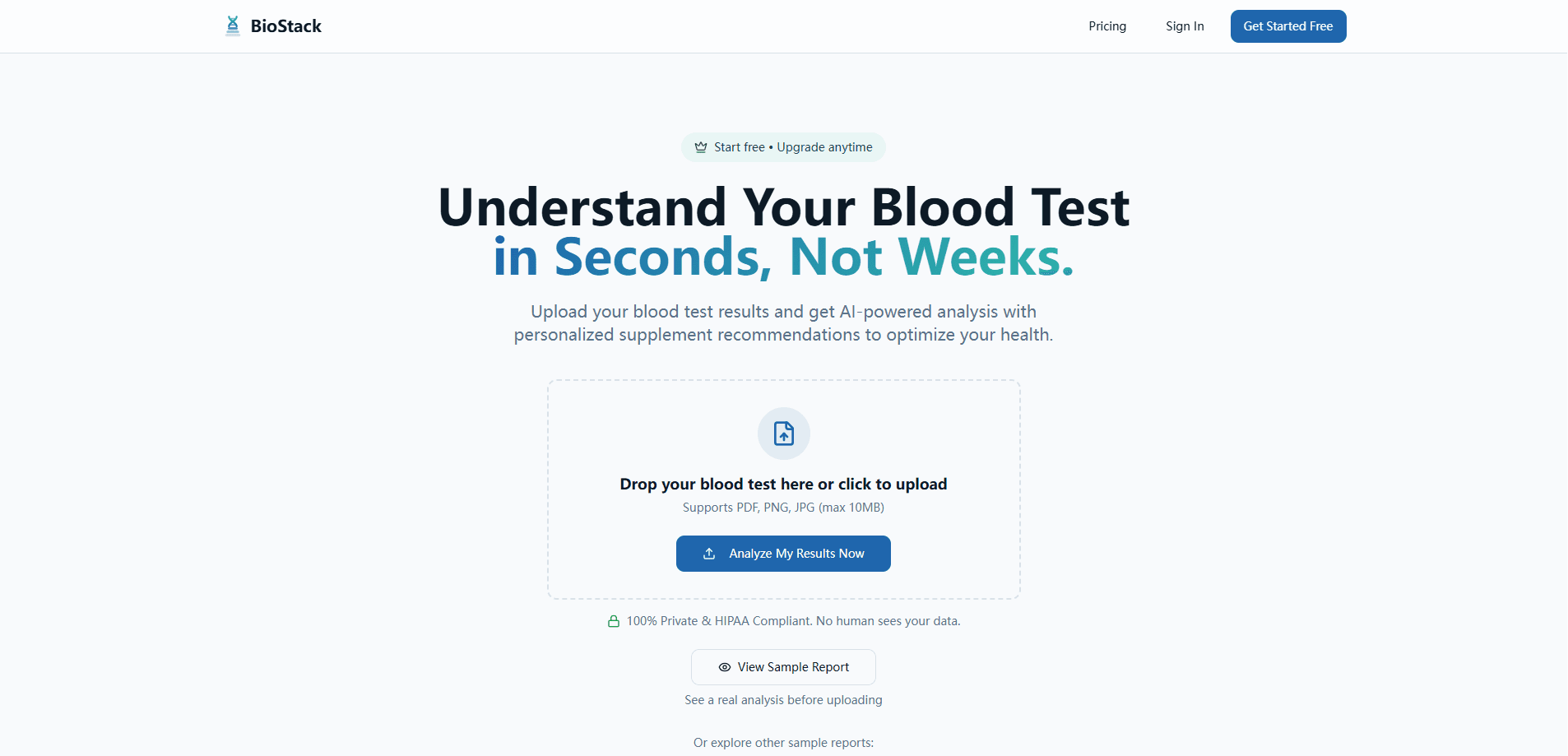
- Upload a blood test file, either by dragging the PDF in or picking a PNG or JPG export. Files up to 10MB are supported.
- Let the AI process the report. It extracts each biomarker and compares it to reference and optimal ranges.
- Read the results dashboard, where flagged markers come with a short explanation and suggested next steps.
- Add more reports over time, or invite family members, so the tool can show longer trends.
Product Information
A quick look at BioStack's pricing, supported platforms, and performance.
Best for
The users, tasks, and scenarios where this tool fits best.
Users
- Health-focused adults who already get annual blood work and want the numbers explained without booking a consult
- Longevity and biohacking enthusiasts tracking markers against optimal ranges instead of just "normal" lab cutoffs
- Caregivers managing labs for several family members from one account
- Pet owners who want a plain read on a senior dog or cat blood panel
Tasks
- Interpreting a Quest or LabCorp PDF
- Calculating biological age
- Biomarker tracking
- Spotting missing markers
- Building a doctor summary
Scenarios
- Just got lab results and don't want to wait two weeks for a follow-up visit
- Managing a chronic condition
- Preparing for a checkup
- Shopping for supplements
Key features
Blood Test Upload and Parsing
BioStack accepts PDF, PNG and JPG files up to 10MB. It reads reports from major labs, including Quest Diagnostics and LabCorp, plus InsideTracker, Function Health and veterinary panels. SI units used by many international labs work too. You don't type values in by hand. That cuts the error risk that comes with manual entry.
Biological Age Calculation
The tool calculates a Phenotypic Age using Dr. Levine's nine-marker algorithm, covering things like albumin, creatinine, CRP and RDW. Instead of one raw biomarker, you get a single age estimate you can compare against your real age. It's a directional signal, not a medical verdict. Still, it's a clear way to track whether your habits are moving things the right way.
Optimal Range Targeting
Most lab reports flag values only when they fall outside the "normal" band. That band is wide. BioStack adds longevity-focused optimal ranges on top, showing where markers sit relative to levels linked to better long-term outcomes. So what's the practical difference? Between "your vitamin D isn't deficient yet" and "your vitamin D is well below where it should be for optimal health."
Supplement Recommendations
When a marker comes back low, BioStack suggests supplements and explains the reasoning. The research it draws on is surfaced rather than hidden. A smart shopping assistant compares prices across retailers in one click. No guessing which bottle to buy.
Trend Analysis
Lifetime history lets you chart biomarkers across months or years. Tested in January and again in July? The tool shows the shape of the change instead of two disconnected snapshots. Seeing a slow drift in HbA1c beats a single value that's still technically in range.
Smart Re-analysis and Detective Engine
Old reports can be reprocessed with updated AI logic. So historical data improves as the models do. The "Detective Engine" also flags biomarkers missing from a panel and suggests which ones would round out your health picture. Handy when a cheap panel leaves obvious gaps.
Family Health Tracking and Privacy
One account can hold profiles for multiple people. Reports are handled under HIPAA-compliant practices with encryption. The company states that no human reviews your data. That matters if you're uploading labs for a partner, a parent or a pet and want the whole household in one dashboard.
Pros and cons
Pros
- Free tier covers unlimited analyses, family profiles and normal range comparisons, so you can test it before paying
- Reads real lab PDFs from Quest, LabCorp and others, so there's no manual data entry
- Biological age scoring and optimal ranges give context a standard lab report leaves out
- Supplement suggestions come with the underlying research rather than bare claims
- Doctor-ready one-page summary is a genuinely useful output for appointments
Cons
- Premium sits at $12.99/month, and the most useful features (trends, biological age, optimal ranges) are locked behind it
- Recommendations are informational only, so you still need a physician to act on anything serious
- No public API, so you can't plug BioStack into your own health dashboards or scripts
- Accuracy depends entirely on the quality of the PDF you upload; messy or scanned reports can lose detail
Frequently asked questions
It analyzes your blood test results and turns them into a clear, plain-English action plan. You upload a lab report, and it explains each biomarker, flags what's off, and suggests next steps. Think of it as a translator for your labs, not a doctor.
Related content
Explore related tools, skills, and articles for BioStack.
BioStack Alternatives

Iplan AI
Iplan AI · Productivity · AI AssistantIplan AI is an AI travel planner that turns a few trip details into a full day-by-day itinerary in seconds. You answer questions about your destination, interests, budget, and travel companions, and the tool builds a plan you can edit, share, and carry with you on any device. It targets travelers who want a solid draft without spending hours in spreadsheets and browser tabs. Think of it as an itinerary generator that does the tedious part for you.

Screenhelp
Screenhelp · Productivity · AI AssistantScreenhelp is an AI screen assistant that turns a single keyboard shortcut into real-time help. You press Ctrl+Shift+Space, it captures what's on your screen, and it streams an answer into a private panel in about two seconds. Think of it as an AI screenshot helper you trigger on demand. It runs on Mac, Windows, and the web, starts free with 30 answers a month, and stays invisible during screen sharing on Zoom, Teams, and Google Meet.

Rainbow
Rainbow · AI AssistantRainbow is an AI weather forecast app built around short-term precipitation nowcasting. Its engine pushes min-by-min rain and snow predictions up to four hours ahead, blending live satellite and radar feeds into hyperlocal forecasts. The app adds live rain radar, a seven-day outlook, precipitation alerts, home-screen widgets, and a hurricane tracker, and it runs on both Android and iOS with a free tier plus paid upgrades.