

Blink
Coder · Coding · Productivity
Blink is an open-source, self-hosted platform from Coder for running AI agents your team can talk to in Slack, GitHub, and a web UI. It ships with Scout, a coding agent built for deep code research.
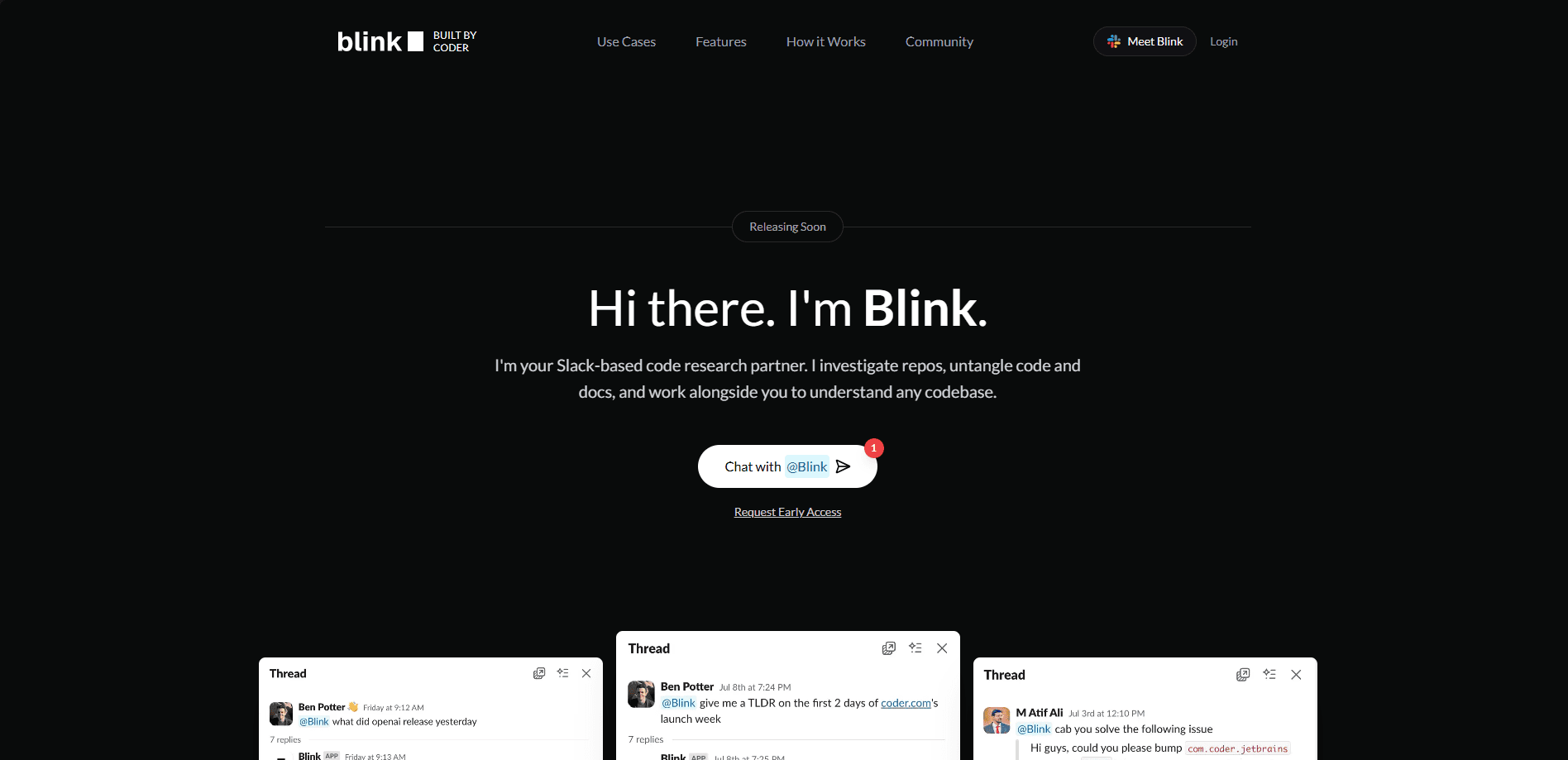
About Blink
What Is Blink
Blink is a platform for building and running AI agents on your own servers. Coder, the company behind it, designed it for teams that want agent conversations in the tools they already use, without handing data to a hosted vendor.
The platform centers on an agent called Scout. Scout answers questions about a repository, runs code in an isolated environment, and replies inside Slack threads or GitHub issues. You can extend Scout with your own tools or swap in entirely new agents written in TypeScript.
The biggest limit is maturity. Blink is early access software, and the maintainers say it isn't actively maintained, so bugs and missing features are part of the deal. It also asks for real infrastructure: Node.js 22 or Bun plus Docker on a machine you control.
Getting Started
- Install the server with
npm install -g blink-server, then runblink-server. Docker is a supported alternative. - Open the Blink web UI in your browser and create your first agent.
- Connect Slack or GitHub so your team can message the agent where it already works.
- Point the agent at a model provider such as Amazon Bedrock, Google Vertex, or a self-hosted model.
- Chat with Scout, then customize its tools and prompts in TypeScript as your needs grow.
Product Information
A quick look at Blink's pricing, supported platforms, and performance.
Best for
The users, tasks, and scenarios where this tool fits best.
Users
- Backend and platform developers
- DevOps and release engineers
- Support and solutions teams
Tasks
- Understanding an unfamiliar codebase
- Running code during a chat
- Keeping discussions in one place
Scenarios
- Onboarding a new engineer
- Triaging a failing build
- Extending an agent over time
Key features
Scout, a built-in research agent
Scout comes ready to answer questions in Slack and GitHub, search the web, and run code in isolated environments. You can extend it with your own tools or turn off features you don't need, which keeps a custom agent close to a working baseline instead of a blank file.
Self-hosted by default
The server runs on your own infrastructure, and agents reach any LLM provider, from Amazon Bedrock and Google Vertex to a model you host yourself. Teams that can't send code to a third party keep control of where queries and repositories live.
Slack and GitHub integration
Scout responds to app mentions and direct messages in Slack, holds context in threaded replies, and posts progress updates as it works. On GitHub it manages pull requests, responds to reviews and comments, and routes webhook events back to the conversation that started them.
Isolated compute for running code
The agent executes shell commands and file operations inside a workspace it sets up for the task, with stdout and stderr captured. Docker is the local option, while Daytona cloud sandboxes and Coder workspaces cover larger deployments, so code never runs on the host by accident.
Agents as TypeScript
You build an agent by writing an on("chat") handler in TypeScript rather than configuring a workflow builder or wiring up MCP servers and skills. The server handles routing, conversation state, and deployment, so your code only decides how to respond.
Centralized conversations and access
Every chat lands in one database, and you define who can reach each agent in a single place. That setup suits teams that want an audit-friendly record of what an agent was asked and how it answered, something scattered client-side tools make hard.
Pros and cons
Pros
- Runs entirely on your own infrastructure, so private repositories stay private and no code leaves your network.
- Works with any model provider, from Amazon Bedrock and Google Vertex to self-hosted models, so you are not locked to one vendor.
- Ships with Scout, a working agent you can customize, which cuts the blank-page problem when starting an internal agent.
- Builds agents in TypeScript, a familiar language for most web and backend developers, with no workflow builder to learn.
- Keeps every conversation in one database with access controls in one spot, which helps teams audit and manage usage.
Cons
- The project isn't actively maintained, so bugs may go unfixed and long-term support isn't guaranteed. Teams that need a vendor SLA should look elsewhere.
- Setup isn't turnkey: you need Node.js 22 or Bun plus Docker, and a machine to run the server on. Non-technical users will struggle.
- Scout and the SDK are early access, so missing features are expected and some workflows still need custom code.
- There's no hosted pricing page or managed cloud tier, which makes cost planning harder for a team that doesn't want to run infrastructure.
Frequently asked questions
Blink is used to build and run AI agents that live in Slack, GitHub, and a web UI. Its built-in agent, Scout, handles coding tasks and deep code research, such as explaining a repository or diagnosing a failing test.
Related content
Explore related tools, skills, and articles for Blink.
Blink Alternatives

Udon
Udon · Coding · ProductivityUdon turns an Apple Silicon Mac into a home server you run from a browser, with container controls, file shares, and an optional AI sysadmin.

offstage
offstage cloud · Coding · Productivityoffstage gives AI coding agents and CI jobs a real Mac: a fresh macOS account on Apple silicon, driven over an API and billed by the second.

BotBus
Chengdu Tuyang Tusen Technology Co., Ltd. · Coding · ProductivityBotBus lets you control AI coding agents from your phone and watch: approve commands, start tasks and read results while the code stays on your desktop.