

Bo AI
Bo Labs, Inc. · Productivity · AI Assistant
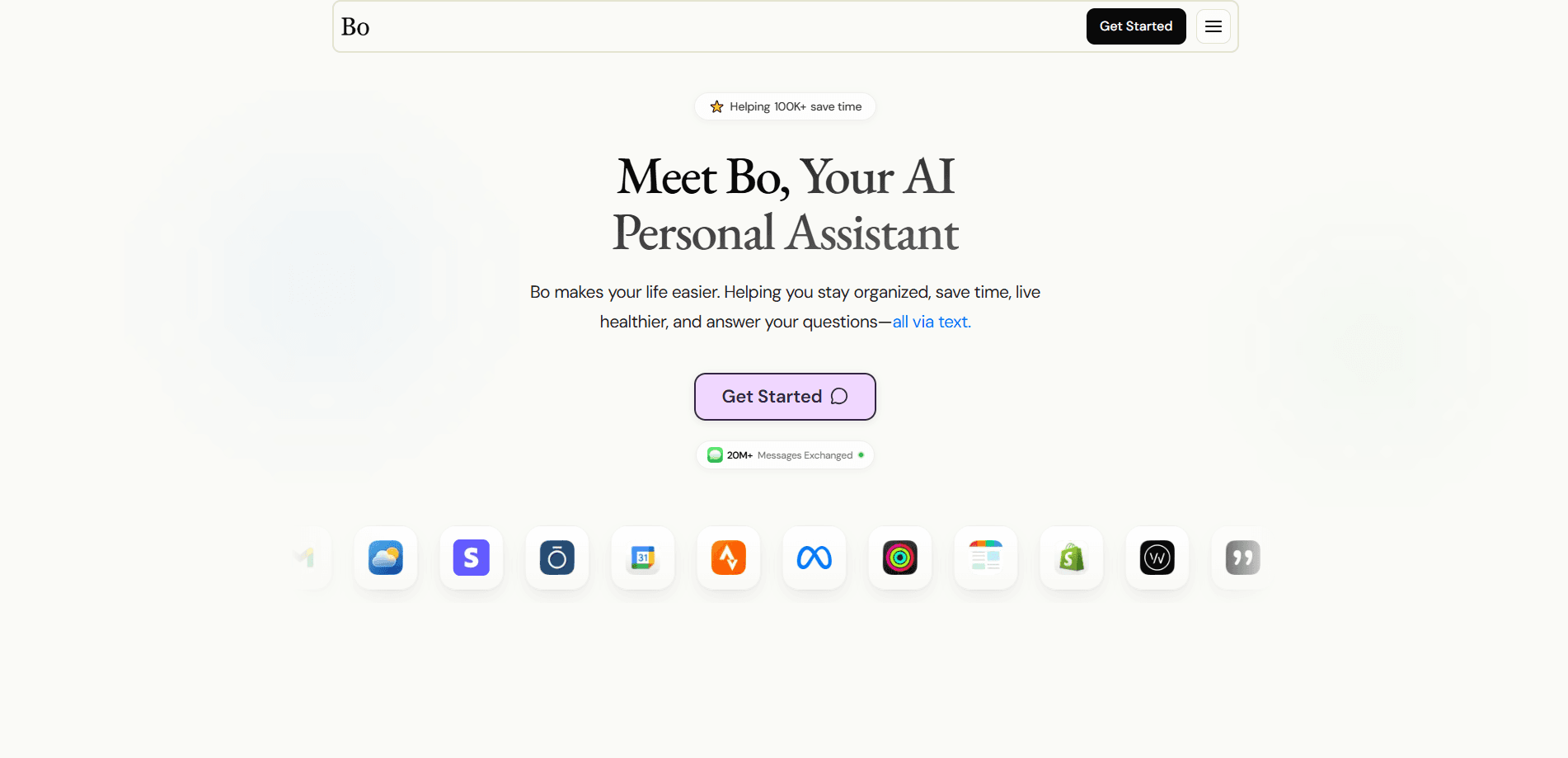
Bo AI is a text-first personal assistant that lives inside iMessage instead of a separate dashboard. Text it like you'd text a friend, and it plans your day, manages calendars, tracks sleep and activity from Apple Health and Oura, and answers questions on the spot. Bo Labs built it for people who want coaching and reminders to reach them where they already are, without yet another login and a blank prompt box waiting for them. There's a companion iPhone app for dashboards and a Skills Library, but the core help arrives over plain text.
About Bo AI
What Is Bo AI
Bo AI is a personal assistant you message instead of open. It runs through iMessage, so coaching, reminders, and check-ins show up in the same thread as your friends and family. Connect Apple Health, Oura, and your calendars, and Bo turns that raw data into something you can act on: today's sleep summary, a nudge about your step count, a meal suggestion that fits your macros.
The product's bet is that channel matters more than interface. Most assistants hide behind an app, a login screen, and a blank prompt box that leaves you staring at it wondering what to even type first. Bo skips all that. You text it a goal, it tracks the goal, and it stays on you until the goal moves.
The clearest limit is platform. Bo AI is built around iMessage, so it's an Apple-only experience in practice, and the health coaching leans on what Apple Health and Oura expose, which caps how accurate the advice can get. Android users are out. So is anyone who won't hand a chatbot their health data.
Getting Started
- Go to the Bo AI website and create your account, or sign in if Bo Labs already has one for you.
- Add Bo as an iMessage contact and start a thread. There's no app to learn for the basics.
- Connect the data you want it to use, such as Apple Health, Oura, and your calendars, so coaching gets personal.
- Text a goal or a routine, like a daily sleep summary at 9 AM, and Bo sets the reminder for you.
- Download the companion iPhone app if you want dashboards, Quality Life Hours, and the Skills Library.
Product Information
A quick look at Bo AI's pricing, supported platforms, and performance.
Best for
The users, tasks, and scenarios where this tool fits best.
Users
- Busy professionals juggling meetings
- Health-conscious people wearing an Oura ring or Apple Watch
- Habit-builders who forget apps exist
Tasks
- Daily briefings
- Meal and macro tracking
- Reminders and follow-ups
- Quick questions
Scenarios
- Waking up and checking the day
- Scheduling a meeting on the go
- Keeping a streak alive
- Texting a question mid-commute
- Coming off a bad night
Key features
Text-First Coaching in iMessage
Bo AI works over iMessage, so there's no new app to open for the core experience. You text a goal, ask a question, or log a meal, and the reply comes back in the same thread. Sounds small? Compare it to opening a dashboard every morning. The channel does the heavy lifting: reminders reach you, and you never have to remember to check in, because the assistant is already sitting in the thread you read a dozen times a day anyway.
Health and Sleep Tracking That Turns Into Advice
Connect Apple Health and Oura, and Bo turns into a real AI assistant for health tracking that pulls sleep, recovery, and activity into plain-language summaries. You get a sleep score, deep and REM time, and a readiness reading, then coaching on what to do with it. Daytime step counts and workouts feed the same picture. The value isn't the raw numbers, it's that Bo tells you what they mean for today. That's the difference between a tracker and a coach.
Calendar Management and Proactive Reminders
Bo manages calendars end to end. It books events, sends invites, and shifts them when plans change, all from a text message. Proactive reminders run on top of that, so a conflict or an approaching meeting reaches you before you notice it, which matters most on days packed back to back. For anyone who lives in meetings, this is where the time actually comes back.
Daily Summaries With Data Insights
Each day Bo delivers a rich summary that mixes your schedule, weather, sports, and health data into one message. It's the morning briefing you'd otherwise assemble by hand across four apps, checking each one in turn before you've had coffee. You can set the delivery time. The summary should land when it's useful, not when it interrupts your evening.
Goal Accountability and the Skills Library
Bo keeps score on the goals you set, tracking progress and celebrating the wins as they add up. The companion app shows them as Quality Life Hours, the time Bo gives back to you, with 7-day through yearly views. The Skills Library is where you browse new ways to put Bo to work. Set a goal. Watch it move.
Pros and cons
Pros
- Lives in iMessage, so reminders and coaching arrive without opening another app.
- Turns Apple Health and Oura data into plain-language sleep, recovery, and activity advice.
- Handles calendars proactively, booking, resending invites, and moving events by text.
- Daily summaries combine schedule, weather, sports, and health data in one message.
- Companion app adds dashboards and a browsable Skills Library for new use cases.
Cons
- Tied to iMessage, so Android users are left out entirely.
- The health coaching depends on what Apple Health and Oura expose, which limits accuracy.
- You're handing a text assistant access to health and calendar data, and that trust has to be earned.
- No public API means you can't wire Bo into your own tools or workflows.
Frequently asked questions
Bo AI is a personal assistant for daily life that runs over text. It plans your day, manages calendars, tracks sleep and activity, logs meals, and answers questions. Ever wish your reminders just showed up in a thread you already read? That's the pitch.
Related content
Explore related tools, skills, and articles for Bo AI.
Bo AI Alternatives

Swms
Swms AI · Writing · Productivity · BusinessSwms is an AI safety compliance tool that turns a plain description of a job into ready-to-use safety documents. Describe your project, trade, and known hazards, and it writes a safe work method statement, job hazard analysis, safe work procedure, RAMS, or safety data sheet in seconds. It also ships with Oscar, a chat assistant that answers workplace safety questions in any language. Teams in construction, mining, transport, and warehousing use it to cut the paperwork that usually eats into a workday.

Wordly AI Translation
Wordly · Voice & Language · ProductivityWordly AI Translation is a real-time AI translation and captioning platform built for meetings, conferences, and events. It delivers live translation, captions, transcripts, and summaries in more than 60 languages, and attendees join by scanning a QR code or opening a link instead of using dedicated headsets. The platform works with Zoom, Microsoft Teams, Google Meet, and Webex, and it's designed for organizations that want multilingual access without hiring human interpreters for every session. Simple as that.

Rows
Rows (Superhuman) · Productivity · BusinessRows is an AI spreadsheet and data analysis tool that imports live data from more than 50 sources, then lets you work with it using plain language instead of SQL queries or nested formulas. You can pull numbers out of PDFs, connect ad platforms, databases, and bank accounts, and ask the AI to build reports, merge datasets, or set up models that recalculate themselves. It runs in the browser, works like a spreadsheet, and now sits under the Superhuman umbrella.