

BrainFeed
Arnav Lohiya · Productivity
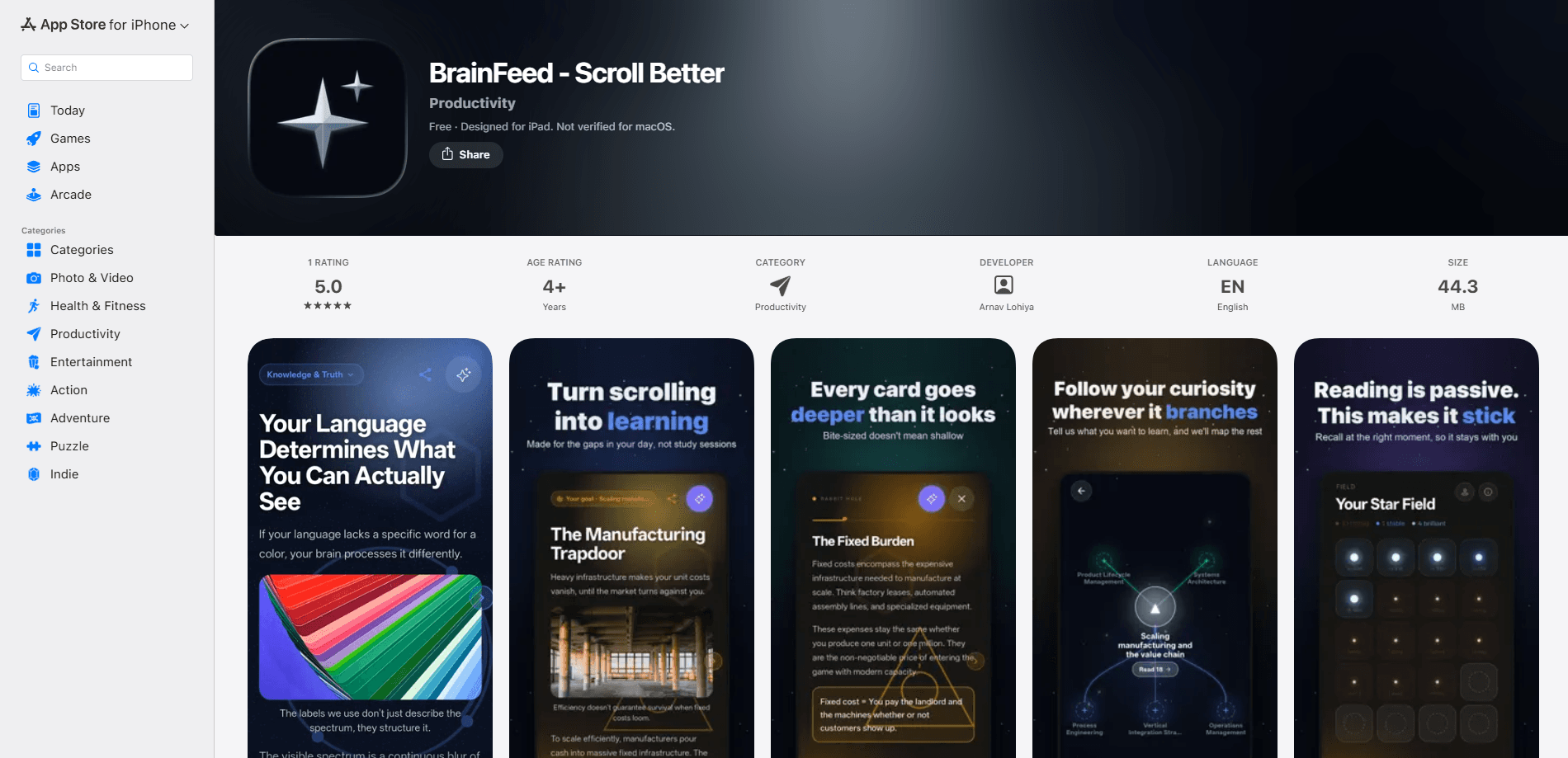
BrainFeed is a personalized learning feed that turns goals, articles, and videos into bite-sized, scrollable cards. It's built for people who open their phone during small gaps in the day and want that time to leave something behind. Instead of losing a spare ten minutes to mindless scrolling, you swipe through short cards and can go as deep as you want when a topic grabs you.
About BrainFeed
What Is BrainFeed
BrainFeed is a productivity app for iOS that reframes scrolling as a learning habit. You set a goal or feed it an article, a video, or anything that interests you, and the app breaks that material into short, readable cards you can move through quickly.
The problem it targets is familiar. Most of us want to learn more but keep burning spare minutes on feeds that leave nothing behind. BrainFeed keeps the scroll format you already know and points it at material you actually chose.
It isn't a course platform, and it won't build a curriculum for you. The upside is that setup is almost nothing. The catch is that the quality of what you learn still depends on what you feed it.
Getting Started
- Install BrainFeed from the App Store on a device running iOS 15.0 or later, then open it.
- Walk through the onboarding flow and set a goal so the app knows what to surface.
- Share an article, a video, or another link into BrainFeed, or pick from its feed.
- Swipe through the cards that get generated and tap into any one that deserves more depth.
- Check your Sanity Points and Stats to see how the habit is tracking.
Product Information
A quick look at BrainFeed's pricing, supported platforms, and performance.
Best for
The users, tasks, and scenarios where this tool fits best.
Users
- Lifelong learners who read in short bursts
- Students reviewing outside class
- Professionals keeping up with a field
Tasks
- Turning a long article into a five-minute read
- Building a daily knowledge habit
- Revisiting saved videos
Scenarios
- Waiting in line or between meetings when you want those minutes to count.
- A commute where you can read but can't take notes.
- Late-evening downtime you'd rather not spend on a social feed.
Key features
Personalized Learning Feed
BrainFeed builds a feed around a goal you set or material you send it. Share an article, a video, or a link, and it turns into concise cards that are easy to skim. The result is a scroll you recognize, pointed at things you actually meant to learn.
Goal Trees
Goal Trees give you a visual map of a long-term objective and the smaller steps under it. Instead of tracking a goal in your head, you can see how the cards you're reading connect to where you want to end up. It's most useful when you're working toward something that takes weeks, not minutes.
Bite-Sized Content Cards
Each card holds one idea and reads in seconds, so you can get through a topic in the gaps between everything else. When something deserves more attention, you can dig into that card for depth rather than moving on. The format keeps the entry cost low without capping how far you go.
Visual Content Cards and Media Sharing
Cards support full images, and you can share media straight into your BrainFeed. If a video or article catches your eye, you send it in and it joins your feed as cards instead of sitting in a forgotten saved folder. Visual support makes the feed easier to scan at a glance.
Sanity Points and Stats
The Sanity Points system and the statistics dashboard give you a way to track both progress and how the habit is affecting your wellbeing. You can see whether the time you're spending is going where you want. It's a light form of accountability rather than a strict tracker.
Pros and cons
Pros
- Turns spare minutes into a repeatable learning habit instead of dead scroll time.
- Card format is genuinely fast to consume, so it fits small windows.
- You choose the source material, which keeps the feed relevant to your goals.
- Goal Trees connect daily reading to a longer-term objective.
- Free to download with no obvious paywall on core features.
Cons
- iOS only, so Android users are left out entirely.
- No API, which means no way to wire it into other tools or automate your feed.
- The app has few ratings so far, so long-term reliability is still unproven.
- Output quality depends on what you feed it; thin sources make thin cards.
Frequently asked questions
BrainFeed turns goals, articles, and videos into short, scrollable cards so you can learn in small pockets of time. It keeps the feel of a normal feed but points it at material you chose.
Related content
Explore related tools, skills, and articles for BrainFeed.
BrainFeed Alternatives

Base Code
Base44 (Wix) · Coding · ProductivityBase Code is a shared cloud development environment from Base44. Teammates describe changes to an existing GitHub codebase in chat, preview them live and send them back as pull requests.

Knocket
Knocket (Tencent RTC team) · Productivity · Business · ChatbotKnocket is a free live chat and contact page tool that lets visitors message you from your website, app, or a shareable link, with every reply handled from Telegram or one inbox.

FloorGen
Vinit Kumar (FloorGen) · Productivity · China AIFloorGen is a browser-based floor plan maker that turns a sentence or a sketch into an editable 2D plan and a 3D walkthrough. Export to PDF, DXF or video, and draw without an account.