

Branda
Branda · Business
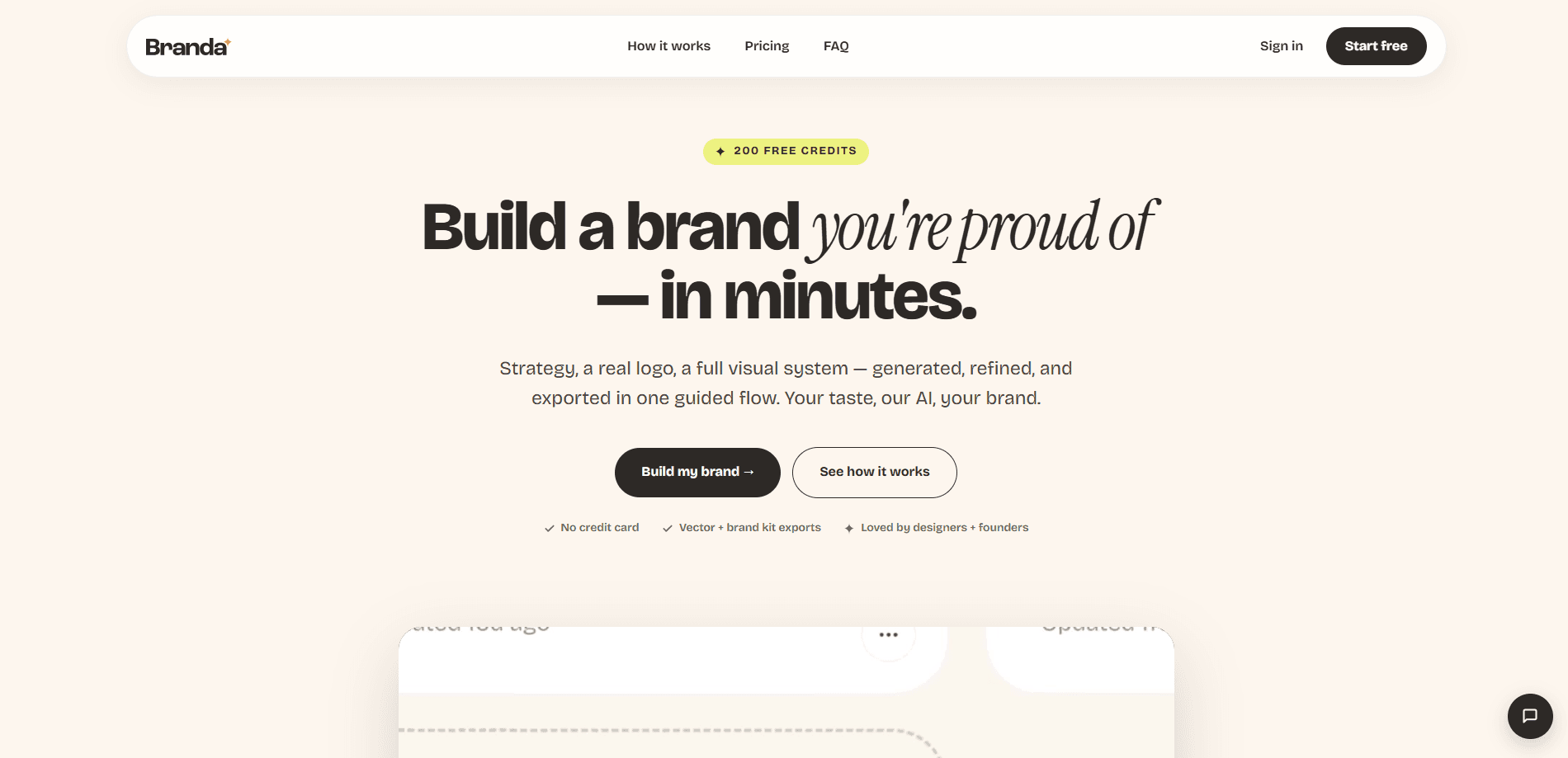
Branda is an AI branding platform that turns a one-sentence idea into a complete brand system. You say what you're building, and it generates a brand strategy, a shortlist of names, several logo directions styled as real SVG files, a color palette, a typography pair, and mockups. Everything gets zipped into a downloadable brand kit you can hand to a developer, print shop, or social team.
About Branda
What Is Branda
Branda is a web-based brand identity tool aimed at people who need to look credible fast and don't have an agency budget. It works as an AI logo generator, a naming assistant, and a strategy writer at once, which means you can go from a vague idea to a presentable identity without stitching together three separate subscriptions and hoping the outputs match. It covers the parts of branding that usually get split across a strategist, a logo designer, and a document someone assembles by hand, then rolls them into a single guided pass you can finish in an afternoon. The output is a set of real assets, not a mood board. That last detail matters more than it sounds.
The pitch is simple. Type a sentence about your idea and audience, then refine what comes back until it fits, which is a far cry from the usual routine of emailing a designer back and forth for two weeks over a logo you're not even sure you want. Branda generates logo directions you can tweak with a prompt, and each mark ships as a true SVG. Crisp favicon. Crisp billboard. Colors, fonts, imagery, and web mockups come bundled in the same kit.
There are real limits worth knowing up front. Free signup credits only let you try generation, and downloading brand-kit assets needs a paid plan or a one-time download pass, which catches a lot of people off guard after they've already spent time generating a look they like. Branda also doesn't do trademark clearance, so you still have to check names and logos before going to production. That part is on you.
Getting Started
- Sign up at branda.co. New accounts start with 200 free credits and no credit card required.
- Answer a few questions about your idea, your audience, and the tone you're after.
- Pick a name from the shortlist Branda generates, then explore the logo directions.
- Lock the mark you like and edit single elements with a prompt instead of rebuilding the whole design.
- Get download access through a plan or a one-time pass, then export the full brand kit.
Product Information
A quick look at Branda's pricing, supported platforms, and performance.
Best for
The users, tasks, and scenarios where this tool fits best.
Users
- Solo founders
- Indie hackers and freelancers
- In-house marketers
Tasks
- Naming a new product
- Generating logo variants
- Building a reusable brand kit
Scenarios
- Launching a side project this week
- Rebranding on a tight budget
- Testing several concepts at once
Key features
Real SVG logo output
Every mark Branda ships is a genuine SVG file, not a flattened image. It stays sharp as a tiny favicon and just as sharp scaled up to a billboard. What does that mean in practice? No blurry logo when a printer blows it up. You also get primary, stacked, symbol, dark, light, and thumbnail variants, each placed on the background it's meant for.
Prompt-based editing
Most logo maker tools give you a template and call it a day. Not here. Instead of rebuilding a lockup from scratch, you edit one element with a text prompt and keep the rest intact. Founders who aren't designers get three logo directions in ten minutes rather than ten days. Push through dozens of directions an hour. That's the gap between waiting on revisions and steering them yourself. Big difference.
Full brand kit export
A single download bundles logos, color palette, fonts, imagery, and web mockups into folders a team can actually use. Think of it as a brand kit generator that also does the cleanup. Nothing gets sliced, flattened, or renamed layer by layer. Hand the file to a developer or a print shop, and the folder structure tells them where everything lives without a single follow-up email asking which file is the final logo.
AI brand strategy and naming
Branda starts before the visuals, with a brand strategy and a shortlist of names built from your idea and audience. For first-time founders, that framing is often the missing piece. It forces you to say who the brand is for before you pick a color. Not a small thing.
Multiple image models
Generation runs on several models. GPT Image 2.5 Flare covers Fast and Balanced presets, while GPT Image 2.5 Sunburst handles cleaner text and fine detail, and Google's Nano Banana 2 steps in for exploration mockups where its rendering suits the job better than the alternatives. The right model just gets used where it helps.
Mockups and social assets
Web mockups and social-ready assets come out of the same flow as the logo. Everything looks like one brand instead of a patchwork. For a one-person marketing team, that consistency is the whole point. It saves the thankless job of matching a banner to a business card by eye, which is exactly the kind of busywork that eats an afternoon if nobody has built you a proper system to work from.
Pros and cons
Pros
- Generates strategy, names, logos, palette, type, and mockups in one guided flow.
- Logo output is real SVG, so assets scale cleanly anywhere.
- Prompt-based editing keeps non-designers moving without redrawing a lockup.
- Kit exports are organized into folders you can hand off directly.
- Pricing tiers scale from solo projects to multi-brand agencies. Nothing on the list is exotic, which is the point. Hand-off-ready assets and prompt-based edits are the two things you'll feel every single day.
Cons
- Free credits don't give you downloads. You need a plan or a one-time pass before the files are usable.
- No trademark clearance is provided, so you must verify names and logos yourself before commercial production.
- Image model availability varies by tool, and credit costs shift with settings and image count. The total isn't always obvious until you're in the app.
Frequently asked questions
Branda builds a full brand identity from a short description: strategy, names, logos, colors, fonts, and mockups. It's built for founders, freelancers, and small teams who need a credible look without hiring an agency.
Related content
Explore related tools, skills, and articles for Branda.
Branda Alternatives
Liveplan
Palo Alto Software · BusinessLivePlan is business plan software that helps founders and small business owners turn an idea into a funder-ready plan. It combines AI-assisted writing, market research with cited sources, and connected financial forecasting so your income statement, cash flow, and balance sheet move together when you change one number. Over 1.5 million businesses have used it to plan, forecast, and track performance against real accounting data. That's a lot of founders. It's also a signal the tooling survived contact with real lenders.

Swms
Swms AI · Writing · Productivity · BusinessSwms is an AI safety compliance tool that turns a plain description of a job into ready-to-use safety documents. Describe your project, trade, and known hazards, and it writes a safe work method statement, job hazard analysis, safe work procedure, RAMS, or safety data sheet in seconds. It also ships with Oscar, a chat assistant that answers workplace safety questions in any language. Teams in construction, mining, transport, and warehousing use it to cut the paperwork that usually eats into a workday.

Rows
Rows (Superhuman) · Productivity · BusinessRows is an AI spreadsheet and data analysis tool that imports live data from more than 50 sources, then lets you work with it using plain language instead of SQL queries or nested formulas. You can pull numbers out of PDFs, connect ad platforms, databases, and bank accounts, and ask the AI to build reports, merge datasets, or set up models that recalculate themselves. It runs in the browser, works like a spreadsheet, and now sits under the Superhuman umbrella.