

Breadcromb
Breadcromb · Leaning
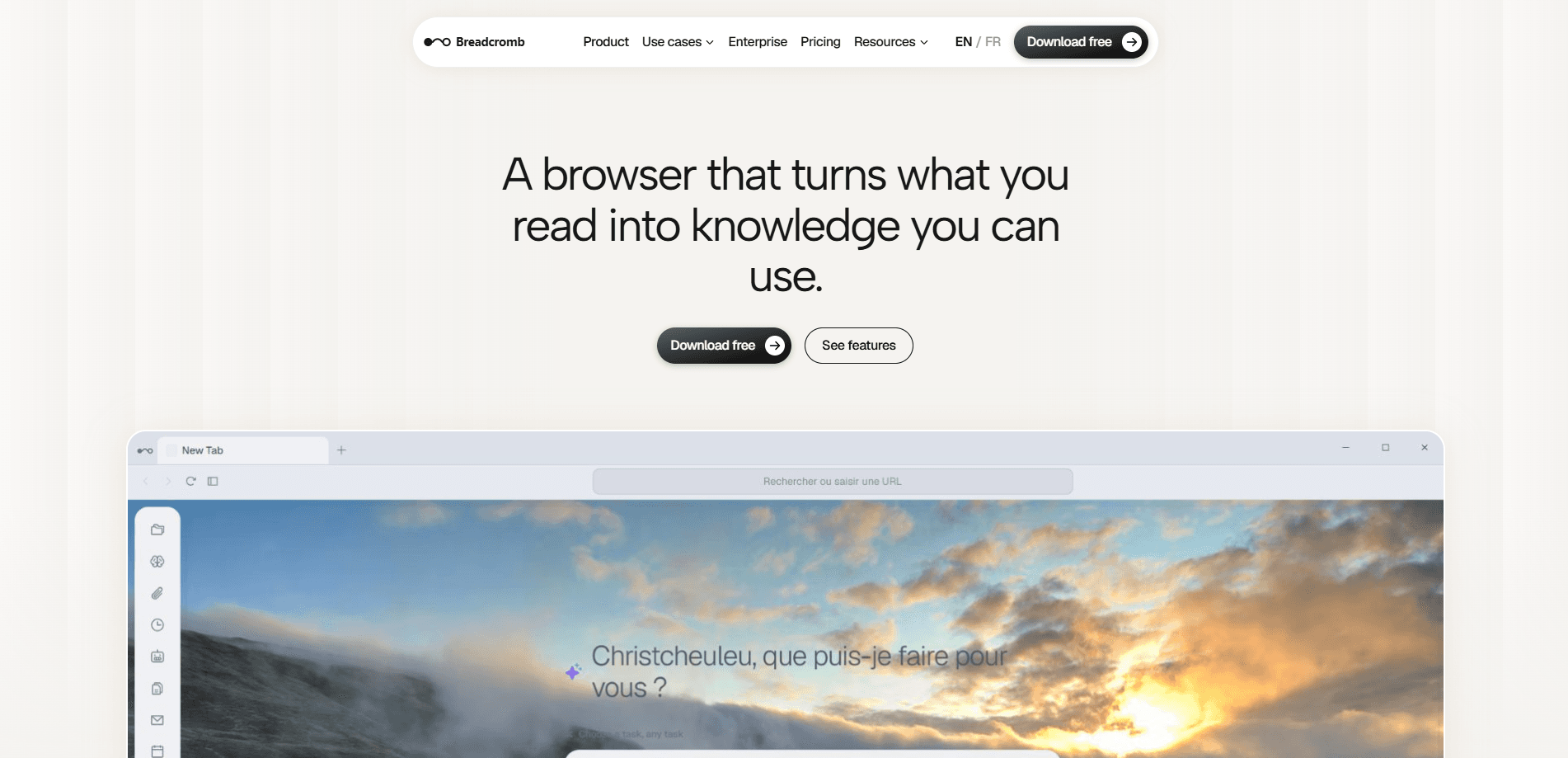
Breadcromb makes Trace, a free AI browser agent that quietly indexes every page, PDF, and document you open into a private memory stored on your own device. From there you can search your history by describing what you remember, chat over the pages you have read, and hand off chores like filling forms or pulling data across tabs to an agent that does the clicking for you. Want a browser AI assistant that keeps your reading private? Trace is built for exactly that.
About Breadcromb
What Is Breadcromb
Breadcromb is the company, and Trace is the product, the same way Anthropic makes Claude or OpenAI makes ChatGPT. Trace turns your browser into an AI browser agent. It indexes what you read automatically, builds a searchable local memory, and then acts on that memory to chase follow-ups, prep meetings, and surface what needs your attention.
The main problem it solves is recall. You read hundreds of pages a week and remember ideas, not titles. Titles vanish. Trace lets you search your browser history by describing the idea, then walks a knowledge graph that connects related sources instead of just matching keywords. It also runs a set of LLM-driven web automation agents, so tasks like comparing prices across tabs or filling a form can be described rather than performed. That's the pitch, anyway. The agent does most of the clicking for you.
The biggest limit is scope. Trace lives in the browser, so it sees web pages, PDFs, and documents you open there, not files buried in your desktop folders or email. It's also a young product, and the deeper agentic workflows are the newest part of it. Run everything through local models and quality depends on the model you connect.
Getting Started
- Install the Trace browser extension from the Breadcromb site and pin it to your toolbar.
- Open the sidebar and choose an AI provider. You can point it at Ollama for a free local model, or connect OpenAI, Anthropic, Gemini, or Azure AI Foundry if you prefer a cloud model.
- Browse normally for a day or two. Trace indexes pages, PDFs, and documents in the background with no manual capture step.
- Open the sidebar and search your history by describing what you remember, or ask a question about something you read.
- Hand off a task to the agent, such as "compare these three laptops" or "fill in this signup form," and let it work the page while you keep going.
Product Information
A quick look at Breadcromb's pricing, supported platforms, and performance.
Best for
The users, tasks, and scenarios where this tool fits best.
Users
- Students
- Founders and consultants
- Freelancers
- Small business owners
Tasks
- Recalling a source by idea
- Chatting over your reading
- Web automation
- Building artifacts inline
Scenarios
- Daily research sessions where you read a dozen articles and need to connect the dots later.
- Meeting prep when you want a short brief assembled from emails, notes, and past conversations.
- Privacy-sensitive work where you can't send your browsing history to a cloud service and you prefer a local model.
- Comparison shopping or vendor research that spans several tabs and pages.
Key features
Local-first private memory
Trace indexes what you read into a memory that lives on your device. Nothing leaves it unless you choose a cloud AI provider, and you can run entirely offline with a local model and no API key. Your history stays yours. That setup matters if your browsing includes anything confidential.
Describe-it full-text search
Instead of hunting for a title, you describe what you remember and Trace finds the page, PDF, or document. It searches everything you have ever opened in the browser, which turns vague recollection into a usable starting point. No bookmarking needed.
Knowledge graph over your sources
Ask a question like "which papers I have read compare RAG to fine-tuning" and Trace walks a graph of connected sources rather than matching keywords. The result is a set of linked pages instead of a flat list of hits.
Describe it, don't do it
Tell the agent what you need and it takes over the page: filling forms, comparing prices, and pulling data across tabs while you keep working. This is the part that turns a browser AI assistant into something closer to AI web automation. Type a request. The agent works the page.
Inline artifact creation
Ask for a document, a slide deck, a spreadsheet, or even a landing page and Trace builds it inline as a real, editable artifact. You get something you can refine, not a wall of chat text you have to copy out.
Proactive briefings and meeting prep
Trace works in the background without prompts. It delivers a once-a-day morning briefing, offers to digest an article the moment you open it, and assembles a short brief before a calendar event from your past emails, notes, and conversations.
Any AI, no lock-in
Connect Ollama, OpenAI, Anthropic, Gemini, or Azure AI Foundry and switch any time. Running a local model keeps everything on your machine, while a cloud model trades some privacy for stronger reasoning. Your call.
Smart calendar extraction
Trace reads any web page, finds dates and times, and saves events automatically. It includes a calendar-style grid, schedule view, and a quick-create form, so event details you spot while browsing don't get lost.
Pros and cons
Pros
- Free to download, install, and use, with no telemetry and no subscription.
- Local-first design keeps your browsing memory on your device and supports fully offline use with Ollama.
- Full-text search by description plus a knowledge graph makes old reading genuinely findable.
- The agent handles real web chores, from form filling to cross-tab data collection.
- Provider-agnostic, so you can swap between local and cloud models without rebuilding your setup.
- Inline artifact creation produces editable documents and decks instead of raw chat output.
Cons
- It only sees what you open in the browser, so desktop files and email stay outside the memory.
- Agentic workflows are the newest part of the product, so results can vary on complex multi-step tasks.
- Output quality depends on the model you connect; a weak local model limits what the assistant can do.
- Public pricing and API details are thin, so teams planning around an API should confirm before committing.
Frequently asked questions
Breadcromb builds Trace, a browser-based AI agent that indexes everything you read into a local memory, then lets you search, chat over, and automate tasks based on that history.
Related content
Explore related tools, skills, and articles for Breadcromb.
Breadcromb Alternatives

HireKey
HireKey · Voice & Language · Productivity · LeaningHireKey is an AI job search copilot built by a former tech recruiter. It checks role fit, tailors resumes, runs interview practice and tracks every application.

Lune
Retrograde Labs · Productivity · LeaningLune is a research search engine for scientific AI agents. It runs as an MCP server that lets Claude, ChatGPT and Cursor search peer-reviewed computer science papers and cite them.
Coddy
Coddy · Coding · LeaningCoddy is a gamified platform to learn to code through short interactive lessons in 20+ languages, with a browser editor, an AI tutor and free certificates.