

Brilliant: Learn Math & Coding
Brilliant.org · Leaning
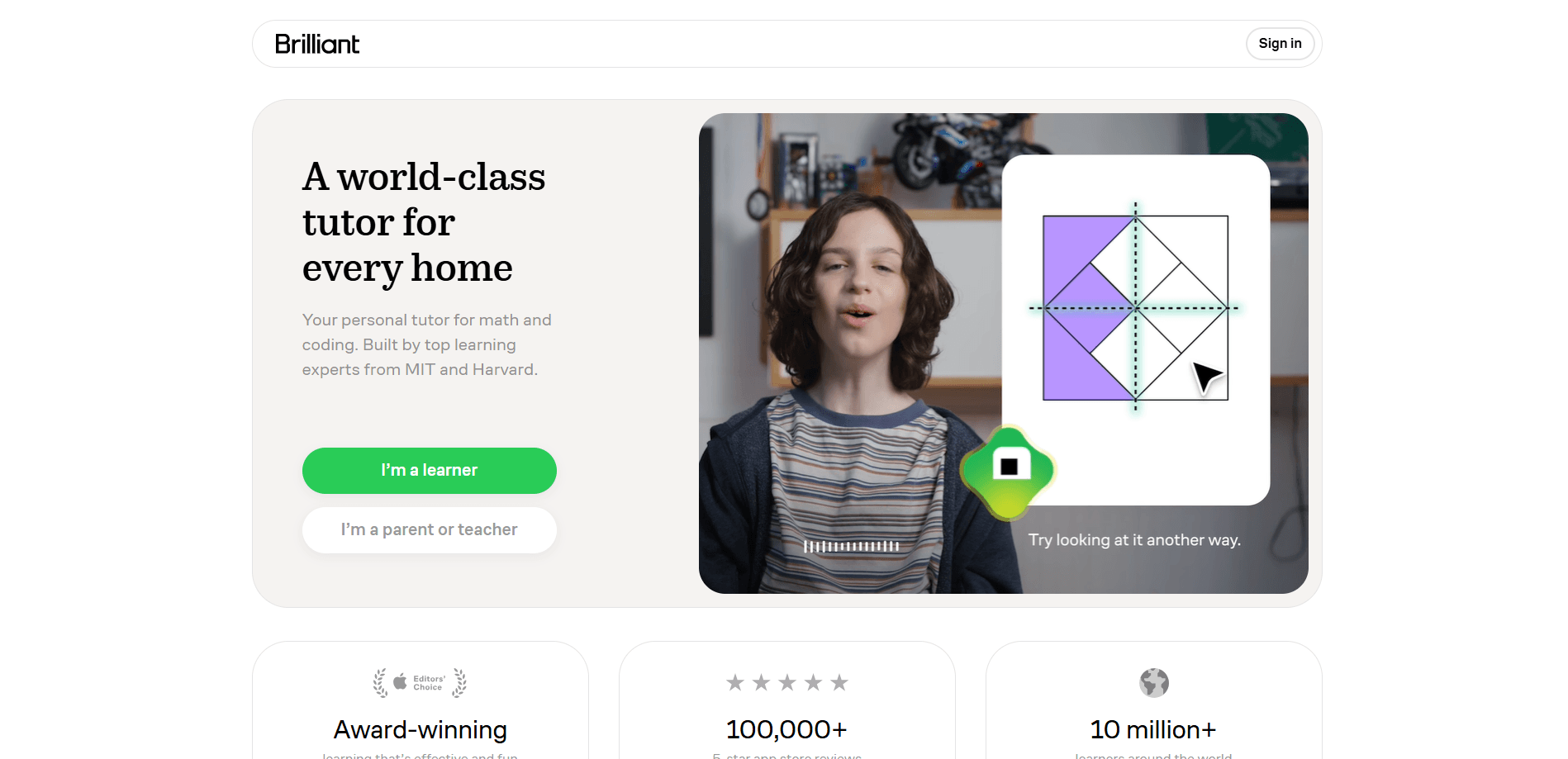
Brilliant is an interactive STEM learning app for math, data analysis, computer science and science, built around short hands-on lessons instead of lecture videos. Its visual tutor, Koji, works with you on a shared canvas. He asks guiding questions and adapts each session to the gaps he finds. The result is a study tool that aims for understanding, not quick answers. Short lessons. Real practice. No passive watching.
About Brilliant: Learn Math & Coding
What Is Brilliant
Brilliant is a subscription-based education platform for people who want to learn math, coding, science and data skills on their own schedule. It replaces long video lectures with bite-sized interactive problems that build one idea at a time.
The main problem it solves is the gap between watching someone explain a concept and being able to use it. Brilliant puts the practice in front of you right away, then adjusts the difficulty based on what you get right and wrong.
The biggest limitation is that it isn't a substitute for a full degree program or a live teacher. It works best as a supplement for curious learners, students catching up, or professionals refreshing fundamentals. If you want a credential at the end, this isn't it. If you want skills that stick, it's a strong pick.
Getting Started
- Sign up at brilliant.org or through the mobile app using an email address or a Google account.
- Pick a starting course, such as Math Foundations, Solving Equations or Programming with Python.
- Take the short placement questions so the platform can see your current level.
- Work through a lesson: read the concept, answer the interactive prompts, and follow Koji's hints when you get stuck.
- Track progress on the dashboard and review the topics flagged for more practice.
Product Information
A quick look at Brilliant: Learn Math & Coding's pricing, supported platforms, and performance.
Best for
The users, tasks, and scenarios where this tool fits best.
Users
- Students who want extra practice with algebra, geometry or statistics outside class, with instant feedback on each answer.
- Self-taught developers learning Python or computer science fundamentals, since lessons run in the browser without extra setup.
- Parents looking for a structured STEM activity for a child, with progress notifications that show completed lessons and weak spots.
- Adults refreshing math or data skills for work, who need short sessions that fit around a job.
Tasks
- Building up math fundamentals
- Learning to code in Python
- Practicing data and probability
- Preparing for a school test
Scenarios
- A 20-minute study block before dinner, using one short lesson on the phone.
- Catching up on shaky fundamentals over a few weeks during a school break.
- Getting unstuck on a homework problem late at night when no tutor is available.
- Weekend learning for fun, working through a science or logic course with no deadline.
Key features
Koji, the Visual AI Tutor
Koji is the platform's standout feature. Instead of typing a question and getting an answer, you work on a shared interactive canvas where Koji sketches, gives hints and asks guiding questions. It tracks what you've mastered and builds your next sessions around the gaps. The difficulty rises when you're ready. It eases off when you're struggling.
Interactive Problem-Based Lessons
Every lesson is built from hands-on problems rather than passive video. You answer prompts, drag elements and test ideas as you go. That keeps you engaged. It also shows whether you actually understood the concept, which long lectures rarely do.
40+ Courses Across STEM Topics
The library covers math, data analysis, computer science and science, with online math courses ranging from Math Foundations all the way to Programming with Python. New material is added over time. The breadth means one subscription covers a range of interests instead of a single subject.
Real-Time Progress Tracking
A visual dashboard shows what clicked, what's still hard and what to do next. Parents and learners get regular summaries covering completed lessons, mastery assessment results, strengths and areas that need more practice. It turns vague "am I improving?" questions into something you can actually see. No guessing.
Works Across Web and Mobile
You can start a lesson on a laptop and continue on your phone. Access follows your account across devices, so a commute or a spare ten minutes becomes usable study time. The mobile apps have strong ratings on both app stores.
Placement and Adaptive Difficulty
Onboarding includes short placement questions that set your starting point. As you work, the lessons adapt, so you won't spend weeks on material you already know or get thrown into problems above your level.
Pros and cons
Pros
- Lessons are interactive, so you practice instead of just watching.
- Koji gives hints and guidance rather than just answers, which pushes real understanding.
- The adaptive system adjusts difficulty based on your accuracy.
- One subscription covers math, coding, data and science in one place.
- Progress dashboards and notifications make improvement visible.
Cons
- Most of the useful content sits behind the Premium subscription, so the free tier is limited.
- There's no public API, so you can't plug Brilliant lessons into your own tools or classroom systems.
- It pairs well with school or self-study but won't replace a teacher for exam-heavy goals.
- Lessons move in short bursts, which may feel slow for advanced learners who want depth fast.
Frequently asked questions
Brilliant covers math, data analysis, computer science and science through interactive courses. Topics run from basic algebra and geometry to Python programming and statistics, with new courses added periodically.
Related content
Explore related tools, skills, and articles for Brilliant: Learn Math & Coding.
Brilliant: Learn Math & Coding Alternatives

HireKey
HireKey · Voice & Language · Productivity · LeaningHireKey is an AI job search copilot built by a former tech recruiter. It checks role fit, tailors resumes, runs interview practice and tracks every application.

Lune
Retrograde Labs · Productivity · LeaningLune is a research search engine for scientific AI agents. It runs as an MCP server that lets Claude, ChatGPT and Cursor search peer-reviewed computer science papers and cite them.
Coddy
Coddy · Coding · LeaningCoddy is a gamified platform to learn to code through short interactive lessons in 20+ languages, with a browser editor, an AI tutor and free certificates.