

Browse Anything
Browse Anything · Coding · Productivity
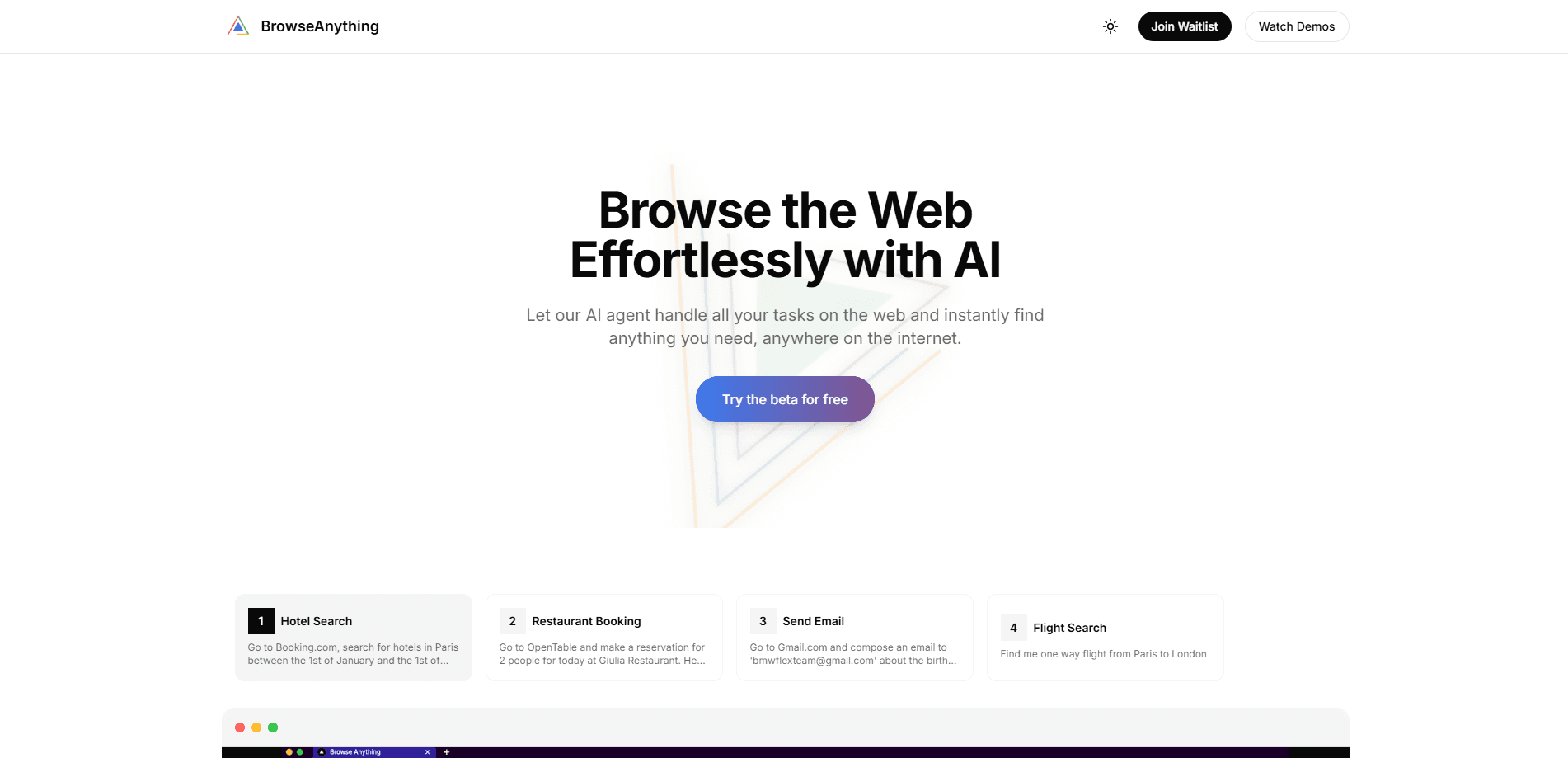
Browse Anything is an AI browser agent that runs tasks in a real browser. It logs in, fills forms, books, monitors prices, and pulls data from plain prompts, sending results to the cloud or Telegram.
About Browse Anything
What Is Browse Anything
Browse Anything is a cloud AI browser agent. You describe an outcome in everyday language, and specialized agents open a real browser, click, type, log in where you allow, and hand back readable results. It's built for people who want the web work done, not just explained, and it works as a general-purpose web automation tool.
The product solves a gap that chat assistants leave open. A chat model can tell you how to find a flight or compare listings, but it can't act on a live site. Browse Anything drives an actual browser session, so tasks that need clicks, logins, and form entries finish on their own. You get a notification the moment a run is done, plus screenshots when they matter.
There are limits worth knowing. Every run is async and typically takes 30 seconds to 3 minutes, so autonomous browsing isn't instant. There's no mobile app, and the Telegram bot sits behind the paid plans. Also, captcha solving and scheduled web tasks only unlock on Pro and Ultra.
Getting Started
- Sign up free at platform.browseanything.io with no credit card.
- Open the cloud dashboard from any browser, or link Telegram on Pro, or install the Chrome extension to drive your own browser.
- Type what you want in plain language, for example "watch this listing and ping me if it drops below $50."
- Let the agent run in the background, then read the result in the cloud, in Telegram, or as a notification when it finishes.
Product Information
A quick look at Browse Anything's pricing, supported platforms, and performance.
Best for
The users, tasks, and scenarios where this tool fits best.
Users
- Analysts and researchers
- Online shoppers and deal hunters
- Founders and small teams
- Busy professionals
Tasks
- Scheduled research
- Price monitoring
- Form filling and outreach
- Booking and availability checks
Scenarios
- A weekday morning digest
- Competitive intel
- Product launch research
- Personal errands
Key features
Plain-Language Task Control
You describe the outcome and the agent plans the steps. There's no script and no code to write. This lowers the bar for anyone who can type a sentence but can't build an automation.
Real Browser Execution
The agent clicks, types, logs in where permitted, and books on live sites. That's the work a chat model alone can't do, and it's why results come back as confirmations rather than advice.
Scheduled and Recurring Runs
On Pro and Ultra, run tasks hourly, daily, weekly, or monthly. You set the cadence and wake up to the result, which fits repeating jobs like digests and monitoring.
Cloud, Telegram, and Chrome Extension Access
Start in the cloud dashboard, then add a Telegram bot on Pro or drive your own browser with the extension. New users can reach a running agent in minutes, and the Telegram bot doubles as a lightweight mobile front end.
Captcha Solving and Stealth Mode
Paid plans add captcha handling for reCAPTCHA, hCaptcha, and Turnstile, plus advanced stealth and sticky sessions. These help runs survive sites that push back on automation.
Parallel Browsing with Sub-Agents
Pro runs 2 sub-agents and Ultra runs 3, alongside more concurrent browser sessions. Parallel jobs cut the wall-clock time for work that would otherwise queue up.
Notifications with Screenshots
Each run reports back when it's done, in the cloud or Telegram, and sends screenshots when they help you verify. You don't have to sit and watch it work.
Pros and cons
Pros
- Describe a task in plain English and it runs in a real browser, so logins and forms get handled.
- Free cloud tier with 200 credits a month and no credit card makes it easy to test.
- Telegram bot, Chrome extension, and scheduling cover everyday and power-user flows.
- Captcha solving and stealth mode on paid plans keep more runs from failing.
- Async notifications with screenshots mean you're not waiting on the screen.
Cons
- Scheduled runs and the Telegram bot need Pro or Ultra, so the free tier stays basic for browser automation.
- Every task takes 30 seconds to 3 minutes, which rules out anything that must be instant.
- There is no dedicated mobile app, so phone-native workflows lean on the Telegram bot.
- Higher-volume use burns through credits, and you'll need paid packs once you pass the monthly cap.
Frequently asked questions
It runs browser tasks for you, like researching, monitoring, booking, and filling forms, from a plain-language prompt. It acts on real sites rather than just answering questions.
Related content
Explore related tools, skills, and articles for Browse Anything.
Browse Anything Alternatives

Udon
Udon · Coding · ProductivityUdon turns an Apple Silicon Mac into a home server you run from a browser, with container controls, file shares, and an optional AI sysadmin.

offstage
offstage cloud · Coding · Productivityoffstage gives AI coding agents and CI jobs a real Mac: a fresh macOS account on Apple silicon, driven over an API and billed by the second.

BotBus
Chengdu Tuyang Tusen Technology Co., Ltd. · Coding · ProductivityBotBus lets you control AI coding agents from your phone and watch: approve commands, start tasks and read results while the code stays on your desktop.