

Buddy AI Note
PodTech Corp. · Productivity
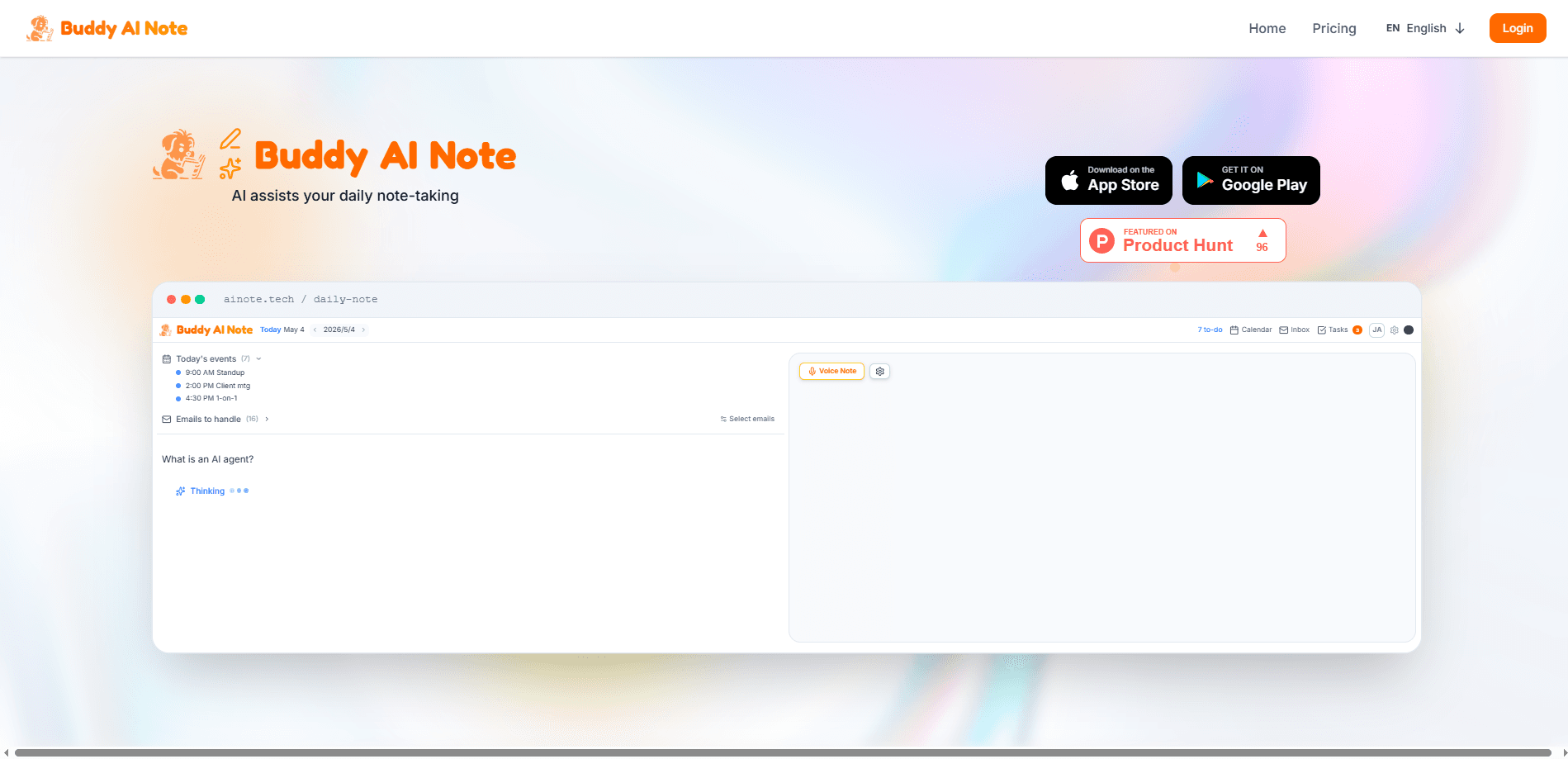
Buddy AI Note is a memo-first daily workspace from PodTech Corp. that lets you write notes freely and uses AI to turn them into structured meeting minutes, tasks, calendar events, and draft email replies. It connects to Gmail, Outlook, and your calendar so the notes you jot down actually move forward, and it holds anything that reaches another person for your approval before sending. So what makes it different? Most tools stop at storage. If you take notes all day but rarely act on them, this is a note-taking app built around finishing the work, not just storing it.
About Buddy AI Note
What Is Buddy AI Note
Buddy AI Note is an AI note-taking app that treats a daily memo as the starting point for your whole day. You write the way you think, and the assistant behind it reads that rough text and lays out a plan: research tasks, prep time, reminders, and the emails that need answers. The pitch is simple. Most notes die the moment you close the app, and Buddy tries to close that gap between writing something down and getting it done.
The core idea is a daily note that fills itself. Instead of moving between a notes app, a task manager, and a calendar, you write in one place and let the assistant sort the pieces. Anything that reaches another person, like an email or a calendar invite, waits for your review. That review step is the design choice people notice first, and it's deliberate.
The biggest limit is scope. Buddy AI Note leans on connected accounts to do its best work, so a Gmail, Outlook, Google Calendar, or Outlook Calendar connection is where the real value shows up. It also runs on a paid plan, with a 30-day free trial rather than a permanent free tier. If you want a plain offline scratchpad, this is more machinery than you need.
Getting Started
- Create an account on the Buddy AI Note website or download the app from the App Store or Google Play.
- Start your 30-day trial on the Pro plan to open up the AI planning and drafting features.
- Optionally connect Gmail, Outlook, and your Google or Outlook Calendar so Buddy can read what needs a reply and place the events you approve.
- Write a daily note the way you normally would, then let Buddy break it into tasks, reminders, and draft replies.
- Review every draft or event, then approve the ones you want to send or schedule.
Product Information
A quick look at Buddy AI Note's pricing, supported platforms, and performance.
Best for
The users, tasks, and scenarios where this tool fits best.
Users
- Product managers
- Founders and small teams
- Developers who live in the terminal
Tasks
- Converting raw notes into structured meeting minutes
- Drafting replies to email threads
- Turning a vague goal into a plan
Scenarios
- Wrapping up a meeting and needing the follow-ups out the door
- Starting the morning without a plan
- Keeping a work journal without extra effort
Key features
Note-to-plan conversion
Write a short line like "prepare the partner pitch" and Buddy AI Note breaks it into a small executable plan: a research brief, a block of prep time, a reminder, and a draft email. Each step shows its status, so you can see what is ready and what still needs your input. One click runs the safe steps, and the ones that touch other people wait for review. It's the feature that separates this from a plain AI note-taking app, and it's how the app doubles as an AI daily planner.
Meeting minutes that write themselves
Drop your rough notes after a call and Buddy reshapes them into AI meeting notes: the decisions, who owns each one, and the follow-ups that need to go out. You still write the messy version. It handles the cleanup. For anyone who leaves a meeting with a page of fragments and no clear next step, this is where the app earns its keep.
Email drafting with a review gate
Connect Gmail or Outlook and Buddy reads your mail to find the threads that need an answer, then works as an email drafting assistant that writes a reply in your voice and sets it aside. Nothing is sent on its own. The mail permissions technically allow sending, because Buddy has to be able to place an approved reply, but the app only prepares drafts until you read one and press send. For anyone nervous about handing email to an AI, that limit is the point.
Calendar-aware scheduling
With Google Calendar or Outlook Calendar connected, Buddy reads your agenda and proposes events and time blocks, then writes them only after you confirm. The same rule covers meeting links when you ask for them. This is what lets a vague note turn into a real slot on your calendar, an AI calendar scheduling move rather than another line you forget.
Voice matching
Buddy drafts replies so they read like you wrote them, drawing on the notes and threads you already have. It's not a generic auto-reply. The assistant is trying to sound like the person whose inbox it's helping with, which matters more than raw speed once anyone else is going to read the message.
Terminal access for coding agents
The bnote command-line tool plugs your Buddy task list into Claude Code or any agent that can run shell commands. Your agent picks up what's open, does the work, closes it out, and hands off the parts that need your calendar, your email, or your writing style. Developers keep their real backlog in the loop instead of a scratch to-do list.
Security and data handling
Buddy asks for access to your inbox and calendar, and it's upfront about the trade. Access tokens are encrypted at rest with AES-256-GCM, and row-level security scopes every record to your account so another user's query can't read your rows. Because it uses restricted Google scopes, it completed an independent assessment with TAC Security and is verified by Google for restricted-scope use.
Daily work journal
Anything you log or finish lands in the current day's note as it happens. The next morning you read what was shipped right next to your agenda, which quietly builds a work record without a separate journaling habit. I'm not sure how much people lean on this, but it's a low-effort way to keep a trail.
Pros and cons
Pros
- The review gate on emails and calendar changes keeps you in control of anything that leaves your account.
- Note-to-plan conversion moves you from writing things down to actually finishing them, which is where most note apps fall short.
- The bnote CLI opens Buddy up to coding agents and terminal workflows most note apps ignore.
- Transparent security documentation, including a Google-verified restricted-scope assessment, is rare in this category.
- One workspace covers notes, tasks, reminders, and email drafts instead of three separate subscriptions.
Cons
- There's no permanent free plan. You get a 30-day trial on Pro, and after that the app runs on a paid subscription.
- The best features depend on connected Gmail, Outlook, or calendar accounts. Without them, you're left with a fairly basic notes app.
- The Google Play listing is limited, so Android users should check the current build before relying on it for daily use.
Frequently asked questions
It takes the free-form notes you write each day and uses AI to sort them into structured meeting minutes, tasks, calendar events, and draft email replies. You write the way you think, and it handles the organization and follow-through.
Related content
Explore related tools, skills, and articles for Buddy AI Note.
Buddy AI Note Alternatives

Base Code
Base44 (Wix) · Coding · ProductivityBase Code is a shared cloud development environment from Base44. Teammates describe changes to an existing GitHub codebase in chat, preview them live and send them back as pull requests.

Knocket
Knocket (Tencent RTC team) · Productivity · Business · ChatbotKnocket is a free live chat and contact page tool that lets visitors message you from your website, app, or a shareable link, with every reply handled from Telegram or one inbox.

FloorGen
Vinit Kumar (FloorGen) · Productivity · China AIFloorGen is a browser-based floor plan maker that turns a sentence or a sketch into an editable 2D plan and a 3D walkthrough. Export to PDF, DXF or video, and draw without an account.