

Buildform
ThinkSpire LLC · Productivity
Buildform is an AI form builder that turns a plain-language prompt into a working form with logic, themes and analytics. It tracks partial submissions and starts free.
About Buildform
What Is Buildform
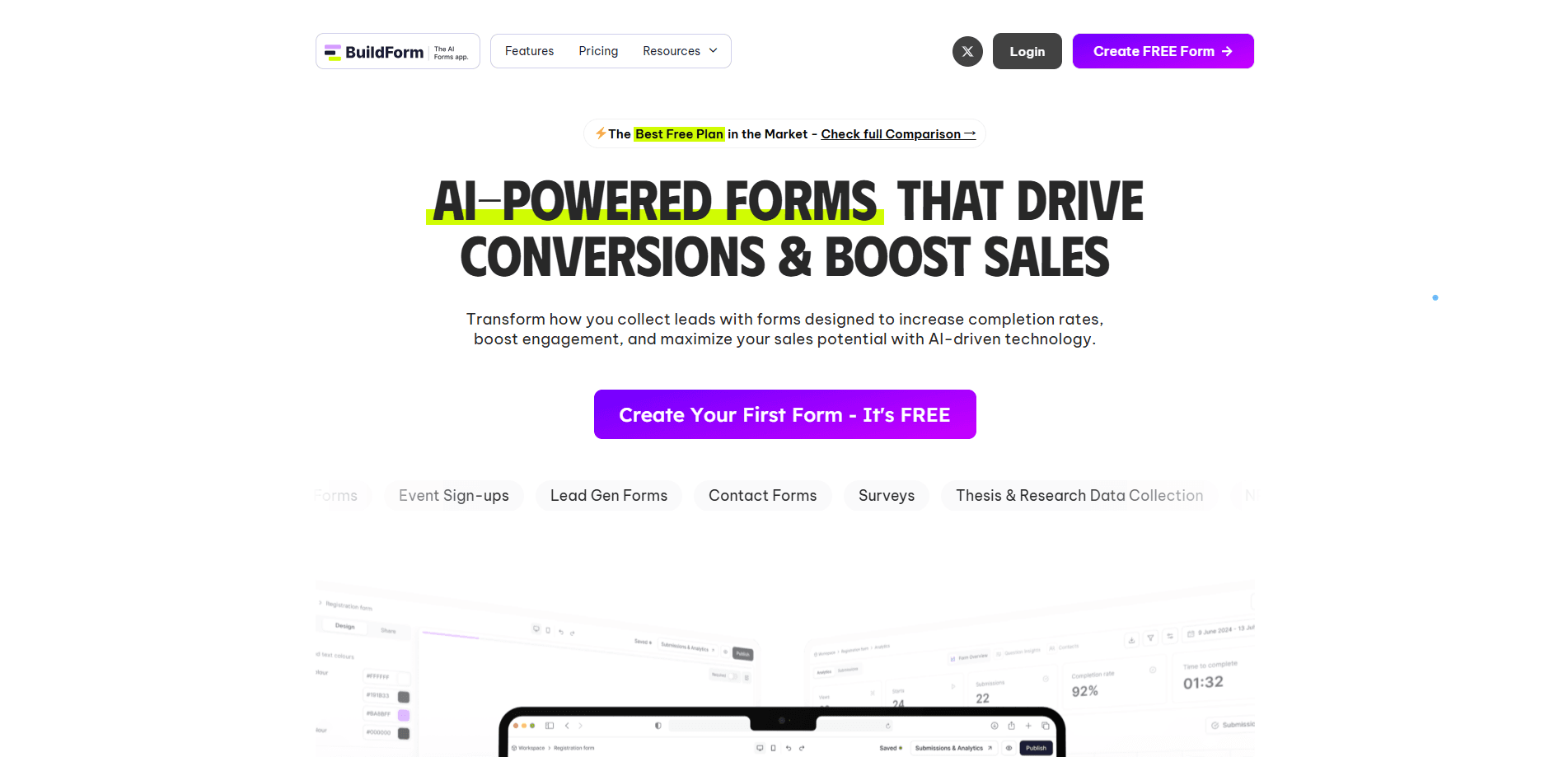
Buildform is a web-based form builder from ThinkSpire LLC, and its hook is the AI Form Creation tool. You describe the form you need in a sentence, and it writes the fields, the layout and the logic for you. From there you edit anything in a visual builder rather than starting from a blank canvas. It covers the usual jobs a form does, from lead capture to feedback surveys, and it ships with a workflow builder for conditional logic.
The case for Buildform rests on what it bundles into the free tier. Unlimited forms and unlimited submissions sit on the free plan alongside AI form creation, file uploads, partial submissions, analytics and Google Sheets and Zapier integrations. Competitors such as Typeform, Jotform and Youform gate several of those behind paid tiers. If cost is the deciding factor, that difference matters more than any single feature, and it's the main line in any Buildform vs Typeform comparison.
Two limits stand out. Custom domains, removal of Buildform branding and partial submission tracking on the paid side start at the Starter plan, so if white-labeling matters you pay for it. And the AI write-up is a starting draft, not a finished form, so you'll still review fields and logic before you publish.
Getting Started
- Create a free account and pick AI Form Creation as your starting point
- Type what the form is about, such as a job application for a social media intern, and let the AI build the draft
- Edit the fields, add logic in the Workflow Builder and apply a theme that matches your brand
- Publish the form and share it by link, embed or QR code, then connect Google Sheets or Zapier to move responses
Product Information
A quick look at Buildform's pricing, supported platforms, and performance.
Best for
The users, tasks, and scenarios where this tool fits best.
Users
- Freelancers and solo operators
- Small marketing and sales teams
- Survey and research leads
- Founders and no-code builders
Tasks
- Generating a first-draft form from a description
- Lead capture with recovery
- Conditional questionnaires
- Survey and feedback collection
- File and document intake
Scenarios
- A freelancer setting up client onboarding
- A paid campaign where the form leaks
- A job opening with hundreds of applicants
- A business that outgrows free tools
- A team already on Google Sheets
Key features
AI Form Creation
The core feature takes a sentence and returns a full form. You type something like "a feedback form for a design agency client" and Buildform drafts the questions, the layout and the starting logic. The point is removing the blank-canvas problem, since most people know what they want to ask but not how to structure a form. You review and edit the draft in the visual builder before it goes live.
Unlimited Forms and Submissions on the Free Plan
Buildform's free tier does not cap what you build or how many responses you collect. Unlimited forms and unlimited submissions sit on the $0 plan, which is where its comparison table draws a line against Typeform, Youform and Deformity. For a small operation, that alone can remove the need to upgrade. The trade-off is the Buildform branding, which only comes off on paid plans.
Partial Submissions and Tracking
People abandon forms, and most builders only show you the finished ones. Buildform records partial submissions, so a half-filled form still shows up as a lead. Combined with analytics, you can see the exact question where people drop off and rework it. This is one of the features its own comparison table flags as unavailable on several rivals' free plans.
Workflow Builder for Logic and Branching
The Workflow Builder handles conditional logic, so questions show, hide or jump based on earlier answers. You can send respondents down different paths, calculate values and set validation rules. A Reset Logics button reorders tangled flows back into sequence when a form gets complicated. Advanced rules and workflow options move to the Business plan.
Analytics and Insights
Buildform Analytics covers views, submissions, drop-offs and completion rates in a live dashboard. Question-level insights show where interest fades, and device and browser breakdowns explain whether mobile users behave differently. A global map marks where submissions come from. Advanced analytics, including data retention and security controls, sit on the Business tier.
Integrations: Google Sheets, Zapier and Calendly
Submissions connect to the tools teams already use. Google Sheets sync writes responses straight into a spreadsheet in real time, Zapier connects the form to thousands of apps, and Calendly lets respondents book a slot inside the form. Admin email notifications arrive on the Starter plan, and webhooks come standard. API access opens up on the Business plan.
Themes, Branding and Custom Domains
Forms ship with themes and support embedded images and videos, so a form can carry your visual identity. On paid plans you remove Buildform branding, apply custom branding and host forms on your own domain. That combination matters for anyone sending forms to clients under their own name rather than Buildform's.
Pros and cons
Pros
- Free plan includes unlimited forms, unlimited submissions and AI form creation, where several rivals paywall those
- Partial submission tracking is included at no cost and turns half-finished forms into follow-up leads
- Google Sheets, Zapier and Calendly integrations ship on the free plan, so responses flow without a paid upgrade
- AI form creation turns a one-line prompt into a full draft with fields and logic, cutting setup time
- Direct Google Sheets sync removes manual exports and copy-paste between the form and a spreadsheet
Cons
- Buildform branding stays on the free plan, so white-labeling requires the Starter plan at $23 to $29 per month
- Partial submission tracking and custom domains are free to use but branding removal is not, which surprises teams expecting a fully free tier
- The AI output is a draft to review, so complex forms still take manual work on logic and validation
- API access sits on the Business plan at $99 to $149 per month, which is steep for a small team that only needs one integration
Frequently asked questions
Buildform is an AI form builder from ThinkSpire LLC. You describe a form in plain language and it generates the fields, layout and logic. It also includes a visual editor, a workflow builder for conditional logic, partial submission tracking, analytics and integrations with Google Sheets, Zapier and Calendly.
Related content
Explore related tools, skills, and articles for Buildform.
Buildform Alternatives

Base Code
Base44 (Wix) · Coding · ProductivityBase Code is a shared cloud development environment from Base44. Teammates describe changes to an existing GitHub codebase in chat, preview them live and send them back as pull requests.

Knocket
Knocket (Tencent RTC team) · Productivity · Business · ChatbotKnocket is a free live chat and contact page tool that lets visitors message you from your website, app, or a shareable link, with every reply handled from Telegram or one inbox.

FloorGen
Vinit Kumar (FloorGen) · Productivity · China AIFloorGen is a browser-based floor plan maker that turns a sentence or a sketch into an editable 2D plan and a 3D walkthrough. Export to PDF, DXF or video, and draw without an account.