

Bulk Image Generation
VP Solutions, Inc. · Image
Bulk Image Generation is an AI image generator that creates up to 100 images in one run from a list of prompts, for sellers, marketers and developers who need image sets, not single pictures.
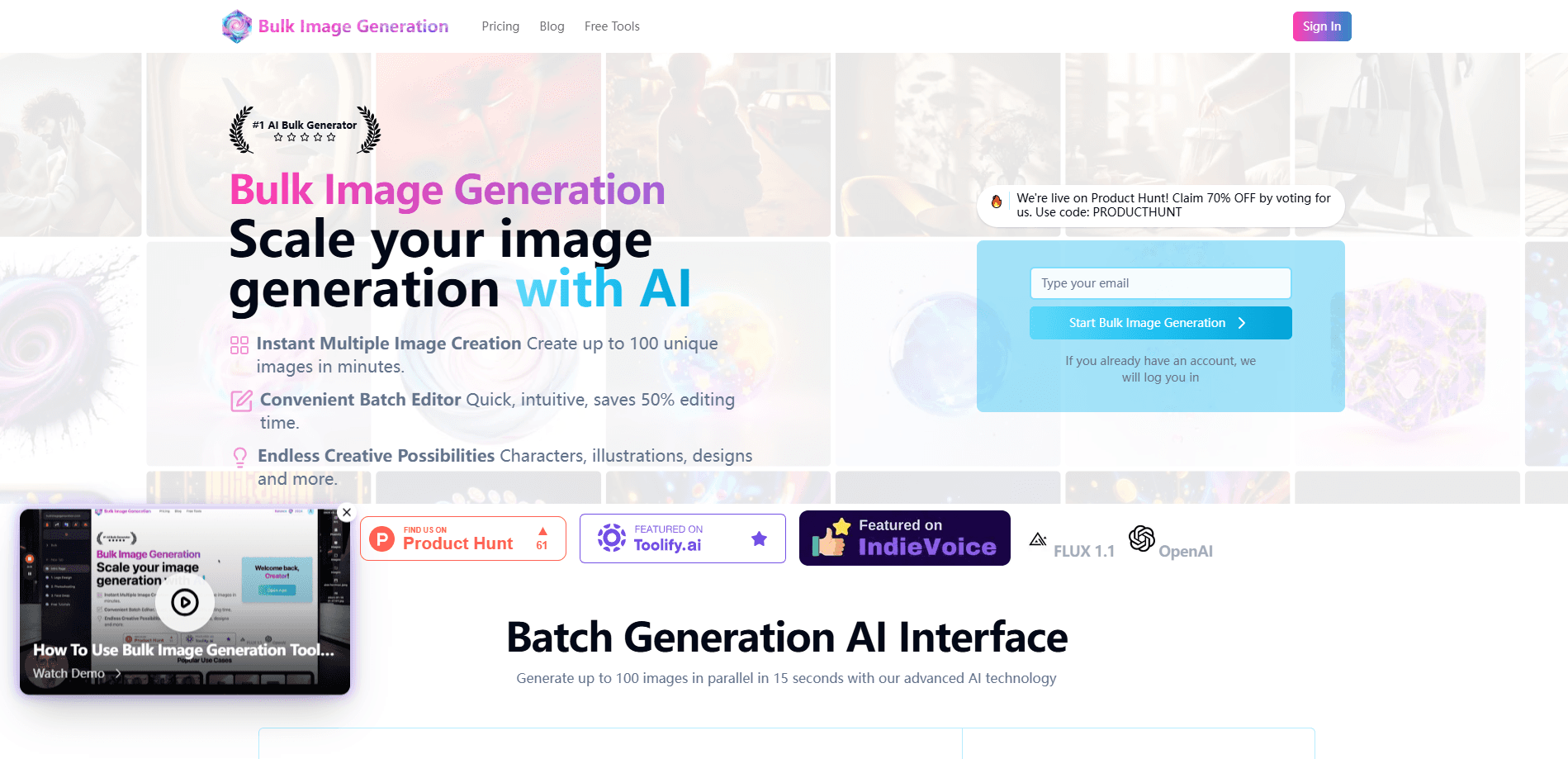
About Bulk Image Generation
What Is Bulk Image Generation
Bulk Image Generation is a web app that turns a list of prompts into a finished batch of images. You describe the set you want once, pick a model, and the service runs every prompt in parallel instead of making you prompt one picture at a time. It's built by VP Solutions, Inc., a small product team in San Francisco, and it has been running since 2024.
The tool targets a specific gap. Most AI image generators return one to four images per request, which works for a single illustration and falls apart when you need a 30 page coloring book or a 50 product catalog. Bulk Image Generation accepts up to 100 separate prompts in a single job, so the whole set comes back in one run. The agent can also write the prompts for you: describe the goal in chat, and it fills in the styles and variations itself.
Two limits matter before you sign up. The free plan gives you 10 images a month and personal use only, so a commercial workflow needs a paid tier. And batches depend on the models available that day, which the company updates as new versions ship, so output quality shifts with the model you choose.
Getting Started
- Sign up free with Google or email and get 10 images a month to test the builder
- Add your prompts as a list, or describe the whole set in one chat message to the agent
- Pick one of the five models and run the batch, which generates in parallel
- Download the full set, or keep editing it with background removal, face swap or bulk resizing
Product Information
A quick look at Bulk Image Generation's pricing, supported platforms, and performance.
Best for
The users, tasks, and scenarios where this tool fits best.
Users
- Etsy and print-on-demand sellers
- E-commerce teams
- Performance marketers
- Indie game developers
- Coloring book and KDP publishers
Tasks
- Generating themed image sets
- Batch background removal
- Bulk face swap
- Writing prompts at scale
- Resizing a finished set
Scenarios
- A 50 product catalog
- A 30 page coloring book
- Launch week ad testing
- Stock portfolio building
Key features
Batches of up to 100 images
Bulk Image Generation runs up to 100 different prompts in one job, where most tools cap out at one to four images per request. Each image can carry its own prompt, so a single batch covers a full catalog, a coloring book or a set of ad variants. The company says a full set typically finishes within minutes because generation runs in parallel.
Five models on one subscription
Every paid plan includes Flux, Nano Banana, Seedream, Ideogram and GPT-Image-2.5. You pick the model per batch: Ideogram or GPT-Image-2.5 when the image needs readable text, Nano Banana or Seedream for photorealism, Flux for clean line art. That spread matters because buying several providers directly means several subscriptions and bills.
Chat agent that writes the prompts
On the Growth tier and above, an agent takes a plain description and turns it into a working set. You can say something like "30 coloring pages of cottagecore animals" and the agent writes and runs the prompts. This removes the prompt engineering step for people who know the output they want but not how to phrase it.
Batch background removal and face swap
Bulk editing works across an entire folder at once. You can remove backgrounds from a whole product catalog in one pass, or swap faces to hold a character consistent across a series. Both jobs run in bulk, so you avoid opening images one by one in an editor.
Agent, API and MCP access
On Growth and higher, an AI agent runs multi-step jobs from a chat message, and an API plus MCP connection lets you trigger batches from your own tools or from Claude and ChatGPT. That suits teams that want bulk image generation stitched into a pipeline rather than run by hand in a browser.
Free tools and commercial license
The site bundles free utilities that need no account: a bulk image resizer, an AI prompt generator, an aspect ratio calculator and an image-to-text converter. Images made on Growth, Premium and Ultra carry a commercial license, so they can go straight into marketplace listings, ads or published books.
Pros and cons
Pros
- Handles up to 100 prompts in one run, which fits catalog and book sized jobs that single image tools can't cover
- Five models included in every paid plan, so you can match the model to the task without extra subscriptions
- Batch background removal and face swap cover the editing work that usually forces a detour into Photoshop
- Free plan with 10 images a month lets you test the builder before paying
- Commercial license on Growth and up, so output can be sold directly
Cons
- The free plan is personal use only, so any commercial project needs a paid tier
- The paywall on commercial rights means sellers can't fully validate output value on the free tier
- Model availability shifts as the company adds versions, so results vary with the model you pick
- Credits expire at the end of each billing period, so unused capacity doesn't roll over
Frequently asked questions
Up to 100 images in a single batch. Each image can have its own prompt, so one run can cover a full product catalog, a coloring book or a set of ad variants.
Related content
Explore related tools, skills, and articles for Bulk Image Generation.
Bulk Image Generation Alternatives

Google EmbeddingGemma 2
Google DeepMind · Writing · Image · CodingGoogle EmbeddingGemma 2 is a 740M-parameter open model that turns text, code, images, audio, and video frames into vectors in one 768-dimension space, running on phones and laptops.

Tractionwave
TractionWave · Image · MarketingTractionWave is an AI attention heatmap tool for static ads. Upload a PNG or JPG and it returns predicted attention, ranked hotspots, and fixes before you spend budget.

Imejis.io
Imejis.io · Image · MarketingImejis.io is an AI design studio for agents and marketing teams. Describe an image in plain words, and it writes the copy, builds the layout, reflows it to every size, then exports a finished file.