

Bump
BidsPro International · Productivity · Business
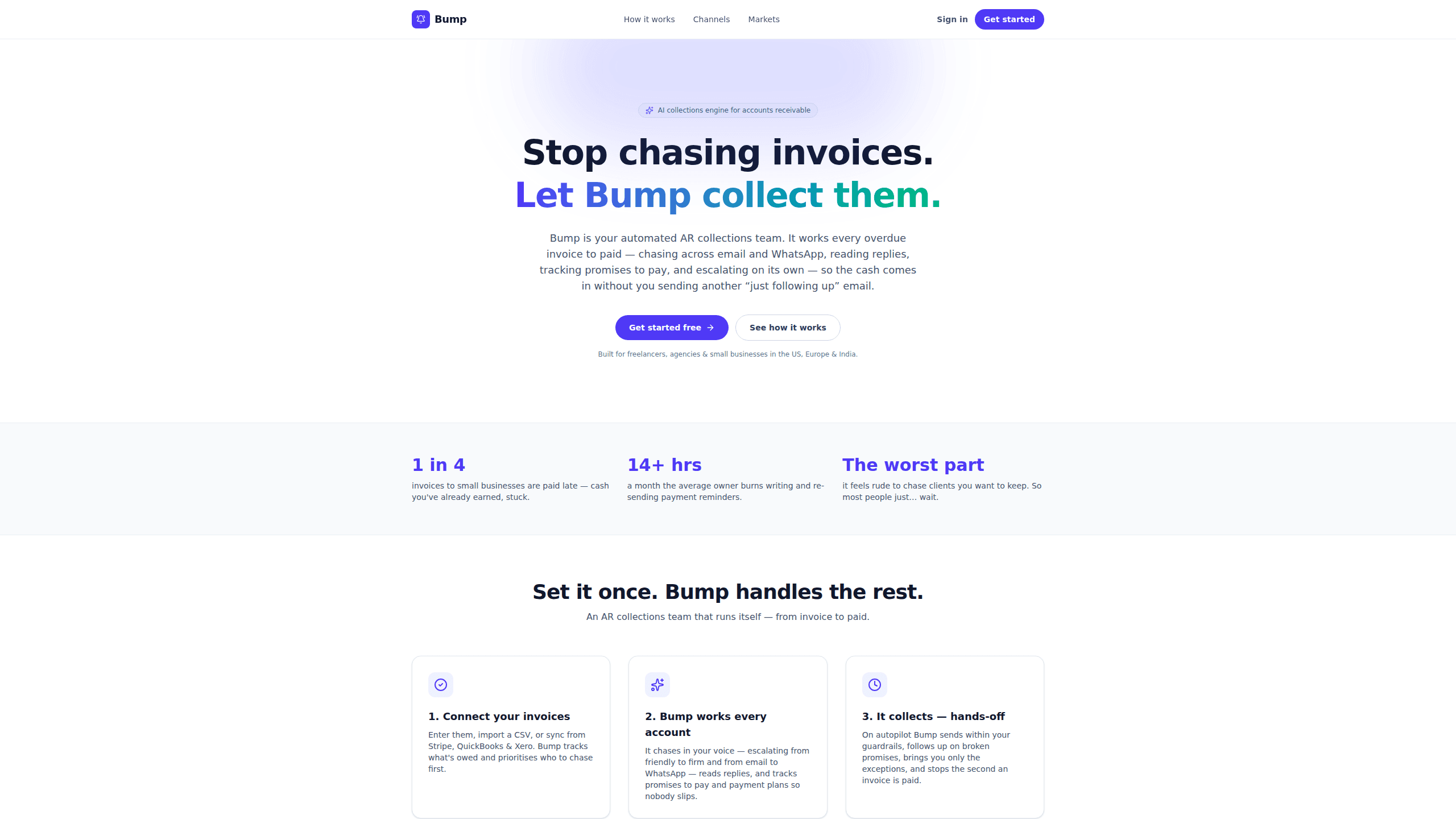
Bump is an AI collections agent for small businesses. It chases overdue invoices over email and WhatsApp, reads client replies, and stops once payment lands.
About Bump
What Is Bump
Bump runs the follow-up on unpaid invoices for freelancers, agencies, and small service businesses. You load what you're owed by hand, with a CSV, or from Stripe, QuickBooks, Xero, and Zoho Books, and Bump starts working the list. Reminders go out in your voice. They open friendly, get firmer as an invoice ages, and switch from email to WhatsApp when email gets ignored.
The problem it targets is narrow and familiar. Chasing a client you want to keep feels rude, so most owners wait, and the waiting turns into a cash-flow squeeze. Bump reads each reply, tells a real promise to pay from a brush-off, records payment plans and early-payment offers, and brings you only the accounts that need a human decision.
It is not accounting software. Bump has no general ledger, produces no balance sheet, and skips purchase orders and PO matching. Text SMS reminders and the AI voice agent for collection calls are still marked as coming soon, so the live channels today are email and WhatsApp.
Getting Started
- Create a free account. The free tier covers up to three clients and asks for no card.
- Add invoices by hand, import a CSV, or connect Stripe, QuickBooks, Xero, or Zoho Books.
- Set your tone, quiet hours, and whether the first message to each client needs approval.
- Let Bump run the cadence, then review exceptions and the audit trail.
Product Information
A quick look at Bump's pricing, supported platforms, and performance.
Best for
The users, tasks, and scenarios where this tool fits best.
Users
- Freelancers with a dozen open invoices
- Small agencies
- Owners and ops leads at service businesses
- Teams billing in USD, EUR, GBP, or INR
Tasks
- Chasing invoices past their due date
- WhatsApp invoice follow-up when email goes quiet
- Tracking promises to pay and payment plans
- Keeping a record of every reminder
Scenarios
- A retainer client who pays 45 days late every month
- An agency carrying 40 open invoices with no credit controller
- A studio billing overseas clients in another currency
Key features
Chasing across email and WhatsApp
A polished email keeps the paper trail, and a short WhatsApp message gets read when the inbox doesn't. Bump sends overdue invoice reminders across both, picks the channel per client, and keeps the wording human. That matters most in markets where WhatsApp is the default business channel, and it's why WhatsApp invoice follow-up sits at the center of the product.
It reads the replies
Bump parses what clients write back. A genuine promise to pay gets logged with a date, a payment plan gets recorded, and a vague "will sort it" doesn't get treated as settled. Anything ambiguous comes to you as an exception instead of triggering another automated message.
Escalation on your cadence
You set the rhythm: a reminder before the due date, a follow-up the day it goes overdue, then repeats at 30, 60, and 90 days. Tone moves from friendly to firm as the account ages, and the sequence halts the moment an invoice is marked paid.
Approval and guardrails
Every first message to a new client can require your sign-off, or you can run full autopilot. Quiet hours, a no-double-text rule, and a complete audit trail sit under both modes. This is the part that makes accounts receivable automation tolerable for owners who worry about sounding like a debt collector.
Market rules for the US, Europe, and India
Bump formats USD, EUR, GBP, and INR the way each market expects, sends inside the client's business hours, and applies local rules: TCPA and CAN-SPAM opt-outs for the US, GDPR-first handling for Europe, WhatsApp-first outreach for India. Tone shifts too, from firm-but-friendly to formal to warm.
Invoice sync with your accounting stack
Connect QuickBooks, Xero, Zoho Books, or Stripe and Bump sees each invoice, its due date, and its payment status without manual entry. No purchase orders, no PO matching, no invoice-processing project before the first reminder goes out.
Pros and cons
Pros
- Flat subscription instead of a collections agency's percentage of every invoice, and lighter than the per-seat AR collections software sold to finance teams.
- Works every open invoice from day one, not only the badly overdue ones.
- Approval mode plus an audit trail gives you a paper trail for every message sent.
- Local currency, timezone, and tone handling covers US, European, and Indian clients without separate setups.
- Stops automatically when an invoice is paid, which protects the client relationship.
Cons
- SMS reminders and the phone agent aren't live yet, so clients who only answer texts still need manual follow-up.
- It won't replace your books. You still need QuickBooks, Xero, or similar for the ledger.
- Paid plan rates aren't published on the website, so you have to start a signup to see what Starter and Pro cost.
- The free tier stops at three clients, which is tight for anyone testing it on a real receivables list.
Frequently asked questions
Bump follows up on unpaid invoices until they're paid. It sends reminders over email and WhatsApp in your voice, reads the replies, logs promises and payment plans, and escalates only when an account needs it.
Related content
Explore related tools, skills, and articles for Bump.
Bump Alternatives

Base Code
Base44 (Wix) · Coding · ProductivityBase Code is a shared cloud development environment from Base44. Teammates describe changes to an existing GitHub codebase in chat, preview them live and send them back as pull requests.

Knocket
Knocket (Tencent RTC team) · Productivity · Business · ChatbotKnocket is a free live chat and contact page tool that lets visitors message you from your website, app, or a shareable link, with every reply handled from Telegram or one inbox.

FloorGen
Vinit Kumar (FloorGen) · Productivity · China AIFloorGen is a browser-based floor plan maker that turns a sentence or a sketch into an editable 2D plan and a 3D walkthrough. Export to PDF, DXF or video, and draw without an account.