

Calmtopia
Calmtopia · Leaning · AI Assistant
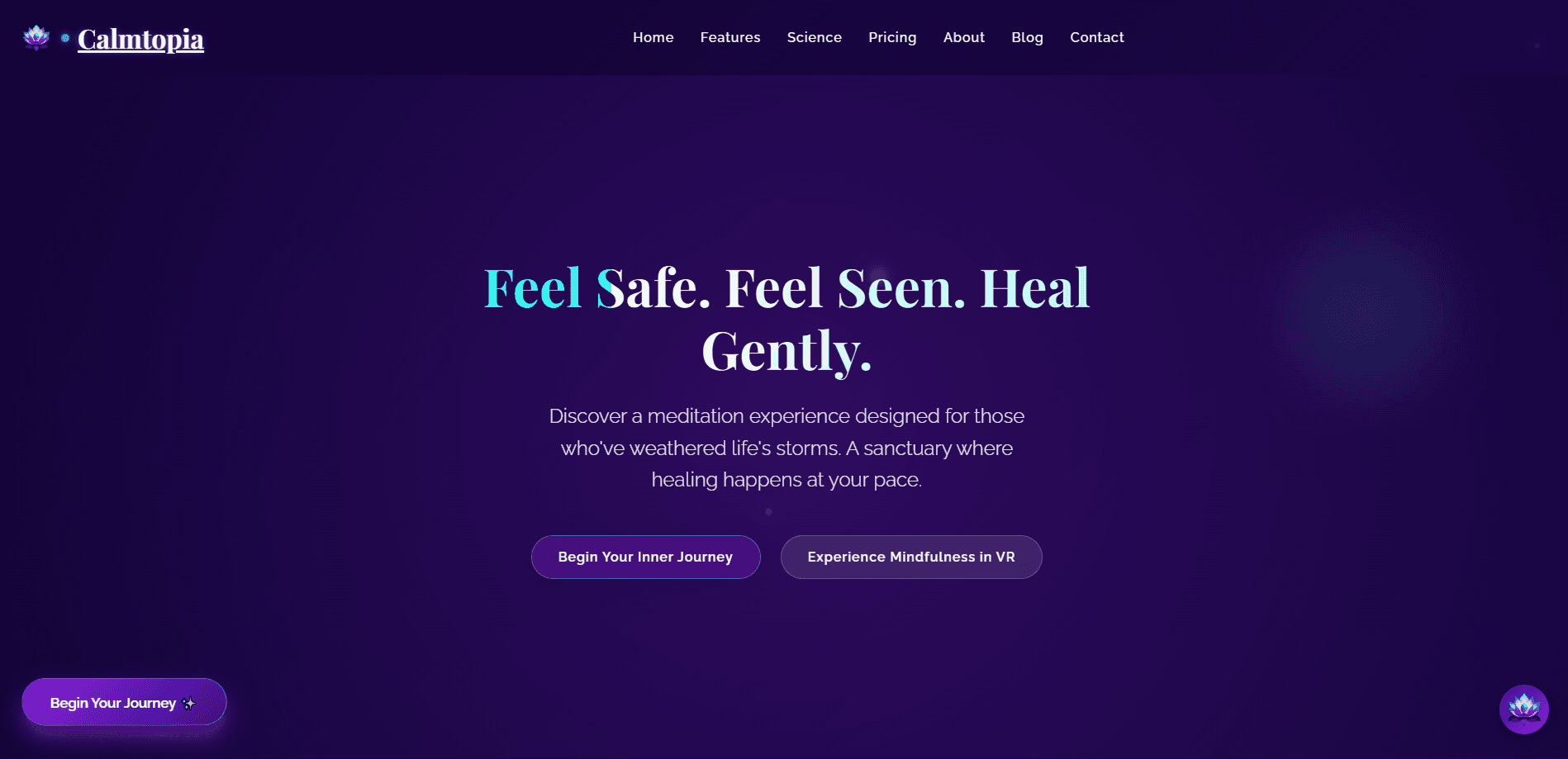
Calmtopia is a calm-down app for kids that walks children through big feelings with short, body-first steps. They can name, settle and create without needing to talk.
About Calmtopia
What Is Calmtopia
Calmtopia is an emotional support app for children, sold under the Calmtopia Kids name. The core experience is built for ages 4 to 6, with older age bands on the way. A child opens the app, picks what helps right now, and follows a short path that moves them from a spike of feeling to a steadier place.
The company describes the design as trauma-informed, meaning it assumes a child may already be carrying hard experiences and avoids pressure to perform calm. That framing shows up in the tools you use: a calming app for children that prioritizes a gentle reset over streaks or rewards.
The idea behind it is simple. During a meltdown, a child often cannot explain what they feel, follow a long list of instructions or calm down just because an adult says so. That isn't defiance. It's overload. Calmtopia replaces talk with a visual, four-step flow: notice, guide, calm, return. Kids tap, breathe, color and listen, one gentle step at a time, with a grown-up nearby.
The parent side tracks practice without turning a child's feelings into a scoreboard. You see when support gets used, what helps most and how patterns build, with a privacy-first child profile that needs only a nickname and an age range.
Two limits matter before you sign up. The finished product is strongest for ages 4 to 6 today, so a child already reading long prompts alone may outgrow it until the 7 to 9 and 10 to 12 bands ship. And Calmtopia is an educational support tool, not therapy. It doesn't replace counselors, doctors or crisis care.
Getting Started
- Download the app on iOS or Android, or start from the site, then create a parent-owned account.
- Set up a child profile with a nickname and an age range, and pick the age band that fits.
- In a real moment, hand over the app and let your child choose what helps first, or open a flow together.
- Check the parent view to see which tools get used and what steadies your child over time.
Product Information
A quick look at Calmtopia's pricing, supported platforms, and performance.
Best for
The users, tasks, and scenarios where this tool fits best.
Users
- Parents of kids aged 4 to 6
- Families of sensitive or anxious children
- Caregivers who want a tool, not homework
- Homeschool and ESA-funded families
Tasks
- Calming an after-school meltdown
- Winding down at bedtime
- Helping a child who won't talk
- Building calm on a good day
- Naming feelings and asking for help
Scenarios
- The moment after school when the day finally feels safe and everything spills out
- A bedtime that turns into a standoff
- A sensory overload spike in a busy room
- Teaching a child to pause before reacting
Key features
A four-step calm-down flow
Every path follows the same beats: notice what's happening, guide one step at a time, let the body slow, then return to connection. The structure is what makes it usable mid-meltdown, because a child doesn't have to read a wall of instructions. They move through one simple screen at a time.
No talking required
Many flows are visual and body-first, so a child can calm before words show up. Kids tap, breathe and listen instead of explaining how they feel. For children who shut down or go quiet under stress, that removes the biggest barrier to using the app at all.
Songs and calming audio
Calmtopia builds short songs and calm sounds that kids remember and return to. These sit at the center of the kids mindfulness work the app does: short, repeatable practice rather than a long session. Sleep support rounds it out, with sleep tools, gentle timers and low-noise options, so the same app covers a mid-day reset and a softer bedtime.
Feel, calm and create
The child side runs on three kinds of moment. Feel helps them name what's there in the body and heart. Calm uses breath, a hold-here pause and soft visuals to steady them. Create opens art and motion so they can color and shape what they feel rather than swallow it. Some kids talk, some color, some just listen. Together the three carry most of the emotional learning the app is built around, moving a child from noticing a feeling to acting on it in a softer way.
Parent insight without surveillance
Practice is logged so you can see what helps, when support gets used and how things build over time. The design deliberately avoids scores and rankings, so a child's feelings don't become a competition. It tells you what works instead of grading your kid.
Sensory-safe, age-band design
Pacing is low-demand and visuals stay quiet, which matters for sensitive and neurodivergent children. Age bands shape the experience too: 4 to 6 is parent-led and live now, 7 to 9 adds guided practice, 10 to 12 opens independence, and 13 to 17 brings a private reset lane under Calmtopia Youth.
ESA-friendly billing
Calmtopia supports families using education savings accounts. Each purchase comes with an itemized invoice, a program description and submission-friendly wording, and the company lists itself as an approved Arizona ESA vendor that works with ClassWallet. That paperwork makes the cost easier to route through a state program.
Pros and cons
Pros
- The four-step flow and body-first design mean a child can use it mid-meltdown, when instructions and conversation fail.
- No talking required removes the main reason some kids never get relief from a calm-down tool.
- Sensory-safe pacing and quiet visuals suit sensitive, anxious and neurodivergent children rather than overstimulating them.
- Parent insight stays descriptive, so you learn what helps without turning feelings into a score to chase.
- One household membership covers the whole family, with ESA and ClassWallet billing options for eligible families.
Cons
- The finished experience targets ages 4 to 6 today, so older kids may have to wait for the 7 to 9, 10 to 12 and teen bands, which are still in progress.
- There's no free plan listed, so families pay $7.99 a month or $59 a year, and a free trial only shows up when the app stores offer one.
- It's an educational support tool, not therapy, so it can't stand in for a counselor, a doctor or crisis care.
- Age bands beyond the core one are on a roadmap, which means the app can't yet fully grow with your child end to end.
Frequently asked questions
Calmtopia helps kids move through big feelings. A child follows a short, visual flow to name what's happening, calm their body and return to connection. It's built for everyday emotional moments, not for clinical treatment.
Related content
Explore related tools, skills, and articles for Calmtopia.
Calmtopia Alternatives

HireKey
HireKey · Voice & Language · Productivity · LeaningHireKey is an AI job search copilot built by a former tech recruiter. It checks role fit, tailors resumes, runs interview practice and tracks every application.

Lune
Retrograde Labs · Productivity · LeaningLune is a research search engine for scientific AI agents. It runs as an MCP server that lets Claude, ChatGPT and Cursor search peer-reviewed computer science papers and cite them.
Coddy
Coddy · Coding · LeaningCoddy is a gamified platform to learn to code through short interactive lessons in 20+ languages, with a browser editor, an AI tutor and free certificates.