

Canva AI
Canva · Image
Canva AI is a set of design tools inside Canva that turns a prompt into images, text, video, and editable layouts. It fits teams and creators who need polished visuals fast.
About Canva AI
What Is Canva AI
Canva AI is the collection of AI features built into Canva, the browser-based AI design tool launched in 2013. Instead of a standalone chatbot, it lives inside the editor where you actually make things. You type or speak a request, and Canva produces an image, a block of copy, a video clip, or a full layout you can then edit by hand.
The tools cover the whole design loop. Magic Write drafts text, the image and photo generators create or edit visuals, the video generator turns a prompt into a clip with sound, and Magic Layers converts a flat image into editable elements. Under the wider Magic Studio banner, Canva groups these along with features like background removal, style matching, and one-click resizing across formats.
The catch is that the most capable options sit behind a paid plan. Free accounts touch a limited slice of the AI tools, while Canva Pro and Canva Business unlock the full set and a monthly allowance of AI credits. Businesses that lean on the tools heavily may also run into credit limits, and output quality still needs a human check before anything goes public.
Getting Started
- Create a free Canva account in a browser, or install the mobile or desktop app.
- Open a blank design or pick a template from the home page.
- Find the AI tools in the editor, through the Canva AI assistant or the Magic Studio menu.
- Type a prompt to generate an image, text, video, or a full layout, then adjust the result by hand.
- Export the finished design as an image, PDF, or video, or share a link with your team.
Product Information
A quick look at Canva AI's pricing, supported platforms, and performance.
Best for
The users, tasks, and scenarios where this tool fits best.
Users
- Small business owners
- Social media managers
- Non-designers who need a clean result
- Marketing teams
Tasks
- Generating images from a prompt
- Writing copy for a design
- Producing short videos
- Turning a flat file into a template
- Resizing one design for many channels
Scenarios
- Launching a campaign on a small budget
- Turning a rough concept into a mockup
- Keeping a solo brand on style
Key features
AI image and photo generation
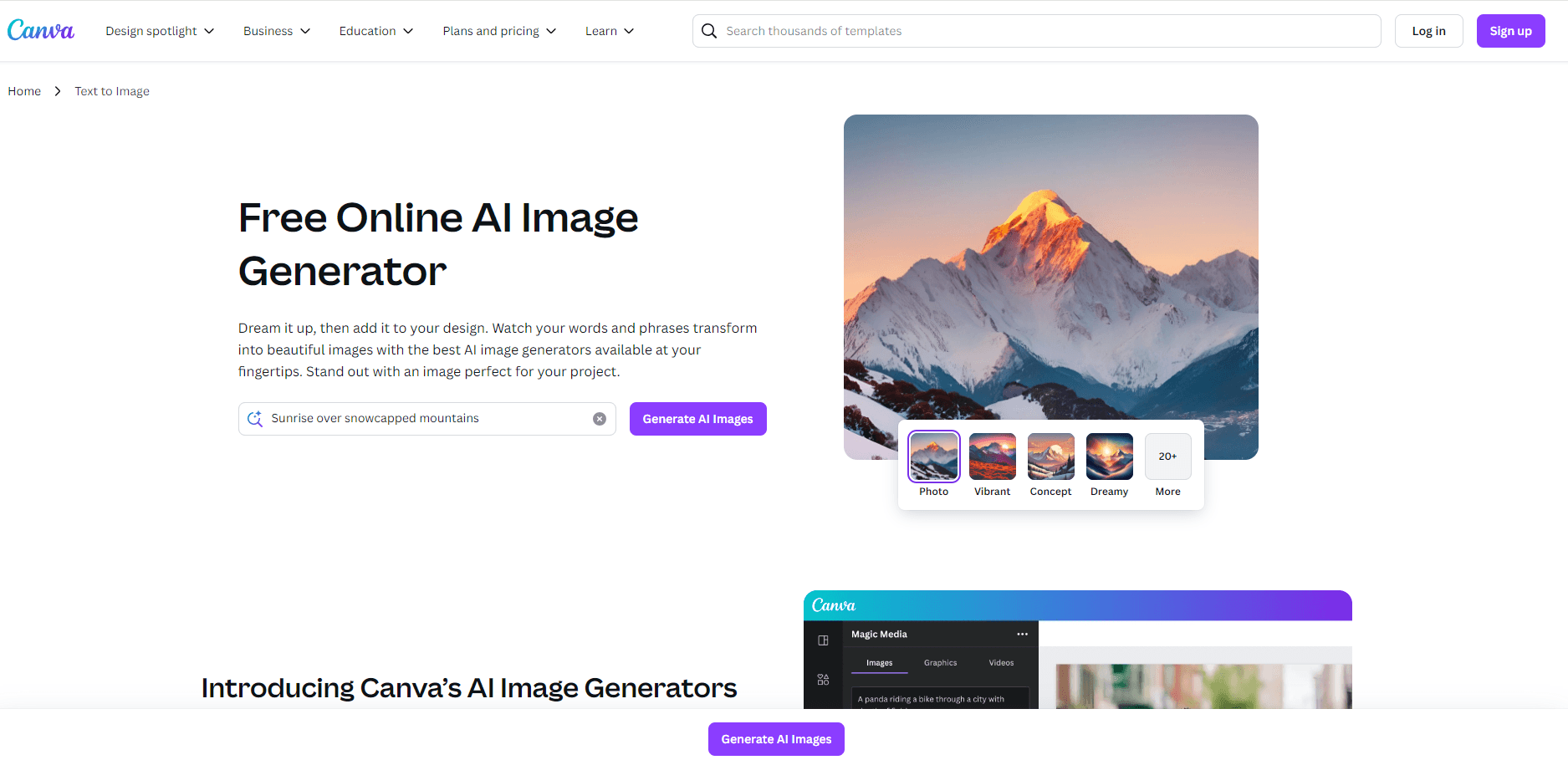
Canva AI works as an AI image generator that turns a text prompt into a visual and also edits existing photos with the same prompt-first approach. You can create a scene, remove a background, or restyle a shot without opening a separate photo app. For a social post or a slide, that means a usable visual is a few clicks away instead of a stock-photo search. The catch is that output needs a look-over, and the more capable models are tied to a paid plan.
Magic Write for text
Magic Write drafts copy inside the design: headlines, captions, product blurbs, and longer bodies. You start from a short instruction and edit the result in place, so the text and the layout stay in one file. It's aimed at people who can write but would rather not start from a blank box. Like the rest of the suite, it works best as a first draft that you shape rather than a finished piece you publish untouched.
AI video generator
The video generator turns a text prompt into a clip with sound, aimed at short-form social content. Canva has leaned on outside models for parts of this, which shows how it stitches best-in-class generation into its own editor. For a promo or a teaser, you can go from idea to a clip without a video team. Output length and resolution are bounded, so it covers social and simple ads more than long-form production.
Magic Layers
Magic Layers takes a flat design and splits it into editable elements, so text, shapes, and images become separate pieces you can move and restyle. That matters when you only have a finished image and no source file. You can pull a logo off a poster or rework someone else's layout without rebuilding it from scratch, which is the kind of task that usually means opening a pro tool.
Brand kits and on-brand generation
Brand Kits store your fonts, colors, and logos in one place, and the AI applies them to new designs automatically. A small business can keep a hundred posts looking like they came from one place. The feature is central to the paid plans, and Business adds template locking and controls over what teammates can edit, which keeps large teams on style.
Canva Code
Canva Code builds interactive pieces, from goal trackers to simple portfolio pages, and styles them to match your design, without requiring you to write code. It extends Canva past static visuals into something users can click and use. The feature is newer and narrower than the core design tools, so it's a bonus for people who want a small interactive element rather than a reason to pick Canva on its own.
Pros and cons
Pros
- The AI tools sit inside the editor, so you generate and edit in one place instead of moving files between apps.
- A free plan lets you try the platform before paying, and the paid tiers add the full AI set plus monthly credits.
- Brand Kits keep output consistent, which matters most for teams posting often.
- Templates and AI drafting lower the skill floor, so someone without design training can ship a clean result.
- The platform covers images, text, video, and even interactive pieces, so one subscription replaces several tools.
Cons
- The strongest AI features and credits require a paid plan, which raises the real cost beyond the free tier.
- Heavy use can hit monthly credit limits, so teams with high volume may need to watch usage.
- AI output still needs a human review, since generated text and images can miss the mark or carry errors.
- The suite is broad but not the deepest option for any single task, so specialists may still keep dedicated tools.
Frequently asked questions
Canva AI is the set of AI features inside Canva, the online design platform. It generates images, text, video, and editable layouts from a prompt, and it also includes editing tools like background removal and style matching. Everything runs inside the Canva editor rather than a separate app.
Related content
Explore related tools, skills, and articles for Canva AI.
Canva AI Alternatives

Google EmbeddingGemma 2
Google DeepMind · Writing · Image · CodingGoogle EmbeddingGemma 2 is a 740M-parameter open model that turns text, code, images, audio, and video frames into vectors in one 768-dimension space, running on phones and laptops.

Tractionwave
TractionWave · Image · MarketingTractionWave is an AI attention heatmap tool for static ads. Upload a PNG or JPG and it returns predicted attention, ranked hotspots, and fixes before you spend budget.

Imejis.io
Imejis.io · Image · MarketingImejis.io is an AI design studio for agents and marketing teams. Describe an image in plain words, and it writes the copy, builds the layout, reflows it to every size, then exports a finished file.