

caricature.life
caricature.life · Image
caricature.life is a browser-based AI avatar generator that turns an ordinary photo into a clean, minimalist avatar. It runs the transformation on your own device instead of shipping your picture to a server, so there's no login wall and no waiting on a queue. The result is a simple profile picture you can drop into social profiles, team pages, or messaging apps without much fuss. That's the whole pitch.
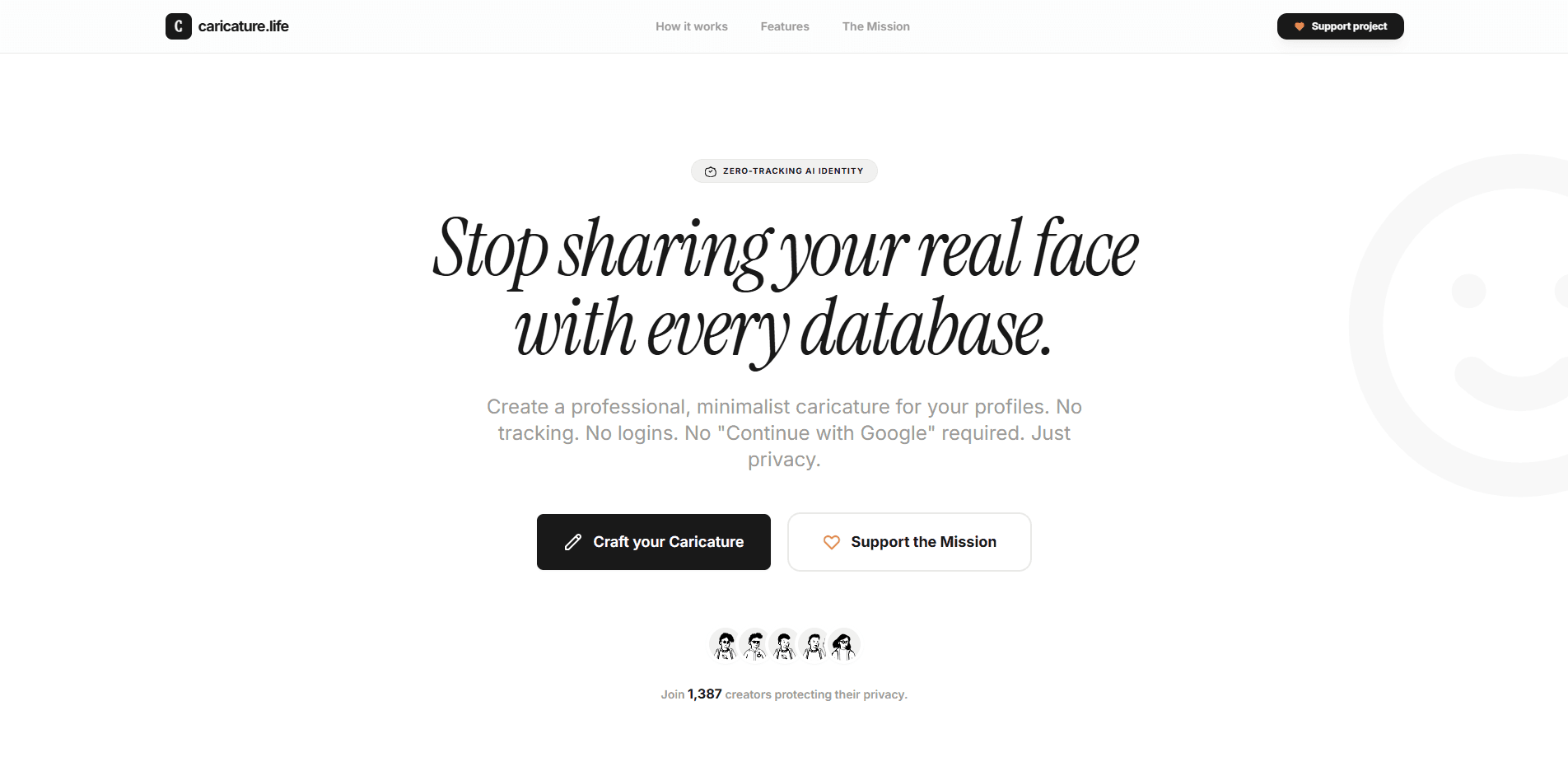
About caricature.life
What Is caricature.life
caricature.life is an AI avatar generator built around a single, narrow job: turning a photo of a face into a minimalist avatar. It doesn't try to be a full design suite. You come in with a picture, and you leave with a stylized image that reads clearly at small sizes, which is what a profile photo usually needs to do.
The selling point is where the work happens. Most AI image tools upload your photo to a server, process it, and send something back. caricature.life runs the generation in your browser instead. That means your originals don't leave your device, and there's no AI server wait time to sit through.
The trade-off is scale and finish. A browser-based model can't match the raw power of a large hosted pipeline, so expect a focused style rather than a studio-grade portrait. If you need heavy retouching or a dozen style options, this isn't the tool for that. Simple as that.
Getting Started
- Open caricature.life in a desktop or mobile browser. No account or sign-up is required to reach the generator.
- Upload a photo of a face, ideally a clear front-on shot with decent lighting.
- Let the tool process the image locally and generate your minimalist avatar.
- Download the avatar and then use it as a profile picture on the platform of your choice.
Product Information
A quick look at caricature.life's pricing, supported platforms, and performance.
Best for
The users, tasks, and scenarios where this tool fits best.
Users
- Privacy-conscious people
- Casual professionals
- Social media users
Tasks
- Turning a selfie into a profile picture
- Refreshing an outdated profile image
- Making a consistent team avatar
Scenarios
- Getting a usable avatar on a shared or work computer
- Working on a slow or metered connection
- Handling a photo you'd rather not upload anywhere
Key features
In-Browser Avatar Generation
The core feature is a photo-to-avatar converter that runs directly in your browser. You upload a picture, the model processes it on your device, and you get a minimalist avatar back. Because it stays local, you skip the upload-and-wait cycle that hosted AI tools put you through. No queue, no countdown.
Privacy by Design
Your photo isn't sent to a server for processing, which is the main reason people reach for this tool over a bigger name. If you've ever hesitated before uploading a selfie to a random avatar site, this is the feature that answers that hesitation. Why hand over a picture of your face when you don't have to? It's a meaningful difference for anyone handling photos of other people, like a team admin who has to collect headshots from a dozen coworkers and would rather not ferry every one of them through a third-party server just to get a clean profile icon.
Minimalist Avatar Style
The output aims for a clean, stripped-down look rather than photorealism. That style holds up well at small sizes, like a 48-pixel profile icon, where heavy detail would just turn to mush. It suits people who want a recognizable face without a literal photo.
No Login or Account
There's no sign-up step between you and the generator. You open the site, upload, and download. For a one-off task, that's the whole value: no email, no password, no marketing list to unsubscribe from later.
Works on Desktop and Mobile Browsers
It runs in a standard web browser, so you're not locked to one operating system or app store. Chromebook users and people on locked-down work machines get the same access as anyone else.
Pros and cons
Pros
- Photos stay on your device instead of being uploaded, which removes a real privacy worry.
- No account needed, so you can finish a one-off avatar in a couple of minutes.
- Runs in the browser on desktop and mobile, with nothing to install.
- The minimalist style reads clearly at small profile-picture sizes.
- No server queue means you're not stuck waiting for a render to come back.
Cons
- The style is narrow, so you won't find a wide library of looks to pick from.
- Browser-side processing can't match the detail of larger hosted models, which limits how polished a result you get.
- There's no API, so you can't plug it into an automated workflow.
- Pricing and paid tier details aren't clearly published, which makes it hard to plan for heavier use.
Frequently asked questions
Yes. The generator is available at no cost, and there's no published paid tier, so you can create avatars without entering payment details.
Related content
Explore related tools, skills, and articles for caricature.life.
caricature.life Alternatives

Google EmbeddingGemma 2
Google DeepMind · Writing · Image · CodingGoogle EmbeddingGemma 2 is a 740M-parameter open model that turns text, code, images, audio, and video frames into vectors in one 768-dimension space, running on phones and laptops.

Tractionwave
TractionWave · Image · MarketingTractionWave is an AI attention heatmap tool for static ads. Upload a PNG or JPG and it returns predicted attention, ranked hotspots, and fixes before you spend budget.

Imejis.io
Imejis.io · Image · MarketingImejis.io is an AI design studio for agents and marketing teams. Describe an image in plain words, and it writes the copy, builds the layout, reflows it to every size, then exports a finished file.