

Carve
Carve · Image
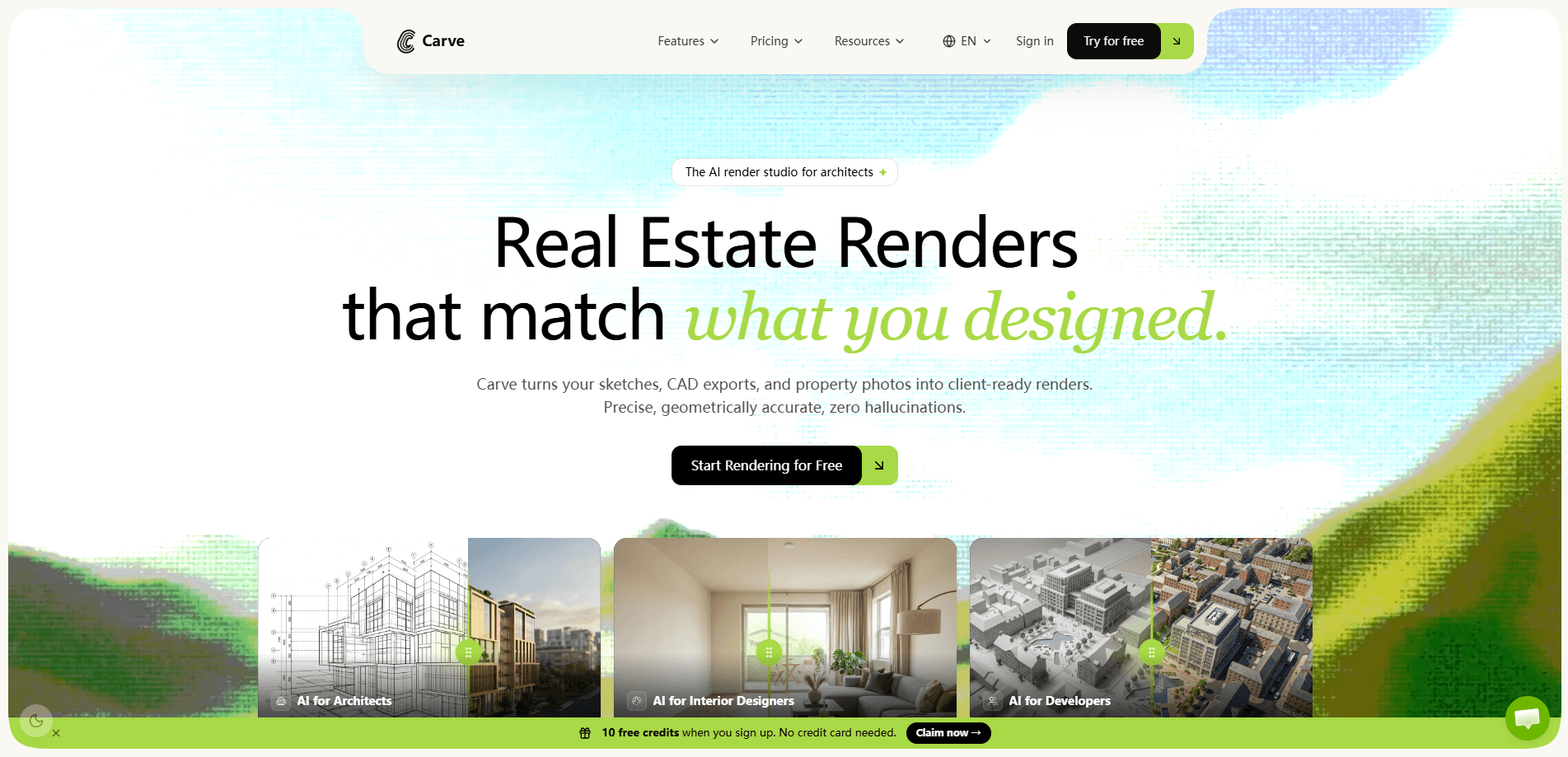
Carve is an AI render studio and real estate photo editing tool built for property photographers, agents, architects, and interior designers. It takes the photos you already shot and turns them into virtual staging, day-to-dusk twilight scenes, and short listing videos, usually in about 60 seconds per render. You work inside one web workspace, so post-production stays in-house instead of going to an outside editor. It also accepts sketches and CAD exports for quick architectural and interior concept visuals.
About Carve
What Is Carve
Carve is a web-based AI real estate photo editing service. You upload the shots from a listing shoot, pick an edit, and the software returns a finished asset. The core jobs are virtual staging for empty rooms, day-to-dusk conversion for exteriors, and cinematic motion clips for listings. Everything runs online, so there's no desktop install and no separate editor to manage. That simplicity is the whole point.
The tool fits the middle of a real estate photo workflow. Photographers shoot the property, then hand off to post for staging and enhancement. Carve sits in that handoff and does the repetitive edits itself, which matters most when you're processing a full day's shoot and the deadline is tight. So who actually benefits? Anyone who shoots property and handles their own post-production.
The main limits are worth knowing before you commit. Carve focuses on real estate and architectural visuals, so it's not a general-purpose photo editor. Renders come back fast, but you should still review them, since AI staging can miss details like window reflections or unusual room geometry. And because it's web-only, you need a stable connection to work.
Getting Started
- Create a Carve account and sign in to the web workspace.
- Start a new project and upload the property photos you want to edit.
- Pick an edit type, such as virtual staging, day to dusk, or a listing video.
- Adjust the style or room settings, then run the render.
- Review the output and export the finished images or clips for your listing.
Product Information
A quick look at Carve's pricing, supported platforms, and performance.
Best for
The users, tasks, and scenarios where this tool fits best.
Users
- Real estate photographers
- Real estate agents
- Architects and interior designers
- Videographers and property studios
Tasks
- Virtual staging
- Day to dusk
- Listing videos
- Concept visuals
Scenarios
- Finishing a full listing shoot in one day
- Pre-listing turnaround under deadline
- Client pitches for renovations
- Tight marketing budgets
Key features
Virtual Staging From Your Own Photos
Carve adds furniture, decor, and interior style to empty or sparse rooms using the shots you already captured. You pick a look, and the AI fills the space while keeping the room's structure intact. Big time saver. The practical win is that buyers see a furnished room without you renting or moving a single piece of furniture.
Day to Dusk Conversion
This feature turns a daytime exterior into a twilight scene, with warm glowing windows and a darker evening sky. Twilight shots tend to stop listings as buyers scroll, and shooting them on location means coming back at the right hour. Not ideal when you've got three shoots booked in a day. Carve produces the same mood from your daylight photo in a single render.
Listing Videos From Stills
Carve builds short cinematic listing videos from property photos you've already taken. That gives you motion content for social posts and listing pages without booking a video shoot or editing footage yourself. It's the fastest route to a moving listing asset when you only have stills. No timeline editing required.
Sketch and CAD Imports
The tool accepts sketches and CAD exports and turns them into architectural and interior concept visuals. This is aimed at designers and architects who want a quick, presentable render at the concept stage rather than a fully modeled 3D file. Upload the drawing, and Carve returns a visual you can put in front of a client the same day. Sketches are common at the pitch stage, when a full model would be overkill.
One Workspace, Fast Renders
Every edit runs inside a single web workspace, and renders come back in roughly 60 seconds each. You can stage, convert, and animate the same shoot without switching tools or sending files out. For a photographer with a full day of images, that time adds up across a whole batch.
Data Governance and Commercial Rights
Carve states that your work is protected by default, with full commercial ownership, GDPR-compliant EU hosting on Wasabi in Frankfurt, and workspace-scoped isolation. For professionals who handle client property photos, clear ownership terms and EU data handling remove a common objection to using AI on paid work.
Pros and cons
Pros
- Turns existing property photos into staging, twilight, and video assets in about 60 seconds per render.
- Covers several listing needs in one workspace, which cuts the number of tools and handoffs.
- Accepts sketches and CAD files, so designers get concept visuals without a full 3D model.
- Runs entirely in the browser with no install or dedicated editor required.
- States full commercial ownership and EU data hosting, which suits client-facing work.
Cons
- Web-only, so you can't work offline and need a reliable connection for every edit.
- Focused on real estate and architectural visuals, not general photo retouching.
- AI renders still need a human check, and staging can misread unusual rooms or reflective surfaces.
- No public API, so teams that want to automate edits through their own systems can't connect Carve directly.
Frequently asked questions
Carve is an AI real estate photo editing tool. It turns property photos you've already shot into virtual staging, day-to-dusk twilight images, and short listing videos, all from one web workspace.
Related content
Explore related tools, skills, and articles for Carve.
Carve Alternatives

Google EmbeddingGemma 2
Google DeepMind · Writing · Image · CodingGoogle EmbeddingGemma 2 is a 740M-parameter open model that turns text, code, images, audio, and video frames into vectors in one 768-dimension space, running on phones and laptops.

Tractionwave
TractionWave · Image · MarketingTractionWave is an AI attention heatmap tool for static ads. Upload a PNG or JPG and it returns predicted attention, ranked hotspots, and fixes before you spend budget.

Imejis.io
Imejis.io · Image · MarketingImejis.io is an AI design studio for agents and marketing teams. Describe an image in plain words, and it writes the copy, builds the layout, reflows it to every size, then exports a finished file.