

CASPAR AI
Caspar AI (BrainofT Inc.) · AI Assistant
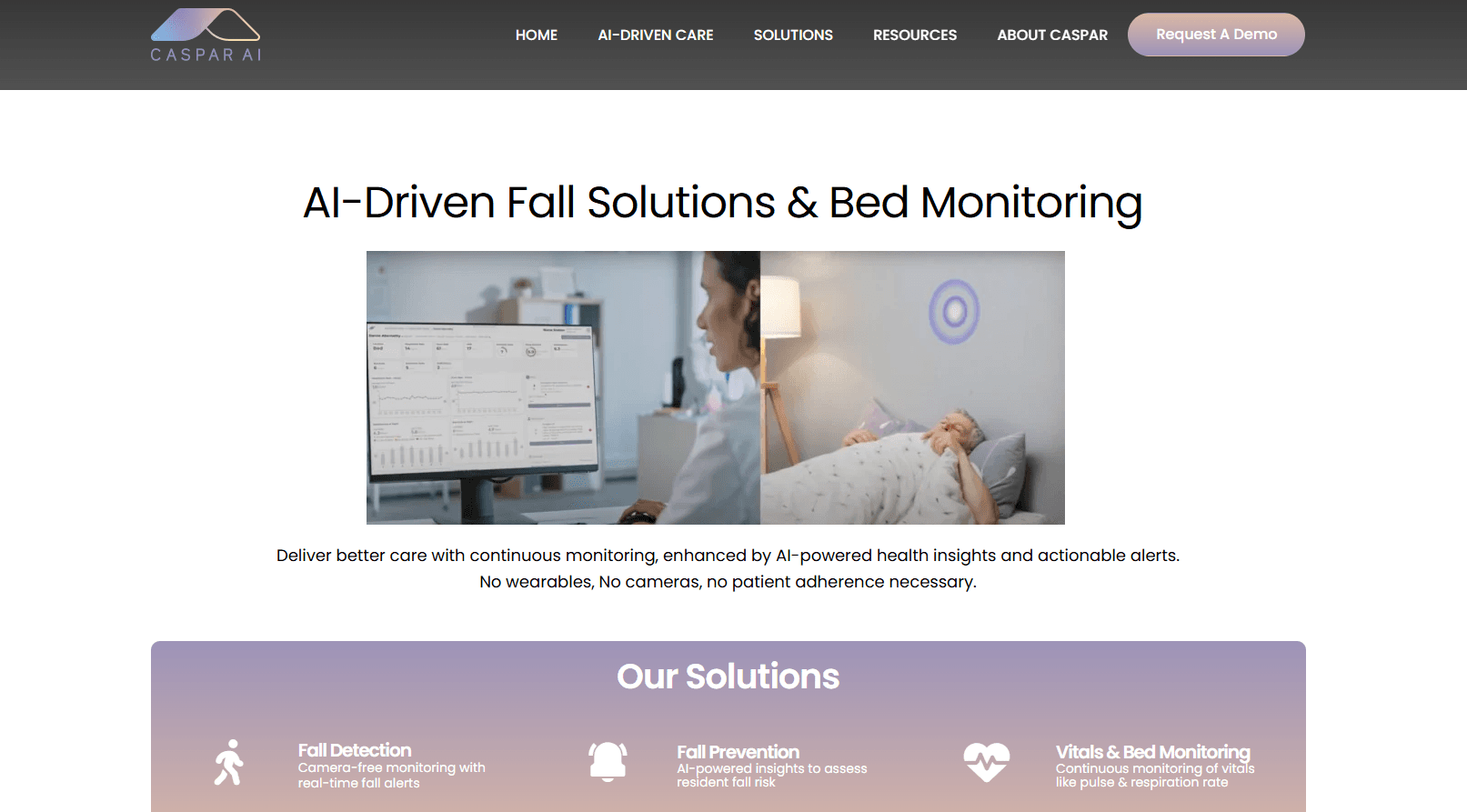
CASPAR AI is a Physical AI platform for senior care that turns ambient sensor signals into early warnings, watching for falls and health changes without cameras, microphones, or wearables.
About CASPAR AI
What Is CASPAR AI
CASPAR AI is a health platform built around one idea: you can spot trouble in a senior living community without watching people. The system runs on ambient sensors that read motion and physical patterns in a room, then hands care teams early signals before a fall, a decline, or a hospital trip happens.
The product comes from Caspar AI, the company founded by Ashutosh Saxena, a Stanford PhD who studied under Andrew Ng and later taught at Cornell. His team built it for care operators rather than individual buyers, so it fits the way a community already staffs its floor.
The setup is unusual in one specific way. Most monitoring tools bolt on cameras, microphones, or a wearable a resident has to keep charged and remember to put on. Caspar avoids all three, which is the whole pitch. Privacy concerns and device fatigue are the two reasons residents and families push back on monitoring, and Caspar sidesteps both by design.
That design has limits worth naming. Because the system reads ambient signals instead of video, it can't show staff a live view of what happened, so it reports a risk pattern rather than a recording. It also isn't a medical device, and it doesn't replace a doctor or a nurse. Care teams still make the call.
Getting Started
- Contact Caspar through the website to scope your community and building layout.
- Work with the Caspar team to place ambient sensors across units and shared spaces.
- Connect the Caspar Care app on iOS so staff get 24/7 alerts and health observations.
- Set which signals trigger which alerts, and route them to the right shift.
- Review incoming risk signals over the first weeks and tune the alert thresholds.
Product Information
A quick look at CASPAR AI's pricing, supported platforms, and performance.
Best for
The users, tasks, and scenarios where this tool fits best.
Users
- Senior living operators
- Care staff and nurses
- Families of residents
Tasks
- Fall detection
- Health decline tracking
- Rehospitalization prevention
Scenarios
- Overnight monitoring in assisted living
- Independent living units
- Family peace of mind
Key features
Ambient Sensing Without Cameras or Wearables
Caspar reads physical patterns through ambient sensors placed in a room or unit. Residents don't wear anything, and no camera or microphone captures the space. That makes it a form of contactless health monitoring, and it matters because the two most common objections to senior monitoring are being filmed and having to manage a device. Caspar removes both, so adoption rarely depends on convincing a resident to cooperate.
Fall Detection and Alerts
The platform watches for fall events and pushes an alert to care teams when it detects one. This is ambient sensor fall detection at its core, and Caspar states a 98% confirmed fall detection accuracy. The point of the number is speed: a fall found in minutes matters more than one found on the next walk-through. Alerts land in the Caspar Care app so a staff member on shift sees them without standing at a monitor.
Early Risk Signals
The system turns continuous sensor data into early risk signals, flagging a change in physical patterns before it becomes an incident. Caspar frames this as proactive care: the goal isn't to log what happened, but to nudge a team to check on someone who's moving differently this week than last. Care teams can act on a trend instead of reacting to an event.
Health Observations in the Caspar Care App
The Caspar Care app, built for iPhone and iPad, delivers 24/7 real-time alerts and health observations to staff. It's free to download and runs on iOS 15 or later. The app is the front end for the platform, so the alerts a team receives are the alerts the system generates from ambient data.
Physical AI Built for Care Workflows
Caspar's Physical AI analyzes sensor data alongside clinical research to surface interpretable alerts. The intent is to fit the alert into what a care team already does, not to add a separate console someone has to learn. As the company puts it, the monitoring integrates into daily workflows without increasing staff workload.
Privacy-First Design
Privacy is the design constraint, not an add-on. No cameras, microphones, or wearables means there's no video and no audio to store or leak. For operators who field questions from families about surveillance, that's a concrete answer rather than a policy promise.
Pros and cons
Pros
- No cameras, microphones, or wearables, which removes the two biggest sources of resident and family pushback
- 98% confirmed fall detection accuracy claimed by the company, aimed at faster response times
- Alerts push to a free iOS app, so staff don't have to watch a dashboard
- Surfaces early risk signals rather than only reporting events after they happen
- Built by a team with a research background in AI for autonomous systems
Cons
- No public pricing, so communities have to request a quote before they can compare cost
- No live video means staff see a risk pattern, not a recording of what happened
- It's a monitoring layer, not a medical device, so it can't diagnose or replace clinical judgment
- Full value depends on sensor placement and workflow setup, which takes an onboarding effort
Frequently asked questions
It's a Physical AI platform for senior care. Caspar uses ambient sensors to detect falls and health risks and sends early alerts to care teams, without cameras, microphones, or wearables.
Related content
Explore related tools, skills, and articles for CASPAR AI.
CASPAR AI Alternatives
Agibot
Agibot · Productivity · AI Assistant · ChatbotAgibot is a personal AI agent for Mac that keeps running after you close the window, runs routines on a schedule, and works from Telegram or Slack with your own API keys.

Foley
Hanamori Labs, LLC · Voice & Language · Productivity · AI AssistantFoley is a voice to-do list that turns a spoken sentence into a filed task, complete with project, date and time, then helps you plan the day around what is already there.

Ghost Core
Ghost · Productivity · AI AssistantGhost Core is a $3,499 screenless personal AI computer that runs local AI models on its own hardware, builds context from your apps and devices, and acts without waiting for a prompt.