
Chanimate
Chanimate · Image
Chanimate is an AI-powered creativity app that turns a child's drawing into something that moves, speaks, and tells a story. You snap a photo of a crayon sketch, an AI art generator for kids rebuilds it as polished artwork or a short animation, and the same sketch can become a personalized storybook with professional narration in more than 45 languages. It's built for families who want to preserve a child's imagination instead of overwriting it. No art degree required. No design background needed.
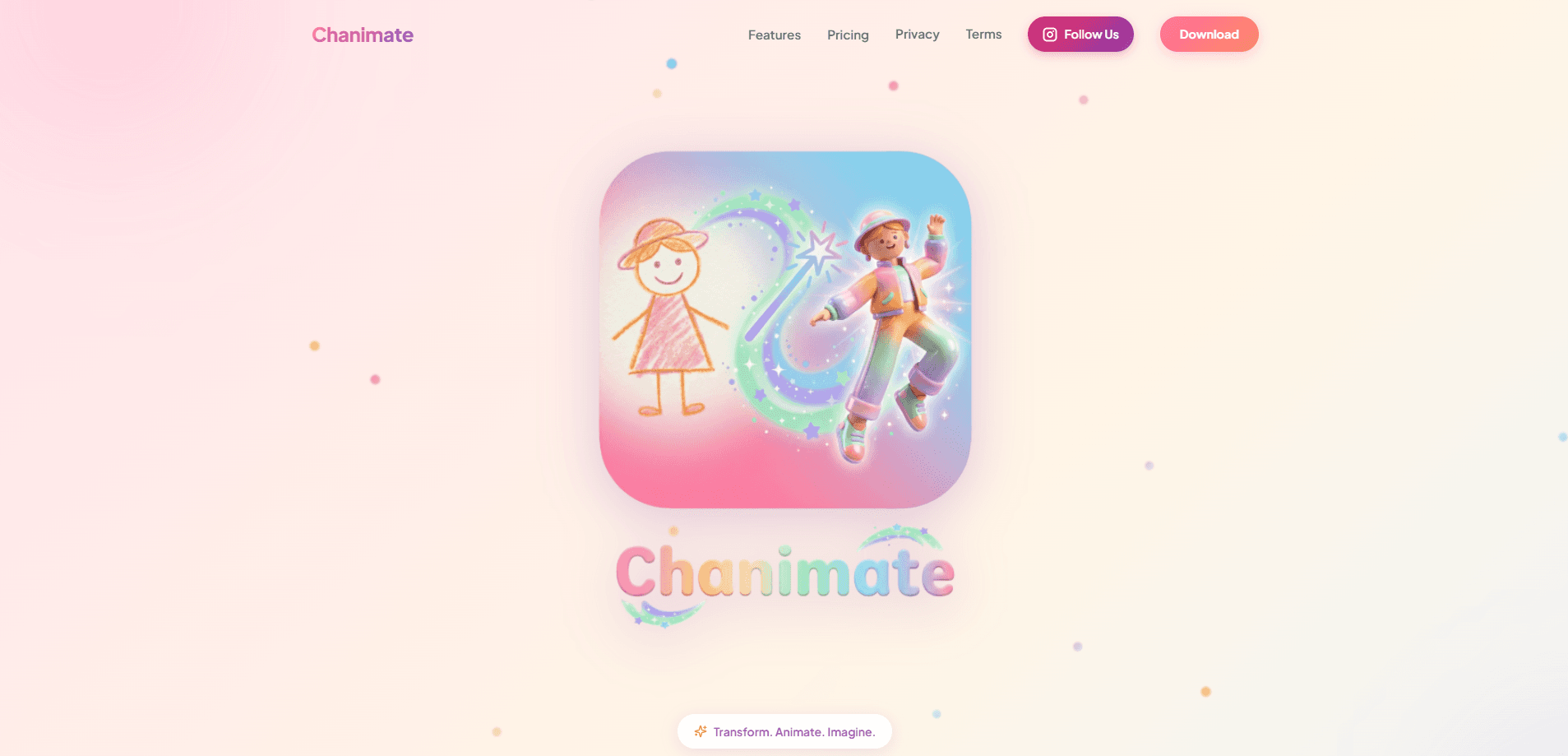
About Chanimate
What Is Chanimate
Chanimate is a drawing to animation app aimed at parents, grandparents, and teachers rather than professional artists. The core idea is simple. A child draws on paper, you upload a photo, and the platform keeps the original composition while lifting the sketch into a finished illustration or a moving scene. That restraint matters. Plenty of AI image tools redraw whatever they want. Chanimate does the opposite. It treats the child's line work as the thing worth protecting.
The app covers three jobs in one place. It turns a drawing into an AI art generator for kids output, animates that drawing into a short clip, and packages the result into a children's storybook generator with a narrator reading aloud. The 45+ language count is what makes it useful beyond a single household. A grandparent in another country can hear the same story in their own tongue.
But there's a catch. Everything starts from a clear, well-lit photo. Faint pencil lines, heavy shadows, or a cluttered background will blunt the result. A child who draws with a heavy hand and bright crayons on clean white paper will get far better output than one working with light pencil on a busy page full of other scribbles. Flat light, a steady hand, and one clean sheet beat a clever prompt every time. It rewards a little setup.
Getting Started
- Create an account on the Chanimate website and sign in.
- Take a clean photo of your child's drawing, keeping the page flat and evenly lit.
- Upload the image and pick a style for the artwork or animation.
- Add story text or narration if you want a narrated storybook, and choose a language.
- Save or share the finished animation or storybook with family.
Product Information
A quick look at Chanimate's pricing, supported platforms, and performance.
Best for
The users, tasks, and scenarios where this tool fits best.
Users
- Parents who want to keep a child's artwork as more than a fridge drawing, as long as they can photograph the page clearly.
- Grandparents and relatives in other countries, because narrated storybooks in 45+ languages let them share a story across a language gap.
- Teachers and homeschool parents looking for a kids drawing app that turns a class art session into a finished, showable piece.
Tasks
- Turning a crayon or marker sketch into a polished illustration without losing the child's original idea.
- Animating a single drawing into a short moving clip the child can watch and share.
- Building a personalized storybook with narration so a bedtime story stars the child's own character.
Scenarios
- A rainy afternoon when a drawing is finished and the child wants to see it come alive.
- A birthday or holiday gift where a handmade drawing becomes a narrated keepsake for a relative.
- A classroom art project where every student's sketch gets a quick, shareable animation.
Key features
Drawing to animation
The headline feature takes a photographed drawing and animates it while keeping the child's composition recognizable. You choose the motion, the app generates a short clip, and the result usually reads as the original drawing rather than a generic AI render. It's the fastest way to get a laugh and a repeat drawing session out of a kid. Results land in minutes.
AI artwork from a photo
Beyond motion, Chanimate rebuilds a sketch as finished artwork with a chosen style. You upload the page, select a look, and get an illustration that keeps the lines and characters the child drew. This is where the tool earns the "AI art generator for kids" label. It's built to complement the drawing, not replace it.
Narrated storybooks in 45+ languages
The storybook generator turns a drawing and a bit of story text into a book with professional narration. With support for over 45 languages, the same story can be read in English, Spanish, Japanese, Arabic, Portuguese, or Russian, so a family spread across countries can all hear it. The narration is the feature that carries the product for multilingual households, and it's the detail that makes a drawing feel like a finished story rather than a stray piece of paper taped to the fridge.
Style options for color and finish
You pick from multiple styles to set how the final piece looks, from storybook illustration to more modern cartoon and painterly finishes. Style choice changes the whole feel of the output, so it's worth trying two or three on the same drawing. Kids often have a strong opinion here, which keeps them involved.
Personalization from the child's own art
Because everything starts from the child's own drawing, the characters and details stay personal. The app doesn't ask you to describe a scene in words or pick from a stock library of faces. That personalization is the reason a finished piece means more to a family than a random AI image.
Sharing with family
Finished animations and storybooks are made to be saved and shared. That's the point for relatives who live far away. A short clip or a narrated book travels easily through messaging apps. Grandparents get a keepsake in seconds. The sharing step is what turns a private art moment into something the whole family can enjoy.
Pros and cons
Pros
- Keeps the child's original drawing intact instead of redrawing it into something unrecognizable.
- Narrated storybooks in 45+ languages make it genuinely useful for multilingual families.
- Combines art, animation, and storytelling in one place, so you don't juggle three separate apps.
- Simple enough for a parent to run in a few minutes when a drawing is fresh.
- Output is built to be shared, which suits relatives who aren't in the same room.
Cons
- Everything depends on the quality of your photo, so faint pencil lines or bad lighting can weaken results.
- It's a web-based tool, so there's no dedicated mobile app to draw and upload directly on a phone.
- Animation keeps the drawing recognizable by design, which means less dramatic motion than a freeform AI video tool.
Frequently asked questions
Chanimate is an AI animation tool for kids that turns a photographed drawing into animated clips, finished artwork, and narrated storybooks. It doubles as a children's storybook generator, pairing your child's drawing with narrated text across 45+ languages. You upload a photo of the drawing, choose a style, and the app produces a shareable result while keeping the child's original composition.
Related content
Explore related tools, skills, and articles for Chanimate.
Chanimate Alternatives

Google EmbeddingGemma 2
Google DeepMind · Writing · Image · CodingGoogle EmbeddingGemma 2 is a 740M-parameter open model that turns text, code, images, audio, and video frames into vectors in one 768-dimension space, running on phones and laptops.

Tractionwave
TractionWave · Image · MarketingTractionWave is an AI attention heatmap tool for static ads. Upload a PNG or JPG and it returns predicted attention, ranked hotspots, and fixes before you spend budget.

Imejis.io
Imejis.io · Image · MarketingImejis.io is an AI design studio for agents and marketing teams. Describe an image in plain words, and it writes the copy, builds the layout, reflows it to every size, then exports a finished file.