

Chat4Data
Lumoris Technologies Inc. · Coding
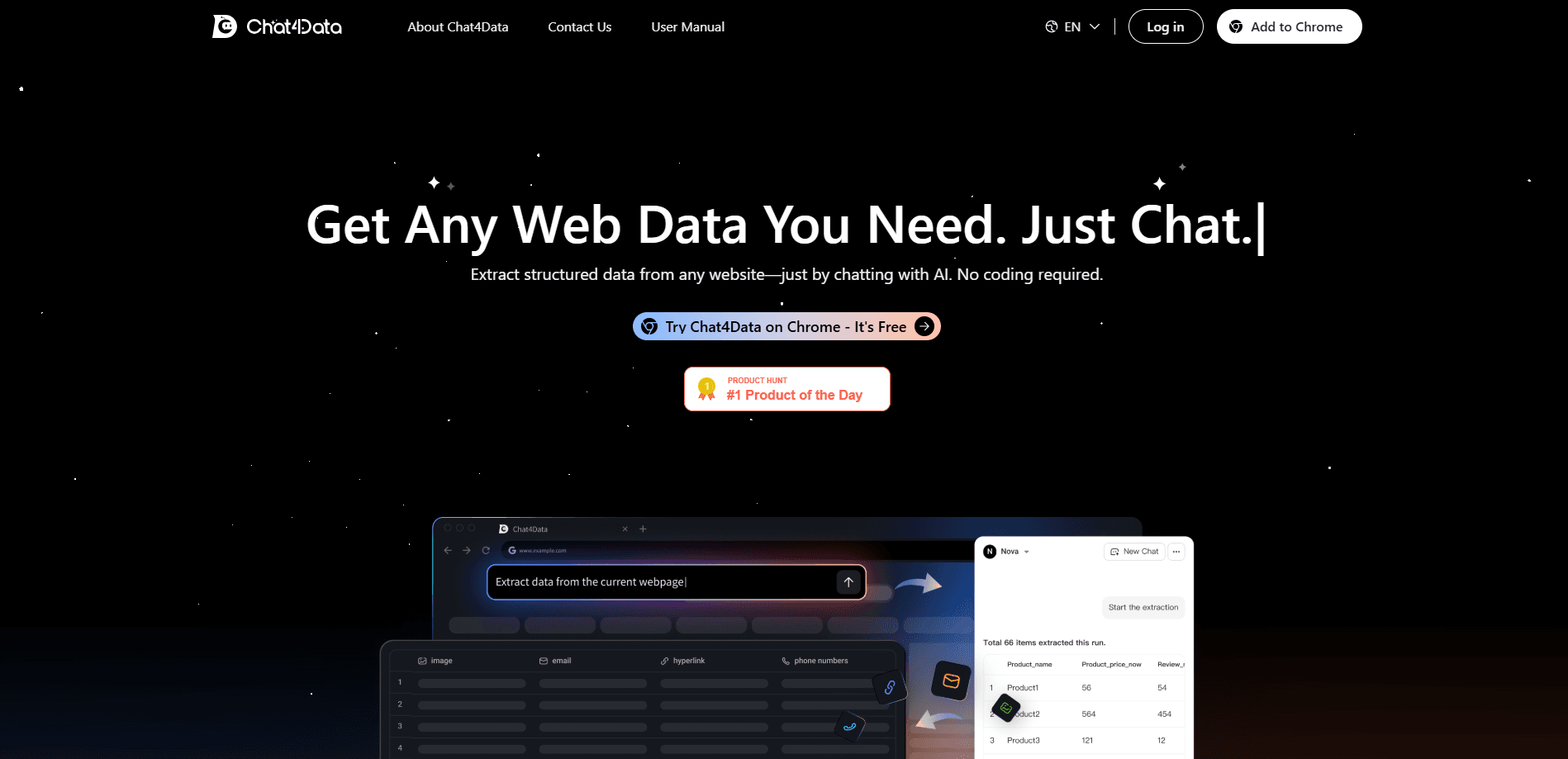
Chat4Data is an AI web scraping Chrome extension from Lumoris Technologies that turns any website into a data source through plain language chat prompts, with results you export as CSV, XLSX, or JSON.
About Chat4Data
What Is Chat4Data
Chat4Data is an AI web scraper that works as a Chrome extension and scrapes websites by conversation. Instead of writing XPath or CSS selectors, you describe the data you want in plain English and the tool finds it on the page, clicks through pagination, and hands back a clean table. The company behind it, Lumoris Technologies Inc., built the product after years of writing custom extraction scripts for clients who kept getting stuck on the technical setup.
The extension reads every page in two ways at once: how it looks to a person and how it's built in code. That dual view helps it keep finding the right fields even when a site changes its layout or markup. It also copies data types beyond plain text, including images, links, email addresses, phone numbers, and elements hidden behind dynamic interactions.
The main limit is scope. Chat4Data lives inside a Chromium browser and works only while a tab is open, so it's not a server-side scraping pipeline. There's no public API yet, and running it on a huge catalog ties up the browser on your own machine.
As a no-code web scraping tool, Chat4Data is meant for people who want professional results without a technical setup. It competes with traditional scrapers less on raw speed and more on how little you need to learn to get moving.
Getting Started
- Install the Chat4Data extension from the Chrome Web Store and pin it to your toolbar
- Create a free account and sign in to your 300 welcome credits
- Open the target website and click the extension icon to start a chat
- Describe the fields you need, confirm the extraction through the four-step check, then export to CSV, XLSX, or JSON
Product Information
A quick look at Chat4Data's pricing, supported platforms, and performance.
Best for
The users, tasks, and scenarios where this tool fits best.
Users
- Marketers building prospect lists
- Researchers collecting study data
- E-commerce and competitive-intelligence teams
- Recruiters and analysts without coding skills
Tasks
- Scraping product data at scale
- Pulling map and listing data
- Gathering search and social data
- Cleaning and exporting structured output
Scenarios
- Building a lead list for a sales campaign
- Tracking competitor pricing weekly
- Collecting research across many pages
- Scraping sites that need a login
Key features
Chat-First Extraction
You describe what you need in natural language and the AI figures out the rest. Ask for "all the job titles and company names from this page" and Chat4Data explores the layout, locates the fields, and builds the scraper for you. There's no XPath, no CSS selector work, and no programming required. This chat-first design is what separates it from a standard web scraping tool.
Page Understanding That Survives Redesigns
Chat4Data reads each page both visually, like a person scanning it, and structurally, like a developer reading the code. That combination keeps extraction accurate when a site shifts its layout or changes markup, which is where simpler scrapers break and force you to rebuild the whole job.
Pagination and Subpage Crawling
A single prompt can cover more than the visible screen. The extension works through pagination, follows infinite scroll, and drills one level into subpages to collect a full dataset instead of just the first page. You keep the browser tab open and it keeps going until the job finishes.
Every Data Type on the Page
The tool captures fields that basic scrapers miss, including images, links, email addresses, phone numbers, and content hidden behind menus or dynamic clicks. It also filters out ads, navigation, and sidebars by default, and you can nudge it further with instructions like "ignore the sidebar."
Human-in-the-Loop Control
For logins, CAPTCHAs, or identity checks, Chat4Data pauses and hands control back to you. Once you clear the step it picks up where it left off, so a protected page doesn't waste an entire run. Your credentials stay in your own browser and never reach Chat4Data servers.
Export and Session History
Finished jobs download as CSV, XLSX, or JSON, so the output drops straight into a spreadsheet or pipeline. Every session is saved to your chat history, where you can search past conversations and re-run a scraper you built earlier, with retention from 15 to 90 days depending on your plan.
Anti-Bot Behavior and Local Processing
Instead of hammering a site like a bot, Chat4Data mimics human browsing, clicking, scrolling, and pausing the way a person would. That human-like pattern slips past most anti-bot systems. All scraping runs inside your Chrome browser, and the company says it never sees, stores, or touches your data.
Pros and cons
Pros
- No coding needed: plain language prompts replace XPath, CSS selectors, and scripts, so non-technical users can collect web data
- Handles messy pages: pagination, infinite scroll, subpages, and hidden elements are covered in a single run
- Data stays local: extraction happens in your browser, and credentials never leave your machine
- Predictable credits: launched scrapers run without consuming more credits, which keeps repeat jobs cheap
- Human-in-the-loop for logins: CAPTCHAs and protected pages pause for you instead of failing outright
Cons
- Browser-bound: it only runs while a tab is open, so long or huge jobs tie up your own machine and can't run in the background on a server, which slows large projects
- No public API yet: teams that want to wire scraping into an automated workflow have to wait, since API access is still on the roadmap
- Credit consumption varies: the cost per page depends on site complexity, so budgeting a big project takes some guesswork before you start
- Chromium-only for now: there's no Firefox, Safari, or mobile version, so users outside Chrome, Edge, or Brave are left out
Frequently asked questions
Chat4Data is an AI-powered Chrome extension that extracts structured data from websites. You describe the fields you want in plain English, and it navigates the page, collects the data, and exports it as CSV, XLSX, or JSON. The company describes it as "ChatGPT for web scraping."
Related content
Explore related tools, skills, and articles for Chat4Data.
Chat4Data Alternatives

Udon
Udon · Coding · ProductivityUdon turns an Apple Silicon Mac into a home server you run from a browser, with container controls, file shares, and an optional AI sysadmin.

offstage
offstage cloud · Coding · Productivityoffstage gives AI coding agents and CI jobs a real Mac: a fresh macOS account on Apple silicon, driven over an API and billed by the second.

BotBus
Chengdu Tuyang Tusen Technology Co., Ltd. · Coding · ProductivityBotBus lets you control AI coding agents from your phone and watch: approve commands, start tasks and read results while the code stays on your desktop.