

ChatGPT Free
Unlimited AI · Coding · Chatbot
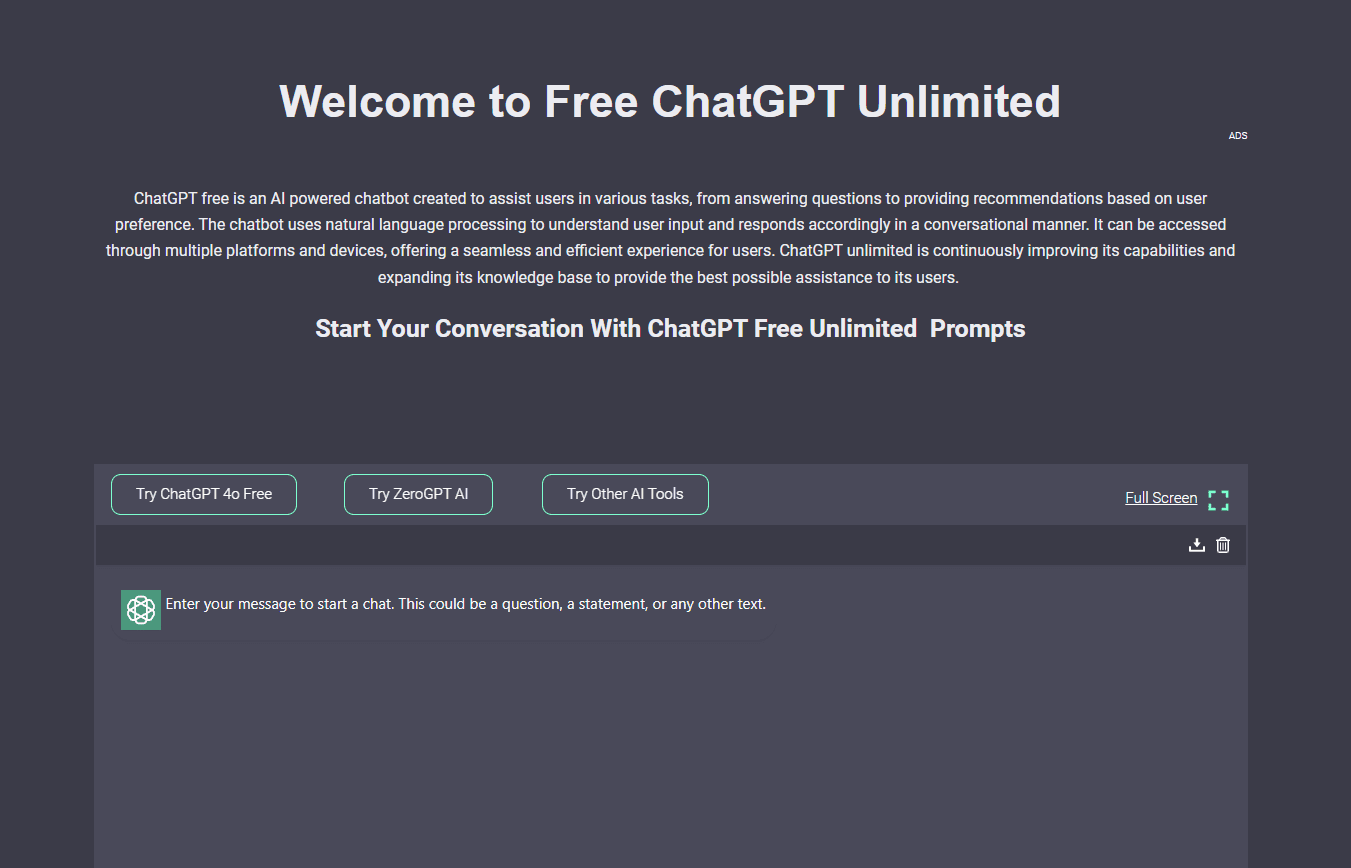
ChatGPT Free is the Unlimited AI chatbot, a free AI chat platform for writing, coding, learning, and image analysis with no signup for basic use.
About ChatGPT Free
What Is ChatGPT Free
ChatGPT Free is the public face of Unlimited AI, an independent AI chat platform that bundles several chatbot models into one free workspace. You type a request, pick an available model, and get answers for writing, coding, studying, or everyday questions. The site openly states it isn't the official ChatGPT and has no connection to OpenAI, so what you're getting is a separate free ChatGPT alternative that targets the same search intent.
The appeal is breadth. One account covers AI chat online, code with a built-in editor and live preview, image generation, and, on Pro, music and video. Basic chat can run without a login, and signing in adds saved history and a daily allowance of Advanced images.
The limits are worth knowing before you commit. The free tier caps Advanced image generation at 8 per day, ads run on the Android app, and the more capable media tools sit behind a Pro plan that the company still lists as coming soon. The model lineup also shifts, so a model that works today may not be the one you get next month.
Getting Started
- Open chatgptfree.ai, type your request, and start chatting, since basic access doesn't require an account.
- Pick a model from the selector if the default one doesn't fit the task.
- Register with an email or Google account to save chats, keep image history, and unlock 8 Advanced images a day.
- For coding, open the generated code in the built-in editor and live preview, then download what you need.
- Install the Android app from Google Play if you want the same tools on your phone.
Product Information
A quick look at ChatGPT Free's pricing, supported platforms, and performance.
Best for
The users, tasks, and scenarios where this tool fits best.
Users
- Students who need quick explanations and study help
- Writers and bloggers drafting content
- Beginner developers learning to code
- Budget-conscious users comparing free AI chat options
Tasks
- Getting answers without signing up
- Generating Standard images from a prompt
- Analyzing an uploaded image
- Fixing and rewriting text
Scenarios
- Sketching a blog post on a commute
- Practicing code on a phone
- Turning a rough idea into an image for social posts
- Working through homework in a second language
Key features
Multiple AI models in one place
ChatGPT Free lets you switch between several chatbot models from a single selector. You pick the model that fits the job rather than installing one app per provider. The lineup changes over time, so the exact models available today may differ from what you get later.
Free chat with no signup for basic use
Basic chat runs without an account, which is the main reason people land here when they search for free chat GPT access. Guests can ask questions and get answers immediately. Signing in adds saved conversations and the daily Advanced image allowance, so the free experience improves rather than gates.
Standard image generation at no cost
Standard image generation is free for guests and registered users across all plans. You describe an idea, choose an available model and image size, then save or download the result. Advanced generation raises the detail level, but the free Standard output covers most everyday needs.
Built-in code editor with live preview
Generated code opens in an editor with a live preview, so you can change it and see the effect without copying it elsewhere. You can download your work when it's ready. It's aimed at learning and experimenting, and the company points users toward it for that purpose rather than for shipping software.
Voice input and image analysis
Voice input lets you dictate a prompt instead of typing it, which helps on mobile. On supported models you can also upload an image and ask the chatbot to describe or interpret it. Both features sit in the free chat flow, not behind Pro.
Advanced images, music, and video on Pro
Pro is listed as coming soon and adds up to 500 Advanced images, 60 Pro Studio images, 30 AI music generations, and 30 AI videos up to 10 seconds each per month. The media tools turn text into songs or short clips. Allowances reset monthly and don't roll over.
Android app with the same tools
The Unlimited AI app on Google Play carries the chat, writing, image, voice, and coding tools onto a phone. It has 10K+ downloads, contains ads, and offers in-app purchases. A rewarded video can unlock 30 ad-free minutes for non-Pro users.
Pros and cons
Pros
- Basic chat works without an account, so you can test it before signing up.
- One free workspace spans several models, writing help, coding, and image analysis.
- Standard image generation stays free across every plan, including guest access.
- The built-in editor and live preview make the coding tools usable for practice.
- The Android app brings the same features to mobile with voice input.
Cons
- The free tier caps Advanced images at 8 per day, which runs out quickly for heavy image work.
- Ads appear on the Android app, and Pro is still listed as coming soon, so ad removal isn't available yet.
- The available models change over time, so you can't count on a specific model staying.
- It has no official tie to OpenAI, so anyone expecting the real ChatGPT will be disappointed.
Frequently asked questions
It's the Unlimited AI chatbot, an independent free AI chat platform for writing, coding, learning, image analysis, and image generation. It runs in a browser and as an Android app, and basic chat needs no account.
Related content
Explore related tools, skills, and articles for ChatGPT Free.
ChatGPT Free Alternatives

JarvisCore
Prescott Data · Coding · Productivity · OtherJarvisCore is an open source Python runtime where AI agents work as equal peers on an agent mesh, claim tasks from a shared ledger, and reach external services through a zero-trust broker.

Firetower
Westlabs LLC · Coding · ProductivityFiretower is a self-hosted coding agent control plane that lets you run coding agents on your own servers and drive them from a desktop or phone client.

Starlie
David Zukhbaya · Coding · Productivity · BusinessStarlie is a native Jira client for Mac. It puts issues, sprint boards, and JQL search in a Mac window instead of a browser tab, and signs in with Atlassian OAuth.