
ChatGPT Space
OpenAI · Productivity · Business · Chatbot
ChatGPT Space is OpenAI's shared workspace inside ChatGPT, a home for pages, slides, files, and team documents that you and ChatGPT edit together.
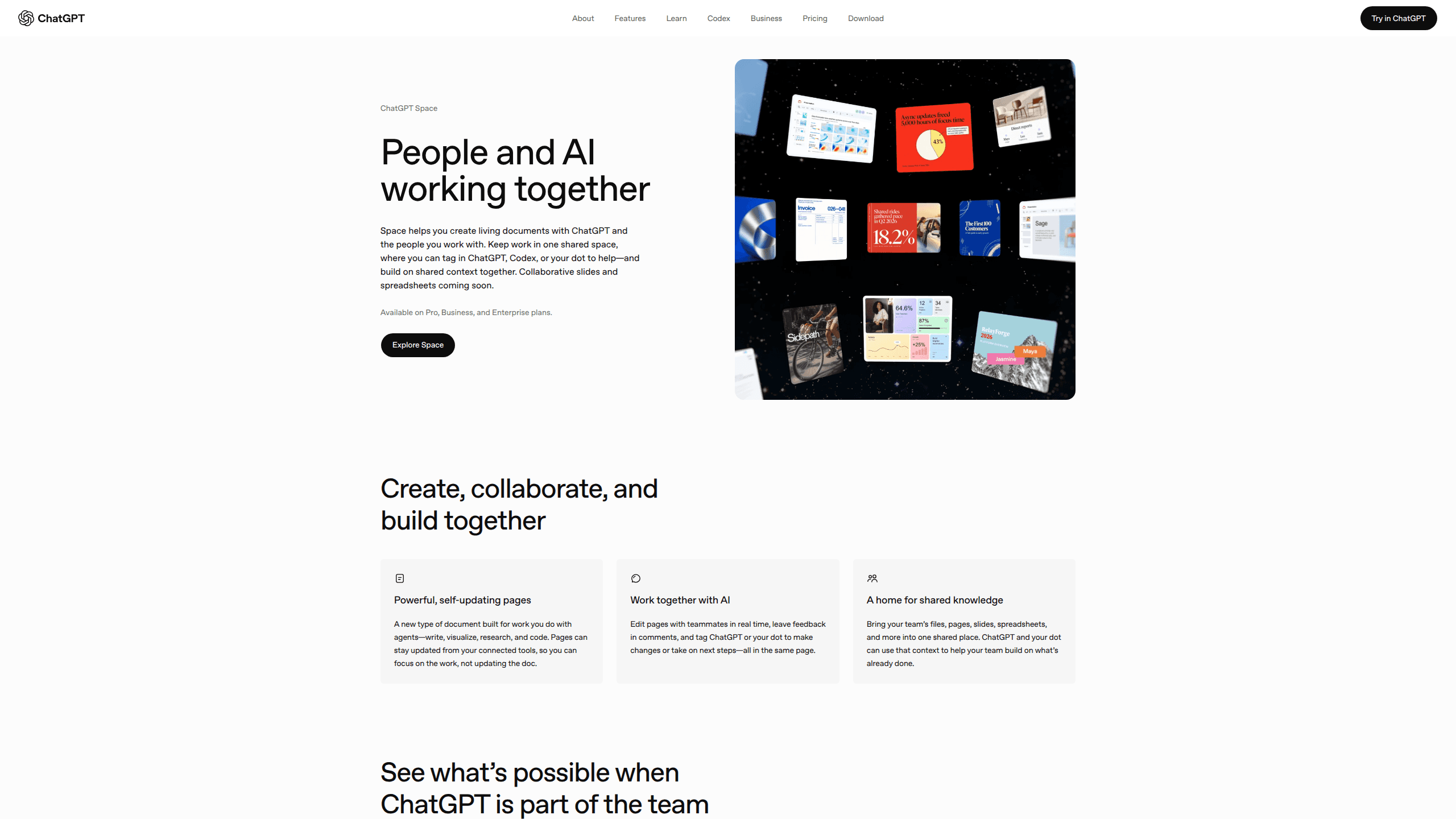
About ChatGPT Space
What Is ChatGPT Space
ChatGPT Space is the document layer OpenAI added to ChatGPT on September 29, 2026, announced at its DevDay event. It replaces Library, so the files you upload, the images you generate, and the pages you write now sit in one place instead of being scattered across chats.
The idea is close to Notion with a chat panel bolted on. It's an AI workspace where collaborative AI documents sit beside the conversation that produced them. A page is a live document that holds text, tables, charts, images, trackers, and small interactive tools. ChatGPT writes into it and revises sections on request. Your teammates open the same page and edit at the same time, each from their own account.
That last detail matters more than it sounds. Sharing a page doesn't hand anyone your ChatGPT, your Memory, or your private chats. Every collaborator works with their own assistant, which keeps personal context personal but also means two people can get different suggestions on the same paragraph.
Space is not a finished product. Slides arrived in October 2026, Sheets is still listed as coming soon, automatic page updates aren't live, and mobile can read pages but not edit them. The feature list on OpenAI's marketing page runs ahead of what an account can actually do today.
Getting Started
- Confirm your plan. Space is available on ChatGPT Pro, Business, and Enterprise. Free, Go, and Plus accounts don't get it.
- Open Space on the web or in the desktop app and create a space for the work, for example "Website launch." Your personal space already exists and holds your uploads.
- Make a page. Ask ChatGPT to build one from an existing conversation, start typing on a blank page, or pick a template from the Space home screen.
- Edit with a mix of direct typing and requests. Select a passage and choose Ask for change, or ask the page chat to shorten an introduction or add a chart from a report.
- Share the page and set View, Comment, or Edit for each person. In a Business or Enterprise workspace, an admin may need to turn sharing on first.
Product Information
A quick look at ChatGPT Space's pricing, supported platforms, and performance.
Best for
The users, tasks, and scenarios where this tool fits best.
Users
- Small teams on ChatGPT Business
- Freelancers and consultants on Pro
- Enterprise teams with review steps
Tasks
- Turning a messy meeting into a project brief
- Building a deck from existing material
- Maintaining a recurring report
- Writing internal policy or process docs as a group
Scenarios
- A weekly team update where the parent page holds the summary and each meeting note sits in a subpage.
- A proposal that gets drafted, reviewed, and exported to PowerPoint or PDF without leaving ChatGPT.
- An onboarding space for a five-person team that needs a shared home for process docs, without buying a separate wiki tool.
Key features
Pages that ChatGPT can write into
A page works like a block editor. Type headings, lists, tables, and checklists yourself, or use the slash menu to drop in code, images, page links, and file references. ChatGPT can also add charts and small interactive tools, so a page can hold a working calculator next to the paragraph that explains it.
Spaces, folders, and subpages
Space uses two levels of organization. A space groups related work, and pages inside it can nest as subpages. A project overview page can own its meeting notes and weekly updates, which keeps a summary and its supporting material together. Projects still exist as a separate place for chats and instructions, and creating a space doesn't move anything out of them.
ChatGPT and dots working on the same page
You can call an assistant four ways: the conversation panel beside the page, Ask for change on selected text, an inline @ChatGPT mention, or an @mention inside a comment. Dots, OpenAI's always-on agents, work the same way and can be pointed at a page from Slack or Microsoft Teams. Dot access is narrower than Space access: Pro accounts outside the EEA, Switzerland, and the UK get them, Business Premium seats get them, and Enterprise has them as an off-by-default beta.
Real-time collaboration with comments
People with edit access work in the same document at the same time. Select text to leave a comment, mention a colleague or an agent, and use the attribution view to see who wrote what where the record exists. Comments and page chat serve different jobs: comments for a specific passage, page chat for changes that run across the document.
ChatGPT Slides built from your own material
Slides takes a conversation, an attached file, or a prompt and produces a deck you can edit element by element. You can change text, images, shapes, tables, and charts directly, or select an element and request a revision. Finished decks present inside ChatGPT and export to PowerPoint, PDF, or Google Slides. Comment-only sharing isn't available at launch, so reviewers need edit access.
File handling with permissions that stay attached
Files uploaded into a page follow that page's permissions, which means anyone who can open the page can open the file. Links to files stored elsewhere keep their original rules, and a link doesn't grant access to the source. Files from a locked chat stay hidden from Space until you unlock that chat, and sharing a page never exposes your private conversations.
Pros and cons
Pros
- Space comes with Pro, Business, and Enterprise at no extra charge, so teams already paying for ChatGPT get a shared workspace without a second subscription.
- Pages mix prose, tables, charts, and prompt blocks in one document, which covers briefs, reports, and lightweight trackers without another app.
- Each collaborator keeps their own ChatGPT and Memory, so personal context doesn't leak into a shared page by default.
- Slides exports to PowerPoint, PDF, and Google Slides, so a deck can leave ChatGPT when a client or a colleague needs a file.
- Access inherits from parent pages and spaces, which makes large document trees easier to manage than per-page invitations.
Cons
- Free, Go, and Plus accounts have no access at all. A team on Plus has to upgrade before it can open a single page.
- Mobile supports reading and sharing only. You can review a page on a phone but can't fix a sentence until you reach a browser or the desktop app.
- Keep updated and Sheets were announced but aren't live. Anyone who needs pages that refresh themselves has to schedule a task in chat instead.
- Deleting a parent page sends its subpages to Trash, including subpages owned by other people, and inherited access makes it easy to remove someone by accident.
Frequently asked questions
Space is included with ChatGPT Pro, Business, and Enterprise. Free, Go, and Plus plans don't have it. Enterprise and Business workspaces with data residency in Canada or the United Arab Emirates are still waiting for rollout.
Related content
Explore related tools, skills, and articles for ChatGPT Space.
ChatGPT Space Alternatives

Base Code
Base44 (Wix) · Coding · ProductivityBase Code is a shared cloud development environment from Base44. Teammates describe changes to an existing GitHub codebase in chat, preview them live and send them back as pull requests.

Knocket
Knocket (Tencent RTC team) · Productivity · Business · ChatbotKnocket is a free live chat and contact page tool that lets visitors message you from your website, app, or a shareable link, with every reply handled from Telegram or one inbox.

FloorGen
Vinit Kumar (FloorGen) · Productivity · China AIFloorGen is a browser-based floor plan maker that turns a sentence or a sketch into an editable 2D plan and a 3D walkthrough. Export to PDF, DXF or video, and draw without an account.