

ChatLeg Pro
ChatLeg PRO (Antonio Cattarini) · Productivity · Leaning · AI Assistant
ChatLeg PRO is an Italian AI assistant for lawyers. It searches legislation, drafts documents, and runs from a web workspace or straight from WhatsApp through ChatLeg Pocket.
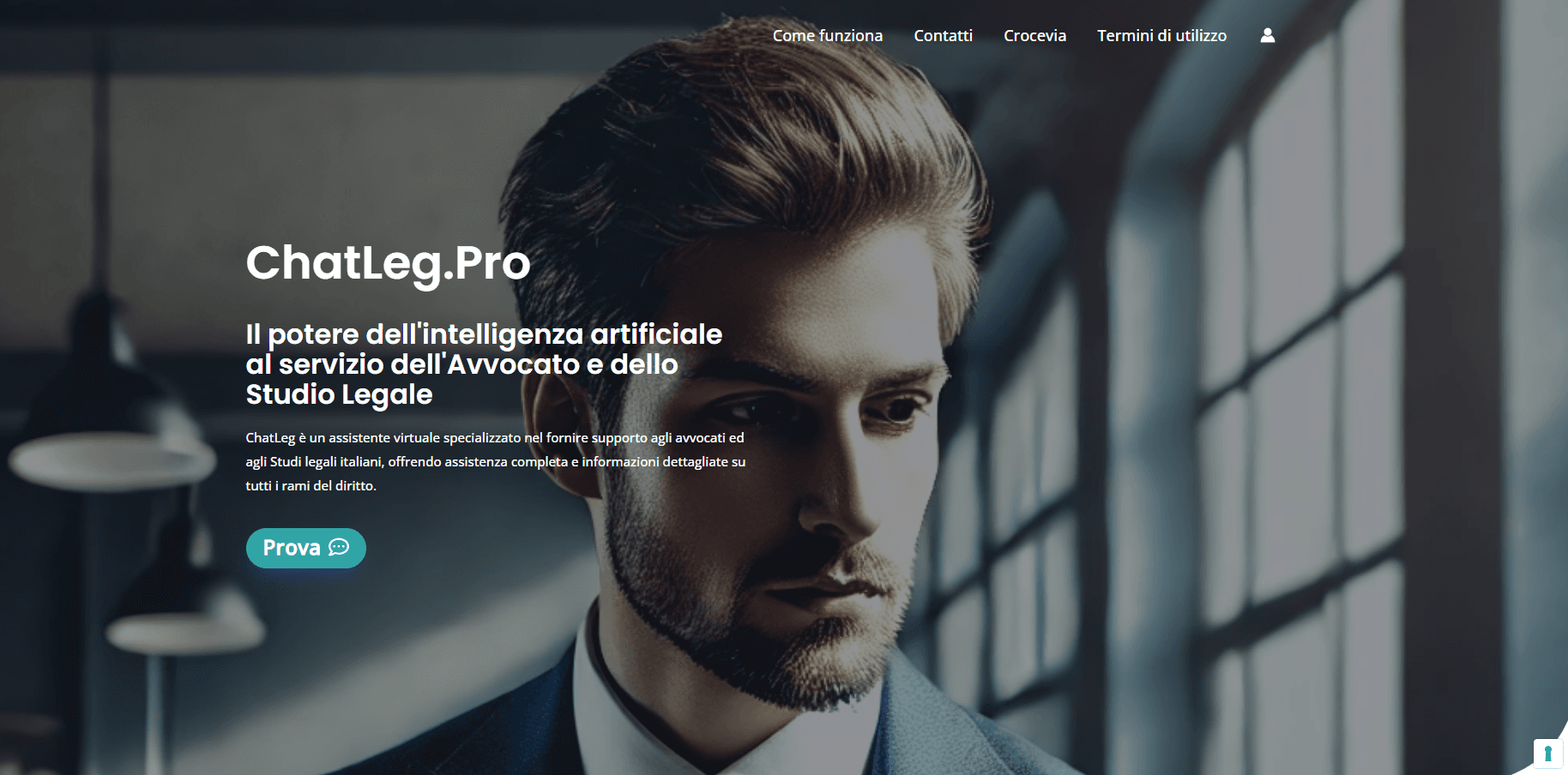
About ChatLeg Pro
What Is ChatLeg PRO
ChatLeg PRO is an AI assistant built for Italian legal work, created and run by an Italian lawyer, Antonio Cattarini, through a company based in Trieste. It targets the daily chores of a law office: finding the right article, comparing two texts, and producing a first draft that a professional then checks.
The service comes in three parts. ChatLeg Studio is the desktop workspace where you keep project files and talk to an AI agent. A built-in legal library gives quick, exact access to the text of the Civil, Criminal, and Criminal Procedure codes. ChatLeg Pocket puts the same assistant inside WhatsApp, so it stays reachable when you are away from the computer.
Access is paid. A demo runs for 7 days with 5 online interactions and 5 on Pocket, no card and no workspace. Full access is 29 euros a month or 300 euros a year, capped at 300 interactions a month shared across both channels, up to 32 a day.
The company is explicit about the limits. ChatLeg does not decide for the lawyer. Every answer needs professional verification, and personal or identifying data should stay out of the prompts, which is why the tool is meant for research, notes, and placeholders rather than final client documents.
Getting Started
- Register on the official site to open the 7-day demo, or buy ChatLeg Academy to activate full PRO access.
- Sign in to ChatLeg Studio on the web and organize documents into folders in the private workspace.
- Write a request in plain Italian, or use a command such as /cc 2043 or /cp 240 to pull a specific article of law.
- Connect your phone number to ChatLeg Pocket from your account to keep the same assistant on WhatsApp.
- Review every draft and cited article against the current text before you keep or send it.
Product Information
A quick look at ChatLeg Pro's pricing, supported platforms, and performance.
Best for
The users, tasks, and scenarios where this tool fits best.
Users
- Italian lawyers
- Small law offices and solo practitioners
- Lawyers who want to learn AI properly
Tasks
- Legal research
- Document comparison
- Article lookup
- First drafts
- Deadline calculation
Scenarios
- A lawyer away from the desk needs a first answer or a reminder and sends a message to ChatLeg on WhatsApp.
- An office prepares a set of files for a case and wants them organized in one private workspace rather than scattered in folders.
- A contract review turns up a clause that needs rechecking, and the text is compared against a second version before edits are kept.
Key features
AI agent inside a private workspace
ChatLeg Studio keeps the workspace, the document, and the agent in one space. You ask for a change in Italian, and the agent opens the file from the workspace, edits the point you named, and shows what changed. That mix of a working folder and a conversational agent separates it from a plain chat window: the assistant acts on your files, and you decide which edits to keep.
Built-in legal library with direct commands
A legal library holds the text of the Civil, Criminal, and Criminal Procedure codes, and you reach it with short commands such as /cc 2043, /cp 240, or /art 2043 cc. The text comes back deterministically, meaning the same command returns the same article rather than a paraphrase. A response can also carry the article heading, the date the text was in force, and the source reference, so you can check the provision rather than trust a summary.
ChatLeg Pocket on WhatsApp
Pocket is ChatLeg PRO inside WhatsApp. There is no app to install: you save the number +39 379 353 8108, write in the chat, and use the same account you use in Studio on the computer. You can talk to the agent, call up law articles, manage reminders, and receive documents without leaving the conversation. It is the quickest way to keep the assistant close when you are mobile.
Deadline calculation with a visible trail
Procedural deadlines are not guessed. A deterministic function takes explicit parameters, such as the start date, the quantity, the unit, and whether working days count, and returns the final date along with the rule applied and any suspensions. The AI can help find the relevant rule, but the computation itself stays traceable, so you can follow each step and confirm the norm.
Document generation and versioning
With an active PRO account you can load contracts, templates, and precedents into the workspace and produce documents from them. The agent tracks changes, so a document keeps its versions instead of being overwritten in place. The output is a draft built on your own material, ready for the review step rather than as a finished filing.
Agenda with reminders and a calendar feed
Pocket turns a plain sentence into a calendar entry. You write something like "remind me tomorrow at 9 to review the template," and the AI saves the right item, sets the notification, and returns a receipt with title, date, and time. The agenda can be subscribed as a read-only feed on Mac, iPhone, and iPad, and a deadline only lands there after you ask for it.
Pros and cons
Pros
- Built by an Italian lawyer, so the focus sits on Italian legal practice and the codes that matter there.
- Reaches the assistant from the web and from WhatsApp, which suits work away from the desk.
- The legal library returns exact article text with heading and validity date, so citations can be checked.
- Deadline calculation is deterministic and shows its steps, rather than producing an unexplained date.
- ChatLeg Academy bundles compliance updates, email access, and a group call for the monthly fee.
Cons
- No free tier beyond a 7-day demo limited to 5 online and 5 Pocket interactions, and the demo leaves out the workspace.
- The interaction cap of 300 a month, up to 32 a day, will bite anyone who leans on it heavily.
- The service is aimed at Italian law and the Italian codes, so it does not fit practitioners outside that system.
- Stripe and PayPal payments are still being activated, so the practical route is a bank transfer.
- Personal and identifying data should not be entered, which limits how it can be used on live client matters.
Frequently asked questions
ChatLeg PRO is an AI assistant for Italian lawyers. It handles legal research, comparison of two texts, article lookup from a library of the codes, and first drafts of documents, all with a professional check kept in the lawyer's hands.
Related content
Explore related tools, skills, and articles for ChatLeg Pro.
ChatLeg Pro Alternatives

Base Code
Base44 (Wix) · Coding · ProductivityBase Code is a shared cloud development environment from Base44. Teammates describe changes to an existing GitHub codebase in chat, preview them live and send them back as pull requests.

Knocket
Knocket (Tencent RTC team) · Productivity · Business · ChatbotKnocket is a free live chat and contact page tool that lets visitors message you from your website, app, or a shareable link, with every reply handled from Telegram or one inbox.

FloorGen
Vinit Kumar (FloorGen) · Productivity · China AIFloorGen is a browser-based floor plan maker that turns a sentence or a sketch into an editable 2D plan and a 3D walkthrough. Export to PDF, DXF or video, and draw without an account.