

ChatOne
ChatOne · Productivity · Other
ChatOne is a multimodel AI chatbot. It sends one question to several models at once, so you can compare answers side by side.
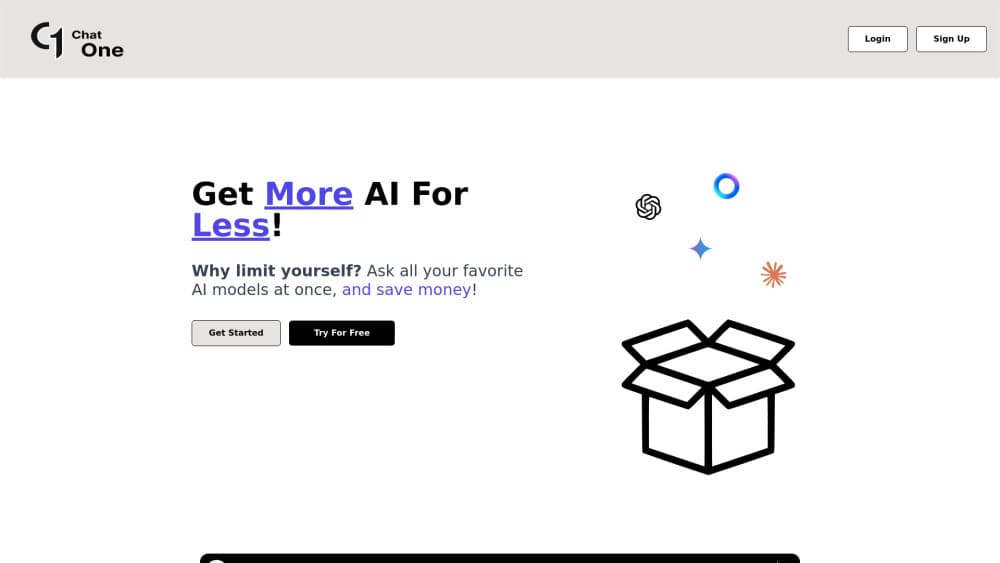
About ChatOne
What Is ChatOne
ChatOne is a web app that puts several AI models behind one prompt box. Instead of signing into ChatGPT in one tab, Claude in another, and Gemini in a third, you type one question and let the platform fan it out. Answers come back together, so comparison happens in a single view rather than across browser windows. It runs at chatone.io and works in any modern browser.
The idea is simple. Different models are good at different things, and the fastest way to a solid answer is often to see where they agree and where they split. ChatOne treats that as the main feature, not a side experiment. The free plan runs up to six models at once, the paid Premium plan runs up to ten, and you add or remove models per conversation.
One account covers everything. You do not need separate OpenAI, Anthropic, or Google logins to reach the models inside ChatOne, which removes a lot of account juggling. The catalog has grown over time, and the site says new models get added as they ship, so the list will not stand still.
Getting Started
- Open chatone.io in a browser and create an account with an email address and password.
- Pick the models you want in the current chat, adding or removing them as you go.
- Type your question once and send it to all selected models at the same time.
- Compare the answers side by side and follow up with the model that reads best.
- Move to a paid tier when you want more credits or unlimited queries and a higher model cap.
Product Information
A quick look at ChatOne's pricing, supported platforms, and performance.
Best for
The users, tasks, and scenarios where this tool fits best.
Users
- People juggling several AI subscriptions
- Writers and students who compare wording
- Small teams without a big AI budget
- Anyone tired of tab switching
Tasks
- Getting a second opinion on an answer
- Checking facts across models
- Drafting and editing in one pass
- Picking a model for a recurring job
- Testing prompts cheaply
Scenarios
- Late-night research with a deadline
- Deciding whether to keep a paid AI plan
- Learning how models differ
- Budget-limited side projects
Key features
Multimodel answers in one view
ChatOne's core move is sending one prompt to several models at once and showing the replies together. The free plan runs up to six models, the Premium plan up to ten, and you choose which ones join each conversation. Because the answers sit side by side, you can spot where two models agree and where a third goes its own way without copying text between windows. It is the feature the whole product is built around.
A growing model catalog
The platform reaches models from several major labs, including OpenAI's GPT line, Anthropic's Claude models such as Claude Sonnet, Google's Gemini, and others such as Grok and Kimi. It adds new models as they ship, so the list keeps pace with releases instead of freezing at launch. That matters when a newer model quietly becomes better at a task you care about.
One account, no separate logins
A single ChatOne account opens the models inside it, so you do not need an OpenAI, Anthropic, or Google account to use them. That removes the password juggling and billing sprawl of running several subscriptions at once. Logging in takes an email address and a password, and the models are reachable from the same screen once you are in.
Free plan with real limits
The free plan is not a demo. It runs up to six models at once with 5 credits, which is enough to test how multimodel answers work before paying. Credits are the metered unit, and topping up moves you to 1000 credits for a one-time fee. The free tier is the honest way to judge whether comparing models fits how you work.
Flexible paid tiers
Two paid paths cover different habits. The credit plan buys 1000 credits once for $9.99 at the listed 33 percent discount, which suits occasional heavy use. The subscription plans bill monthly and come with unlimited queries: Basic at $15.99 a month for up to six models, and Premium at $34.99 a month for up to ten models plus priority support. List prices before discount are $15, $20, and $50.
Built for side-by-side use
The whole interface is organized around comparison. You add and remove models per chat, keep the ones you want, and read the results without leaving the thread. It is a deliberate choice to make the comparison view the default rather than a premium extra. The trade-off is honest: side-by-side reading is more effort than a single chat, so it suits people who want the best answer, not the fastest one.
Pros and cons
Pros
- One subscription reaches several major models, which can replace two or three single-model plans.
- Side-by-side answers make agreement and disagreement between models easy to see.
- No separate OpenAI, Anthropic, or Google logins are needed to use the models.
- The free plan runs up to six models, so multimodel comparison can be tested before paying.
- A monthly subscription unlocks unlimited queries and up to ten models at once.
Cons
- There is no mobile app store listing, so ChatOne is a browser tool rather than an Android download.
- It does not publish an API, so answers cannot be wired into your own apps or workflows.
- The free plan meters usage in credits, so the six-model limit comes with a cap rather than truly unlimited runs.
- Comparing several answers takes more reading than a single chat, which will not suit anyone who wants the quickest reply.
Frequently asked questions
ChatOne is a multimodel AI chatbot that runs at chatone.io. It sends one prompt to several AI models at once and shows the answers together, so you compare ChatGPT, Claude, Gemini, and others in a single view instead of across separate apps.
Related content
Explore related tools, skills, and articles for ChatOne.
ChatOne Alternatives

Base Code
Base44 (Wix) · Coding · ProductivityBase Code is a shared cloud development environment from Base44. Teammates describe changes to an existing GitHub codebase in chat, preview them live and send them back as pull requests.

Knocket
Knocket (Tencent RTC team) · Productivity · Business · ChatbotKnocket is a free live chat and contact page tool that lets visitors message you from your website, app, or a shareable link, with every reply handled from Telegram or one inbox.

FloorGen
Vinit Kumar (FloorGen) · Productivity · China AIFloorGen is a browser-based floor plan maker that turns a sentence or a sketch into an editable 2D plan and a 3D walkthrough. Export to PDF, DXF or video, and draw without an account.