

Cheat Layer
Cheat Layer · Coding · Productivity
Cheat Layer is a no-code AI automation platform that turns plain English into browser and desktop agents, plus prebuilt sales, marketing, and product agents.
About Cheat Layer
What Is Cheat Layer
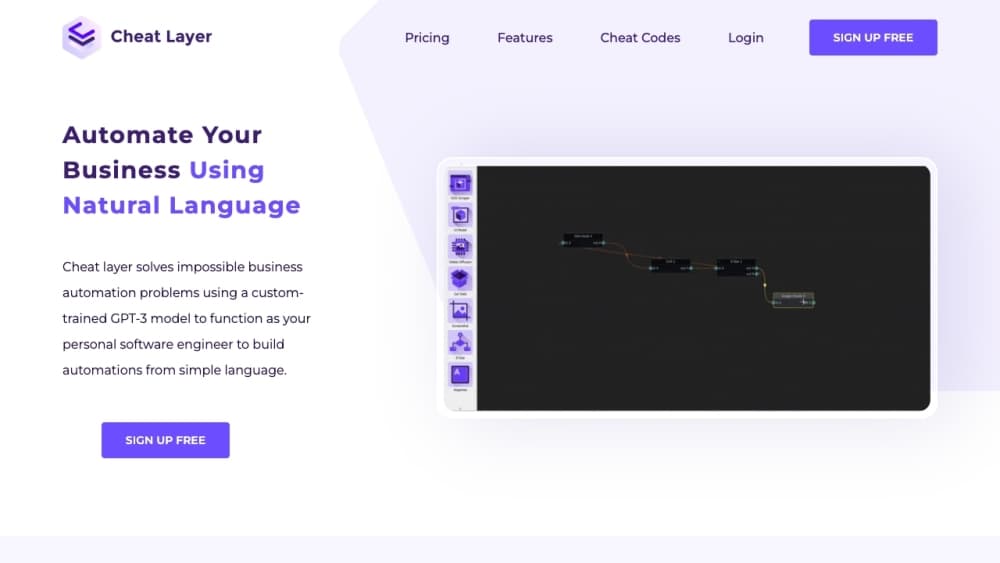
Cheat Layer is a no-code automation platform built around Project Atlas, its agent framework. You describe a task the way you would explain it to a contractor: open this site, pull the table, add the rows to a sheet, send the email. Atlas turns that description into a workflow that runs in Chrome or on a desktop machine. The company began during the pandemic helping people rebuild small businesses with GPT-3, and it says it was the first startup approved by OpenAI to sell GPT-3 for automation, in August 2021.
The product covers three kinds of work. An AI marketing agent generates and schedules posts, then tests variations across accounts. An AI sales agent scrapes leads and runs outreach over email, SMS, chat, and phone. Product agents use a chat mode called Live Mode to build landing pages, small apps, and presentations that are hosted and shareable the moment they're done. A library of prebuilt agents means a new user can start with a working TikTok poster or lead scraper instead of an empty canvas.
The limits show up in the billing and in the maintenance. There's no free tier, only a $1 trial and a 60 day refund window. The main cloud plan is priced as a daily budget, so the monthly bill depends on how many agents you keep running. Desktop automation needs an install on Windows, Mac, or Linux, and an automation that depends on a login can still stall when a site adds a captcha or two-factor prompt. Treat every agent as something to test and watch, not something to leave alone for a month.
Getting Started
- Create an account at cheatlayer.com and start the $1 trial. Billing runs on a daily budget slider, so set the number low while you test.
- Install the Chrome extension. Hold Alt and S on any site (Option and S on a Mac) to open the builder over the page you want to automate.
- Describe the job in plain English, or pick a prebuilt agent from the library. Run it once in the browser and read the step log before you trust it with anything that touches money or customer data.
- Add a schedule in the Scheduler, or call the agent from Zapier, a webhook, or the Agents API. Check the run history for failed clicks after the first few unattended runs.
Product Information
A quick look at Cheat Layer's pricing, supported platforms, and performance.
Best for
The users, tasks, and scenarios where this tool fits best.
Users
- Solo founders and small business owners
- Marketing teams without an engineer
- Sales teams doing outbound
Tasks
- Scraping leads from a directory or map listing
- Scheduling and testing social posts
- Turning a recorded walkthrough into a workflow
- Building a landing page or small internal tool
Scenarios
- A one-person agency that needs a lead list every Monday
- A founder testing paid channels without an ad budget
- Replacing a brittle RPA script
Key features
Plain-English Agent Builder
Project Atlas is the core of the product. Instead of drawing a flowchart, you write a goal and a few steps, and the builder assembles the nodes: open a tab, click a field, type a value, loop through rows, save to a sheet. Each node can be edited by hand afterward, which matters when the first draft is close but not exact. The builder also generates a sample curl request, so the same agent can be triggered from another service.
Semantic Targeting
Most browser automation breaks when a site redesigns a button or renames a field. Cheat Layer describes targets in English, such as "the submit button" or "the price column," and a language model maps that description to the page at run time. A semantic target is looser than a CSS selector, which makes it more forgiving after a redesign and less precise when two elements look alike. Naming the surrounding section in your instruction fixes most of those mix-ups.
Prebuilt Marketing and Sales Agents
The agent library covers the jobs small teams most often want to hand off, and each AI marketing agent or AI sales agent arrives with its own setup form. A TikTok marketing agent posts and tests content daily for $9 per month. A cold outbound agent, still listed as coming soon, is priced at $149 per month for 10,000 emails. Sales agents run conversations over email, SMS, embedded chat, and phone, and the company reports reply rates that beat its own benchmark tests against Apollo. The catch is that these agents work best when you feed them a clean list and a clear offer, not a vague goal.
Live Mode for Apps and Landing Pages
Live Mode treats a build request like a conversation with a developer. Ask for a landing page, get a working page in the browser, then ask for a pricing table, a calculator, or a different font. Finished pages are hosted and can be shared with a link, and the same flow produces small apps, Chrome extensions, and presentation decks. Version control is limited, so export or connect GitHub and Vercel when a project starts to matter.
Agents API and Scheduling
Every Open Agent Studio instance runs an Agents API. You post a JSON body with your key, a goal, and a list of actions, and the response returns the output data plus the verification steps for each action. Scheduling accepts a cron expression, and agents can also be started by webhooks, Zapier, or a Google Sheets task. That makes Cheat Layer a plausible RPA alternative for a queue of small scripts, as long as you handle retries and error alerts yourself.
Cloud Agents and Open Agent Cloud
Cloud agents run on Cheat Layer's servers rather than your laptop. The main plan includes one desktop cloud server with 200 agent runs per day, priced at a $0.10 CPM, and extra servers cost $3 per day. Open Agent Cloud adds a neat trick: upload a screen recording and it drafts an agent from the actions in the video, then runs the schedule across as many clones as you need.
Creator Program and Agent Sharing
Agents can be published and sold. The Creator Program pays 30% recurring revenue plus $1 per 1,000 views when you run a prebuilt agent that promotes Cheat Layer, and the community side lets users share automations as "cheat codes." For agencies, that turns a working internal workflow into a small product. For buyers, it means the library grows without the vendor building every integration.
Pros and cons
Pros
- Natural language input: a written instruction is often enough to get a first working automation, which lowers the entry bar for people who have never used an RPA tool.
- Semantic targets: describing a button in words survives many site updates that would break a selector-based script.
- Prebuilt agents: the TikTok poster, lead scraper, and outbound agent can be running on day one instead of after a week of setup.
- Real API and scheduling: cron, webhooks, and a JSON endpoint make it usable inside an existing stack rather than only in the dashboard.
- Refund window: the 60 day money back guarantee takes some of the risk out of the $1 trial.
Cons
- No free plan: you have to pay to test it, and the daily budget model makes the monthly cost hard to predict before you know your run volume.
- Maintenance still needed: login screens, captchas, and two-factor prompts can stop an agent, and someone has to watch the run log.
- Learning curve: the builder is friendlier than UiPath, but the node types, variables, and verification steps take time to learn.
- Thin public documentation: some setup details live in videos and community posts, and pricing across third-party review sites doesn't match the official page.
Frequently asked questions
Cheat Layer is a no-code AI automation platform. It builds browser and desktop agents from plain English instructions, and it ships prebuilt agents for marketing, sales, and product work. Project Atlas is the framework that turns a written goal into a runnable workflow.
Related content
Explore related tools, skills, and articles for Cheat Layer.
Cheat Layer Alternatives

Udon
Udon · Coding · ProductivityUdon turns an Apple Silicon Mac into a home server you run from a browser, with container controls, file shares, and an optional AI sysadmin.

offstage
offstage cloud · Coding · Productivityoffstage gives AI coding agents and CI jobs a real Mac: a fresh macOS account on Apple silicon, driven over an API and billed by the second.

BotBus
Chengdu Tuyang Tusen Technology Co., Ltd. · Coding · ProductivityBotBus lets you control AI coding agents from your phone and watch: approve commands, start tasks and read results while the code stays on your desktop.