

CheatGPT
CheatGPT · Leaning · Other
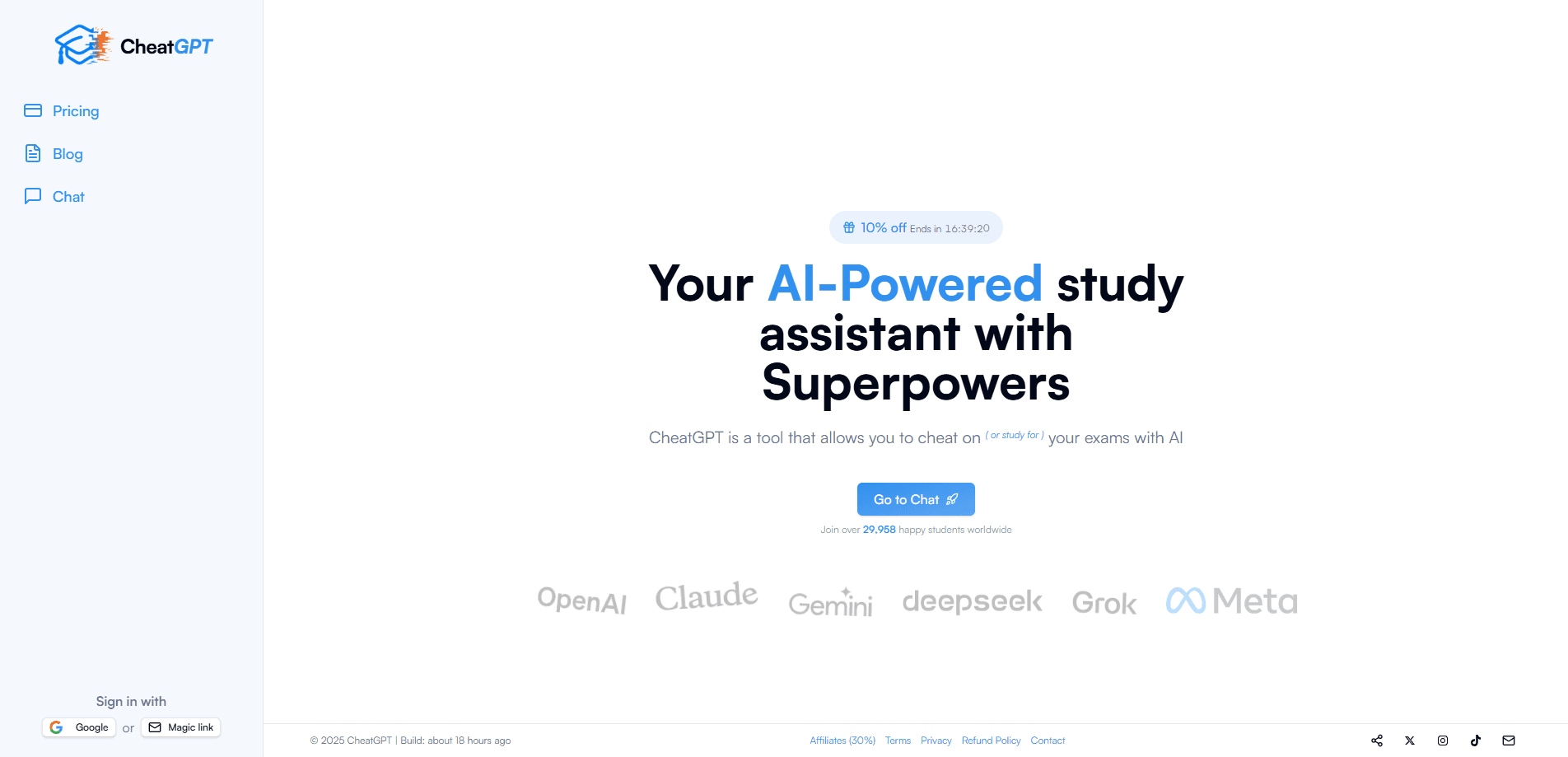
CheatGPT is a Chrome extension that reads Canvas quiz, test and homework questions and puts undetectable AI answers on the page while keeping your activity log clean.
About CheatGPT
What Is CheatGPT
CheatGPT is an AI study assistant for Canvas, and it ships as a Chrome extension. The CheatGPT app answers quiz questions for you while staying invisible to the platform's activity log. It runs on the same models behind ChatGPT, Claude and Gemini, and it puts the answer right on the page, with a short note on why it's correct. The company reports more than 27,000 students using it across universities like MIT, Columbia and Berkeley since 2023.
The problem it solves is straightforward. Canvas writes a line to a log every time you leave a quiz page, and instructors can read that log. Most students who look answers up do it by switching tabs, which is exactly what the tracking flags. CheatGPT sidesteps the switch. It reads the question on your screen, sends it to the AI models in the background and returns the answer without the page ever losing focus, so the log stays clean.
Two things are worth knowing before you install anything. The extension only works inside the Chrome browser, and it only covers Canvas courses. If your school runs tests on another platform, this won't touch them. The answers are also AI generated, so they are accurate most of the time but not guaranteed, and you should skim the explanation on questions where the grade matters.
Getting Started
- Install the CheatGPT Chrome extension from the official site and sign in with your account
- Open any Canvas quiz and let the extension read the question on the page
- Check the answer and its short explanation, then type it into the response field
- Keep Ghost Mode on so the session stays invisible, and check the dashboard to manage which features are active
Product Information
A quick look at CheatGPT's pricing, supported platforms, and performance.
Best for
The users, tasks, and scenarios where this tool fits best.
Users
- College students taking Canvas courses
- Students on back-to-back exam schedules
- Non-native English speakers
- Working and part-time students
Tasks
- Answering multiple choice and true/false questions
- Handling written responses
- Rewriting or summarizing highlighted text
- Retaking a quiz
- Managing which tools stay active during a session
Scenarios
- A closed-book quiz due at midnight
- A timed quiz with no time to look anything up
- A long assigned reading with a follow-up quiz
- A second attempt to raise a grade
- A screenshot question on a slide or image
Key features
In-page answers for every question type
CheatGPT reads each question as it appears on the Canvas page and shows the answer next to it, with a short explanation. Multiple choice, true/false and multi-select fill in with one click, while matching, dropdown, fill in the blank and essay questions get a written response you enter yourself. Image-based questions work through a quick screenshot, so the extension isn't limited to plain text.
ChatGPT, Claude and Gemini in one place
The extension runs on the same models behind ChatGPT, Claude and Gemini, so you get three engines without three subscriptions or three browser tabs. Stuck on a question, you open the sidebar and ask, and the models answer in the same window the quiz lives in. The company's pitch is that the answers stay current because they come from the leading models rather than a fixed answer bank.
Ghost Mode and activity-log blocking
Ghost Mode is the feature the product is built around. It keeps the extension from touching Canvas's activity log, so the tab-switch and focus-loss events that Canvas watches for never fire when you look something up. In the company's own walkthrough, a normal attempt logs flagged events for leaving the quiz page, while the same attempt with CheatGPT records zero flags. That is the core claim: the answer arrives without a switch, so there's nothing to flag.
Rewrite and summarize on highlight
Highlight any text on a page and a toolbar pops up. You can rewrite the passage in your own words or shrink a long reading down to the parts that matter. It doubles as a study aid for dense material and as a plagiarism workaround for short written answers, since it restates the content instead of copying it.
Saved answers and auto-fill
CheatGPT stores the answers from a prior attempt, so when you retake a quiz it auto fills what you answered before. For students retaking an assessment for a better score, that means the bulk of the work is already on the page and only the new or changed questions need attention. It cuts the time a second attempt takes down to minutes.
Dashboard and session controls
A dashboard shows the extension's status and lets you manage which features run during a session. You can see whether Ghost Mode, the AI answer engine and the midterm tools are active, and toggle them per session. The interface lists your account email and surfaces support, so you can reach the team if a quiz site doesn't behave as expected.
Cross-platform Canvas support
The extension is built to work on every Canvas instance, including the custom domains individual schools host, not just standard Instructure pages. That matters because many universities run Canvas on their own subdomain, and a tool that only handled the default host would miss those courses entirely.
Pros and cons
Pros
- The answer appears on the page, so you never leave the quiz and Canvas has nothing to flag
- Covers multiple choice, matching, essay and image-based questions in one extension
- Bundles ChatGPT, Claude and Gemini access without separate model subscriptions
- Monthly plan at $10 and a $50 lifetime option keep the cost low next to a single AI subscription
- A 7-day refund window and Stripe payment give you a way to back out if it doesn't fit
Cons
- Chrome only, so it does nothing for tests on Firefox, Safari or a locked-down school browser
- Canvas only, which means non-Canvas platforms like Blackboard or Moodle get no coverage at all
- AI answers aren't guaranteed correct, so a wrong answer on a graded question is still on you
- No free plan or trial, so you have to pay before you can test it on a real quiz
Frequently asked questions
CheatGPT is a Chrome extension that reads Canvas quiz, test and homework questions and puts the answer on the page while keeping your Canvas activity log clean. It runs on the models behind ChatGPT, Claude and Gemini and adds an explanation to each answer, and it also rewrites or summarizes any text you highlight.
Related content
Explore related tools, skills, and articles for CheatGPT.
CheatGPT Alternatives

HireKey
HireKey · Voice & Language · Productivity · LeaningHireKey is an AI job search copilot built by a former tech recruiter. It checks role fit, tailors resumes, runs interview practice and tracks every application.

Lune
Retrograde Labs · Productivity · LeaningLune is a research search engine for scientific AI agents. It runs as an MCP server that lets Claude, ChatGPT and Cursor search peer-reviewed computer science papers and cite them.
Coddy
Coddy · Coding · LeaningCoddy is a gamified platform to learn to code through short interactive lessons in 20+ languages, with a browser editor, an AI tutor and free certificates.