

checklist.gg
Sacca Inc. · Productivity
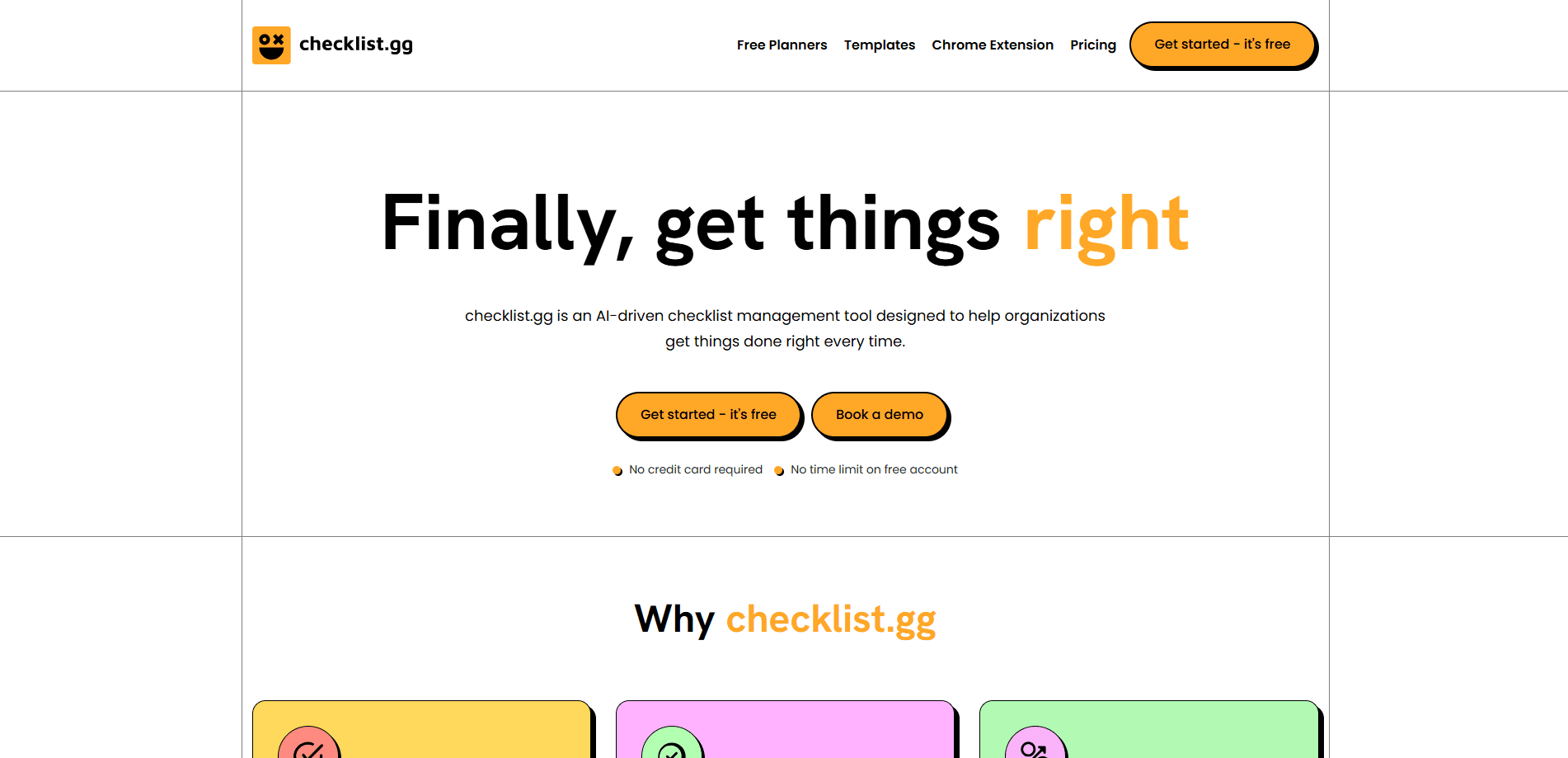
checklist.gg is an AI checklist and SOP tool that drafts a runnable process from a prompt, document or URL, then tracks every run.
About checklist.gg
What Is checklist.gg
checklist.gg is an AI-driven checklist, process and SOP management software published by Sacca Inc., an AI product studio. The pitch is narrow on purpose: it handles work that repeats. New-client onboarding, release steps, the monthly close, a weekly publishing routine. For that kind of process, a written and runnable checklist beats memory every time.
Most tools stop at the list. checklist.gg is built around the run, which is one live pass through a checklist. A run belongs to a person, gets tracked task by task, and stays on record once it finishes. That's why plan limits come as two numbers: checklists and checklist runs. You aren't paying for document storage, you're paying for how much work moves through them.
The product is a web app at app.checklist.gg, plus a Chrome extension that maps published checklists to the sites your team already uses. It's not trying to be a project suite or a wiki. No public API ships today, so teams that want headless automation can't wire it in yet.
Getting Started
- Create a free account at app.checklist.gg, then set up an organization and a first project.
- Describe the job, paste a block of text, upload a document or point at a URL. The AI drafts a structured checklist you can edit. You can also start from the template library instead of an empty page.
- Assign the checklist to a member, or split it into tasks and sub-tasks with a named owner on each. Choose parallel or sequential order when you assign a workflow.
- Run it. Tasks sit at pending until someone completes them, and the run stays visible to the team while it's open.
- Set the checklist to repeat daily, weekly, monthly or yearly with an assignee and a time zone, so the next run appears when it's due.
Product Information
A quick look at checklist.gg's pricing, supported platforms, and performance.
Best for
The users, tasks, and scenarios where this tool fits best.
Users
- Operations managers
- Small teams without a dedicated ops hire
- Compliance and safety leads
- Agency teams juggling many clients
Tasks
- Turning a rough process into a checklist
- Standardizing recurring work
- Assigning ownership across steps
- Tracking process performance
Scenarios
- New-client onboarding
- Monthly or quarterly close
- Release and deployment steps
- In-browser task completion
Key features
AI-driven checklist creation
Used as an AI checklist generator, checklist.gg takes a short prompt, a pasted block of text, an uploaded document or a URL, and drafts a structured checklist you can then edit like any other. Every plan includes a set number of AI creations, and starting from a template or writing by hand doesn't spend one. It's aimed at the slowest part of process work, which is writing the process down in the first place.
Recurring and scheduled checklists
Any checklist that happens more than once can be set to repeat daily, weekly, monthly or yearly. You attach an assignee, a run name and a time zone, and the next run shows up when it's due instead of when somebody remembers. This turns a checklist into a schedule your team can rely on.
Checklist runs and tracking
A run is one live execution of a checklist, tracked on its own with progress, ownership and a completion record. Runs are grouped as ready to run, pending or completed. Because each pass is kept separately, a process you do fifty times leaves fifty records rather than one overwritten document.
Assignment and parallel or sequential workflows
Assign a whole checklist to one member, or break it into tasks and sub-tasks with a named owner on each. When you assign a workflow you also pick the order: parallel when three people can work at once, sequential when step four genuinely can't start before step three is signed off. Auto-assign is available from the Small Team plan up.
Chrome extension
The Chrome extension maps published checklists to the domains your team already works on, then lets you open and complete them in a side panel without leaving the page. It's the difference between a checklist you remember to open and one that shows up where the work happens.
Template library
Over 900 pre-built checklists span 75 category hubs, ready to copy and edit instead of starting from an empty page. Templates also cover printable planners, which helps teams that still work partly on paper. Using a template doesn't spend an AI creation.
Analytics and custom branding
Run insights give totals for checklists, runs, completions and time spent, plus a breakdown by checklist status. Advanced analytics and custom branding sit on the Large Team plan, which matters once you have enough completed runs to see which step keeps getting stuck.
Pros and cons
Pros
- AI generation covers a prompt, pasted text, an upload or a URL, so a first draft rarely means starting from nothing.
- Plan limits are quoted in checklists and runs, which keeps pricing tied to actual work rather than document storage.
- Recurring schedules with a preset assignee and time zone remove the need to recreate the same checklist by hand.
- Parallel and sequential ordering suit both shared checklists and rigid hand-off processes.
- A free plan and a template library let a team test the workflow before paying.
Cons
- The free Starter plan caps out at 3 checklists, 10 runs and 3 members, so it's a trial rather than a working setup.
- AI creation counts are metered per plan, and heavy generators will hit the 50-creation Small Team ceiling.
- No public API is documented, so teams that want to drive checklist.gg from their own pipeline can't connect it today.
Frequently asked questions
checklist.gg drafts a checklist, process or SOP from a prompt, document or URL, then lets you run it as a tracked piece of work. Each run keeps its own progress and record, so repeating a process leaves a trail of dated executions instead of one overwritten document.
Related content
Explore related tools, skills, and articles for checklist.gg.
checklist.gg Alternatives

Base Code
Base44 (Wix) · Coding · ProductivityBase Code is a shared cloud development environment from Base44. Teammates describe changes to an existing GitHub codebase in chat, preview them live and send them back as pull requests.

Knocket
Knocket (Tencent RTC team) · Productivity · Business · ChatbotKnocket is a free live chat and contact page tool that lets visitors message you from your website, app, or a shareable link, with every reply handled from Telegram or one inbox.

FloorGen
Vinit Kumar (FloorGen) · Productivity · China AIFloorGen is a browser-based floor plan maker that turns a sentence or a sketch into an editable 2D plan and a 3D walkthrough. Export to PDF, DXF or video, and draw without an account.