

Chef AI
Unknown · AI Assistant
Chef AI is a Telegram cooking assistant that reads a photo of your fridge, suggests recipes from what you already have, and estimates calories and macros for each dish.
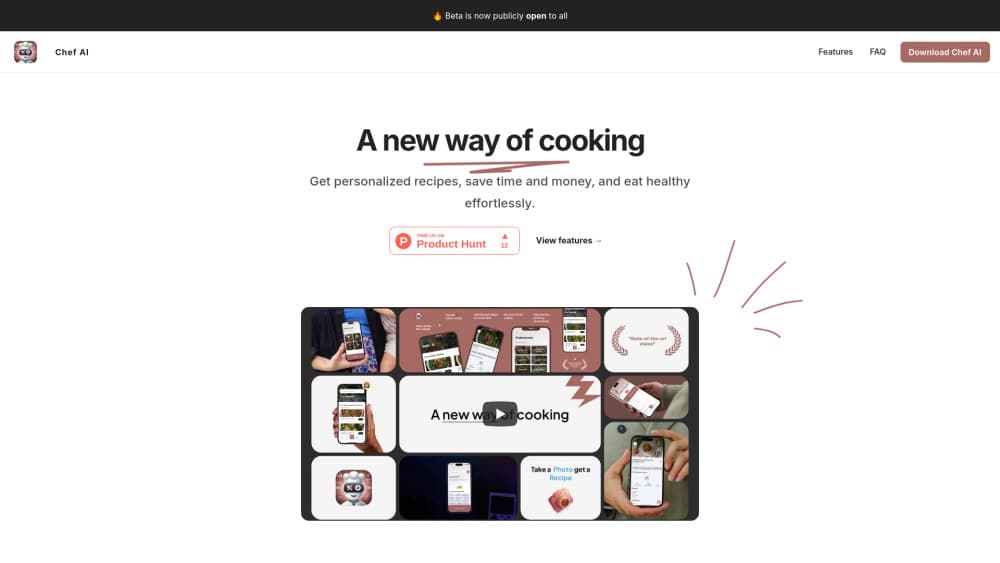
About Chef AI
What Is Chef AI
Chef AI is an AI cooking assistant that runs entirely inside Telegram. The official site presents it as Chef Victor, a strict but fair chef character from the Red Ape restaurant who answers in chat, looks at photos of your shelves, and writes recipes around whatever is already in the kitchen. You open a link, press Start, and type. Nothing gets installed and no account gets created.
The daily problem it targets is the one that shows up around six in the evening: a full fridge, no plan. You send a picture of the open fridge or a short list of what's left, and the AI chef bot answers with a dish you can cook right away. A nutrition breakdown comes with the recipe instead of a separate lookup.
Two limits matter before you start. The assistant replies in Russian, so anyone who doesn't read the language will struggle with the conversation. Nutrition figures are estimated from a photo rather than measured, which makes them a rough guide and not a defensible food log.
Getting Started
- Open telegram.me/ChefAICookingBot in the Telegram app on a phone or desktop. Press Start to wake the bot.
- Send a photo of your open fridge or pantry, or type the ingredients you have on hand.
- Answer the follow-up questions about servings, diet restrictions, and calorie targets.
- Read the recipe the bot returns, then ask for changes such as a lighter version or a swap for an ingredient you dislike.
- Copy the recipe into your notes before closing the chat. There's no built-in library to keep it.
Product Information
A quick look at Chef AI's pricing, supported platforms, and performance.
Best for
The users, tasks, and scenarios where this tool fits best.
Users
- Home cooks with a full fridge and no plan
- People tracking calories without a food scale
- Beginners who need permission to improvise
Tasks
- Deciding dinner from leftovers
- Estimating the macros of a plate
- Adapting a recipe to a restriction
- Getting a specific cuisine right
Scenarios
- A weeknight dinner after a late shift
- Clearing the fridge before a trip
- Cooking for guests with different diets
Key features
Fridge Photo Scanning
You point the camera at an open fridge, a pantry shelf, or a table of groceries and send the picture. The bot identifies the ingredients it can see and proposes dishes built from them. This is the part that separates it from a plain recipe search, because you never type an ingredient list by hand.
Recipes From a Typed List
Not every kitchen photo comes out clean, and sometimes you just know what's in the drawer. Typing "eggs, half an onion, rice, a bit of cheese" works the same way. The AI recipe generator reads the list, fills the gaps with pantry basics, and returns steps in order.
Calorie and Macro Estimates
Each recipe comes with an estimated calorie count and a protein, fat, and carbohydrate split. You can also photograph a single product or a finished plate for a standalone calorie estimate. The numbers come from the model's reading of the image, so a plate piled higher than it looks will read low.
Diet and Restriction Filters
Vegan, gluten-free, and calorie deficit requests are handled in the same conversation. The chef doesn't ask a form's worth of questions first. You state the restriction, the recipe changes, and you can push back if the swap doesn't work for you.
Recipes Across Many Cuisines
The site shows Uzbek plov, Vietnamese dishes for a table of guests, and lighter dinners in the same feed. Requests are free-form, so cuisine, portion count, and cooking time can all go into one message. That flexibility is the main reason people keep the chat open instead of opening a recipe site.
Follow-Up Chat With the Chef
The assistant holds the thread of the conversation. Ask why the onions go in first, what to use instead of cream, or how to fix a sauce that split, and the answer stays tied to the recipe you're cooking. The persona is blunt and a little theatrical, which makes the back and forth feel less like a search box.
Pros and cons
Pros
- Nothing to install: the whole product is a chat inside Telegram, so it works on any device where Telegram runs.
- Photo input saves typing: one picture of a shelf replaces a five-minute inventory of the kitchen.
- Nutrition comes attached: calories and macros arrive with the recipe, so you don't run a second lookup for every meal.
- Free with no signup: no card, no trial countdown, no account to abandon later.
- Diet changes are conversational: a restriction gets applied in one sentence, and you can revise it mid-recipe.
Cons
- Russian only: the interface and the replies are in Russian, which rules it out for a large share of readers.
- No saved library: recipes live in the chat thread, so a good dinner disappears unless you copy it out.
- Estimates, not measurements: portion guesses from a photo drift, and anyone with a medical reason to count macros should use a weighed log.
- Tied to Telegram: there's no app, no web dashboard, no export, and no API for building the same thing into your own tools.
Frequently asked questions
Chef AI is an AI cooking assistant that works as a Telegram bot. It reads photos of your ingredients, writes recipes around them, and estimates calories and macros for the result.
Related content
Explore related tools, skills, and articles for Chef AI.
Chef AI Alternatives
Agibot
Agibot · Productivity · AI Assistant · ChatbotAgibot is a personal AI agent for Mac that keeps running after you close the window, runs routines on a schedule, and works from Telegram or Slack with your own API keys.

Foley
Hanamori Labs, LLC · Voice & Language · Productivity · AI AssistantFoley is a voice to-do list that turns a spoken sentence into a filed task, complete with project, date and time, then helps you plan the day around what is already there.

Ghost Core
Ghost · Productivity · AI AssistantGhost Core is a $3,499 screenless personal AI computer that runs local AI models on its own hardware, builds context from your apps and devices, and acts without waiting for a prompt.