

Chinilla
Chinilla · Productivity
Chinilla is a visual system design and simulation tool that turns diagrams into running systems. You drop blocks on a canvas, wire them together, and press play to watch packets move through queues, retries, and bottlenecks. Ever wanted to know where a design breaks before you ship it? That's the idea. It suits engineers who want to validate an architecture before writing code, students working through system design interview prep, and anyone who thinks better with a whiteboard than a text editor.
About Chinilla
What Is Chinilla
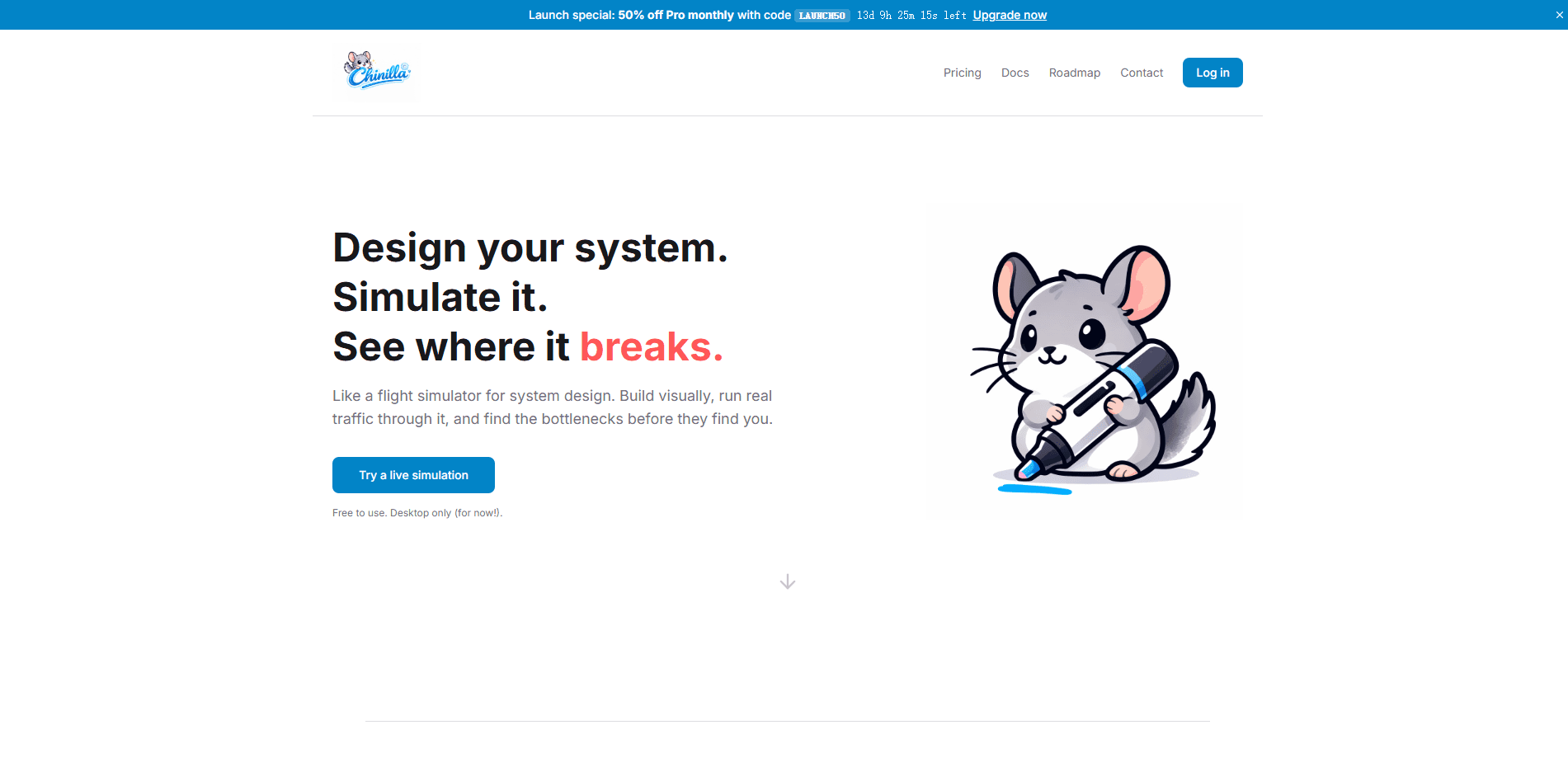
Chinilla is a system design simulator that runs in the browser and treats your diagram as live software. Instead of static boxes and arrows, you build a design from seven universal blocks (Person, Step, Storage, Decision, Trigger, Tool, Channel) and run a deterministic simulation on top of it. The same design with the same seed produces the same result every time, so you can compare changes honestly. Think of it as an architecture diagram tool that answers back.
The tool isn't limited to software. The team markets it for anything with moving parts, including restaurant kitchens, hospital triage flows, factory lines, and logistics networks. The point is to see where load piles up before that backlog shows up in production.
The biggest limitation is scope. Chinilla models behavior, not real infrastructure. It won't hit live services, show your Kubernetes cluster, or replace an observability stack. Treat it as a fast prototype and a thinking tool, not a load-testing rig. That's the honest framing.
Getting Started
- Open chinilla.com in a browser and start a new canvas; there's no install step.
- Drop your first blocks onto the canvas and snap connections between them.
- Set latency, capacity, and behavior on each link, and attach modes like retry, circuit breaker, or batch where they matter.
- Press play to run the deterministic simulation and watch packets flow through the system.
- Open the Overview panel to review health, stability, and bottleneck data, then revise by hand or with the AI chat.
Product Information
A quick look at Chinilla's pricing, supported platforms, and performance.
Best for
The users, tasks, and scenarios where this tool fits best.
Users
- Software engineers
- System design interview candidates
- Students and visual learners
- Technical writers and educators
Tasks
- Whiteboarding new services
- Bottleneck analysis
- Documentation
- Interview practice
Scenarios
- Planning a microservice rollout
- Teaching architecture in a classroom or a blog post
- Prototyping research models
Key features
Deterministic Simulation Engine
Chinilla runs a discrete-event simulation, which means the same design with the same seed returns the same result every time. That repeatability matters when you're comparing two versions of an architecture, because a change in the numbers reflects your edit rather than random variation. You watch packets move through the canvas and see exactly where they stall, drop, or pile up in a queue. No guesswork.
Seven Universal Building Blocks
Everything you model is built from seven components: Person, Step, Storage, Decision, Trigger, Tool, and Channel. The small vocabulary is deliberate. It forces you to abstract instead of drowning in per-vendor icons, and it lets the same tool cover a software backend, a restaurant, or a hospital ward without a separate diagram library. Fewer parts, clearer thinking.
Node Behavior Modes
Any node can carry behavior beyond passthrough. You get eight modes, including retry, circuit breaker, batch, and replicate, plus queueing on any component. Attaching a circuit breaker to a fragile dependency and watching the system cope is a concrete way to test a resilience plan without touching real infrastructure. Real systems fail. This shows you where.
AI Design Assistant
An AI chat can draft a design from a description, explain an existing one, or suggest a fix for a weak spot the runtime exposes. It's most useful at the blank-canvas stage, when you know the shape of a problem but don't want to place twenty blocks by hand. You stay in charge of the model. The assistant just removes the tedious first pass.
Live Collaboration and Interview Mode
You can share a link and work on the same canvas with live cursors, one owner plus one guest. There's also an Interview mode with eight hand-authored rubrics for mock system design rounds. Both are Pro features, so the free tier is a solo workspace. Worth knowing before you invite a teammate.
Repo Import and Publishing
Paste a GitHub URL and Chinilla scans the codebase, then returns a runnable diagram; it handles 15+ languages plus YAML, JSON, TOML, and XML. From there you can toggle a live URL, drop a Markdown badge into a README, or embed an iframe in a docs page. Export options include PNG, SVG, Mermaid, and, on Pro, an animated GIF of the simulation.
Analytics and Stress Testing
The Overview panel covers health, stability, and bottleneck data, with one-click stress-test scenarios for peak load, outages, and slow links. Research-oriented users get Monte Carlo runs with 95% confidence intervals, warm-up control, and baseline diffs, which the team positions as a fast alternative to heavyweight simulation packages like AnyLogic or Arena.
Pros and cons
Pros
- Deterministic runtime makes before-and-after comparisons trustworthy, since a rerun reproduces the same numbers.
- Seven-block vocabulary keeps the canvas readable and works across software, operations, and process flows.
- Modeling any kind of system, from microservice meshes to coffee shop queues, lets one tool cover many use cases.
- Repo import and multi-format export let you fold diagrams into existing docs and READMEs without redrawing.
- Free and open to use, with no install required to start.
Cons
- It won't load-test real services or mirror Kubernetes and cloud deployment views, so it can't replace dedicated tools like k6 or Cloudflare-style observability dashboards.
- Live collaboration, animated GIF export, and Interview mode are Pro features, so free users work solo.
- Pricing and API details aren't published on the site, which makes long-term budgeting hard to plan.
- The abstraction trade-off cuts both ways: a seven-block palette is easy to learn but can feel thin if you want vendor-specific icons or deep protocol detail.
Frequently asked questions
Chinilla is a visual system design and simulation tool. You draw a system, run a deterministic simulation on it, and watch where packets wait or drop so you can find bottlenecks before writing code.
Related content
Explore related tools, skills, and articles for Chinilla.
Chinilla Alternatives

Base Code
Base44 (Wix) · Coding · ProductivityBase Code is a shared cloud development environment from Base44. Teammates describe changes to an existing GitHub codebase in chat, preview them live and send them back as pull requests.

Knocket
Knocket (Tencent RTC team) · Productivity · Business · ChatbotKnocket is a free live chat and contact page tool that lets visitors message you from your website, app, or a shareable link, with every reply handled from Telegram or one inbox.

FloorGen
Vinit Kumar (FloorGen) · Productivity · China AIFloorGen is a browser-based floor plan maker that turns a sentence or a sketch into an editable 2D plan and a 3D walkthrough. Export to PDF, DXF or video, and draw without an account.