

CircadiaOS
CircadiaOS LLC · AI Assistant
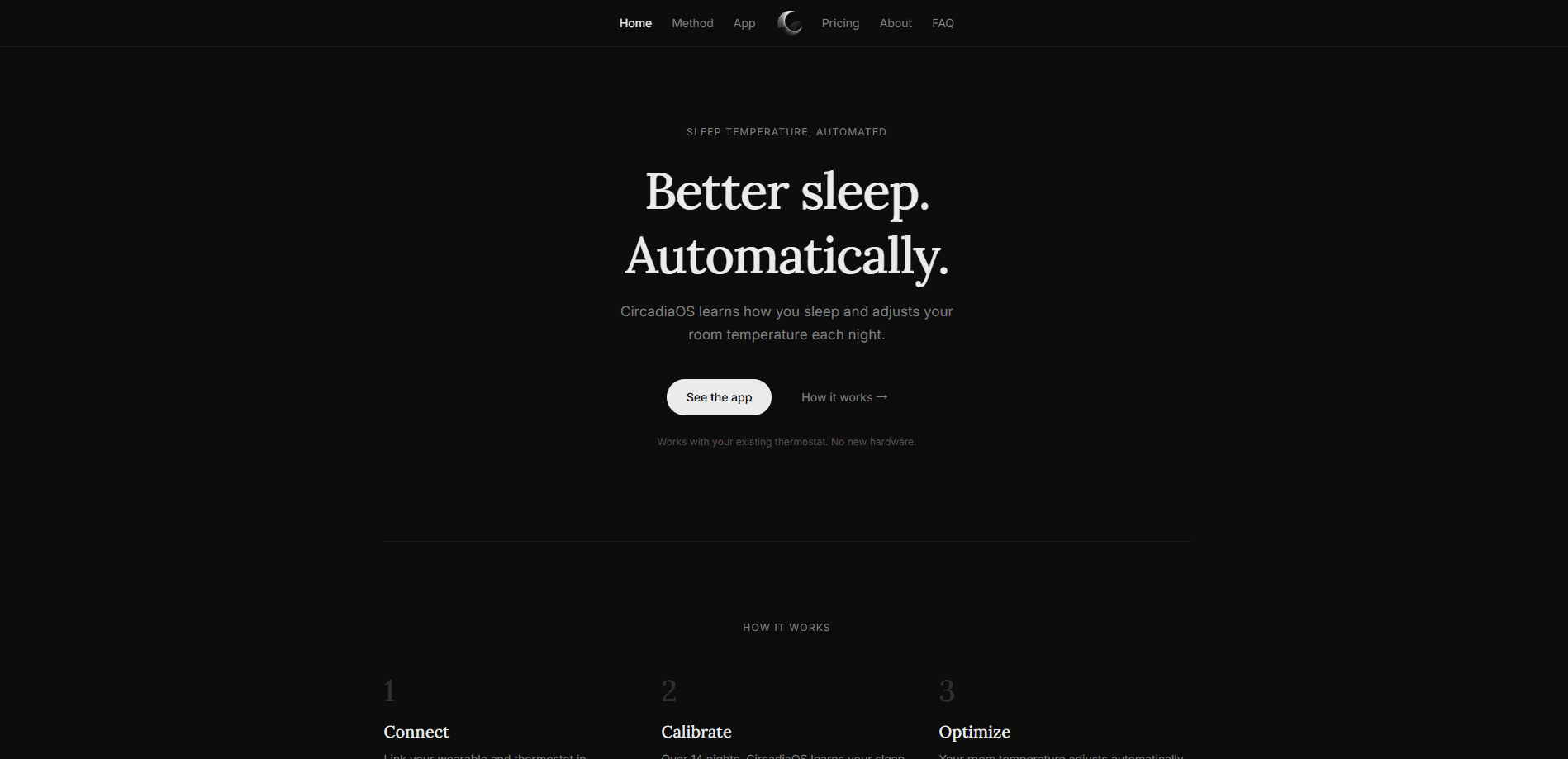
CircadiaOS is an iPhone sleep thermostat app that runs your smart thermostat on a four-phase overnight curve, then tunes it from wearable sleep data. No new hardware.
About CircadiaOS
What Is CircadiaOS
CircadiaOS is an iPhone app from CircadiaOS LLC that takes over your smart thermostat at night. You enter a bedtime and a wake time, connect the thermostat you already own, and the app sends it a four-phase temperature curve: a cool-down before bed, the coldest point in the first half of the night, a slight rise after midnight, and a warmer setting before your alarm.
The idea rests on a fact about bodies. Core temperature drops as you fall asleep and climbs again before you wake, so a thermostat pinned to one number all night fights that rhythm. CircadiaOS moves the setpoint with it.
Premium adds the learning part. Each morning your wearable reports how you slept, and the app keeps a change when your sleep data supports it, or rolls it back when it doesn't. It moves one setpoint at a time and holds each change for one to two weeks. That pace is also the main limitation: expect months, not days, before the schedule is truly yours.
Getting Started
- Install the app on an iPhone running iOS 18 or later and sign in with Apple, Google or email.
- Set your bedtime, wake time and bedroom, then choose a temperature floor and ceiling.
- Connect your thermostat by signing in to its own account. Nest and a few other brands need the thermostat added to Apple Home first.
- Connect Oura, Whoop, Apple Watch, Garmin or Fitbit if you have one, then let the first schedule run that night.
Product Information
A quick look at CircadiaOS's pricing, supported platforms, and performance.
Best for
The users, tasks, and scenarios where this tool fits best.
Users
- iPhone owners with a Wi-Fi thermostat
- People who already wear a sleep tracker
- Renters with an in-unit thermostat
Tasks
- Cooling a bedroom before lights out
- Stopping the 3 a.m. chill
- Testing temperature ideas against real sleep data
- Running a fixed schedule for free
Scenarios
- Hot summer nights when the bedroom keeps heat long after sunset.
- Couples sharing one room
- A steady weekday routine where bedtime and wake time barely move.
Key features
Four-phase overnight curve
The app splits the night into pre-sleep, early night, late night and pre-wake, then sends a different setpoint for each phase. Four small steps do more than one flat number because they follow the shape of a normal night rather than a single average. Bedroom temperature for sleep is easy to feel and hard to measure, so the app shows all four temperatures on the home screen before you go to bed.
One change at a time
Premium adjusts a single setpoint, holds it for one to two weeks, and compares your sleep against the starting point. Changes that don't show up in the data get reversed. The approach trades speed for signal: a slow loop is the only way to tell whether a one-degree shift did anything.
Sleep data from five wearable families
Oura, Whoop, Apple Watch, Garmin and Fitbit all feed the loop, each with its own hold period. Oura and Fitbit data turn over in about a week, Apple Watch in about ten nights, Whoop and Garmin in about two weeks. The spread reflects how much night-to-night noise each device carries.
Runs the thermostat you already own
There's no bridge box and no new thermostat. CircadiaOS signs in to ecobee, Honeywell Home and other accounts directly, and reaches Nest, Aqara, Eve, Mysa and Meross through Apple Home. Trane, Alarm.com, Centralite and several others connect through a Samsung SmartThings hub. If you already have thermostat automation running in the manufacturer's app, this replaces it at night rather than layering on top.
Temperature floor and ceiling
You set the coldest and warmest points you'll accept, and the app stays inside them all night. Profile-aware adjustments cover things a generic model misses, including menopause. Manual changes from the thermostat or its own app aren't fought: CircadiaOS picks the schedule back up the next night.
Nightly history and comparisons
Every morning brings a check-in with the night's schedule, your sleep score and the metrics behind it: total sleep, resting heart rate, HRV, REM and deep sleep. A calendar colors each night by quality, and Best vs Worst puts your highest and lowest scoring nights side by side so you can see what differed. Premium also explains where each setpoint came from.
Pros and cons
Pros
- No hardware purchase. It uses the thermostat and wearable you already own, which keeps the three-year cost far below a cooling mattress cover.
- The 14-day trial runs the full Premium feature set, and the yearly plan works out to about $8.33 a month.
- Changes are visible and reversible. The app shows which setpoint is being tested and how many nights into the test you are.
- The Free plan is usable on its own: a starting schedule, wearable sync, nightly sleep data and a morning check-in at no cost.
- Manual overrides aren't punished. Touch the thermostat and the app resumes the schedule the following night.
Cons
- iPhone only, and only through the United States App Store. Android users have no version to install, and the app won't run on a Galaxy Watch or Pixel Watch.
- It never adjusts in real time. Wearables report after the night is finalized, so a bad night can't be corrected while you're in it.
- Premium is useless without a compatible Wi-Fi thermostat. Window AC units, radiators without a smart thermostat and building-wide HVAC in apartments are all out.
- Progress is slow. The 14-night starting period is followed by one to two weeks per change, so the first few months are mostly data collection.
Frequently asked questions
No. You need an iPhone, a compatible Wi-Fi smart thermostat and, if you want automatic tuning, a wearable. The app works with the thermostat you already have and with sleep data from devices you may already wear.
Related content
Explore related tools, skills, and articles for CircadiaOS.
CircadiaOS Alternatives
Agibot
Agibot · Productivity · AI Assistant · ChatbotAgibot is a personal AI agent for Mac that keeps running after you close the window, runs routines on a schedule, and works from Telegram or Slack with your own API keys.

Foley
Hanamori Labs, LLC · Voice & Language · Productivity · AI AssistantFoley is a voice to-do list that turns a spoken sentence into a filed task, complete with project, date and time, then helps you plan the day around what is already there.

Ghost Core
Ghost · Productivity · AI AssistantGhost Core is a $3,499 screenless personal AI computer that runs local AI models on its own hardware, builds context from your apps and devices, and acts without waiting for a prompt.