

Lensify: Circle Search Tool
Hera Labs · Image · Coding
Lensify: Circle Search Tool is an Android app that identifies anything on your screen when you circle, tap, or snap it, so you skip switching apps to search.
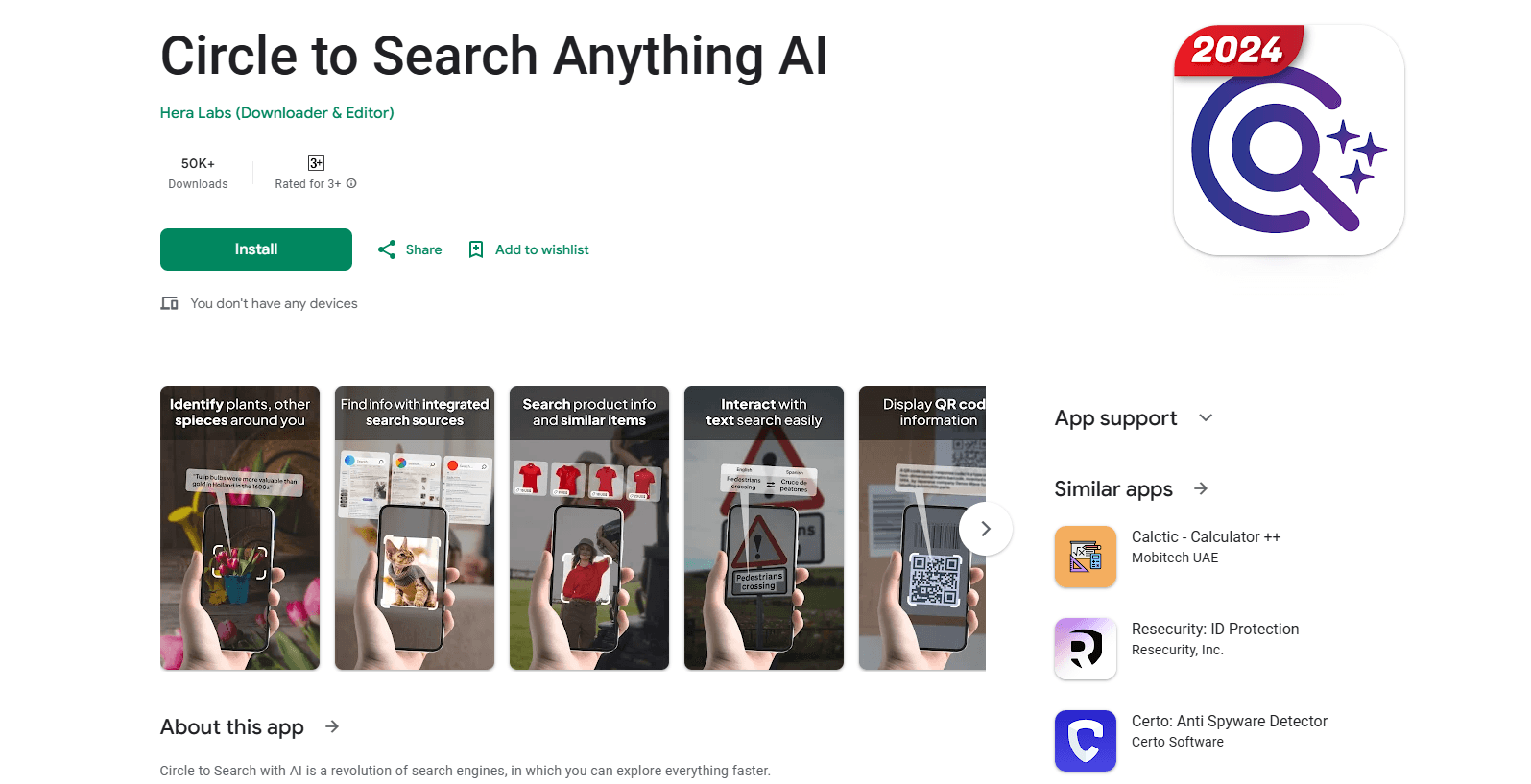
About Lensify: Circle Search Tool
What Is Lensify: Circle Search Tool
Lensify: Circle Search Tool is a visual search app for Android built by Hera Labs. It answers a simple question fast: what is this thing in front of me? You highlight an object, a product, or a block of text on your screen, and the app pulls back details about it without pulling you out of whatever you were doing.
The app runs as an overlay, which is the part that matters most. A floating icon or a navigation bar sits on top of other apps, so you can circle a pair of sneakers in a shopping feed, highlight a plant in a photo, or scan text in a document, all from the same screen. Results open in a bottom sheet you can dismiss.
The catch is that it leans on your phone's hardware and your internet connection, and the free download carries in-app purchases for the fuller toolset. It's also Android only, so iPhone users are out of luck. According to Google Play, the app has passed 100,000 downloads.
Getting Started
- Install the app from Google Play and open it.
- Enable the search engine overlay so the floating button or navigation bar shows up.
- Set your preferences, like your favorite highlight colors and whether you want a floating icon or a bottom bar.
- Circle, highlight, or tap anything on your screen to run a search.
- Read the results in the bottom sheet, then tweak the search area or try a different platform if you want more.
Product Information
A quick look at Lensify: Circle Search Tool's pricing, supported platforms, and performance.
Best for
The users, tasks, and scenarios where this tool fits best.
Users
- Curious shoppers
- Students and researchers
- Nature lovers
Tasks
- Searching text on screen
- Finding similar images
- Snapping an object in real time
Scenarios
- Browsing social media
- Working through a document
- Traveling
Key features
Circle to Search Overlay
The core move is a gesture. You draw a circle, a loop, or a highlight around whatever you want to know about, and the app fires off a search. Because it lives in an overlay, you never have to screenshot, save, and hop to a different app. One step. That's the whole reason people keep it installed.
Circle Search for Text on Screen
Lensify can pull words out of a photo, a file, or a paused video. Once it has the text, you can translate it, look up a definition, or copy it somewhere else. This is handy for menus in another language. Or a paragraph in a scanned document that you can't select normally.
Search Product by Image
Found something you like but no price tag in sight? Circle the item on a product page or in a social post and the app tells you the price, the color options, and where to buy a match. It turns "I want that" into an actual link.
Object Recognition for Everything
The app identifies plenty of things: plants, insects, animals, landmarks, famous faces, furniture, rocks, and flowers. Each one is a different search, but they share the same gesture. That matters. For anyone who likes being outdoors, the plant and animal ID is the reason the app stays on the home screen. The screenshot search angle is the same idea applied to whatever is already on your display.
Camera Image Search
When there's nothing on your screen yet, you snap a photo instead. The app lets you adjust the search area after the shot, so a busy background doesn't wreck the result. Handy for a bird that won't sit still. Or a label you can't get close to.
Multiple Search Platforms
Lensify routes one query through more than one search service to give you a wider set of answers. It's not a single engine under the hood, which means results can shift depending on what you're looking for. More sources usually means better odds of a useful hit.
Pros and cons
Pros
- The overlay means you search without leaving the app you're already in, which saves real time on mobile.
- It handles a lot of object types, from products and text to plants, animals, and landmarks.
- The free download is enough to test the core circle to search gesture before you pay anything.
- Custom highlight colors and a floating icon or navigation bar let you shape how the overlay feels.
- Reverse image search and similar-image lookup cover product discovery and visual research in one tool.
Cons
- It's Android only, so iPhone owners can't use it at all.
- The free version pushes in-app purchases (a few dollars each) to get the fuller set of features, and those costs add up.
- You need a solid internet connection, since the searches run through external services.
- Accuracy depends on image quality, so blurry or cluttered shots can return weak matches.
Frequently asked questions
It lets you search for anything on your Android screen by circling, highlighting, or tapping it. The app identifies objects, text, products, and places and shows results in a bottom sheet without you leaving the current app.
Related content
Explore related tools, skills, and articles for Lensify: Circle Search Tool.
Lensify: Circle Search Tool Alternatives

Google EmbeddingGemma 2
Google DeepMind · Writing · Image · CodingGoogle EmbeddingGemma 2 is a 740M-parameter open model that turns text, code, images, audio, and video frames into vectors in one 768-dimension space, running on phones and laptops.

Tractionwave
TractionWave · Image · MarketingTractionWave is an AI attention heatmap tool for static ads. Upload a PNG or JPG and it returns predicted attention, ranked hotspots, and fixes before you spend budget.

Imejis.io
Imejis.io · Image · MarketingImejis.io is an AI design studio for agents and marketing teams. Describe an image in plain words, and it writes the copy, builds the layout, reflows it to every size, then exports a finished file.