

Circleback
Circleback, Inc. · Productivity
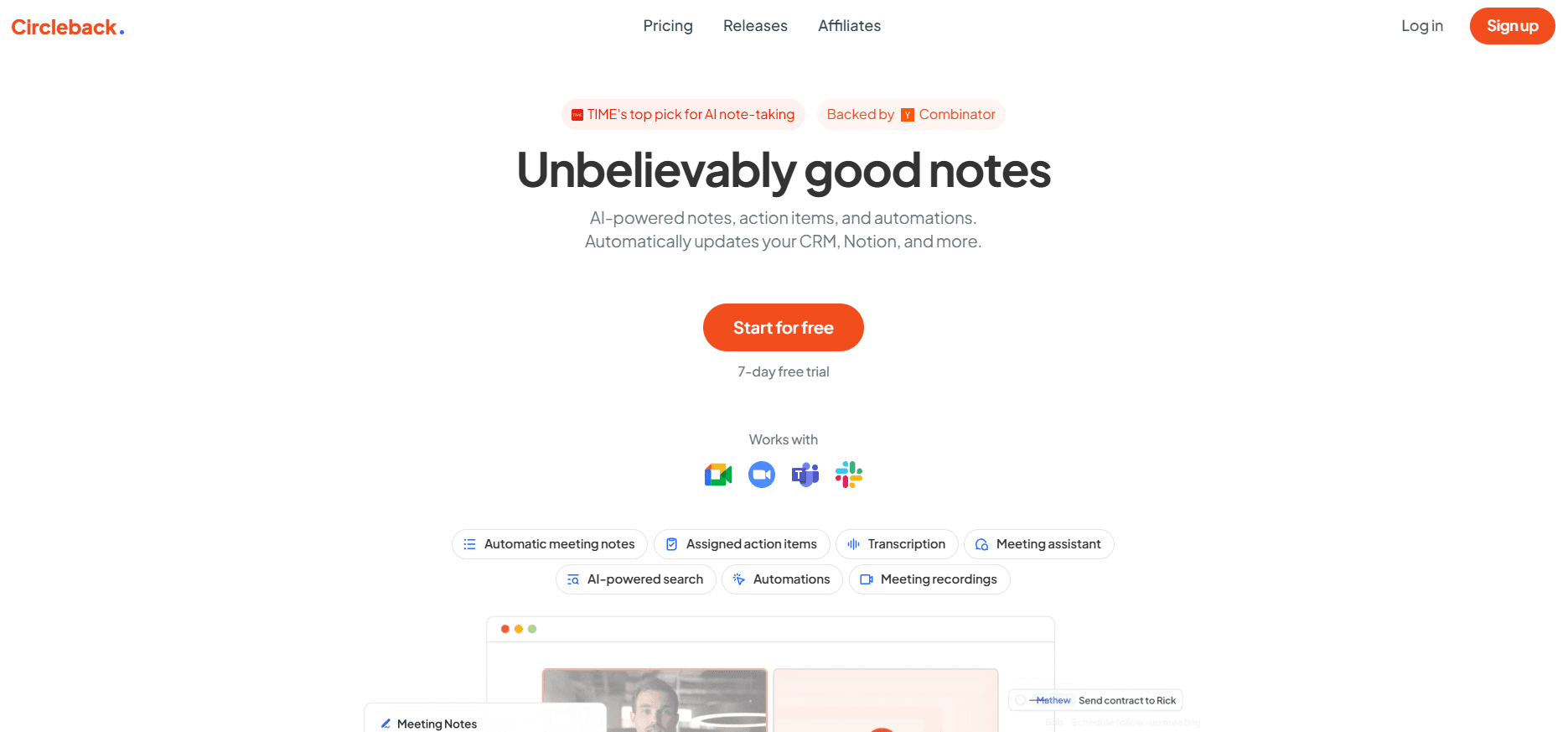
Circleback is an AI notetaker that records meetings with a bot or desktop app, then writes speaker-labeled notes, action items, and searchable summaries you can send to Slack, Notion, or your CRM.
About Circleback
What Is Circleback
Circleback is a meeting assistant built by a small San Francisco team that went through Y Combinator's Winter 2024 batch. It joins your calls, records them, and turns the recording into notes that read like a careful human wrote them, complete with owners and deadlines for each action item.
The product has widened beyond notes. It now holds a searchable record of every conversation your team has had, plus the emails and calendar events around those calls, so you can ask a plain question and get an answer with a link to the exact moment it was said. That's the pitch behind the company's "company brain" framing.
The main constraint is scope. Circleback is a hosted service with no self-hosted option, so regulated teams need to lean on the Enterprise tier for SSO, SCIM, custom retention, and a HIPAA agreement. Smaller teams also hit history and storage limits on the cheaper plans.
Getting Started
- Sign up at circleback.ai with a Google or Microsoft account and connect your calendar so scheduled calls get picked up automatically.
- Choose how to capture audio: send the bot to Zoom, Google Meet, Microsoft Teams, or Webex, or install the desktop app on macOS or Windows to record without a bot.
- Set your preferences for note style, language, and sharing, then let the next meeting run.
- Review the notes and action items a few minutes after the call ends, fix any name or owner the model got wrong, and share the page with your team.
- Add one automation, such as posting a summary to Slack or updating a HubSpot deal, so the output lands where your team already works.
Product Information
A quick look at Circleback's pricing, supported platforms, and performance.
Best for
The users, tasks, and scenarios where this tool fits best.
Users
- Founders and executives
- Sales and customer success teams
- Recruiters and hiring managers
- Consultants and freelancers
Tasks
- Writing AI meeting notes and action items
- Updating CRM records after calls
- Finding what was decided months ago
- Sharing a call with people who missed it
Scenarios
- Remote sales calls on Zoom or Microsoft Teams
- In-person interviews and workshops
- Weekly standups and one-on-ones
- Customer research interviews
Key features
Notes and Action Items That Write Themselves
Circleback produces structured notes within minutes of a call ending, splitting out decisions, open questions, and next steps. Each action item gets an owner and a due date when the conversation makes them clear. You can edit anything, and the edit sticks for future readers.
Bot-Free Recording on Desktop
The desktop app records Zoom, Google Meet, Teams, or any other call on macOS and Windows without a participant named "Circleback Notetaker" showing up in the list. For teams whose clients dislike bots, this is the feature that decides the purchase. It's available on every plan, including Free.
Ask Circleback Across Every Conversation
Ask Circleback is a search layer over meetings, transcripts, and connected email. You ask something like "what did we promise the Acme team about pricing" and get a written answer with citations back to the source moment. It's the part that turns a pile of notes into something you actually use.
Automations That Move Work Forward
After a meeting, Circleback can post to Slack, create or update Notion pages and databases, open Linear issues, update HubSpot or Salesforce records, and fire webhooks. Pro and above unlock the full integration list and custom AI insights, which let you define the fields you want extracted from each call type.
API, MCP, and CLI on Every Plan
Every plan, Free included, ships with REST API access, an MCP server for tools like ChatGPT, Claude, and Cursor, and a command line client. There's also an import endpoint for meetings Circleback can't join directly. Few notetakers put this much plumbing behind a free tier.
Speaker-Labeled Transcripts in 100+ Languages
Transcription identifies each speaker by name and handles technical vocabulary and accents better than the average built-in meeting caption. Over 100 languages are supported, and the transcript stays paired with the recording so you can check any line against the audio.
Mobile and Watch Apps for In-Person Meetings
The iOS and Android apps record face-to-face conversations, and the Apple Watch app starts a recording without pulling out a phone. Notes from an in-person interview land in the same library as your video calls, so search covers both.
Pros and cons
Pros
- The free plan includes unlimited meetings, 30 days of history, and full API access, which is unusually generous for this category.
- The bot-free desktop recorder solves the awkward "who invited the bot" problem on client calls.
- Automations reach real systems of record, including HubSpot, Salesforce, Attio, Linear, and Notion, not just chat apps.
- Notes are accurate enough that editing takes a minute rather than a rewrite, and speaker labels are usually right.
Cons
- Free accounts lose access to meetings older than 30 days, so it works as a trial rather than a permanent free archive.
- Storage caps on Pro and Business mean long recording retention costs more, since Pro keeps one year and Business keeps two.
- There's no self-hosted or on-premise deployment, which rules it out for some security teams regardless of plan.
Frequently asked questions
Circleback records meetings and turns them into notes, action items, and a searchable archive. Teams use it to stop writing recaps by hand and to keep a record of what was decided with customers and candidates.
Related content
Explore related tools, skills, and articles for Circleback.
Circleback Alternatives

Base Code
Base44 (Wix) · Coding · ProductivityBase Code is a shared cloud development environment from Base44. Teammates describe changes to an existing GitHub codebase in chat, preview them live and send them back as pull requests.

Knocket
Knocket (Tencent RTC team) · Productivity · Business · ChatbotKnocket is a free live chat and contact page tool that lets visitors message you from your website, app, or a shareable link, with every reply handled from Telegram or one inbox.

FloorGen
Vinit Kumar (FloorGen) · Productivity · China AIFloorGen is a browser-based floor plan maker that turns a sentence or a sketch into an editable 2D plan and a 3D walkthrough. Export to PDF, DXF or video, and draw without an account.