

Class Companion
Class Companion · Leaning · Chatbot
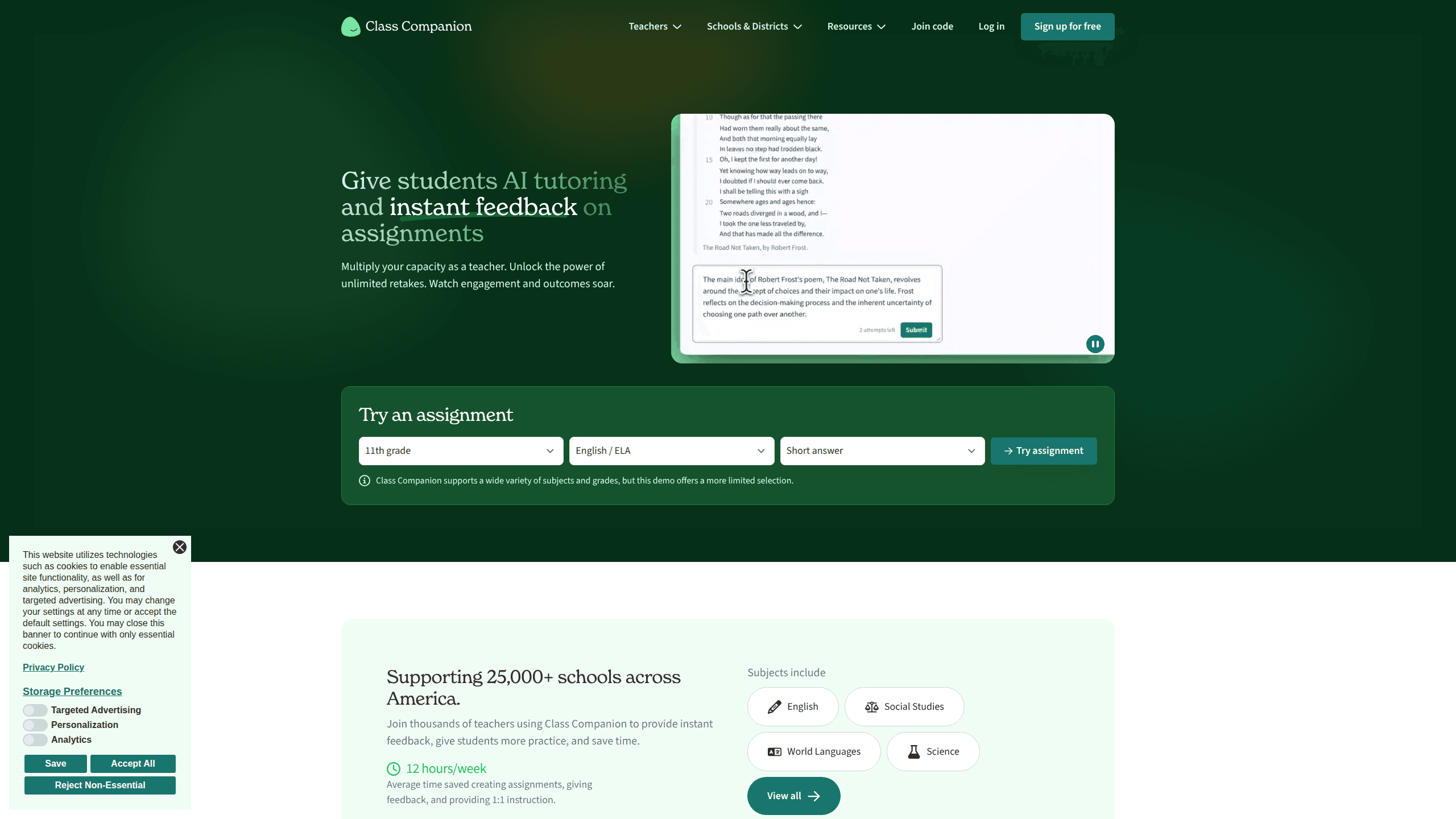
Class Companion is an AI tutoring and grading platform built for K-12 teachers. Think of it as an AI grading tool that also tutors. It lets you assign written work, then hands students instant, personalized feedback while they answer instead of after they submit. Teachers get the grading and insights, and the platform handles the repeat work that eats up evenings.
About Class Companion
What Is Class Companion
Class Companion is a web-based AI teaching assistant that pairs a tutoring side for students with a grading side for teachers. A student works through a written assignment, and the AI responds in the moment with hints, context, and revision notes. You set the assignment and the rubric, and you keep the final say on every score.
The product targets a real classroom bottleneck. Teachers want to give detailed feedback. There just aren't enough hours. Class Companion handles the first pass on short answers and essays so students improve while the ideas are still fresh, not a week later when the unit is over.
The biggest limitation is scope. It works on written responses, mostly in text-based subjects, and it isn't a full learning management system. It plugs into Canvas, Schoology, and Google Classroom for rosters and grade passback, but it won't replace the systems that run your school. Free for teachers is the entry point, and the paid tiers exist mainly for teams and districts.
Among K-12 AI tools, this one stays deliberately narrow. It isn't trying to be a chatbot that does everything. It's teacher grading software with a student-facing tutor bolted on, and that focus is the whole point.
Getting Started
- Sign up free on the Class Companion website with your email or a Google account.
- Create an assignment from scratch, generate one with AI, or upload something you already have ready.
- Attach a rubric, or let the platform suggest one, so the AI knows what good work looks like.
- Share the join code with your students and let them start writing.
- Watch responses come in, review the AI scores, and adjust or confirm them before exporting grades.
Product Information
A quick look at Class Companion's pricing, supported platforms, and performance.
Best for
The users, tasks, and scenarios where this tool fits best.
Users
- K-12 teachers
- Test prep instructors
- Department leads and administrators
Tasks
- Feedback on essays and short answers
- Formative assessment
- Rubric-aligned grading
- Catching AI-written submissions
Scenarios
- Grading a stack of 120 essays on a Sunday night
- Running stations with mixed skill levels
- Getting a struggling student unstuck mid-answer
- Rolling out an AI tool across a department
Key features
Instant Feedback and Scoring
The core of the product. Students get AI feedback and a score the moment they answer, or whenever you decide to release it publicly to the class after everyone has finished. Teachers can override anything the AI produces, so the final grade is always yours to set. That split matters. It keeps a human in the loop on every judgment call.
AI Tutoring During Assignments
An AI tutor sits alongside students as they work, offering hints and context rather than answers. You can customize how the tutor behaves with your own instructions, which means you can push it toward Socratic questioning or tell it to stay hands-off. There's also an option for students to request an exemplary response on a question if they'd rather learn from a model.
Custom Assignments and Rubrics
Build assignments with AI, paste in your own, or start blank. You can mix short answer, essay, and multiple choice in a single assignment, which means one task can test recall and reasoning without you stitching two tools together. Any rubric can drive the feedback, and you can generate, import, or write one from scratch. A public library of 10,000+ assignments and 500+ rubrics means you rarely start from nothing.
Integrity and Anti-Cheating Tools
Class Companion flags pasted text, calculates how similar a response is to other students' work, and spots unusual typing patterns. It also tracks how often students copy question text then leave the tab, which tends to happen right before an answer that reads a little too polished. None of them are perfect, false positives happen, and you'll still want to read the flagged work yourself.
Student Accommodations
Accommodations get set per student, not per assignment. Speech-to-text, text-to-speech, translation, extended time, and adjustable reading levels for excerpts all sit in one place. For a class with IEPs and 504 plans, that removes a lot of manual setup each time you post new work. Set it once. Forget it.
Class and Student Insights
Teachers see performance and engagement tied to specific submissions, which makes it easier to spot the student who is coasting and the one who quietly fell behind. The premium tier adds AI-written summaries of strengths and gaps, shows what students are actually saying to the tutor, and breaks performance down by rubric and standard. It's the kind of view that helps you reteach before a test instead of after.
LMS Integration and Grade Export
Canvas, Schoology, and Google Classroom all connect for rosters, assignment links, and grade passback. You can also export grades to CSV in one click. The integrations live on the school and district plans, so individual teachers on the free tier won't see them. Why does that matter? Because the setup work that saves the most time is exactly what sits behind the paywall.
Pros and cons
Pros
- Instant feedback changes how students engage, since they fix mistakes in the moment rather than after a grade lands.
- Teachers keep the final say on scores, and students can dispute a score for you to review.
- The free library of assignments and rubrics saves hours of setup for common subjects.
- Solid privacy footing for a school tool: FERPA and COPPA compliance plus district data agreements.
- Cuts grading time enough that teachers report reclaiming several hours a week.
Cons
- Written responses only, so hands-on subjects and problem sets you'd grade by hand don't benefit much.
- The features most schools want, like LMS integration and integrity detection, sit behind the paid tiers.
- AI scoring can misfire on unusual or creative answers, which means you still need to review the flagged work.
- No public API, so districts can't build custom workflows on top of it.
Frequently asked questions
It's an AI grading and tutoring platform for K-12 teachers. Teachers assign written work, and students get instant feedback and scores instead of waiting days for a graded paper to come back, which keeps them in the revision loop while the assignment still matters.
Related content
Explore related tools, skills, and articles for Class Companion.
Class Companion Alternatives

Kaggle AI
Google · Coding · LeaningKaggle AI is a community platform where people build, test, and compare machine learning models against shared data. It combines data science competitions, tens of thousands of public datasets, and free cloud notebooks with GPU and TPU access, so anyone with a browser can train a model without buying hardware. Google owns the platform, and joining costs nothing.

Bunch
Bunch AI · Leaning · BusinessBunch is an AI leadership coaching app that turns a few spare minutes a day into real management practice. It hands you one short, personalized tip each day, tracks how you respond, and lets you compare notes with peers inside private groups. The pitch is simple: you lead better by practicing a little, often, instead of sitting through a weekend seminar. Think of it as a leadership training app you actually open.

AI Mock Interview
SQLPad · Coding · LeaningAI Mock Interview is a practice tool built into SQLPad that simulates real job interviews and gives you instant feedback on both what you say and how you say it. You pick a role template or upload a job description, answer questions out loud in real time, and then review a transcript with notes on structure, clarity, and grammar. It's aimed at data professionals prepping for SQL, Python, data engineering, machine learning, and system design roles, and it works entirely in the browser. No install needed.