
클래스팅 AI
CT Corp. (Classting) · Leaning
클래스팅 AI is a Korean AI learning platform that diagnoses each student, recommends tailored practice across subjects, and gives teachers a class-wide progress dashboard.
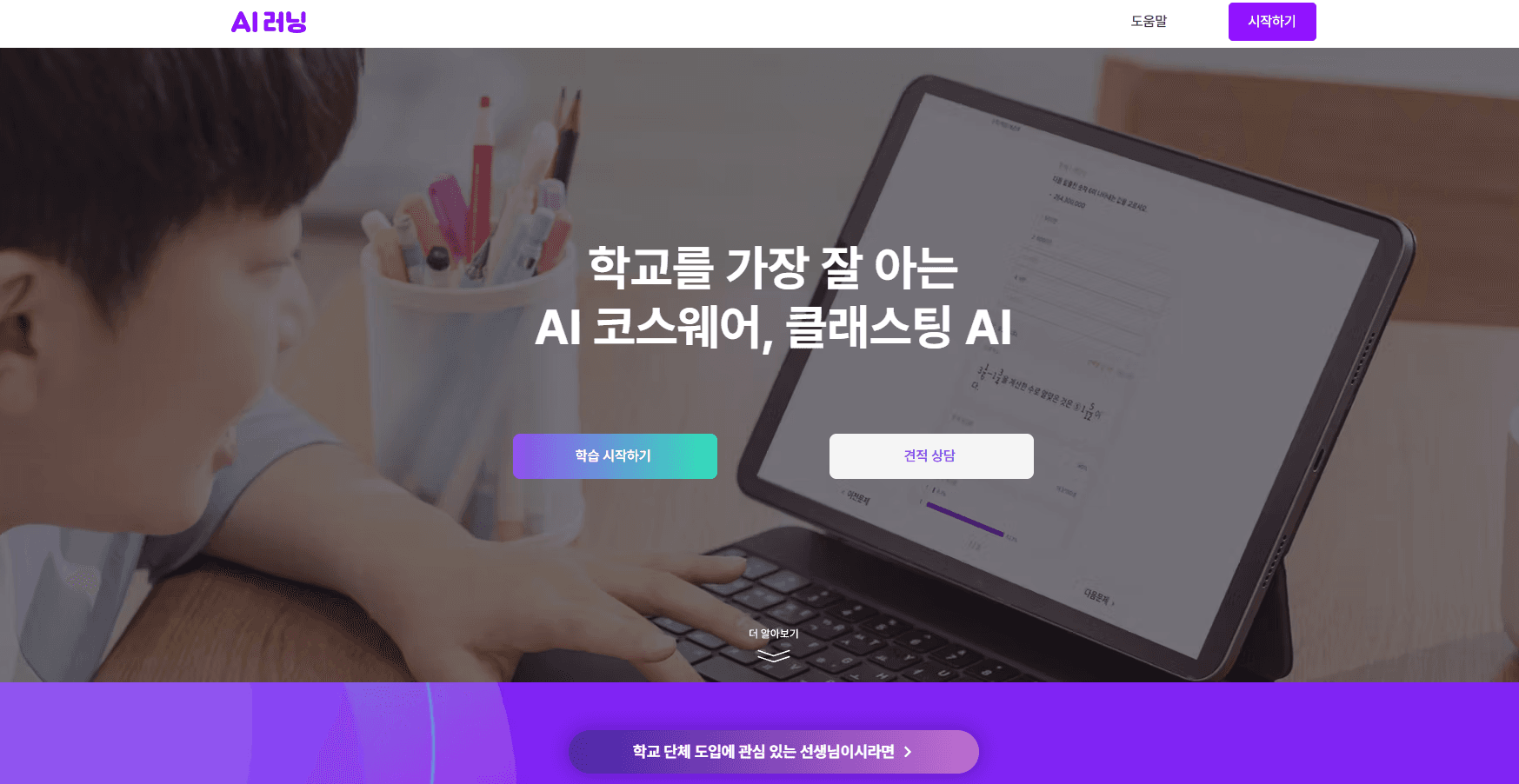
About 클래스팅 AI
What Is 클래스팅 AI
클래스팅 AI is an education platform built for schools rather than households. It blends three jobs in one place: diagnosing where a student stands, teaching to that level, and reporting back to the teacher. Think of it as a classroom learning management system with a personalized learning engine bolted on. Its parent company, CT, has been running Classting as a classroom tool for years, and the AI line grew out of that. Over 26,000 institutions use it today. The teaching side weighs on one unusual number. According to the company, its knowledge-tracing engine predicts right and wrong answers at up to 91.5% accuracy. That matters for cold-start classes where there's little history to lean on. No data, no problem. It then feeds two different search paths: adaptive testing that shifts difficulty as a student answers, and fixed tests that keep the whole class on the same questions.
The limits are worth stating plainly. The interface and content are Korean-first, and the platform wraps a local curriculum structure. Outside Korea, both matter more than the feature list. Pricing also runs through a quote, because schools buy by seat and by package.
Getting Started
- Request a demo or a quote through the official site to see how the platform fits your institution.
- Sign up with a school account and set up classes, adding students and subjects.
- Run a diagnostic assessment so the engine can map each student's starting level.
- Assign practice sets and start adaptive assessments for the class.
- Open the dashboard to track progress, find weak concepts, and adjust the next lesson.
Product Information
A quick look at 클래스팅 AI's pricing, supported platforms, and performance.
Best for
The users, tasks, and scenarios where this tool fits best.
Users
- K-12 teachers in Korea
- School and district administrators
- Students who want to study on their own
Tasks
- Diagnosing learning gaps
- Generating an adaptive test
- Tracking class-wide performance
- Managing assignments
Scenarios
- Starting a new math chapter
- Running a post-class quiz
- Tutoring a struggling student
- Reviewing a semester
Key features
Computer-Adaptive and Fixed Testing
The platform runs two assessment modes side by side. Adaptive testing changes question type and difficulty in real time based on each answer, so a student reaches a reliable result in fewer questions. Fixed testing gives everyone the same set, which suits teachers who want a controlled, comparable benchmark. You pick per test.
Diagnostic Reports and Learning Maps
Diagnostic assessments cover more than the current unit. They trace missing prerequisite knowledge from earlier grades, then plot it on a learning map that shows the shortest path to a goal. Teachers use the report to decide who gets extra support before a new topic starts.
Personalized Practice Recommendation
Rather than dumping a pile of problems, the recommendation engine orders questions by the sequence most likely to raise a student's level fastest. This is personalized learning in practice, not a label. Wrong answers get collected and re-served, so weak concepts come back until they're handled. The company calls this fast-track practice.
AI Tutor and Teaching Assistant
A tutor named Jello runs on a private LLM with retrieval grounding (RAG is a technique that ties answers to set materials instead of open memory). That keeps replies anchored to source content and cuts hallucination risk. For students, it recommends a learning path and nudges them about unfinished work. For teachers, it assists with class prep and day-to-day tasks.
Dashboards and Learning Analytics
Real-time dashboards are the core of the teacher experience. You get individual student reports, unit-level achievement breakdowns, a class-wide distribution view, and daily or weekly activity summaries. An AI summary adds plain-language feedback on top of the raw numbers. Simple enough to scan in a minute.
Subject and Grade Coverage
Learning content spans all subjects and all grade levels. The problem and video bank is built for the Korean curriculum, so a school doesn't need separate tools for each subject. Depth per subject can vary.
Self-Directed Learning Tools
Leaderboards, quiz battles, progress maps, badges, and item boxes turn learning into something students check on their own. The goal is habit formation, not just scores. Students see exactly where they stand and where they improved.
Enterprise and Integration Options
Schools and larger institutions add single sign-on, white-label branding, platform integration, and a learning-data API. The API is what makes it possible to pull results into an existing school system rather than running two dashboards.
Pros and cons
Pros
- Pairing adaptive and fixed testing in one tool gives teachers a choice they usually have to stitch together from separate products.
- Diagnostic reports that reach back to missing prior-grade knowledge tackle a real classroom problem, not a marketing one.
- Strong teacher analytics: unit breakdowns, class distribution, and activity trends sit in a single dashboard.
- A private LLM with retrieval grounding keeps the student-facing tutor tied to source material and reduces invented answers.
- Free trial and quote-based licensing let a school test fit before committing budget.
Cons
- English-language coverage is thin; the platform and its content are built for the Korean market, which limits use elsewhere.
- No public price list. Every plan ends in a sales conversation, so you can't budget from a webpage alone.
- The 91.5% accuracy figure comes from the company, and independent benchmarks aren't published.
- Setup leans on a school account and a formal rollout, so it's a poor fit for solo learners.
Frequently asked questions
It's a Korean AI learning platform for schools. Teachers use it to diagnose student levels, assign adaptive practice, and monitor class progress, while students use it for personalized problem sets and self-paced study.
Related content
Explore related tools, skills, and articles for 클래스팅 AI.
클래스팅 AI Alternatives

HireKey
HireKey · Voice & Language · Productivity · LeaningHireKey is an AI job search copilot built by a former tech recruiter. It checks role fit, tailors resumes, runs interview practice and tracks every application.

Lune
Retrograde Labs · Productivity · LeaningLune is a research search engine for scientific AI agents. It runs as an MCP server that lets Claude, ChatGPT and Cursor search peer-reviewed computer science papers and cite them.
Coddy
Coddy · Coding · LeaningCoddy is a gamified platform to learn to code through short interactive lessons in 20+ languages, with a browser editor, an AI tutor and free certificates.