

Claw Executive OS
Claw · Productivity
Claw Executive OS is a desktop app for macOS and Windows that works as an AI agent control desk for OpenClaw. It connects to OpenClaw gateways you already run on your own infrastructure, then shows every session, approval request, artifact, and cost figure in one window. Think of it as an AI agent dashboard for a whole fleet: you keep chatting with your agents in Slack or Discord, and Claw handles the reviewing, approving, and auditing.
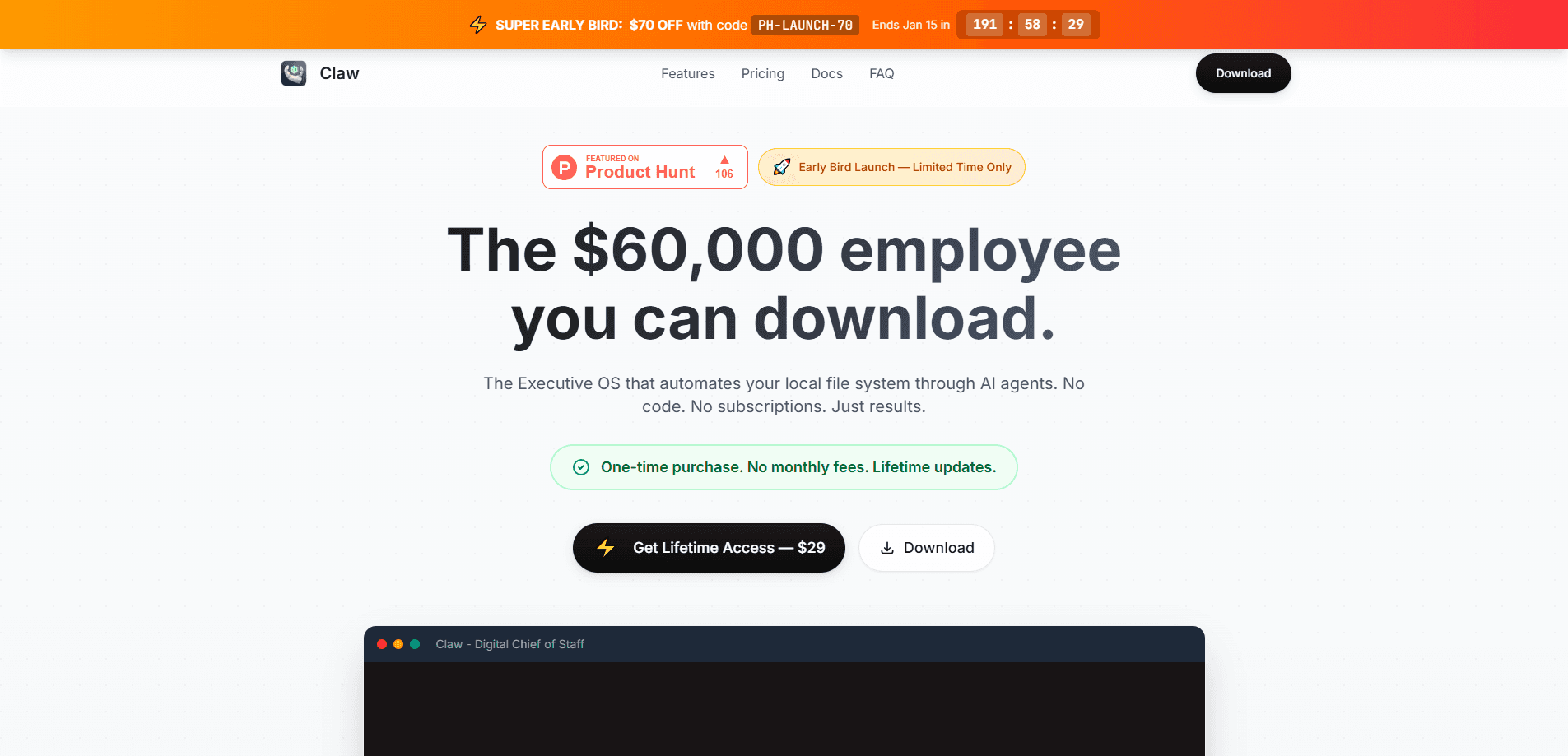
About Claw Executive OS
What Is Claw Executive OS
Claw Executive OS is the desktop layer on top of OpenClaw. OpenClaw runs the agents; Claw gives you one place for AI agent supervision, so you can watch what those agents did and decide what they're allowed to do next. The pitch is simple: channels run the work, Claw runs the oversight.
The product exists because running agents without a review surface gets messy fast. An agent edits a dozen files over lunch, and you come back to a wall of diffs. Claw puts those changes, plus a timeline of every session and commit, in a single view so catching up takes seconds instead of an afternoon.
The catch is the setup. Claw is a client, not a service. It connects to gateways you host yourself on a VPS, a Mac mini, or your own laptop. If you don't already run OpenClaw somewhere, there's nothing for Claw to control. There's no hosted cloud version to fall back on.
Getting Started
- Install OpenClaw on a machine you control and make sure the gateway is running. This is the server your agents live on.
- Download the Claw Desktop app for macOS (Apple Silicon or Intel) or Windows, then install it.
- Point the app at your gateway address so Claw can see the sessions and agents running there.
- Open Mission Control to review the session timeline, approvals queue, and fleet health.
- Start or resume a run from Slack, Discord, or the desktop, and approve risky steps as they come up.
Product Information
A quick look at Claw Executive OS's pricing, supported platforms, and performance.
Best for
The users, tasks, and scenarios where this tool fits best.
Users
- Solo builders running OpenClaw on a home machine or VPS
- Small teams sharing a workspace
- Privacy-conscious operators
Tasks
- Reviewing agent output
- Approving destructive steps
- Catching up after time away
Scenarios
- A long research run that finishes overnight
- Multi-agent fleets across several gateways
- Auditing a sensitive action after the fact
Key features
Mission Control
Mission Control is the main screen, and it's where Claw earns its keep. It lays out a timeline of every session, commit, and artifact so you can see what changed while you were away. Switch between active and completed views to separate ongoing work from finished runs, then open proof summaries with one click. Session metadata like tags, timestamps, and task counts sits right alongside.
Approval Workflow With Proof
Risky actions don't just happen. Claw runs an agent approval workflow: it queues each risky step for human review, so file deletions or shell commands wait until you approve. Every approved action can be exported as a proof bundle, which matters if you need an audit trail later. This is the feature that turns "the agent did something weird" into "here's the record of what it did and who signed off."
Agent Inbox
The Agent Inbox groups all your AI conversations in one place. You can filter by session, search messages, or browse history, and each message is grouped by agent run so tracing one task back through its steps stays easy. The run_id stays consistent across devices, so a session you started in Slack is the same one you pick up on the desktop.
Resume Anywhere
You don't have to sit at the desktop to keep working. Start a run in Slack, continue it in Claw, or the other way around, and your context stays intact. That flexibility is the reason Claw frames itself as a control layer rather than a replacement for chat. Your channels stay put, and Claw adds the review surface on top.
Fleet Health And Spend
For anyone running more than one agent, Claw turns AI fleet management into a single view: gateway status, resource usage, and cost visibility across the whole fleet. You can spot a gateway that's gone quiet or an agent burning through tokens before it becomes a problem. It's the difference between guessing and actually knowing what your setup is doing.
Proof Export And Session Metadata
Beyond live approval, Claw keeps a searchable record. Generate a summary of any session and export its data, tags, timestamps, task counts, and artifact links. When a teammate asks what an agent did last Tuesday, you don't have to reconstruct it from memory.
Pros and cons
Pros
- Brings sessions, approvals, artifacts, and spend into one desktop window instead of scattered chat logs.
- Run IDs stay consistent across Slack, Discord, and desktop, so picking up work mid-task works.
- Gateways stay on your own infrastructure, and pricing is described as licensing rather than lock-in.
- Proof bundles and exportable session data give you a real audit trail for risky actions.
Cons
- Useless without an OpenClaw gateway already running; there's nothing to control out of the box.
- Desktop only on macOS and Windows, so Linux users can't use the cockpit even when they run OpenClaw on Linux.
- The free tier caps you at one device and one gateway, which is tight for anyone testing a real fleet.
Frequently asked questions
It's a desktop cockpit for OpenClaw agents. You connect it to the gateways you run, then use it to review sessions, approve risky actions, export proof, and watch fleet health. It doesn't run the agents itself.
Related content
Explore related tools, skills, and articles for Claw Executive OS.
Claw Executive OS Alternatives

Base Code
Base44 (Wix) · Coding · ProductivityBase Code is a shared cloud development environment from Base44. Teammates describe changes to an existing GitHub codebase in chat, preview them live and send them back as pull requests.

Knocket
Knocket (Tencent RTC team) · Productivity · Business · ChatbotKnocket is a free live chat and contact page tool that lets visitors message you from your website, app, or a shareable link, with every reply handled from Telegram or one inbox.

FloorGen
Vinit Kumar (FloorGen) · Productivity · China AIFloorGen is a browser-based floor plan maker that turns a sentence or a sketch into an editable 2D plan and a 3D walkthrough. Export to PDF, DXF or video, and draw without an account.