

ClawOffice
ClawOneClick · Image
ClawOffice is a virtual 3D office where your deployed AI agents show up as characters you can walk past, talk to, and redirect in real time. It sits on top of ClawOneClick, the managed hosting service that runs OpenClaw assistants, and gives those assistants a spatial home instead of a wall of logs. If you've ever stared at a terminal wondering which agent is stuck and which one just finished, this is the interface aimed at you. It works in a browser, needs no local install, and updates each agent's position and status as their tasks move forward. Think of it as AI agent visualization you can actually walk through.
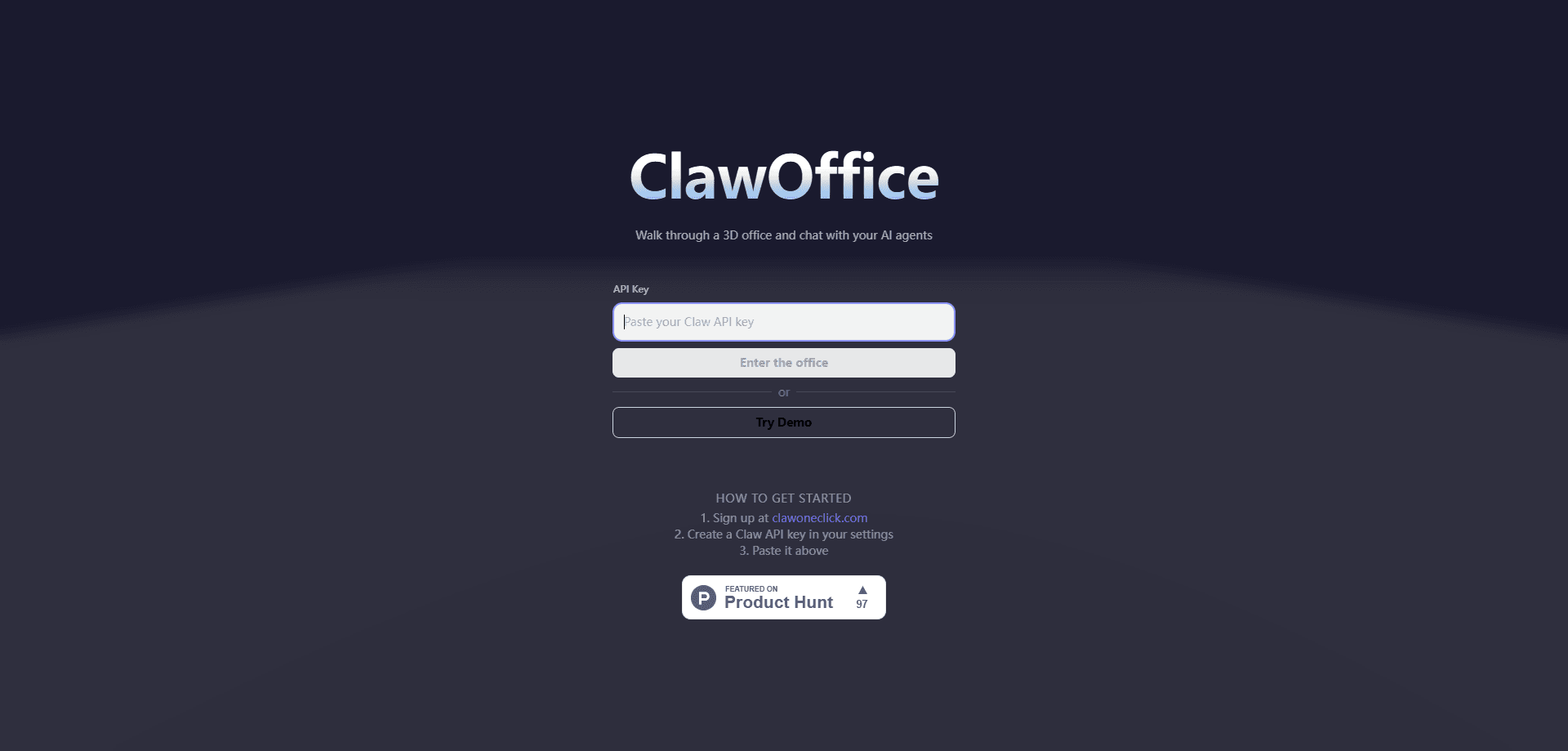
About ClawOffice
What Is ClawOffice
ClawOffice is a browser-based virtual office for AI agents. Each agent you run through ClawOneClick gets a place in a shared 3D room, and its behavior on screen reflects what it's actually doing: sitting at a desk while it writes, wandering off when idle, or stopping at a spot marked for trouble when something breaks. The point isn't decoration. It's giving you a glanceable map of a system that normally hides behind log files.
The product fits people who run several assistants at once and want to know, at a look, what each one is up to. Developers, small teams, and anyone who deployed an assistant on a messaging channel through ClawOneClick can open the office and see the whole crew without reading a single line of output. Think of it as an AI agent workspace, not a chat window. Even so, it's a visualization layer, not a control panel for everything. Deep configuration still lives in the ClawOneClick dashboard, and ClawOffice is thin on settings by design.
The biggest limit is scope. ClawOffice shows agents that ClawOneClick hosts, so a self-hosted setup outside that platform won't appear here. It also leans on real-time rendering, which means a decent machine and a stable connection matter more than they would for a plain text dashboard. Treat it as a window into your agents, not a replacement for the tools that deploy them. It works best as a 3D agent dashboard you glance at, not a place you live all day.
Getting Started
- Sign in to your ClawOneClick account and confirm at least one AI agent is deployed to a channel such as Telegram, Discord, WhatsApp, or Slack.
- Open ClawOffice from the same account so it can read the agents tied to your workspace.
- Walk the 3D room and click an agent to see its current task and recent activity.
- Type a message into an agent's panel to nudge it, answer a question, or hand it a new instruction.
- Return to the ClawOneClick dashboard when you need to add channels, swap models, or change billing.
Product Information
A quick look at ClawOffice's pricing, supported platforms, and performance.
Best for
The users, tasks, and scenarios where this tool fits best.
Users
- Solo operators running one assistant
- Small teams sharing several assistants
- Developers testing agent behavior
Tasks
- Monitoring long-running jobs
- Spotting failures early
- Sending quick corrections
Scenarios
- Overnight automation
- Demoing an agent setup
- Juggling several projects
Key features
Live 3D agent avatars
Every agent you deploy becomes a character in the office. Its movement and location track its real state, so an agent that's writing sits at a desk and one that's waiting moves to an open area. You read status at a glance rather than parsing text. That's the whole idea behind using a virtual office to manage AI agents.
Status-driven zones
The room is split into areas that map to what agents are doing, including work, idle, and error states. An agent that lands in the error zone is the fastest signal you'll get that something needs attention. That beats scrolling through logs. One look tells you the story. No guesswork required.
In-place conversation
Click an agent and a panel opens where you can read its recent activity and send a message. You can answer a question it raised or hand over a new task without leaving the 3D view or opening another app. No context switch. That small detail saves real time when you're watching five agents at once.
Real-time updates
Task progress pushes to the office as it happens, so the scene stays current instead of lagging behind reality. When an agent finishes a job and goes idle, you see the move. No waiting. You don't discover the result minutes later in a stale feed.
Runs in the browser
ClawOffice needs no local install or server setup. Sign in through your ClawOneClick account and the office loads. That low barrier matters. It means checking on your agents is never a chore you put off.
Built on ClawOneClick hosting
The office draws directly on agents hosted by ClawOneClick, so deployment, model choice, and channel connections stay managed in one place. Skills, persistent memory, and channel links carry over. You can swap the underlying model without rebuilding the office. Nothing breaks. It just keeps running.
Pros and cons
Pros
- Turns abstract agent status into something you can see in one look, which cuts the time spent scanning logs.
- Shows several agents at once, useful when you run more than one assistant on different channels.
- Lets you message an agent from inside the 3D view, so corrections don't require a context switch.
- No install, no server: it opens in a browser through your existing ClawOneClick account.
- Ties into the same model, skill, and memory setup your agents already run on.
Cons
- Only shows agents hosted by ClawOneClick, so self-hosted setups are left out entirely.
- Real-time 3D needs a reasonable machine and steady connection, and it drains more battery than a text dashboard would.
- Configuration is limited inside the office, so anything beyond a quick instruction sends you back to the main dashboard.
- It's tied to a paid platform with no free plan, so there's no way to try the office without a subscription.
Frequently asked questions
It renders your ClawOneClick AI agents as characters in a shared 3D office and updates their positions as their tasks change. You use it to see what each agent is doing. You also use it to send them quick instructions. So what does that look like in practice? A busy agent sits at a desk, an idle one wanders, and a broken one parks in the error zone.
Related content
Explore related tools, skills, and articles for ClawOffice.
ClawOffice Alternatives

Google EmbeddingGemma 2
Google DeepMind · Writing · Image · CodingGoogle EmbeddingGemma 2 is a 740M-parameter open model that turns text, code, images, audio, and video frames into vectors in one 768-dimension space, running on phones and laptops.

Tractionwave
TractionWave · Image · MarketingTractionWave is an AI attention heatmap tool for static ads. Upload a PNG or JPG and it returns predicted attention, ranked hotspots, and fixes before you spend budget.

Imejis.io
Imejis.io · Image · MarketingImejis.io is an AI design studio for agents and marketing teams. Describe an image in plain words, and it writes the copy, builds the layout, reflows it to every size, then exports a finished file.