

ClawRecipes
Jiggai · Productivity
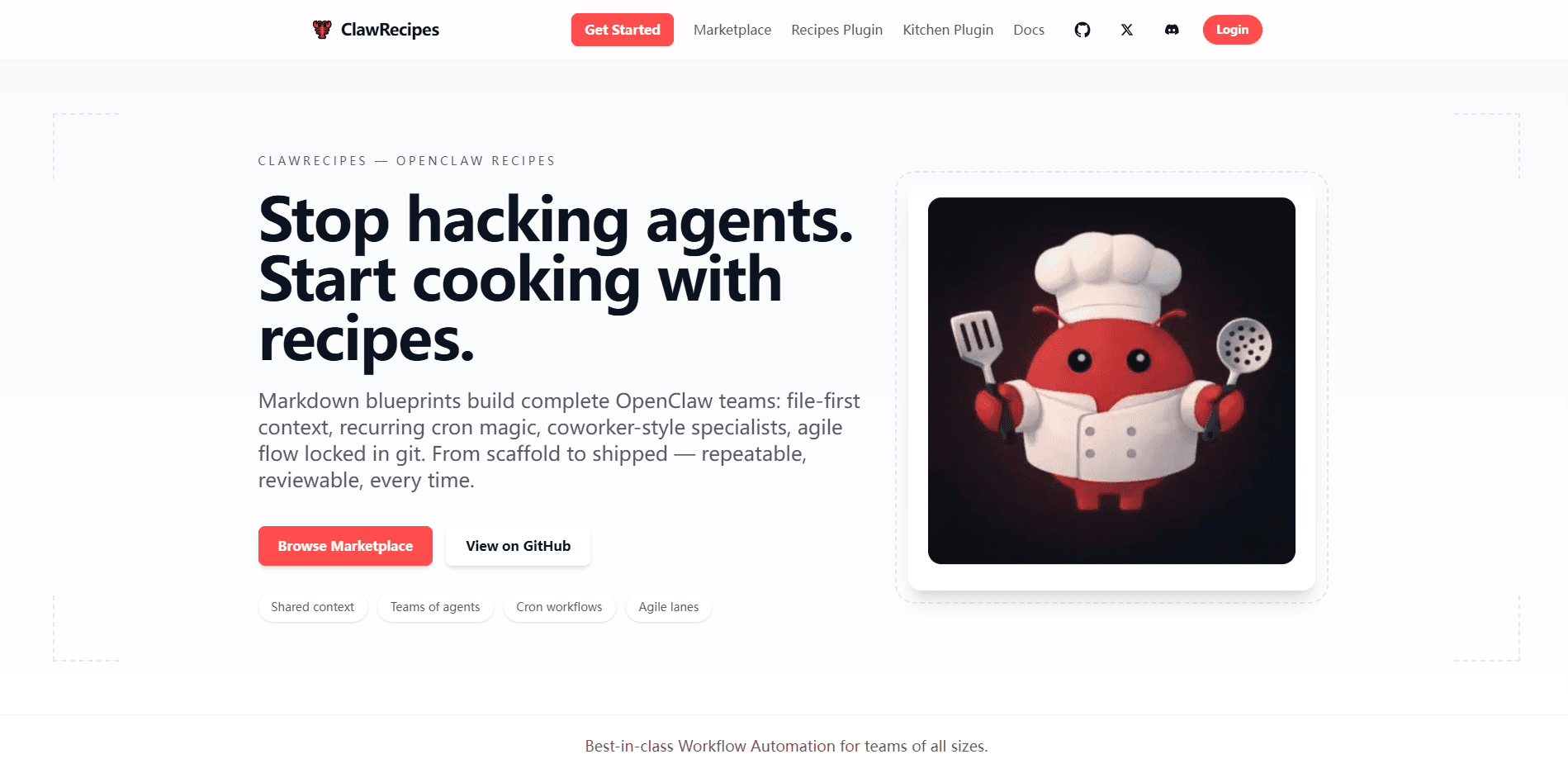
ClawRecipes is an open-source OpenClaw plugin that turns plain Markdown blueprints into working AI agent teams. You write a recipe, run one command, and it scaffolds a folder full of specialist agents, their files, and a multi-agent workflow you can hand off through git. Hand-wiring agents gets messy fast. State lives in your head, or in a dashboard, or nowhere. ClawRecipes puts it all on disk.
About ClawRecipes
What Is ClawRecipes
ClawRecipes is a plugin for OpenClaw, the personal AI assistant platform, and it lives almost entirely in the CLI. The idea is simple: instead of configuring agents through a dashboard and hoping you remember what you clicked, you define everything in Markdown, JSON, and YAML files that sit in your project. A recipe is a template. Run it. You get a team of agents with roles, a ticket board, and repeatable workflows.
That file-first approach is the whole point. Every team structure, task ticket, and workflow definition is something you can open in a text editor, review in a pull request, and roll back with git. You don't have to guess what an assistant is thinking. Nothing hides in memory or a database.
The tradeoff is that ClawRecipes assumes you're comfortable in a terminal and with git. There's no drag-and-drop team builder for someone who just wants a chat window. ClawKitchen, a companion UI, softens that a bit. The mental model stays the same. If Markdown files and command-line installs feel foreign, the learning curve is real.
Getting Started
- Install the OpenClaw plugin from npm with
npm install @jiggai/recipesin your workspace. - Browse the recipe marketplace, or write your own team recipe as a Markdown blueprint.
- Run the scaffold command to generate the team folder, agent roles, and ticket lanes.
- Dispatch your first task; it lands as a ticket file your agents can pick up.
- Optionally install ClawKitchen for a visual interface, and commit the whole workspace to git.
Product Information
A quick look at ClawRecipes's pricing, supported platforms, and performance.
Best for
The users, tasks, and scenarios where this tool fits best.
Users
- Developers building agent teams
- Small teams that review changes in git
- Solo builders who want repeatable setups
Tasks
- Scaffolding a new agent team
- Automating recurring operations
- Running structured work
Scenarios
- Kicking off a side project with a full agent setup in one afternoon
- Keeping a long-running project honest
- Onboarding a collaborator
Key features
Markdown Blueprints for Teams
Recipes are the core building block. You describe a team in Markdown, and ClawRecipes generates the folder structure, agent definitions, and responsibilities from that file. The source of truth for how your agents behave is a document, not a settings screen. That matters.
Specialist Agent Roles
The default recipes ship with four coworker-style specialists: a Lead who owns the plan, a Dev who builds features, a DevOps agent who keeps deployments and safety tight, and a QA agent who verifies work and catches regressions before they reach the main branch. You can message each one like a teammate, and extend any of them with additional recipes.
File-First Workflows with Git
Every ticket, workflow, and goal is stored as a file in your workspace. That makes the whole operation reviewable and versionable. You can diff changes, revert a bad config, and let a teammate review a recipe before it runs. This is the feature that separates ClawRecipes from dashboards where state lives out of sight. Big difference.
Cron Automation with Consent
Recipes can suggest recurring loops, such as daily triage, bug board hygiene, or pull request watchers. Cron jobs install only after you approve them, so a recipe can't silently schedule work behind your back. Setup is prompt-gated, and scheduled jobs are easy to inspect as plain files.
Agile Ticket Flow
Work moves through four lanes: backlog, in progress, testing, and done. Each handoff is a file, and verification checklists ride along with the ticket. Simple swim lanes. They keep a small team from losing track of who owns what.
Recipe Marketplace
Rather than reinventing a team structure, you can install proven team and agent templates and scaffold them into your own workspace. Install counts on npm, like the 786 monthly downloads for the recipes package and 719 for the companion Kitchen package, suggest a small but active user base.
ClawKitchen Visual Interface
ClawKitchen is a companion UI that makes agent teams clickable. You get modal-based controls for managing teams, browsing recipes, and inspecting outputs. It's the same data underneath, just with a friendlier surface for people who'd rather click than type.
Goals Tracking
Long-lived goals stay visible while the team works through tickets and workflows. It's a small thing, but it keeps an agent crew pointed at the outcome instead of just churning through tasks.
Pros and cons
Pros
- Everything is a file, so agent teams are reviewable, versionable, and recoverable with git.
- Marketplace recipes let you skip the blank-page problem and start from a working team.
- Cron jobs are opt-in, which means no surprise automations running in your workspace.
- Free and open source, with a companion UI for people who prefer clicking to typing.
- The four default roles (Lead, Dev, DevOps, QA) cover the common shape of a small project team.
Cons
- It's CLI-first, so you need comfort with the terminal and Markdown files to get much value.
- There's no drag-and-drop team builder, and ClawKitchen only softens that rather than removing it.
- It requires an existing OpenClaw workspace, so it can't be used as a standalone tool.
- No public API, which limits programmatic or custom integrations for now.
Frequently asked questions
It's an open-source plugin for OpenClaw that scaffolds AI agent teams from Markdown recipes. You write or install a recipe, and it generates the agents, roles, ticket board, and workflows as files in your workspace.
Related content
Explore related tools, skills, and articles for ClawRecipes.
ClawRecipes Alternatives

Udon
Udon · Coding · ProductivityUdon turns an Apple Silicon Mac into a home server you run from a browser, with container controls, file shares, and an optional AI sysadmin.

offstage
offstage cloud · Coding · Productivityoffstage gives AI coding agents and CI jobs a real Mac: a fresh macOS account on Apple silicon, driven over an API and billed by the second.

BotBus
Chengdu Tuyang Tusen Technology Co., Ltd. · Coding · ProductivityBotBus lets you control AI coding agents from your phone and watch: approve commands, start tasks and read results while the code stays on your desktop.