

Clearcan
Ion Hortolomei · Productivity
Clearcan is a free, iPhone-only PDF scanner that turns paper documents into clean, multi-page PDF files. It uses Apple's VisionKit for capture, runs on-device OCR, and skips the usual clutter: no ads, no account, no subscription. It just works. If you mainly want to scan to PDF and search the results later, this offline scanner keeps that job simple and private.
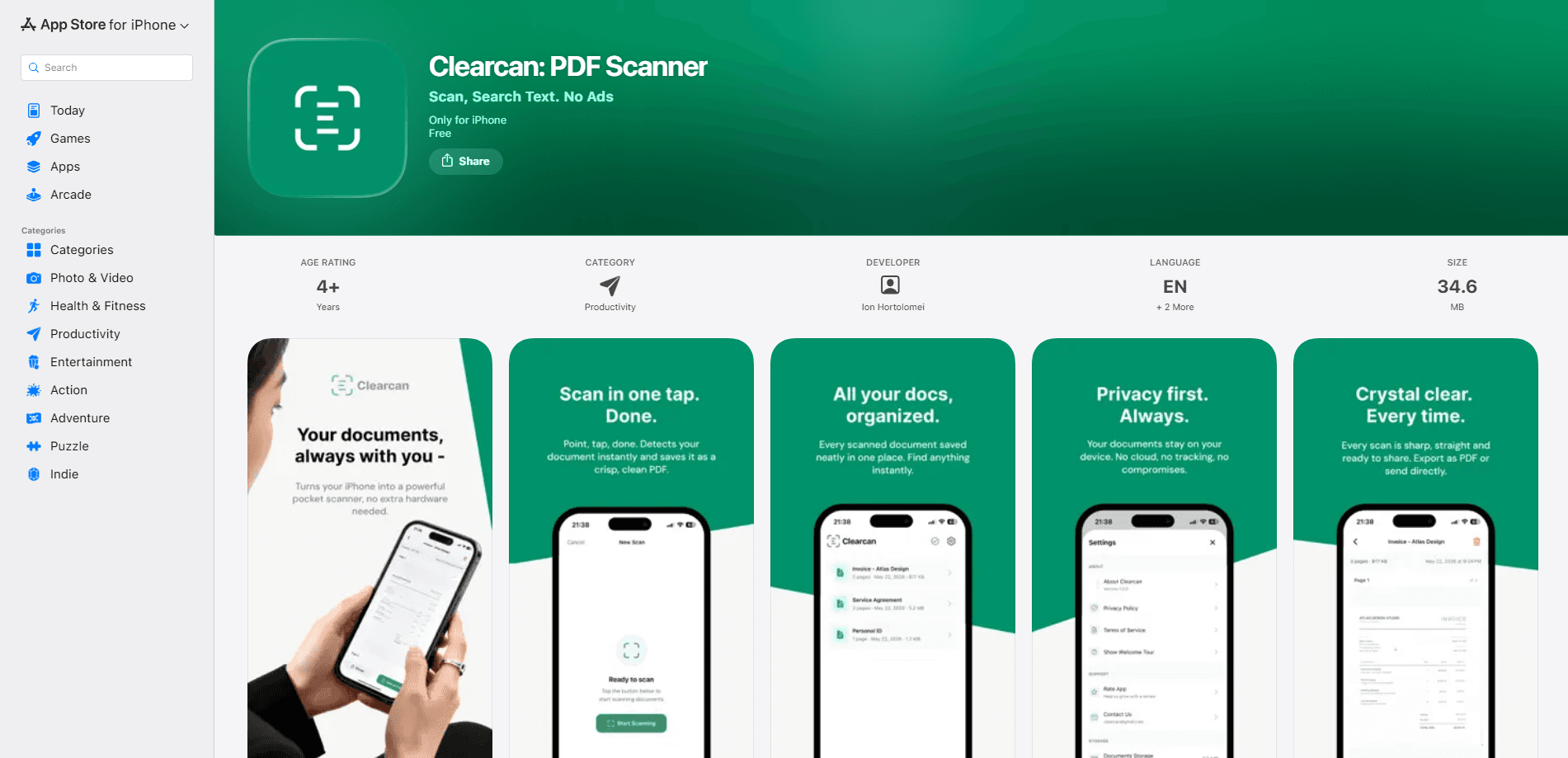
About Clearcan
What Is Clearcan
Clearcan is a document scanner app for iPhone that does one job well: turning paper into a tidy PDF. It leans on Apple's VisionKit for multi-page scanning, with automatic edge detection and perspective correction, so you point the camera at a page and the app finds its corners for you before it sharpens the result into a clean, flat rectangle. Scans can be exported as PDF or as an image. Multi-page documents can go out as a ZIP.
The part that sets it apart from most scanner apps is what it doesn't do. There's no sign-in, no ad banner, and no paywall waiting after your third scan, which is more than most free scanners can claim. Text recognition, search, and naming all run on the iPhone itself. Your documents never get uploaded. If you delete the app, the data goes with it.
There are limits worth knowing. Clearcan is iPhone-only, so there's no Android or desktop version for anyone splitting work across devices. It's an offline scanner built for the essentials, and advanced features like signatures, annotations, password protection, or cloud sync aren't part of the package. It's a focused tool, not a document management suite.
Getting Started
- Install Clearcan from the App Store on an iPhone running iOS 15.1 or later, then open the app.
- Tap the camera button and point it at a document; Clearcan detects the edges and corrects the perspective on its own.
- Add more pages, reorder them, or flag the ones you want to find again.
- Let the app run text recognition on the scan, then search or copy the text straight from any page.
- Export as a PDF or image and share it through Mail, Messages, AirDrop, or save it to Files.
Product Information
A quick look at Clearcan's pricing, supported platforms, and performance.
Best for
The users, tasks, and scenarios where this tool fits best.
Users
- Students
- Professionals
- Privacy-minded users
Tasks
- Turning receipts into a single PDF
- Searching old paper notes
- Quick captures to send right away
Scenarios
- Cleaning out a drawer of paperwork and archiving it digitally in one sitting.
- Scanning a signed contract on the go for a same-day email.
- Keeping a searchable record of lecture handouts between classes.
Key features
On-Device Text Recognition
Clearcan reads the words on your scans without sending anything to a server. That means you can search a document by its content instead of its file name, and copy text from any page. The recognition, naming, and search all happen locally. A scanned page never leaves your iPhone.
Multi-Page Scanning with Edge Detection
The scanner uses Apple's VisionKit to capture one page after another in a single session. Automatic edge detection and perspective correction fix the angle of a photo taken in a hurry, which means the finished PDF looks like it came off a flatbed rather than a phone held at an angle. You can reorder pages before export and add or delete individual pages anytime.
Flexible Export Formats
Exports leave the app as a PDF or as an image, and a multi-page document can go out as a ZIP when you need the pages kept as separate files. Sharing goes through Mail, Messages, AirDrop, or straight to Files, so the scan fits whatever workflow you already use.
Offline by Default
Clearcan needs no internet connection to work, so every step, from capture to recognition to search and export, runs locally on the phone rather than pinging a server somewhere. On a plane or in a basement, the scanner behaves exactly the same.
Flags and Filters for Organization
You can flag important documents and filter the list to find them quickly. A grid view makes browsing a folder of scans easier than scrolling a long list. It's fast. Smart automatic naming gives new scans a sensible label, so they don't pile up as a wall of identical file names.
Local Backup and Restore
Clearcan can export everything to a single file and restore it anytime, which is handy when you move to a new iPhone or simply want a copy you keep yourself. It's a plain, offline backup rather than a cloud sync. That fits the app's stance: your archive stays under your control, and nothing sits on someone else's server.
Pros and cons
Pros
- Completely free with no ads, subscriptions, or account sign-up.
- Text recognition and search work on-device, so documents stay private.
- Multi-page scanning with automatic edge detection and perspective correction.
- Works fully offline, with no internet needed at any step.
- Clean interface with light and dark modes that follow your system setting.
Cons
- iPhone-only, so Android and desktop users are left out entirely.
- No advanced tools like signatures, annotations, or password protection, which some contract workflows need.
- Local backup is manual, so there's no automatic cloud sync across devices.
Frequently asked questions
It's a document scanner for iPhone that turns paper into clean, multi-page PDFs. You'll mostly use it for receipts, notes, contracts, and anything else you'd normally feed into a flatbed scanner.
Related content
Explore related tools, skills, and articles for Clearcan.
Clearcan Alternatives

Base Code
Base44 (Wix) · Coding · ProductivityBase Code is a shared cloud development environment from Base44. Teammates describe changes to an existing GitHub codebase in chat, preview them live and send them back as pull requests.

Knocket
Knocket (Tencent RTC team) · Productivity · Business · ChatbotKnocket is a free live chat and contact page tool that lets visitors message you from your website, app, or a shareable link, with every reply handled from Telegram or one inbox.

FloorGen
Vinit Kumar (FloorGen) · Productivity · China AIFloorGen is a browser-based floor plan maker that turns a sentence or a sketch into an editable 2D plan and a 3D walkthrough. Export to PDF, DXF or video, and draw without an account.