

ClearWork App
ClearWork · Productivity
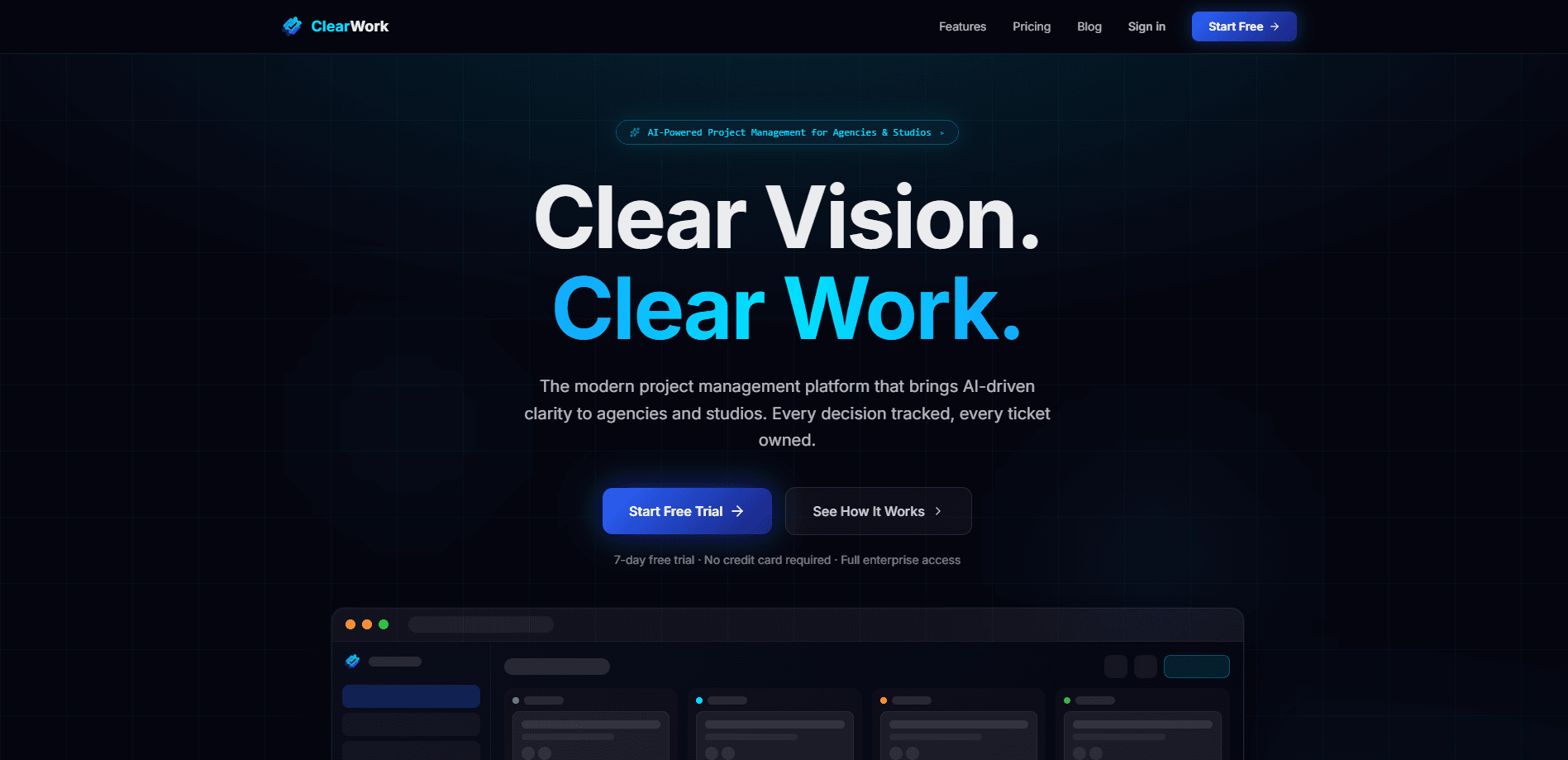
ClearWork App is an AI-powered project management platform built for agencies and studios, not for big enterprises with dedicated admins. It listens to your meetings, turns client conversations into tickets with owners and due dates, and keeps everyone aligned without the endless back-and-forth that usually eats a project alive. If your team runs on scattered email threads and half-remembered decisions, this is the sort of agency project management tool that tries to fix the root cause rather than add another dashboard to check.
About ClearWork App
What Is ClearWork App
ClearWork App is a project management platform with an AI bot that sits in on your meetings. Instead of asking a PM to type up notes afterward, the bot captures what clients and team members actually commit to, converts those commitments into tickets with clear owners, and flags problems early. It targets small and mid-sized agencies: design studios, dev shops, product teams, and marketing firms that find Jira too heavy and Notion too manual.
The core idea is that planning is never static. Requirements shift mid-project, and most decisions get spoken before anyone writes them down. ClearWork tries to close that gap by treating conversation as the raw material and turning it into structured work automatically.
The biggest limitation is scope. This is a young product, and its pricing is listed in Indian rupees, which tells you it's tuned for that market first. Teams outside India can still use it, but they should expect to check currency and billing details themselves. It also leans hard on the AI bot for its value, so if you don't run regular client meetings, you'll get less out of it. That's a narrow lane.
Getting Started
- Sign up at the ClearWork website and start the 7-day trial. No credit card is needed for the trial.
- Create your organization and invite team members. Guests who only view work don't count toward your seat limit.
- Connect the ClearWork Bot to your client meetings so it can listen and capture commitments.
- Review the tickets the bot generates, confirm owners and timelines, and adjust anything it misheard.
- Add projects as you go. The Free plan allows one, while paid tiers raise the cap.
Product Information
A quick look at ClearWork App's pricing, supported platforms, and performance.
Best for
The users, tasks, and scenarios where this tool fits best.
Users
- Small design and dev studios
- Agency founders and PMs
- Client-facing teams
Tasks
- Turning meetings into action items
- Tracking scope creep
- Assigning owners and due dates
Scenarios
- Running a multi-week client project
- Onboarding a new team member onto a live project
- Managing several small projects at once
Key features
AI Meeting Assistant
ClearWork Bot sits in on client calls and team standups and picks up on expectations and commitments. It converts what it hears into real tickets with owners and estimated timelines. This is the feature the whole product is built around. It's what separates ClearWork from tools that only store what you type in yourself.
Automatic Ticket Creation
Rather than starting from a blank board, you review tickets the bot already drafted after every client call or internal standup, confirm owners, tweak timelines, and correct anything it got wrong. This ticket management software removes the blank-page problem that slows teams down after every meeting. No one has to remember what was said.
Early Issue Flagging
The platform watches for scope creep, timeline slippage, and mismatched expectations. When it spots a problem, it raises it before it snowballs. For agencies, catching a slipping deadline in week one beats explaining it to a client in week four. That's the whole point.
Client Collaboration
Clients get view access so they can see progress and constraints without needing a seat. That keeps them in the loop and cuts down on the "what's happening?" messages that pull your team off real work. Guests don't count toward your team member limit. Handy.
Simple Setup and Onboarding
The product pitches itself as ready in minutes rather than weeks, and there's no admin-heavy configuration phase like you'd find with enterprise tools that need a specialist to set them up. For a small studio without IT support, that speed of setup is a real advantage.
Tiered Pricing With Add-Ons
The Free plan covers one user and one project. Starter, Growth, and Enterprise tiers expand seats and projects, and you can buy extra seats or projects individually. Enterprise adds API access and dedicated support for teams that need to wire ClearWork into other systems.
AI Workflow Automation on Growth and Up
AI workflow automation sits on the Growth tier and above, not on Free or Starter. That's worth knowing before you sign up. If the meeting bot is why you're here, the Free plan won't show it off.
Pros and cons
Pros
- Meeting-to-ticket automation removes the manual note-taking that eats PM time.
- Flags scope creep and timeline slippage early, when they're still cheap to fix.
- Guest viewers don't count toward seat limits, so client access stays affordable.
- Setup is quick, with no heavy admin configuration like enterprise tools.
- Free plan and 7-day full-access trial let you test it without a credit card.
Cons
- Pricing is listed in Indian rupees, so teams elsewhere need to check currency and billing themselves.
- AI features are locked to Growth and above, so the Free and Starter plans miss the product's main draw.
- It's a young, niche product aimed at agencies, so teams outside that mould may find it a poor fit.
- API access only comes with Enterprise, which limits automation for smaller teams.
Frequently asked questions
It's an AI project management platform for agencies. Its bot joins your meetings, captures what people commit to, turns that into tickets with owners and timelines, and flags issues like scope creep before they grow.
Related content
Explore related tools, skills, and articles for ClearWork App.
ClearWork App Alternatives

Base Code
Base44 (Wix) · Coding · ProductivityBase Code is a shared cloud development environment from Base44. Teammates describe changes to an existing GitHub codebase in chat, preview them live and send them back as pull requests.

Knocket
Knocket (Tencent RTC team) · Productivity · Business · ChatbotKnocket is a free live chat and contact page tool that lets visitors message you from your website, app, or a shareable link, with every reply handled from Telegram or one inbox.

FloorGen
Vinit Kumar (FloorGen) · Productivity · China AIFloorGen is a browser-based floor plan maker that turns a sentence or a sketch into an editable 2D plan and a 3D walkthrough. Export to PDF, DXF or video, and draw without an account.