

ClickUp: Tasks, Chat, Docs, AI
ClickUp (Mango Technologies, Inc.) · Productivity
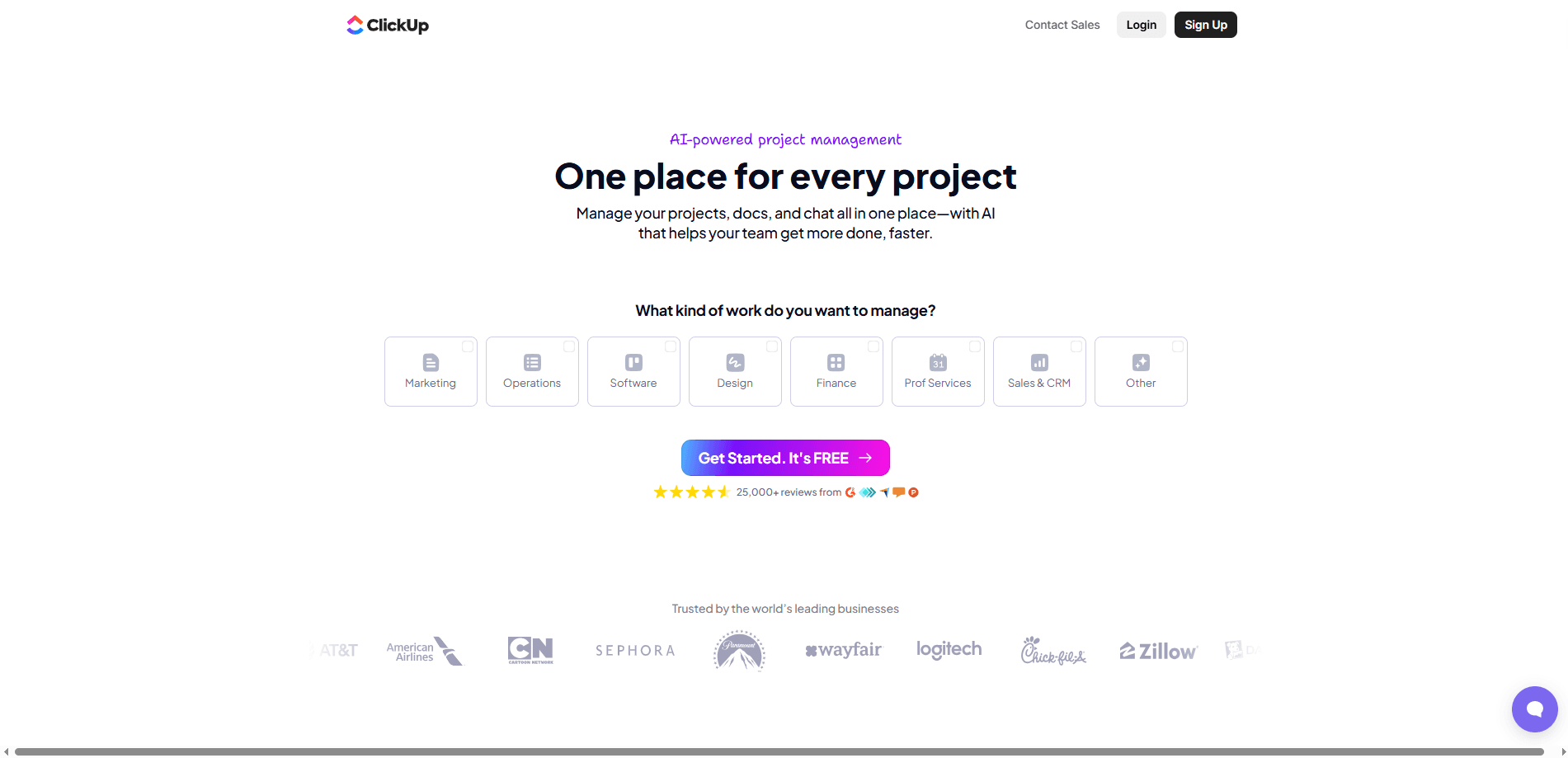
ClickUp is an all-in-one productivity platform that packs tasks, docs, chat, whiteboards, and AI into a single workspace. Teams use it as their project management software, tracking work and keeping conversations next to the tasks they belong to. Instead of juggling a task app, a separate doc tool, and a chat client, you run all of it inside one place. That's the whole pitch. Fewer tabs, less context switching. How does a task management tool earn a spot in a crowded stack? By replacing several tools at once.
About ClickUp: Tasks, Chat, Docs, AI
What Is ClickUp
ClickUp is project management software built around a simple idea: your team shouldn't have to open six apps to get through a Tuesday. The company behind it started in 2017 after its founders got tired of scattered tools, and the product has grown into a platform that covers tasks, documents, chat, goals, and dashboards. It's now one of the most feature-dense team collaboration app options on the market. Not the simplest.
The platform solves the "where did that get decided" problem. When a task, its notes, and the conversation about it live in the same window, nobody has to hunt through email threads to reconstruct context. That also means you can search one workspace instead of five. Simple, and surprisingly rare.
Most tools force a trade-off here. ClickUp mostly avoids it.
The catch is that ClickUp gives you a lot of choices. Views, custom fields, automations, and hierarchy levels all need setup time before the workspace matches how your team actually works, and teams that treat the first ten minutes as a full onboarding tend to abandon the tool before it earns its keep. Teams that skip that step often end up with a cluttered space and a slow build. Worth knowing before you dive in.
Getting Started
- Create a free workspace with your work email, then pick the plan that matches your team size.
- Set up your structure: spaces for departments or clients, folders for projects, and lists for the actual work.
- Add tasks and assign them, then switch between views like List, Board, or Gantt to see the work the way you think.
- Connect the tools you already use, such as Slack or Google Drive, and turn on automations for repeatable steps.
- Invite your team, set permissions, and use the AI features to draft task updates or summarize long threads.
Product Information
A quick look at ClickUp: Tasks, Chat, Docs, AI's pricing, supported platforms, and performance.
Best for
The users, tasks, and scenarios where this tool fits best.
Users
- Small teams that want one tool instead of five
- Project managers running multiple client projects
- Remote teams spread across time zones
Tasks
- Sprint planning and backlog grooming
- Writing and editing shared documents
- Tracking time against budgets
Scenarios
- A growing startup that's outgrown a bare task list
- An agency juggling several clients at once
- A marketing team planning a launch
Key features
All-in-One Workspace
ClickUp bundles tasks, docs, chat, whiteboards, and goals into one product. You move between them without switching apps or copying links back and forth. For teams paying for four separate subscriptions, that consolidation is the main draw. Not every tool it absorbs is best-in-class, but having them together often beats having them apart, because the cost of switching between a task app, a doc editor, and a chat client is paid every single time someone loses track of where a decision was written down.
Multiple Views for the Same Work
The same task list can appear as a List, Board, Calendar, Gantt chart, or Table. Each person picks the view that fits how they think, and everyone still sees the same underlying data. It means a designer and an engineer can look at one project in two very different ways. One dataset, many lenses. No duplicate spreadsheets required.
ClickUp AI
ClickUp AI writes task descriptions, summarizes long comment threads, and drafts updates in a few clicks. It's handy when you need a status report fast and you'd rather not read forty messages to write it, which is the kind of chore that quietly eats twenty minutes every Friday afternoon. The AI features are available on paid plans with usage limits. Heavy users should check the caps first.
Automations
You can set rules like "when a task moves to Done, notify the reviewer and set the due date for the next step." Automations handle the repetitive handoffs that eat up a project manager's day. When a team wires up even a dozen of these rules, the routine pings, reassignments, and status nudges that used to eat an hour of someone's morning start happening on their own, without anyone remembering to send them. The Free Forever plan includes limited automations, while paid tiers raise the monthly ceiling.
Native Time Tracking
Time tracking is built in, not bolted on. You start a timer from a task, and the hours roll into reports and dashboards. No extra app. Teams that bill clients or track effort against a budget get this without buying a separate tool.
Templates and Integrations
ClickUp ships with hundreds of templates for common workflows, plus integrations with tools like Slack, Google Drive, and HubSpot. Templates give you a working structure on day one, which softens the learning curve for new users. Pick one and go.
Dashboards and Reporting
Dashboards pull tasks, time, and goals into charts you can share with your team and managers. You can build a high-level view for leadership and a detailed one for the group doing the work. It's the part that turns a task tool into something a manager can actually report from.
Pros and cons
Pros
- One workspace replaces several subscriptions, which cuts both cost and context-switching.
- Free Forever plan is genuinely usable, with unlimited tasks and members.
- Extensive customization lets you shape views, fields, and automations around your team.
- Built-in time tracking, docs, and chat reduce the number of separate tools you pay for.
- Public REST API and integrations make it workable for technical teams that want to connect other systems.
Cons
- The sheer number of options can overwhelm new users, so setup takes real time before it clicks.
- Performance can lag on very large workspaces with thousands of tasks and heavy automation use, and that slowdown shows up exactly when a busy team can least afford it.
- Some advanced controls, like granular permissions and enterprise API access, are locked behind the Business and Enterprise plans.
- The AI features carry usage limits on paid tiers, which heavy users will hit.
Frequently asked questions
ClickUp is project management software that teams use to plan projects, assign and track tasks, write documents, and chat, all in one workspace. It fits anything from a simple to-do list to a multi-team portfolio. If you're weighing a task management tool against a heavier platform, this sits at the flexible end.
Related content
Explore related tools, skills, and articles for ClickUp: Tasks, Chat, Docs, AI.
ClickUp: Tasks, Chat, Docs, AI Alternatives

Base Code
Base44 (Wix) · Coding · ProductivityBase Code is a shared cloud development environment from Base44. Teammates describe changes to an existing GitHub codebase in chat, preview them live and send them back as pull requests.

Knocket
Knocket (Tencent RTC team) · Productivity · Business · ChatbotKnocket is a free live chat and contact page tool that lets visitors message you from your website, app, or a shareable link, with every reply handled from Telegram or one inbox.

FloorGen
Vinit Kumar (FloorGen) · Productivity · China AIFloorGen is a browser-based floor plan maker that turns a sentence or a sketch into an editable 2D plan and a 3D walkthrough. Export to PDF, DXF or video, and draw without an account.