

Clony: AI Voice & Face Cloning
Robin Michel · Image · Voice & Language
Clony: AI Voice & Face Cloning is a mobile studio that builds a voice model from 30 seconds of audio, then reads text, sings covers, and turns a photo into a talking video.
About Clony: AI Voice & Face Cloning
What Is Clony: AI Voice & Face Cloning
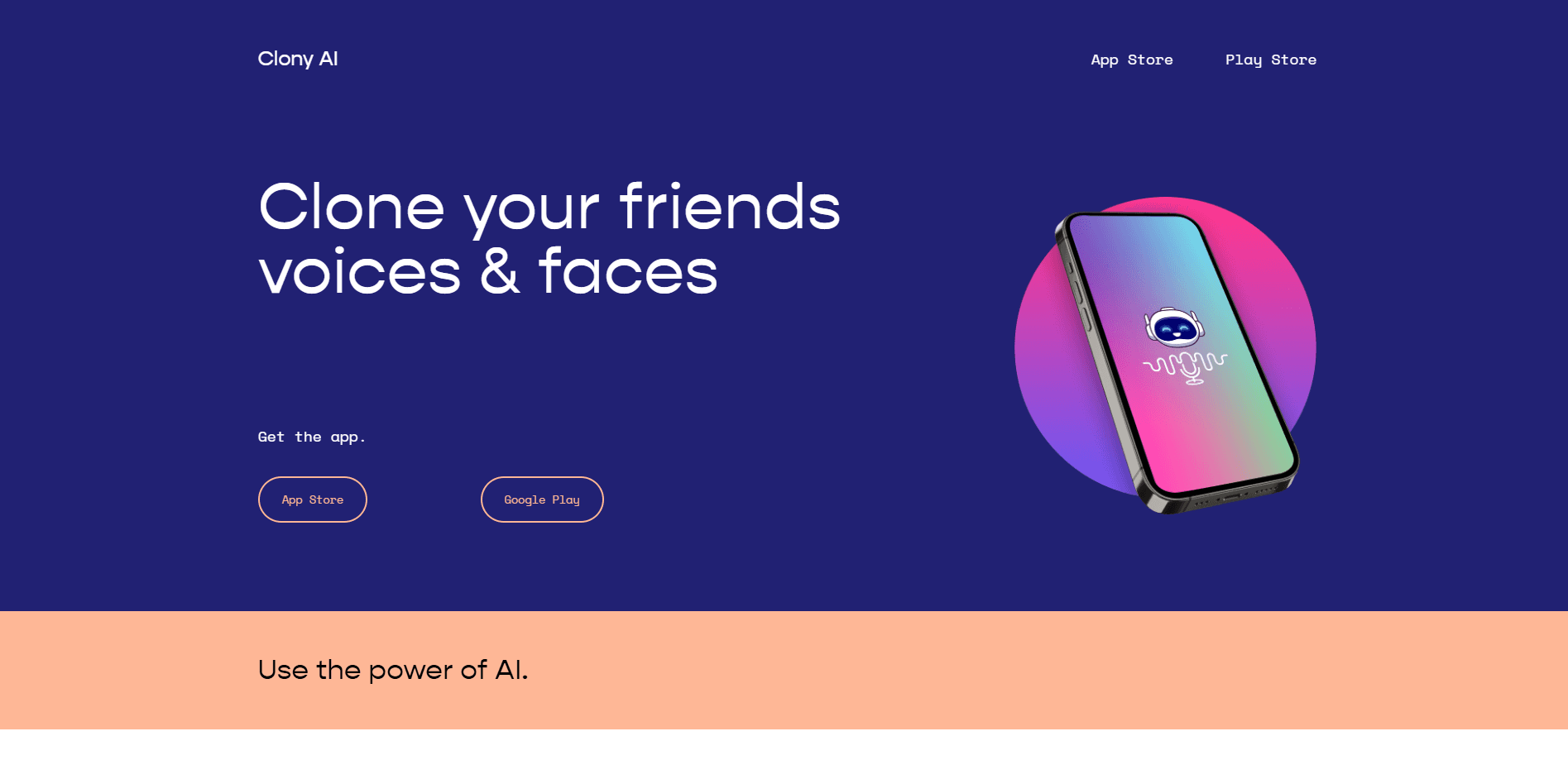
Clony is a voice and face cloning app for iOS and Android, built by developer Robin Michel. You record or upload a short clip, and the app trains a voice model that sounds like you. From there, it reads any text aloud, sings songs, and drives a talking photo or video. It landed on the App Store in March 2023 and sits in the Entertainment category.
The app targets creators who want studio-style voice work without a studio. Podcasters use it to patch lines without booking a session. Musicians use it to test a cover before recording it for real. Anyone who wants a photo to talk, for a joke or a birthday message, gets that in minutes.
The biggest limit is legal, not technical. Clony only lets you clone a voice you own or have clear permission to use. Impersonation, fraud, and cloning a public figure without consent are banned, and the team says violators get permanently blocked. The app also leans on subscriptions: the free tier is limited, and longer clips, more characters, AI singing, and talking videos sit behind a paid plan.
Getting Started
- Install Clony from the App Store or Google Play and open it.
- Record a voice memo or upload an audio file of at least 30 seconds.
- Wait for the app to build your voice model, which takes under a minute.
- Pick a mode: text to speech, AI singing, talking video, or speech to speech.
- Generate the result, then share it to social platforms or save it to your device.
Product Information
A quick look at Clony: AI Voice & Face Cloning's pricing, supported platforms, and performance.
Best for
The users, tasks, and scenarios where this tool fits best.
Users
- Content creators
- Podcasters
- Musicians
- People who want a photo to talk
Tasks
- Turning written text into spoken audio
- Recreating a voice in another take
- Making a song cover
Scenarios
- Patching a podcast intro without a second recording session, useful when your voice is the only track you need.
- Sending a personalized birthday message as a talking photo, a quick option for people who want something warmer than a text.
- Testing vocal ideas for a demo before you commit to a real studio booking.
Key features
30-Second Voice Cloning
Clony builds a natural, high-fidelity voice model from as little as 30 seconds of audio. You upload a voice memo, a recording, or an audio file, and the app finishes the clone in under a minute. The short input window is the part that separates it from tools that ask for minutes of clean studio audio.
Text to Speech
Type any script, choose a cloned voice, and Clony reads it aloud. It handles multiple languages, reads punctuation as natural pauses, and outputs studio-grade audio you can drop into a video or podcast.
Talking Photos and Videos
Upload a photo, add an audio memo, and the face in the picture moves with synced lip movement and natural expression. Clony runs this on a newer AI video model, and the results work for greetings, jokes, and short social clips.
AI Singing and Song Covers
You train a singer from one vocal sample, then apply that voice to a track. The AI song cover generator handles pop songs and your own demos, and a cover comes together in minutes rather than a studio session.
Speech to Speech
Record anything you say, and Clony delivers it back in your cloned voice while holding onto your tone, rhythm, and emotion. This mode suits voice notes and dubbing where you want your own vocal character, not a generic synthetic read.
One-Tap Sharing
Audio and video results share to social platforms in a single tap, and the app supports more than 20 languages for readers who want output in a language other than English.
Pros and cons
Pros
- Clones a usable voice from just 30 seconds of audio, a short bar that fits a quick phone recording.
- Bundles voice cloning, text to speech, AI singing, and talking videos in one app instead of four subscriptions.
- Supports more than 20 languages, useful for creators who publish in more than one market.
- Speech to speech keeps your tone and emotion, so dubbed lines still sound like you.
- One-tap sharing sends clips straight to social platforms.
Cons
- The free tier caps clip length and characters, so anyone producing longer content needs the subscription.
- AI singing and talking videos sit behind the paid plan, which limits what you can test before paying.
- No desktop app, so editing and export happen on a phone, which slows long-form work.
- Strict rules on cloning other people's voices mean public-figure impressions are off the table.
Frequently asked questions
Clony clones your voice from a 30-second clip and uses it to read text aloud, sing song covers, and animate a photo into a talking video. It's a mobile app for iOS and Android.
Related content
Explore related tools, skills, and articles for Clony: AI Voice & Face Cloning.
Clony: AI Voice & Face Cloning Alternatives

Google EmbeddingGemma 2
Google DeepMind · Writing · Image · CodingGoogle EmbeddingGemma 2 is a 740M-parameter open model that turns text, code, images, audio, and video frames into vectors in one 768-dimension space, running on phones and laptops.

Tractionwave
TractionWave · Image · MarketingTractionWave is an AI attention heatmap tool for static ads. Upload a PNG or JPG and it returns predicted attention, ranked hotspots, and fixes before you spend budget.

Imejis.io
Imejis.io · Image · MarketingImejis.io is an AI design studio for agents and marketing teams. Describe an image in plain words, and it writes the copy, builds the layout, reflows it to every size, then exports a finished file.