

Cloudchipr
Cloudchipr · Coding
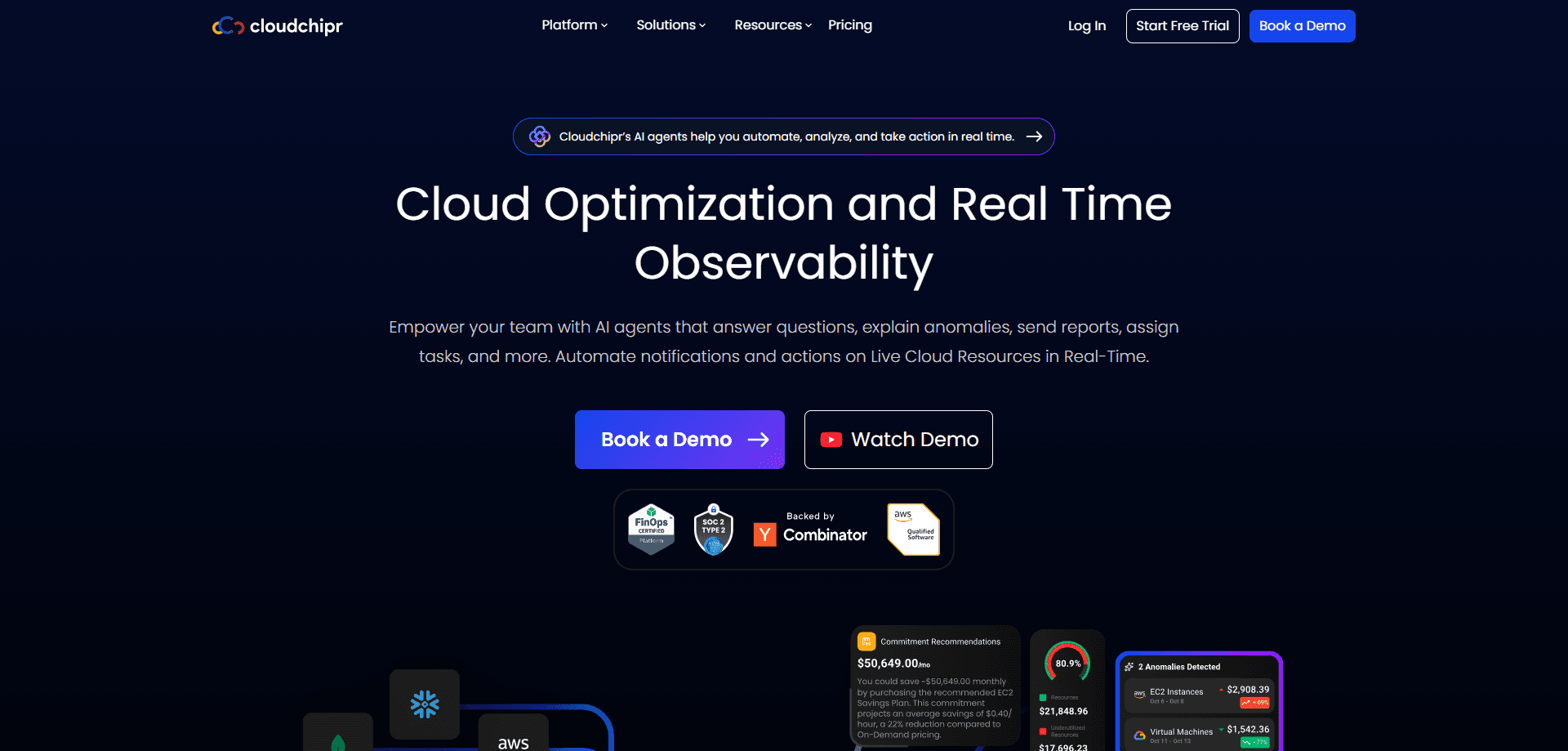
Cloudchipr is an AI cloud cost optimization platform for teams that pay AWS, Google Cloud, or Azure bills every month and want them lower without breaking production. It connects to your accounts through a read-only IAM role, collects usage metrics, and turns them into savings recommendations, dashboards, and no-code automations that clean up idle resources on a schedule. The pitch is simple: stop paying for anything you don't actually use. Teams that run several accounts, three clouds, and a Kubernetes cluster someone spun up last quarter tend to lose track of what's still running and what should have been shut down months ago.
About Cloudchipr
What Is Cloudchipr
Cloudchipr is a SaaS platform built for FinOps and engineering teams that run workloads across more than one cloud. You connect your accounts with an IAM role or service account, and Cloudchipr reads resource usage data on a schedule. From there it flags waste, forecasts spend, and lets you automate the fixes. That's multi-cloud cost management without the spreadsheet.
The problem it targets is familiar to anyone who has opened a cloud bill and found resources nobody remembers launching. Cloudchipr's own customers report average savings around $180k per month and roughly 200 engineering hours saved monthly, according to the company. Those are vendor figures. Treat them as the vendor's numbers, not an independent audit.
The main limitation is the way you buy it. There's no published price list, so you have to talk to sales. Expect an enterprise-style contract. If you're a solo developer with a $50 AWS bill, this is more machinery than you need. It's aimed at organizations where cloud spend is already a line item someone owns.
Getting Started
- Sign up for a free trial on the Cloudchipr site. No credit card is required to start. That matters.
- Connect each cloud account by attaching an IAM role for AWS or a service account for GCP and Azure, granting ReadOnly permissions by default, or Read/Write only if you want the platform to run cleanup actions on your behalf.
- Wait for the first data sync, then open the dashboard to see spend breakdowns and a ranked list of savings opportunities.
- Review the recommendations and, if you're comfortable, build a no-code workflow to handle cleanup automatically on your own schedule.
Product Information
A quick look at Cloudchipr's pricing, supported platforms, and performance.
Best for
The users, tasks, and scenarios where this tool fits best.
Users
- FinOps analysts and cloud cost owners
- Platform and DevOps engineers
- Engineering leaders
Tasks
- Finding idle and orphaned resources
- Setting multi-cloud budgets and alerts
- Automating routine cleanup
- Allocating costs across teams
Scenarios
- A monthly FinOps review where someone has to explain why spend jumped
- Kubernetes clusters quietly growing in cost
- A finance team asking for a spend forecast mid-quarter
Key features
Multi-Cloud Cost Visibility
Cloudchipr pulls AWS, Google Cloud, and Azure costs into one view so you compare providers on the same screen. That single pane is what AWS GCP Azure cost visibility looks like in practice. The Billing Explorer lets you drill into spend without writing queries, and Dimensions break it down by team, project, or any rule you define. Snowflake support is listed as coming soon.
AI Agents and Automations
The platform ships AI agents that watch your environment and act on findings, plus a no-code workflow builder for cleanup rules. You set the trigger and the schedule; Cloudchipr handles the scanning and the fixes. This is where automated cloud cost reduction stops being a quarterly project. The jobs just run, without anyone babysitting them.
MCP Server Access
Cloudchipr offers an MCP server, which means you can query costs and trigger actions from an AI assistant that supports the protocol, so a question like what did we spend on compute last week gets answered without opening yet another billing console. If your team already works inside a chat-based AI tool, this saves a context switch. It's a younger capability, so check current docs for what's exposed.
Dashboards and Forecasting
Real-time dashboards track spend as it accrues and project where the month is heading. So what does that look like day to day? You open the dashboard, check the forecast, and adjust before the invoice lands. Budgets and alerts can fire on current or forecasted numbers, which beats a warning that arrives after the fact. You can set separate budgets per cloud or per team.
Kubernetes Cost Management
Cloudchipr monitors Kubernetes spend and helps you cut waste inside clusters, not just at the account level. Container-level granularity is a hard problem to get right, and the site flags Kubernetes support as still rolling out. Teams running large clusters should confirm current coverage before relying on it for a monthly review.
Commitments and Savings Opportunities
A dedicated dashboard collects every cost-saving opportunity in one list, ranked by impact. Cloudchipr also tracks your reserved instance and savings plan utilization, so you see whether the commitments your team already bought are actually being used or quietly wasted every single month. That's the kind of question most teams only ask at renewal time, and the answer is usually expensive.
Enterprise-Grade Security
Cloudchipr states it's security assessed and qualified by AWS and encrypts data at rest. It collects only resource usage metrics and identifiers, not the contents of your data, per the company's FAQ. Access is granted through read-only roles by default. Sensible default. You can widen it later if you decide the automations are worth it.
Pros and cons
Pros
- Covers AWS, GCP, and Azure in a single dashboard, which suits teams that run multi-cloud by default.
- No-code automations run cleanup continuously, cutting the manual scripting work most FinOps teams do by hand.
- Read-only IAM roles keep the default access level conservative, which matters when you're handing a vendor keys to your cloud.
- MCP server support lets you query costs from an AI assistant rather than switching to another console.
- Free trial requires no credit card, so you can test the recommendations before committing.
Cons
- No published pricing means you can't self-serve; every deal goes through a sales conversation, which slows evaluation.
- Kubernetes and Snowflake support are still listed as coming soon, so those integrations may not be ready when you need them.
- The automation features are aimed at environments with real spend, so smaller teams with modest bills won't get much out of it.
Frequently asked questions
It connects to your cloud accounts and finds ways to reduce spend. You get dashboards of multi-cloud costs, a ranked list of savings opportunities, and tools to automate cleaning up idle resources. Simple as that.
Related content
Explore related tools, skills, and articles for Cloudchipr.
Cloudchipr Alternatives
Forefront
Forefront · CodingForefront is a web platform for building with open-source AI. It lets you fine-tune leading open-source language models on your own data, evaluate how they perform, and run them through an API or export them to host yourself. Developers who want the convenience of a closed-source platform but insist on owning their models and data are the target audience here.

Startkit
StartKit.AI · CodingStartkit is a boilerplate for building AI SaaS and AI wrapper products. Think of it as an AI startup boilerplate with the boring parts already wired up: authentication, Stripe and Lemon Squeezy payments, usage limits, transactional email, and an AI API starter that talks to OpenAI, Anthropic, Groq, or Llama. You clone the repo, set your price, and start on the part of your product that people actually pay for. It's Next.js under React and Tailwind, so most of the boilerplate code already feels familiar.
Testim
Tricentis · CodingTestim is an AI-powered test automation platform for building and running end-to-end tests across web, mobile, and Salesforce applications. It leans on machine learning to keep tests stable when an interface changes, so teams spend less time fixing broken selectors. Not bad for an automated testing tool you can start using today. You create tests by recording actions in a browser, then optionally add JavaScript when you need more control. It's a solid pick for busy QA teams.