

cmd.haus
cmd.haus · Coding
cmd.haus is a macOS database management app that combines a fast query workspace with Fred, an AI assistant for writing SQL and reading complex schemas. It ships as a native AI database tool for Macs.
About cmd.haus
What Is cmd.haus
cmd.haus is a desktop database client built for macOS. It gives developers one place to run queries, inspect schemas and move data between environments, and the company describes it as a local-first database tool for everyday work.
The part that sets it apart is Fred, an AI assistant baked into the app. Fred writes queries for you and reads unfamiliar schemas, so you spend less time guessing at column names or joins. The AI runs through Groq, a third-party provider, and the company says it keeps no copy of what you send.
The catch is availability. cmd.haus sits in early access behind an email waitlist, so you cannot download it and start working today. Pricing, supported database engines and the exact feature set are still undecided, which makes it hard to plan around right now.
Getting Started
- Visit the cmd.haus site and submit your email to join the early access list.
- Wait for the access alert, since the app is not publicly downloadable yet.
- Once you have it, install on an Apple Silicon Mac running macOS 10.13 or later.
- Connect a database and ask Fred to write a first query or explain the schema.
- Keep heavy work local, because the app runs on your machine rather than the cloud.
Product Information
A quick look at cmd.haus's pricing, supported platforms, and performance.
Best for
The users, tasks, and scenarios where this tool fits best.
Users
- Backend developers who juggle several databases
- Mac-based engineers who want SQL help on device
- Teams with strict data rules
Tasks
- Writing queries from a plain description
- Onboarding onto an unfamiliar schema
- Routine maintenance
Scenarios
- Joining a new project
- Working on a plane or offline
- Pre-launch evaluation
Key features
Fred, the built-in AI assistant
Fred is the AI layer inside cmd.haus. It writes queries from a description and works through complex schema structures, the two jobs that eat the most time in a new database. Access runs through Groq, so AI responses need a connection even while the app itself works offline.
Local-first data handling
cmd.haus keeps one server only, and it handles subscriptions rather than your data. Queries and records stay on your device, and the company states it does not process or access your database contents. For teams that cannot upload production data, this is the deciding factor.
Query workspace
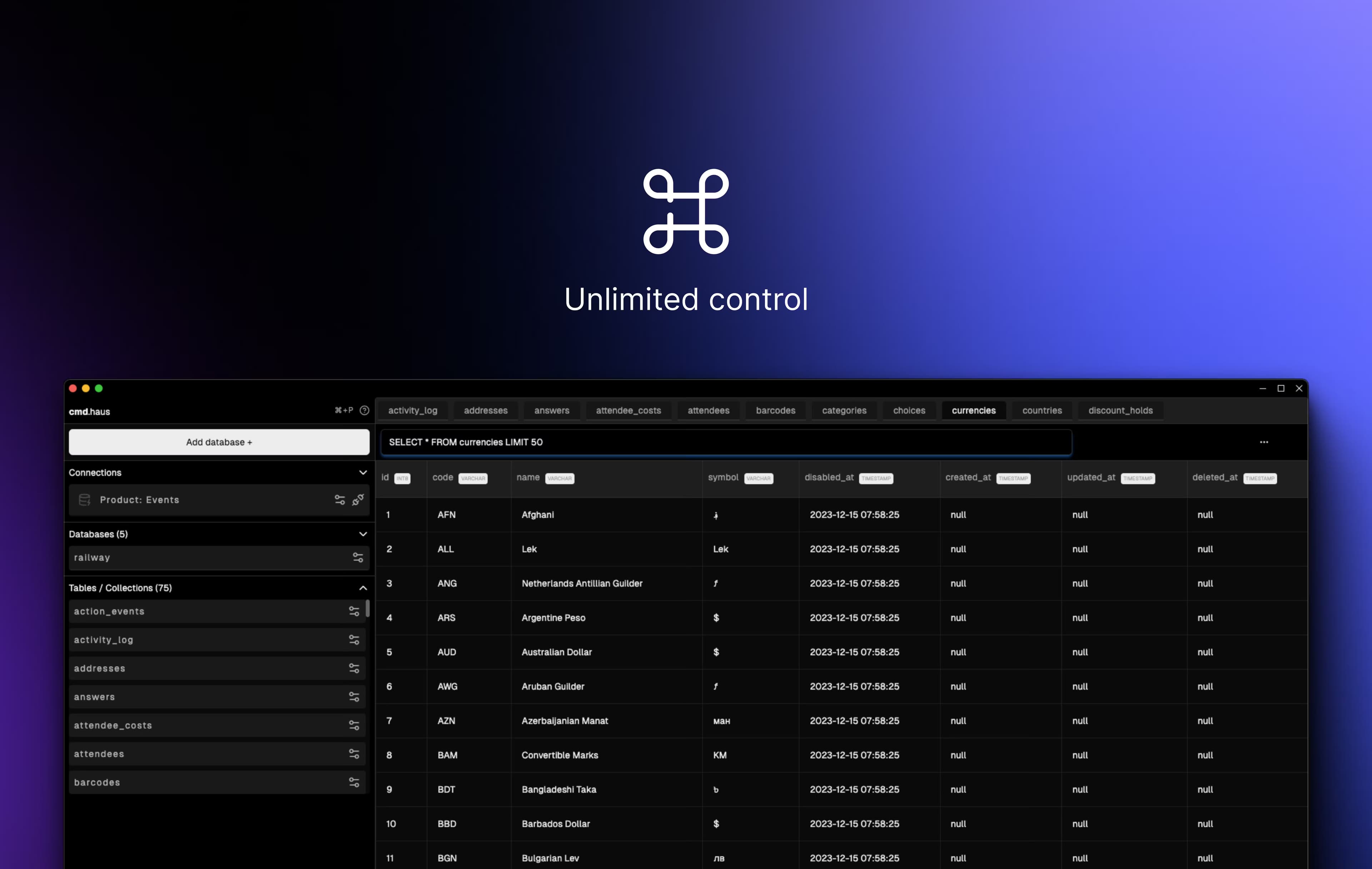
The core of the app is the query editor, where you run statements, read results and move between databases. The company pitches it as handling everything from a handful of rows to large tables in compact mode. No benchmarks back that up yet.
Schema inspection and migration help
Beyond running queries, cmd.haus aims to cover schema browsing and automated migrations. Seeing a table structure and its relationships in one view matters when you join a project you did not build. The exact depth of these tools is not yet public.
Native macOS performance
cmd.haus is a desktop SQL client for macOS, built for Apple Silicon Macs on macOS 10.13 or later, not a browser tab. Native software tends to feel quicker on large result sets, and it can reach local databases a web client cannot.
No account for local use
Because the app runs on your machine, local query work does not route through a login. The subscription server exists for billing, and the company says it holds no user data, which cuts a layer that hosted clients add.
Pros and cons
Pros
- Fred writes SQL and explains schemas inside the app, so you avoid copying structure into a separate chat window.
- Local-first design keeps database contents on your machine, which matters when production data cannot leave your network.
- Built for Apple Silicon Macs with a stated Apple Silicon focus, so performance on M-series hardware is a design goal.
- The AI runs through Groq, which the company says does not retain the data it processes.
Cons
- It sits in early access behind a waitlist, so you cannot use it to get work done today.
- Pricing is undecided. The site lists the cost of a license as an open, unanswered question.
- Supported database engines are not published, so you cannot confirm it connects to your stack.
- AI features depend on Groq, which means prompts and schema details leave your device for those tasks despite the local-first pitch.
Frequently asked questions
cmd.haus is a macOS database management app for developers. It combines a SQL query workspace with Fred, an AI assistant that writes queries and reads database schemas. The company positions it around local, on-device database work.
Related content
Explore related tools, skills, and articles for cmd.haus.
cmd.haus Alternatives

Udon
Udon · Coding · ProductivityUdon turns an Apple Silicon Mac into a home server you run from a browser, with container controls, file shares, and an optional AI sysadmin.

offstage
offstage cloud · Coding · Productivityoffstage gives AI coding agents and CI jobs a real Mac: a fresh macOS account on Apple silicon, driven over an API and billed by the second.

BotBus
Chengdu Tuyang Tusen Technology Co., Ltd. · Coding · ProductivityBotBus lets you control AI coding agents from your phone and watch: approve commands, start tasks and read results while the code stays on your desktop.