

Cobot
Mainframe · Productivity
Cobot was an AI to-do app from Mainframe that ran your tasks inside the apps you already use. The team wound it down in 2025.
About Cobot
What Is Cobot
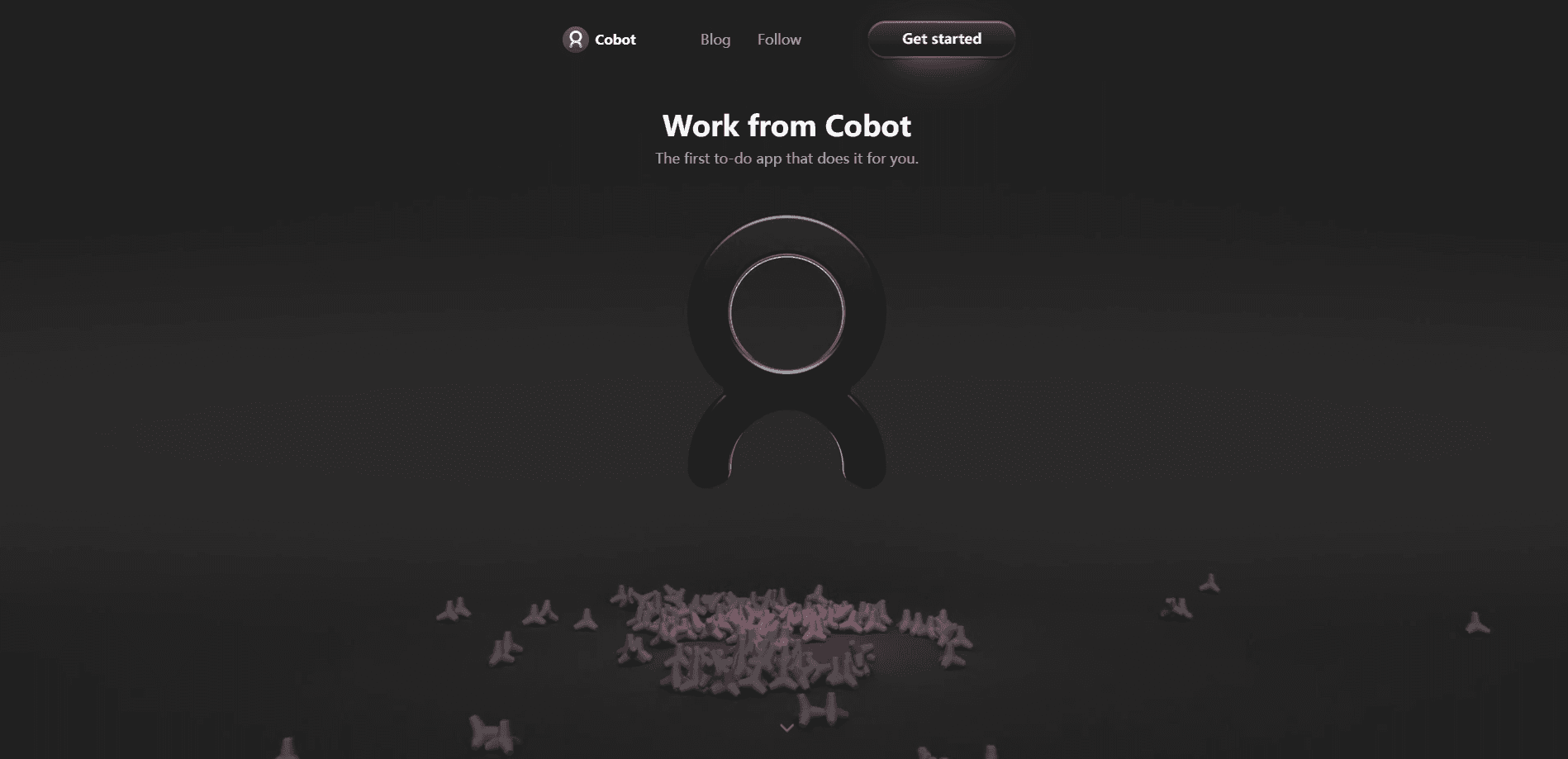
Cobot was an AI-powered to-do app from Mainframe, a company exploring new ways to work with AI agents. The pitch was simple. Instead of handing you a blank checklist, Cobot took a task and carried it out across the apps and tools you already use, acting like a teammate rather than a form to fill in.
The product grew out of an early access beta that Mainframe ran for over a year. Cobot lived in a shared space where you and the agent worked on the same jobs together, which set it apart from chatbots that only answer questions. Mainframe framed it as a collaborative digital assistant, and the to-do list was the surface where that idea showed up. It was an autonomous AI agent before that phrase became a marketing habit.
The important thing to know is that Cobot is no longer available. Mainframe shut the product down to focus on a narrower problem it wants to go deeper on. Billing was paused in 2025, annual subscribers got prorated refunds, and monthly and annual users kept full access until November 30th, 2025. After that date, Mainframe said it would securely delete all user data.
That outcome shapes how to read everything below. Cobot still stands as a clear example of an autonomous task agent, but it isn't a tool you can sign up for today. Anyone evaluating similar products should treat it as a case study, not a live option.
Getting Started
- Install Cobot and sign in to connect the apps and tools you wanted it to work with.
- Add a task in plain language, describing what you wanted done rather than how to do it.
- Let the agent carry out the steps inside your connected apps, reviewing its work as it went.
- Check off the finished task and adjust the instructions if the result missed the mark.
- Reuse the workspace for the next job, since the agent kept context from earlier tasks.
Product Information
A quick look at Cobot's pricing, supported platforms, and performance.
Best for
The users, tasks, and scenarios where this tool fits best.
Users
- People juggling repetitive digital chores
- Early adopters curious about AI agents
- Small teams sharing a workspace
Tasks
- Running tasks across multiple apps
- AI task management
- Turning a request into finished work
Scenarios
- Clearing a backlog of routine tasks
- Coordinating a project across tools
- Testing agentic workflows early
Key features
Tasks across your existing apps
Cobot's core idea was to work inside the tools you already use rather than asking you to move everything into a new platform. A task could reach into connected apps to get done, which is what separated it from a plain to-do list. Mainframe pitched this as a collaborative assistant that shared your workspace instead of sitting off to the side.
Autonomous task completion
The agent didn't just remind you to do something. It acted on the task, carrying out steps to reach the result you described. That's the definition of an agentic workflow, and it's why Cobot drew attention as a task automation app. You still reviewed the outcome, but the labor shifted to the software.
A shared workspace
Cobot framed tasks as a shared space where you and the agent worked together. Mainframe built the product around this idea of accomplishing things in the same place rather than passing work back and forth. It made the assistant feel like a collaborator with a seat at the table, not a search box you visit, and gave it the feel of an agentic workspace rather than a solo tool.
Plain-language task input
You described what you wanted done in everyday words, not a rigid template. The agent parsed the request and figured out the steps, which kept the entry point approachable for non-technical users. That low setup cost was central to the pitch, since a task agent only helps if starting one is easy.
Built for routine digital work
The product aimed at the repetitive jobs that fill a workday: the small, frequent tasks people would rather hand off. By targeting routine work instead of one-off queries, Cobot leaned into automation as a habit. It's the difference between asking a chatbot a question and delegating a chore.
Early access beta
Cobot was available through an early access beta that ran for more than a year. That framing matters, because it means the product was still being shaped when Mainframe decided to move on. Anyone studying it should read the feature set as a snapshot of an in-progress product, not a finished release.
Pros and cons
Pros
- Worked inside your existing apps: tasks ran in the tools you already use, which cut the need to migrate everything to a new platform.
- Agentic by design: Cobot acted on tasks instead of only reminding you, a step beyond a standard to-do app.
- Shared workspace for teams: framing tasks as a common space suited people coordinating on the same jobs.
- Approachable input: plain-language requests lowered the bar for non-technical users to delegate work.
- A clear case study: as an early agentic to-do product, it shows what the category set out to do.
Cons
- No longer available: the Cobot sunset in 2025 means you can't sign up, and user data was scheduled for deletion after November 30th, 2025.
- Limited public detail: with the product shut down, the site now redirects to a sunset notice, which makes independent verification hard.
- Unclear pricing history: the exact tiers beyond the published range are hard to confirm now that the product is gone.
- Data deletion deadline: anyone who used it had to act before November 30th, 2025 if they wanted to keep anything.
Frequently asked questions
Cobot was an AI-powered to-do app from Mainframe that completed tasks inside the apps and tools you already used, acting as a collaborative assistant rather than a simple checklist.
Related content
Explore related tools, skills, and articles for Cobot.
Cobot Alternatives

Base Code
Base44 (Wix) · Coding · ProductivityBase Code is a shared cloud development environment from Base44. Teammates describe changes to an existing GitHub codebase in chat, preview them live and send them back as pull requests.

Knocket
Knocket (Tencent RTC team) · Productivity · Business · ChatbotKnocket is a free live chat and contact page tool that lets visitors message you from your website, app, or a shareable link, with every reply handled from Telegram or one inbox.

FloorGen
Vinit Kumar (FloorGen) · Productivity · China AIFloorGen is a browser-based floor plan maker that turns a sentence or a sketch into an editable 2D plan and a 3D walkthrough. Export to PDF, DXF or video, and draw without an account.