

CoChat
CoChat · Productivity
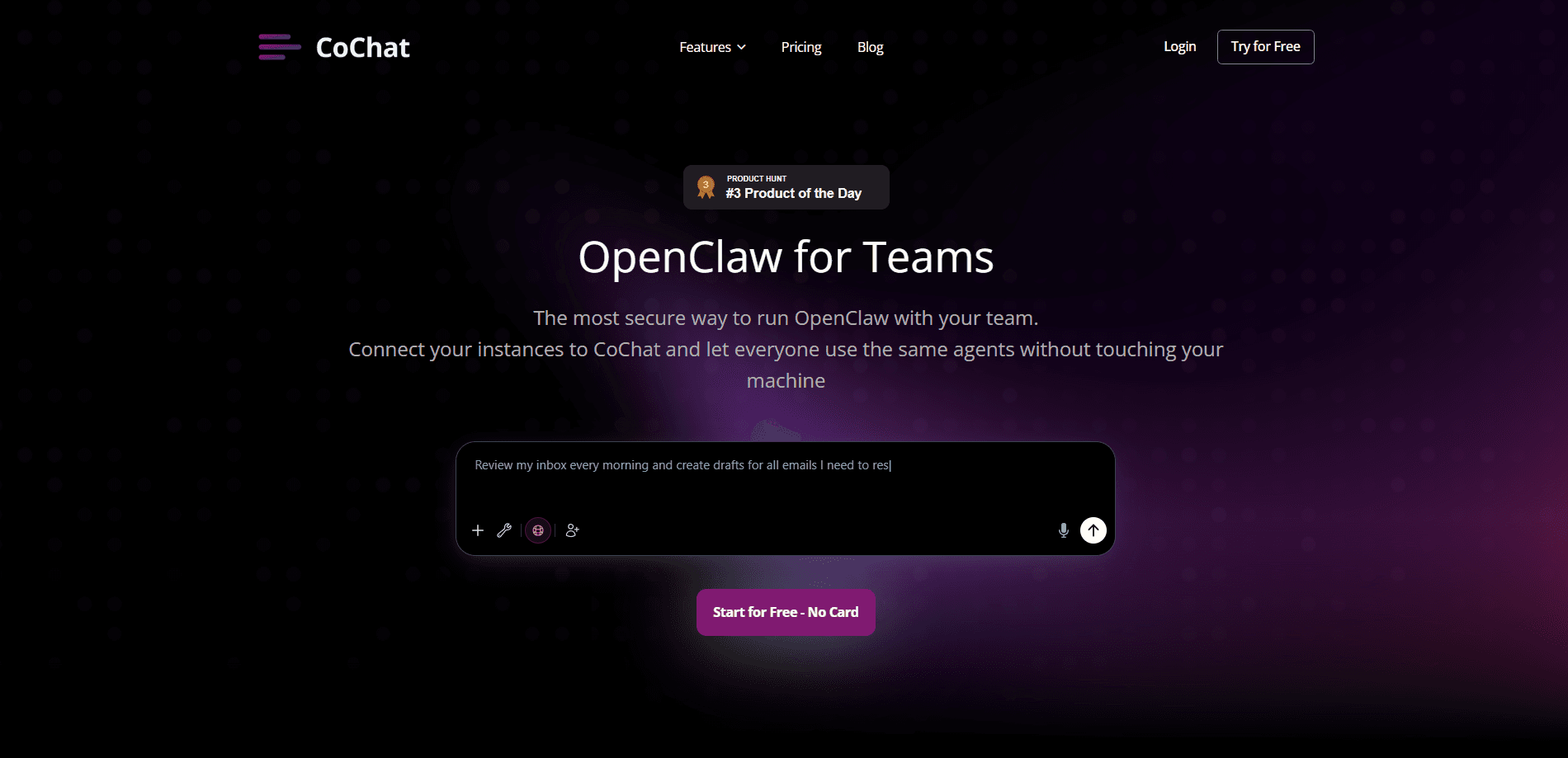
CoChat is an AI research assistant that searches, organizes, and verifies sources for you in a single workspace. It pulls answers from 200M+ real academic papers and checks every suggested citation against the actual source. As a multi-model AI workspace, it also lets you run several models side by side and connect the tools you already use. It's built for students, researchers, and anyone who needs sources they can actually trust.
About CoChat
What Is CoChat
CoChat is a research-focused AI workspace from the team behind cochat.ai. The core problem it targets is specific: AI assistants are fast at summarizing literature but careless with sources, and a fabricated citation can sink a paper. CoChat treats verification as the main job rather than an add-on. It's the whole point. Every recommended citation gets matched against the real paper through platforms like CrossRef and Semantic Scholar, and anything that can't be matched gets flagged instead of quietly shipped.
That focus shapes the rest of the product. Instead of a single chatbot, you get a project space where papers, notes, and findings pile up in a form you can search and connect later. The company calls this a research second brain, and the label fits: it's less about one clever answer and more about not losing what you've already read.
The limits are worth knowing up front. CoChat is web-only. There's no desktop or mobile app, and it can't run offline. It also won't let you plug in your own API keys yet, so you're working with the models the platform offers rather than your own billing. For a tool built around academic literature, the paper-heavy databases are the strong side. General web tasks are supported, but they aren't the selling point.
Getting Started
- Sign up at app.cochat.ai. The free tier needs no credit card.
- Create a project and give it a name so your saved papers and notes stay grouped.
- Ask a question or upload your own files, notes, and PDFs to give the assistant context.
- Save papers and findings you want to keep, then let CoChat verify the citations it suggests before you use them.
- Compare models side by side or invite a teammate into the thread if you're working with others.
Product Information
A quick look at CoChat's pricing, supported platforms, and performance.
Best for
The users, tasks, and scenarios where this tool fits best.
Users
- Students
- Academic researchers
- Small research teams
Tasks
- Verifying citations
- Literature discovery
- Building a reference library
Scenarios
- Drafting a literature review where a wrong citation would be costly.
- Checking a batch of references before submitting a manuscript.
- Comparing how two models handle the same research question before committing to one.
Key features
Citation Verification Against Real Papers
CoChat's headline feature checks each recommended citation against platforms like CrossRef and Semantic Scholar, then highlights the ones it couldn't match. The company cites a meta-analysis (Jergas and Baethge, PeerJ, 2015) finding that about 1 in 4 citations in published research misrepresents its source, which is the gap the verifier targets. For you, that means a flagged citation is a signal to double-check, not a silent error you inherit.
Grounded Search Across 200M+ Papers
Questions are answered against more than 200 million real papers drawn from major academic databases rather than from open-web snippets alone. Fabricated and misquoted sources get filtered before they reach you. If you've been burned by an AI confidently inventing a study, this is the part that matters most.
Multi-Model Workspace With Side-by-Side Comparison
CoChat runs Claude, GPT, Gemini, and Llama models, including free ones, and lets you put two of them side by side on the same prompt. That's useful when you want a second opinion on a summary without opening a separate tab. Real-time collaboration means teammates can read and edit in the same thread. No copy-pasting between apps.
200+ Tool Integrations
CoChat connects to more than 200 tools, from research databases like arXiv and PubMed to everyday apps like Gmail, Notion, Google Drive, and HubSpot. Authenticate a tool once and the assistant can query it, act inside it, and cite what it found in the same conversation. The integrations are unlimited on every plan, including free.
Automations With Approval Gates
Automations let the assistant run repeatable tasks, and approval gates make it ask before anything risky like deploying, emailing externally, or merging to main. The free tier includes none, Starter gives you 3 active automations, and Pro makes them unlimited. The trade-off is that free users can't automate at all.
Research Second Brain
Papers, facts, and findings get saved into a project and stay organized and searchable. You can find, connect, and build on what you've already read instead of re-searching for the same paper twice. It's the least flashy feature and probably the one you'll use most. Simple, and it works.
Pros and cons
Pros
- Citation verification flags sources that don't support their claims, which is rare among AI research tools.
- 200M+ papers and unlimited integrations are available on the free tier.
- Multiple models run in one place, so you don't need a separate subscription for each.
- Real-time collaboration and approval-gated automations suit team workflows.
Cons
- Web-only. There's no desktop or mobile app, so you can't use it offline or on the go.
- You can't bring your own API keys yet, so you're limited to CoChat's model lineup and billing.
- The free plan allows just 3 file uploads per day and 10 citation verifications, which runs out fast on a full project.
Frequently asked questions
CoChat is used for research work that depends on trustworthy sources, such as literature reviews, citation checking, and keeping a searchable library of papers. It combines an AI assistant with a citation verifier and a project space for saving findings.
Related content
Explore related tools, skills, and articles for CoChat.
CoChat Alternatives

Base Code
Base44 (Wix) · Coding · ProductivityBase Code is a shared cloud development environment from Base44. Teammates describe changes to an existing GitHub codebase in chat, preview them live and send them back as pull requests.

Knocket
Knocket (Tencent RTC team) · Productivity · Business · ChatbotKnocket is a free live chat and contact page tool that lets visitors message you from your website, app, or a shareable link, with every reply handled from Telegram or one inbox.

FloorGen
Vinit Kumar (FloorGen) · Productivity · China AIFloorGen is a browser-based floor plan maker that turns a sentence or a sketch into an editable 2D plan and a 3D walkthrough. Export to PDF, DXF or video, and draw without an account.