

Cockpit AI
Cockpit · Productivity
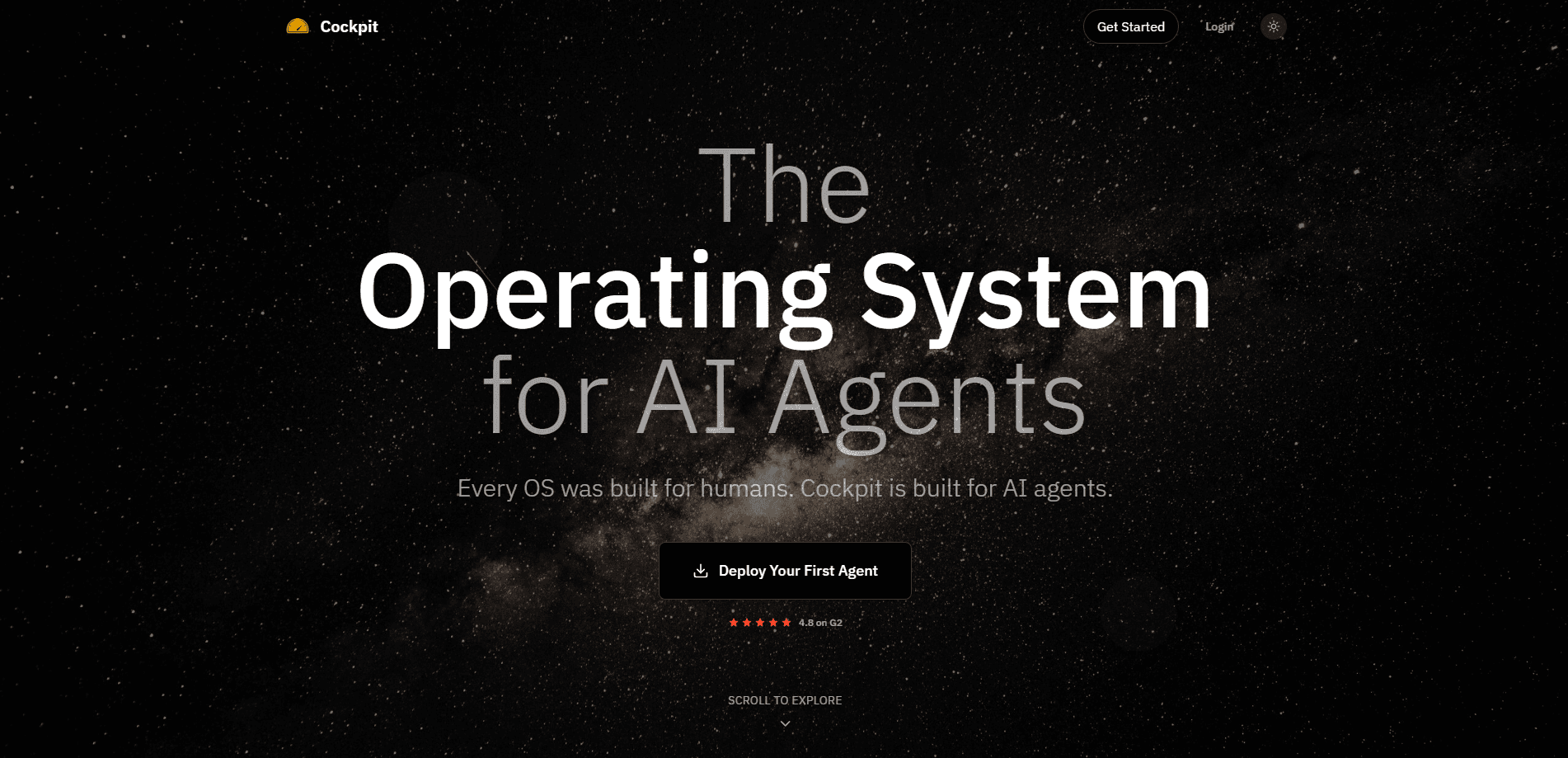
Cockpit AI is an AI worker you hire for the repetitive parts of outbound work. It handles research, outreach, and follow-ups in one place. It runs inside its own workspace where it can read your data, keep a running memory of every account, and act on several tasks at once. The idea is simple. Instead of software you operate step by step, you get a worker that finishes the job end-to-end in your voice. That's the whole pitch: an AI sales agent that takes outbound automation past the point of scripts and templates.
About Cockpit AI
What Is Cockpit AI
Cockpit AI is an AI sales agent built around a workspace rather than a chat window. The company's pitch is that hiring people for repetitive work is ending, and the replacement is software that behaves more like a worker: it reads your data, remembers what happened last time, and runs outreach tasks on its own. You set the role, it does the job.
That framing matters because most automation tools make you wire up every step yourself, which is exactly the grind Cockpit AI says it removes. Cockpit AI flips the model. You describe the outcome you want and the worker handles the mechanics, from pulling context out of your connected tools to drafting and sending messages in your voice. Research, outbound, and follow-up all sit in the same place.
The catch is control. Is an agent that reads your data and sends messages on your behalf safe to leave alone? Not really. Cockpit AI leans hard on the "keeping humans in control" idea for a reason. You still own approvals, tone, and the final call on who gets contacted. Treat it as a capable teammate that needs supervision, not a set-and-forget robot.
Getting Started
- Sign up for Cockpit AI from the official site and create your workspace.
- Connect the data sources you want the worker to read, so it can pull real context on accounts and contacts.
- Define the role and the outcome you want, whether that's research, outreach, or follow-up.
- Let the worker draft and run tasks, then review its output before anything goes out.
- Refine the instructions as you see what works, and let the memory carry context forward across sessions.
Product Information
A quick look at Cockpit AI's pricing, supported platforms, and performance.
Best for
The users, tasks, and scenarios where this tool fits best.
Users
- Sales and outbound teams
- Founders running their own pipeline
- Operations leads
Tasks
- Account research
- Writing outreach
- Automated outreach and follow-ups
- Keeping notes
Scenarios
- Weekly prospecting
- Reviving cold threads
- Small teams without an SDR
Key features
A Workspace Built for Agents
Cockpit AI doesn't live in a chat box. It gives the worker a workspace where it can read your data, remember everything it has seen, and run several tasks in parallel. That parallel setup is the real difference. One session can be researching accounts while another drafts outreach, instead of you babysitting a single thread.
Infinite Memory Across Sessions
The worker keeps context on each account and person, so you're not re-explaining the same prospect every time you come back to a thread that went quiet weeks ago and now needs a fresh reason to reply. That memory is what makes follow-ups sound like a continuation rather than a cold restart. For teams juggling hundreds of contacts, it's the difference between a tool and a teammate.
Research and Outreach in One Place
Cockpit AI covers the full outbound loop, from the first research pass on a new account through the opening message and every nudge that follows when a prospect goes quiet. It researches accounts, writes the first touch, and handles follow-ups without you moving between apps. Think of it as an AI SDR that never loses the thread. The workflow stays in your voice, which matters when prospects notice the moment automation gets sloppy. Keeping it in one place also means less context lost between steps, so your automated outreach reads like one person wrote it.
Human Approval on the Way Out
Nothing about the pitch is fully hands-off, and that's intentional. You stay in control of approvals and tone before messages leave. For anyone nervous about an AI sales agent emailing the wrong person, that checkpoint is the feature, not a limitation. You can review drafts in bulk and only intervene where it counts.
Cloud Orchestration Under the Hood
Behind the workspace, Cockpit AI orchestrates work in the cloud so tasks keep running without a local machine tied up. That helps when you want the worker grinding through a queue overnight. The heavy lifting sits off your laptop. It does depend on a stable connection.
Pros and cons
Pros
- Covers research, outreach, and follow-ups, so it works as a single AI outreach tool rather than three separate ones.
- Memory carries account context forward, so follow-ups don't restart from zero.
- Parallel sessions let it work on several tasks at once.
- Human approval keeps you in control of what actually sends.
Cons
- No free plan, so you can't test the full workflow before paying.
- The agent works inside connected tools only, so gaps in your data mean weaker outreach.
- API availability isn't publicly confirmed, which blocks some custom integrations.
- Sending messages through an AI agent still needs a human reviewing tone and accuracy.
Frequently asked questions
It's an AI worker for outbound sales. It researches accounts, writes outreach in your voice, and handles follow-ups, all inside a workspace where it can read your data and remember past context.
Related content
Explore related tools, skills, and articles for Cockpit AI.
Cockpit AI Alternatives

Base Code
Base44 (Wix) · Coding · ProductivityBase Code is a shared cloud development environment from Base44. Teammates describe changes to an existing GitHub codebase in chat, preview them live and send them back as pull requests.

Knocket
Knocket (Tencent RTC team) · Productivity · Business · ChatbotKnocket is a free live chat and contact page tool that lets visitors message you from your website, app, or a shareable link, with every reply handled from Telegram or one inbox.

FloorGen
Vinit Kumar (FloorGen) · Productivity · China AIFloorGen is a browser-based floor plan maker that turns a sentence or a sketch into an editable 2D plan and a 3D walkthrough. Export to PDF, DXF or video, and draw without an account.