

CodeVideo
Fullstack Craft LLC · Coding · Productivity
CodeVideo records coding sessions as editable actions, then exports them as video, Markdown, PDF, PowerPoint, or a web page in one pass.
About CodeVideo
What Is CodeVideo
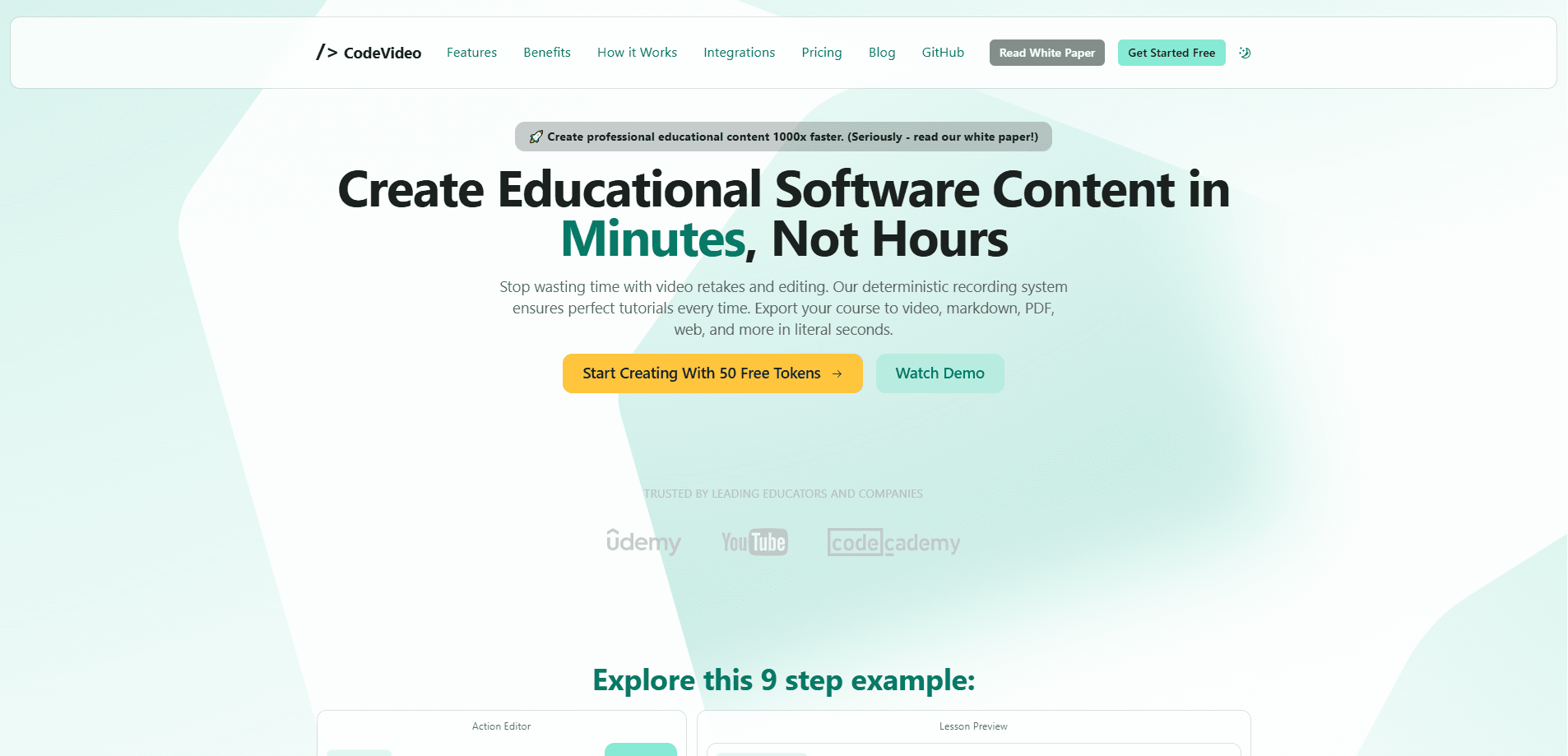
CodeVideo is a web tool that turns coding sessions into finished tutorials. As a coding tutorial maker, it skips the usual screen recording step: describe each step as an action, covering what's on screen, what gets typed, and what the narrator says. The tool replays those actions into a clean video, so there's no shaky cursor and no retake when you flub a line.
The pitch is straightforward. Recording a coding lesson twice is normal, and editing the second take eats an afternoon. CodeVideo treats the lesson like a script you can revise. Fix a typo, reorder a step, and regenerate. The same timeline also becomes a written article or a slide deck, so one lesson covers video, text, and slides.
The biggest limit is the medium. It's built for software tutorials with code, a file explorer, and a terminal, not for talking-head videos or footage of a physical product. The editor lives at studio.codevideo.io and runs in a browser. Video exports also lean on server-side rendering, so heavy projects take longer than the lightweight text formats.
Getting Started
- Open CodeVideo Studio in a browser and sign in
- Build the lesson by adding actions for editor changes, file actions, terminal commands, or narration
- Arrange the timeline, then preview the lesson before you export
- Pick an output format (video, Markdown, PDF, PowerPoint, or web page) and download the result
Product Information
A quick look at CodeVideo's pricing, supported platforms, and performance.
Best for
The users, tasks, and scenarios where this tool fits best.
Users
- Course creators and educators
- Developer advocates and DevRel teams
- Technical writers
Tasks
- Turning a coding tutorial into video
- Repurposing a lesson across formats
- Documenting a software workflow
Scenarios
- Weekly developer tutorials for a channel or course platform
- Onboarding demos for a new tool
- Conference or workshop prep
Key features
Multi-Format Export
One action timeline exports to video, Markdown, HTML, React, PDF, PowerPoint, JSON, or a full web page. That means a single lesson can cover a video channel, a blog, and an internal doc without separate production passes. Each format costs a different number of tokens, with Markdown at 1 and video at 10.
Event-Sourced Timeline
Every change in the editor, file explorer, or terminal is stored as a discrete action. You can edit, insert, or remove actions after the fact and regenerate the whole lesson. This is what makes retakes unnecessary, since a mistake is a line to fix rather than a reason to re-record.
Deterministic Playback
Because the output comes from actions rather than a live capture, the result plays back the same way every time. Steps do not get skipped, and the cursor does not drift off the target. For a tutorial where accuracy matters, that consistency is the main draw.
CodeVideo Studio Editor
The Studio editor supports editor panes, a file explorer, a terminal, and even mouse actions, going well beyond a plain text-and-code view. You build the lesson visually and preview a lesson player that mirrors what viewers will see.
Custom API and Framework Exports
A REST API accepts actions as JSON and returns a link to an mp4, Markdown, HTML, or another format. You can also export directly to React, Angular, or Vue, which suits teams that publish tutorials inside their own docs site.
Token-Based Pay-as-You-Go Pricing
Tokens are bought up front and spent per export, so you pay for what you publish rather than a flat seat fee. Tokens never expire and there is no commitment, which keeps the cost low for creators who publish a few lessons a month.
Pros and cons
Pros
- Retake-free recording: fixing a step means editing an action, not redoing the whole session
- One timeline feeds video, Markdown, PDF, PowerPoint, web page, and JSON exports
- Pay-as-you-go tokens start at $2 and never expire, so light users aren't locked into a subscription
- A public API and React, Angular, and Vue exports fit teams that embed tutorials in their own sites
Cons
- No free plan, so you have to buy tokens before you can try a full export
- Built for code tutorials, so talking-head lessons and footage of physical products don't fit the workflow
- Video exports use server-side rendering and take longer than text formats, and the pay-as-you-go tier caps a session at 250 actions
Frequently asked questions
CodeVideo is used to make software tutorials. You describe coding steps as actions and it generates a video, article, PDF, slides, or web page from the same timeline, so one lesson covers several formats.
Related content
Explore related tools, skills, and articles for CodeVideo.
CodeVideo Alternatives

Udon
Udon · Coding · ProductivityUdon turns an Apple Silicon Mac into a home server you run from a browser, with container controls, file shares, and an optional AI sysadmin.

offstage
offstage cloud · Coding · Productivityoffstage gives AI coding agents and CI jobs a real Mac: a fresh macOS account on Apple silicon, driven over an API and billed by the second.

BotBus
Chengdu Tuyang Tusen Technology Co., Ltd. · Coding · ProductivityBotBus lets you control AI coding agents from your phone and watch: approve commands, start tasks and read results while the code stays on your desktop.