

ColorBuk
Climactic · Image
ColorBuk is an AI coloring page generator that turns a text prompt or a photo into printable, kid-safe line art you can download and print in seconds.
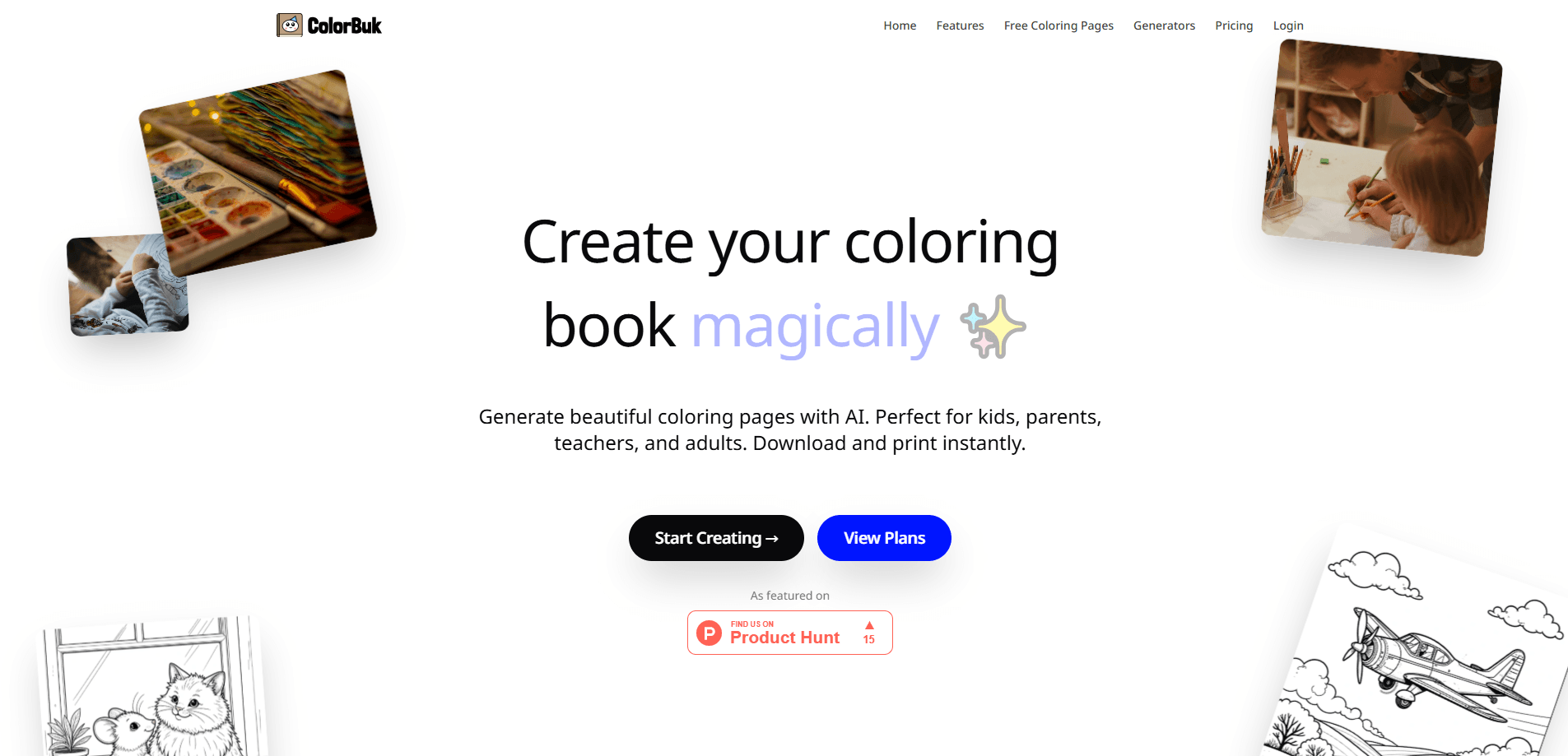
About ColorBuk
What Is ColorBuk
ColorBuk is a web tool that makes custom coloring pages on demand. You describe a scene, it draws the line art with AI, and you print it. There's no drawing skill involved, and you don't dig through a search engine hoping to find the exact printable coloring pages your kid asked for.
The idea targets a real annoyance for parents: a child wants a very specific picture, and the free pages online are limited, blurry or locked behind a subscription. ColorBuk answers the request directly. Type "a cute dragon at a birthday party," and you get a fresh black-and-white page sized for a printer. The company markets it for kids and labels itself a product of Climactic.
The catch is scope. ColorBuk is a coloring page generator, not a general image tool, so it won't make a poster, a logo or a photo edit. Free pages and one-time packs also come with personal-use limits, and commercial rights only arrive with the Wizard subscription.
Getting Started
- Sign in and open the generator, then type what you want to see in plain language.
- Pick a style or upload a photo if you want a photo turned into line art.
- Generate the page and check the preview; regenerate if the lines look busy.
- Download the print-ready file and send it to your printer.
- Save the page to your collection so you can print it again later.
Product Information
A quick look at ColorBuk's pricing, supported platforms, and performance.
Best for
The users, tasks, and scenarios where this tool fits best.
Users
- Parents of young kids
- Teachers and tutors
- Grandparents and relatives
Tasks
- Turning a text prompt into a coloring page
- Turning a photo into a coloring page
- Building a themed set of pages
Scenarios
- A rainy afternoon with bored kids
- A birthday party activity table
- A classroom or hobby group
Key features
Text and photo to coloring page
The core feature takes a written prompt or an uploaded photo and returns printable line art. A parent can ask for the exact picture a child describes, and the tool draws it as an outline instead of a finished image. Photo input is the standout use: a family snapshot or a pet can become a coloring page you can't buy anywhere.
Kid-safe generation
ColorBuk tunes its model for wholesome content and runs filters so the output stays appropriate for children. That matters when a kid is typing prompts on their own, because the tool aims to block the kind of result a random image generator would happily produce. The company frames this as a reason parents can hand it over with less worry.
High-resolution print-ready output
Pages come out as high-resolution, print-ready files rather than low-res images that pixelate on paper. Sharp lines matter for coloring, and the company says the output holds up on different paper sizes. The pitch is aimed at anyone who's printed a blurry page from a free site and watched the crayon cross the outlines.
Personal page collection
Every page you generate is saved to a library you can browse later. Re-printing a favorite takes a few clicks, so a page a child loved doesn't get lost once the tab closes. It's a small feature, but it turns one-off generations into a reusable set.
Infinite variety from prompts
Because pages come from prompts, the range is limited only by what you can describe. That covers the specific animals, characters and scenes a child fixates on for a week and then drops. There's also a hand-picked library of trending pages for anyone who wants to start from something ready-made.
One-time packs and a subscription
ColorBuk sells credits in one-time packs (50, 150 or 500 pages) that stay valid for a year, plus a monthly Wizard plan that refreshes pages automatically and adds commercial use rights. The one-time model suits a family that colors occasionally, while the subscription fits creators who need a steady supply and the legal right to sell the output.
Pros and cons
Pros
- Turns a plain-language description or a photo into a printable coloring page, so no drawing skill is required.
- Kid-safe filters keep the output appropriate, which matters when children use the generator themselves.
- High-resolution, print-ready files avoid the blurry lines common to scraped free pages.
- A saved collection makes it easy to re-print a page a child liked.
- One-time packs give you pages valid for a year without an auto-renewing subscription.
Cons
- It's a coloring page tool only, so it can't do posters, logos or general photo editing.
- Commercial use needs the Wizard subscription, so a business or seller can't rely on the one-time packs.
- Pages from one-time packs expire after a year, which can waste credits if you buy more than you use.
- There's no published public API, so programmatic or bulk integration isn't an option.
Frequently asked questions
Yes, the tool is built for kids and runs filters to keep generated pages appropriate. Parents can let children type their own prompts, since the model is tuned for wholesome content rather than open-ended image generation. Adult supervision is still a sensible default for younger users.
Related content
Explore related tools, skills, and articles for ColorBuk.
ColorBuk Alternatives

Google EmbeddingGemma 2
Google DeepMind · Writing · Image · CodingGoogle EmbeddingGemma 2 is a 740M-parameter open model that turns text, code, images, audio, and video frames into vectors in one 768-dimension space, running on phones and laptops.

Tractionwave
TractionWave · Image · MarketingTractionWave is an AI attention heatmap tool for static ads. Upload a PNG or JPG and it returns predicted attention, ranked hotspots, and fixes before you spend budget.

Imejis.io
Imejis.io · Image · MarketingImejis.io is an AI design studio for agents and marketing teams. Describe an image in plain words, and it writes the copy, builds the layout, reflows it to every size, then exports a finished file.