

Community Figma MCP server
EXDST · Image
Community Figma MCP server is a free, open-source Model Context Protocol server from EXDST that closes a gap the official Figma MCP leaves open. The official server only reads design files, so AI assistants can inspect a Figma document but never change it. This community build adds write access, letting ChatGPT, Claude, Cursor and other MCP-aware clients create components, set auto layouts, rename layers and scaffold whole screens inside your Figma file. It's built for designers who want the same agent-driven speed developers already get.
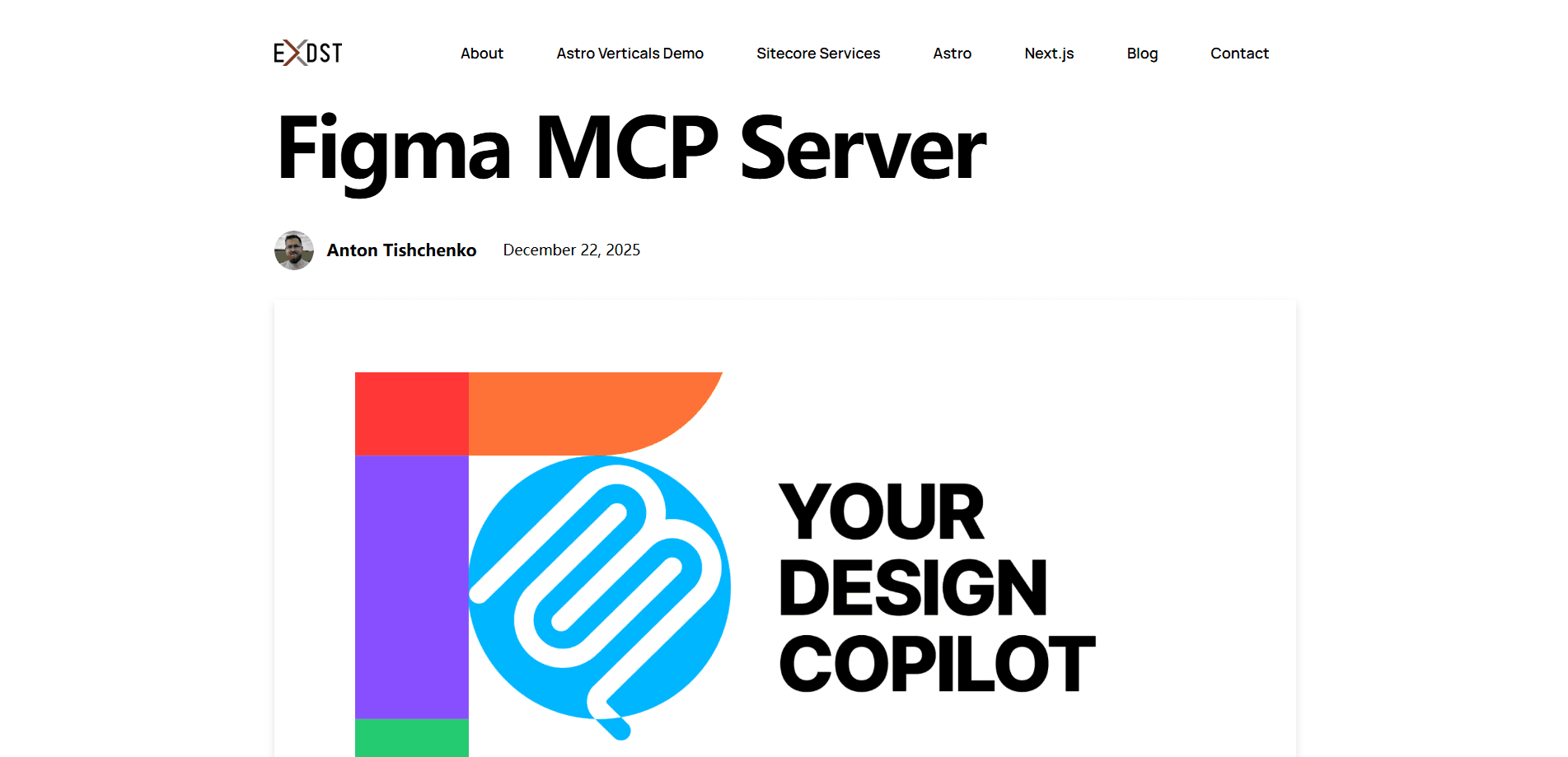
About Community Figma MCP server
What Is Community Figma MCP server
Community Figma MCP server is an open-source bridge between AI assistants and your Figma design documents. It speaks the Model Context Protocol. That's the same standard Claude Desktop, Claude Code, Cursor, Windsurf and VS Code already use to talk to external tools. Where the official Figma MCP is read-only, this server can also write. So an AI assistant can add nodes, build components, apply auto layout and organize a file. Not just describe it.
The product exists because designers were left out of the productivity wave. Look at the split. Developers hand drafts and refactors to an agent, then get them back in minutes. Designers hit a wall at the Figma door. That gap is the whole point of this AI design automation project. EXDST's answer is three pieces working together: an MCP server, a WebSocket relay, and a Figma plugin that listens for incoming changes. The server ships 24 tools spanning nodes, components, images and layouts, each covering create, read, update and delete actions.
It's not the only option anymore. Since launch, Figma shipped its own Claude Code plugin. Google and Anthropic released their own design tools too. EXDST keeps its server open and treats it as one tool among several. One limit worth knowing up front: you need a running local server and the companion plugin, so it isn't a drop-in cloud service.
Getting Started
- Clone the figma-mcp-server repository from GitHub and install its dependencies.
- Start the server locally; it opens a WebSocket relay on port 38450 to talk to Figma.
- Install the companion Figma plugin and load it inside the design document you want to edit.
- Point your MCP client at the local address. Claude Desktop, Cursor and VS Code all work.
- Run a prompt against the document and watch the plugin apply the changes node by node.
Product Information
A quick look at Community Figma MCP server's pricing, supported platforms, and performance.
Best for
The users, tasks, and scenarios where this tool fits best.
Users
- Product designers
- Design system maintainers
- Developer-designers working in Cursor or VS Code
Tasks
- Component scaffolding
- Auto layout setup
- Bulk layer renaming and document cleanup
- Draft generation
Scenarios
- Kicking off a new screen
- Tidying a messy file
- Exploring ideas fast
- Sharing design work with a non-designer teammate
Key features
Read and Write Access to Figma Documents
The headline difference from the official server is editing. Community Figma MCP server can create, read, update and delete nodes. So an AI assistant works on the document rather than just describing it. Want to edit Figma with AI on a real file? That covers component scaffolding, bulk edits and round-tripping in one session.
24 Tools Across Nodes, Components, Images and Layouts
The server exposes 24 tools that match real design actions. They include create-component, create-node, auto-layout, set-property and find-by-id. Together they cover a full build-and-verify loop. Each capability you ask for maps to one or more tools, so the agent has a clear path from prompt to change.
Works With Any MCP-Aware Client
You can connect Claude Desktop, ChatGPT, Claude Code, Cursor, Windsurf, VS Code or MCP Inspector. Because it follows the open MCP standard, you're not locked to one assistant, and switching clients takes a config change rather than a rewrite of anything you've built.
Plugin and WebSocket Architecture
A Figma plugin runs in the sandbox and listens for calls relayed over a local WebSocket server on port 38450. The plugin applies each queued request to your document. That's the Figma plugin automation piece in action. It's also why setup takes a few steps. The relay has to run before the agent can reach Figma.
Component and Property Tooling
The agent can build components and expose properties. Think a label and placeholder on an input field. Widths can grow with the component, so layouts stay flexible. Big difference. It's the gap between a picture of a form and a form you can actually build on.
Open Source and Community Backed
The server is free and open source, with 140+ GitHub stars and a #1 Product of the Day win on Product Hunt in January 2026. Because the whole thing is open, you can read the code, file issues and see exactly what each of the 24 tools does before you ever trust it with a real design file.
Pros and cons
Pros
- Free and open source, with no license fee to use or inspect.
- Adds write access the official Figma MCP lacks, so designers get agent help too.
- Works across many MCP clients, including Claude, ChatGPT, Cursor and VS Code.
- The 24 tools map to concrete design actions, from components to auto layout.
- Publicly recognized, with a Product Hunt win and steady GitHub adoption.
Cons
- Needs a local server and a Figma plugin, so setup is more involved than a hosted tool.
- Because it can write to files, an unclear prompt can produce messy or unwanted nodes.
- It's a community project from one company, not an official Figma product, so long-term support isn't guaranteed.
- Figma now ships its own competing plugins, so you may not need a third-party server at all.
Frequently asked questions
Yes. Free, and open source too. There's no subscription and no per-seat cost. You can read the code and run it yourself. The only thing you provide is the machine it runs on.
Related content
Explore related tools, skills, and articles for Community Figma MCP server.
Community Figma MCP server Alternatives

Google EmbeddingGemma 2
Google DeepMind · Writing · Image · CodingGoogle EmbeddingGemma 2 is a 740M-parameter open model that turns text, code, images, audio, and video frames into vectors in one 768-dimension space, running on phones and laptops.

Tractionwave
TractionWave · Image · MarketingTractionWave is an AI attention heatmap tool for static ads. Upload a PNG or JPG and it returns predicted attention, ranked hotspots, and fixes before you spend budget.

Imejis.io
Imejis.io · Image · MarketingImejis.io is an AI design studio for agents and marketing teams. Describe an image in plain words, and it writes the copy, builds the layout, reflows it to every size, then exports a finished file.